

Gigabyte covers the FO27Q28G against burn-in for 4 years

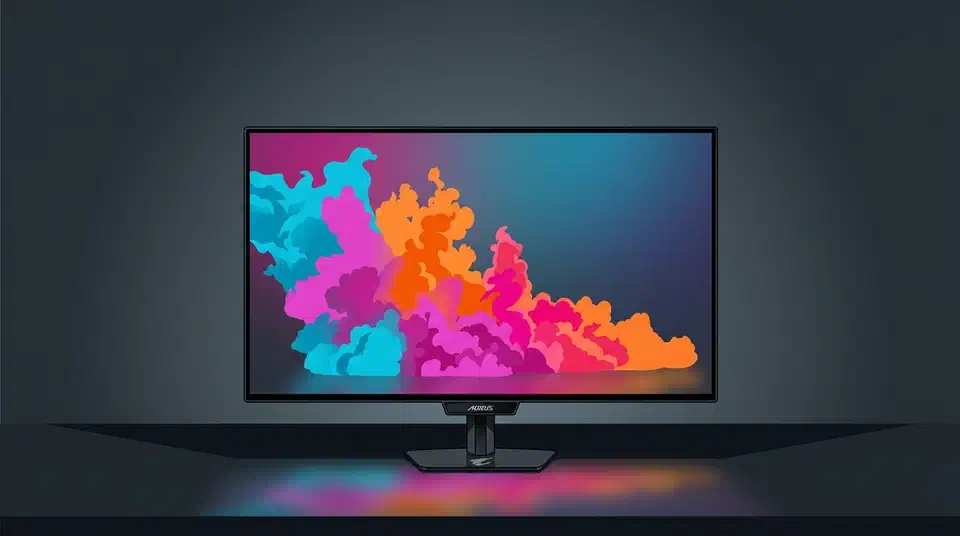
Gigabyte’s burn-in warranty on the 27-inch Aorus FO27Q28G runs four years. Every other premium OLED brand stops at three, so this is a first. The extra year is a bet with Gigabyte’s own repair budget behind it, drawn from its accelerated-life testing. Coverage reaches two models, the FO27Q28G and the FO27Q24G.
Key Takeaways
- Gigabyte covers the Aorus FO27Q28G against burn-in for four years.
- Rival premium OLED monitors stop at three years, so this is a first.
- Only two Aorus models get the extra year; the rest of the range keeps three.
- Warranties pay for burn-in, never for image retention that fades on its own.
- A longer warranty tells you more than any lifespan slide.
What the FO27Q28G burn-in warranty covers
The four years are two policies stacked. Gigabyte sells the Aorus Elite FO27Q28G with a three-year standard warranty, then adds a fourth year that only pays out for panel burn-in. So years one to three cover the whole monitor, and year four covers the panel alone.
With AI-based Gigabyte AI OLED Care protection and top-tier OLED panel technology built into the monitors, Gigabyte provides a premium 3-year standard warranty, with an extra 1-year warranty dedicated to panel burn-in coverage, giving users complete confidence and long-term peace of mind.
FlatpanelsHD reported the term at Computex 2026, on a 1440p 280Hz screen built around LG Display’s newest Tandem WOLED panel. It launched at $549. TFTCentral’s Computex round-up ties the fourth year to two Aorus Elite models, the FO27Q28G and the FO27Q24G, both carrying the AI OLED Care Pro feature set. Every other new Elite monitor keeps three years. That speed comes with a WOLED quirk: gamma tracks the frame rate, so the darkest shades brighten and the panel shows VRR flicker in dark scenes as fps drops. A high 280Hz refresh is one route to cleaner fast motion; Asus takes another by adding black frame insertion to its ROG OLED panels. Anyone pairing a panel like this with a console should know the PS5 and Xbox handle VRR differently over HDMI.
Image retention is not burn-in
Every OLED burn-in warranty in this class excludes temporary image retention, and Gigabyte’s is no different.
- Image retention is a faint ghost of a static element that fades once the pixels run something else, often within minutes. No vendor pays for it.
- Burn-in is permanent uneven wear. The pixels that showed a taskbar or a health bar for thousands of hours have dimmed further than their neighbours, and nothing brings them back.
No manufacturer promises zero degradation either. An OLED panel dims with use by design. The warranty steps in only when that dimming turns uneven enough to read as a fixed pattern. Where the line sits, and who inspects the screen against it, is the part Gigabyte has not published. Regional scope is also unstated. A buyer outside the launch markets should read the terms on Aorus monitor support first.
How long do OLED monitor burn-in warranties last?
Three years is the premium norm, and no other brand has moved past it.
| Brand | Burn-in cover | Notes |
|---|---|---|
| Gigabyte Aorus FO27Q28G | 4 years | Three-year standard warranty plus a fourth year for the panel |
| Asus | 3 years | Opened at two years in 2024, then matched MSI |
| MSI | 3 years | First brand to push the term to three |
| Dell Alienware | 3 years | Applies across the OLED monitor range |
| Samsung | 3 years | Owners report inconsistent answers from support |
| Sony | 3 years | Committed in 2025 |
| LG | 2 years | US models, conditioned on “normal and proper use” |
LG Display builds the Tandem WOLED panel inside the Gigabyte monitor, yet LG Electronics still covers its own OLED monitors for two years in the US. That policy only arrived after The Verge spent months pressing LG for a straight answer. Samsung holds its own flagship gaming panels to that same three-year term, including the 500Hz Odyssey OLED G6 , which leans on its OLED Safeguard+ system to keep burn-in at bay. At 500Hz it also sits well past 360Hz, the point where each extra step of refresh rate cuts input lag by well under a millisecond.
FlatpanelsHD traces the ratchet back to Asus offering two years in 2024. MSI then went to three, Asus matched within days, and Sony joined at three in 2025. Each move followed a rival’s move, once the vendor’s own test data said the risk was affordable, and the panels themselves did not change in those weeks.
So a warranty term is a number a finance department signed off on. A lifespan slide costs a marketing team nothing; a warranty year costs the company every panel it replaces.
Does a glossy finish change the burn-in risk?
The glossy coating sits above the emitting layer, so it changes how light leaves the screen, but the OLED material underneath ages the same way.
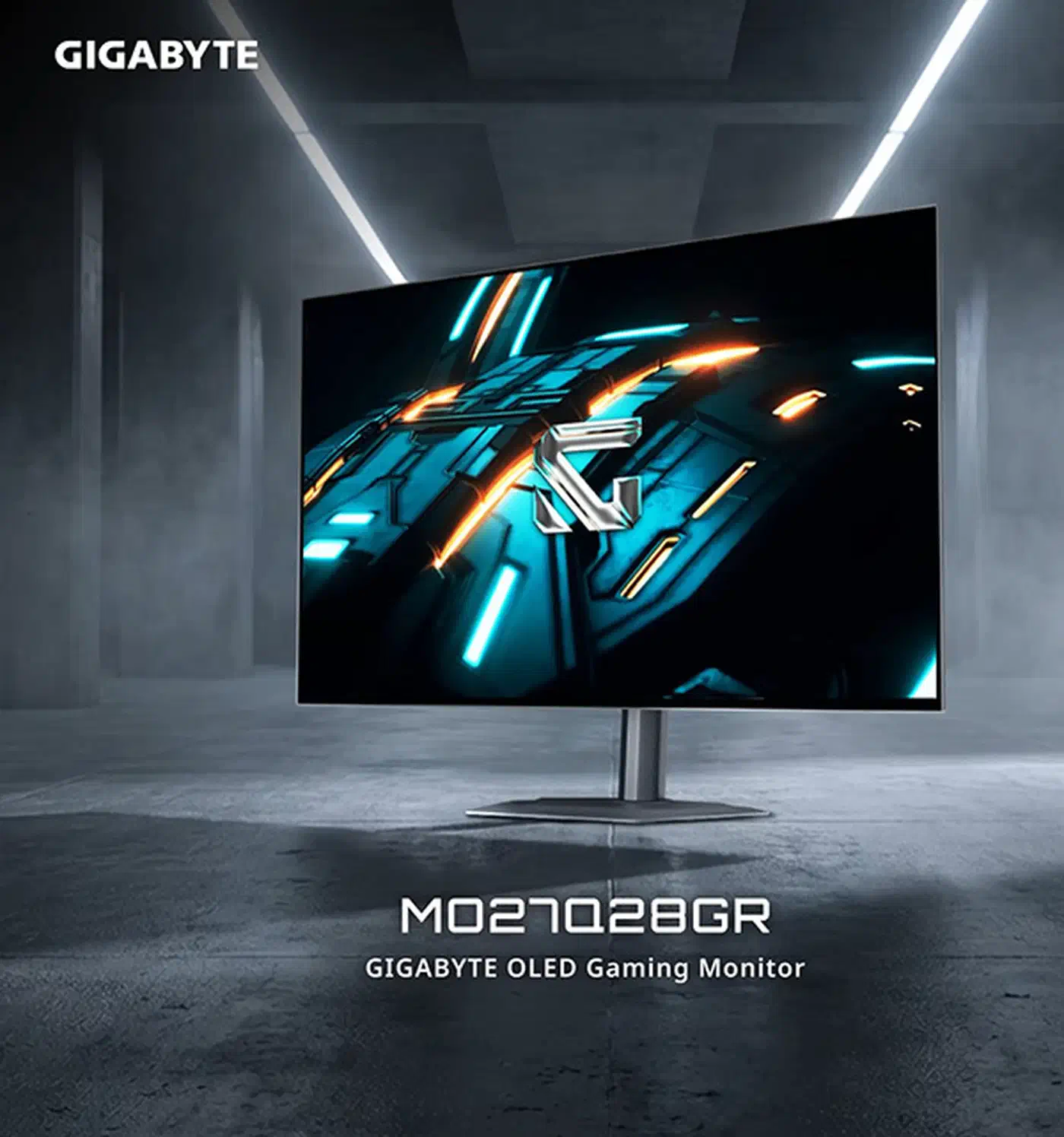
Gigabyte’s glossy push arrived alongside the warranty news. Its CES 2026 line-up included a glossy version of the popular MO27Q28G. TFTCentral noted that LG Display applies the finish Gigabyte markets as RealBlack Glossy, which makes it the same treatment Asus sells as TrueBlack Glossy.
Glossy screens mirror lamps and windows, so people who put one in a bright room tend to crank the brightness to stay readable. Brightness is the main lever on OLED degradation, so a glossy panel in a sunlit office can age quicker than a matte one beside it. Gamers who want that kind of brightness with no burn-in clock at all look to Mini LED instead, like TCL’s 550Hz 27P2A Ultra .
Pick the finish for your lighting: glossy gives a dim room deeper blacks and cleaner text, while matte scatters reflections in a bright one instead of reproducing them.
What four years is worth against how long you keep a monitor
Monitors outlive their warranties, because people replace a good screen only every five to eight years. Even a four-year term therefore runs out with a year or more of ownership left, and no vendor covers that gap.
Still, the coverage lands where the risk peaks. Burn-in on modern panels rarely shows in year one. It surfaces somewhere in years two to four, while the monitor is still worth several hundred dollars and still your main screen. A fourth year moves the last of those risky years off your books and onto Gigabyte’s.
Uniform dimming stays yours either way. A panel that has lost brightness evenly has degraded, but it shows no fixed pattern, so it fails the test a burn-in claim rests on. That counts as normal wear, and every brand excludes it.
A few habits protect a claim:
- Register the monitor with Gigabyte at purchase. An unregistered unit needs a receipt you may no longer have in year four.
- Keep the invoice as a file. A thermal-paper slip fades faster than the panel does.
- Photograph any developing retention against a flat grey full-screen image, with the date visible.
- Re-check the same grey field every few months, so you can show progression rather than a single ambiguous shot.
A fourth year is worth having, though it counts for less than a panel you enjoy looking at. Let the picture and the price decide first, then use the extra year as the tiebreaker.