

The Huntsman V3 HE hits a true 8,000Hz through a cable

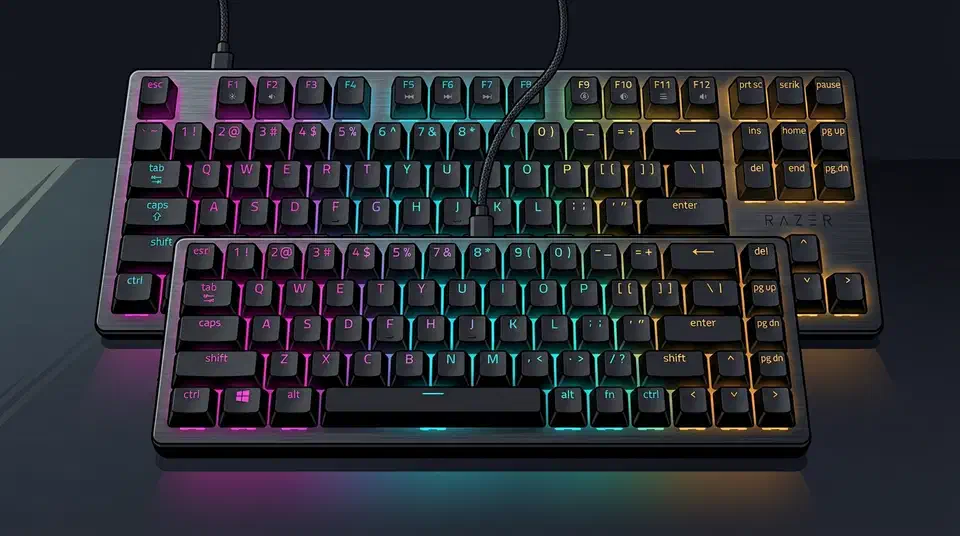
Razer’s Huntsman V3 HE Magnetic family runs true 8,000Hz polling, and every model in it is wired only. Wireless magnetic boards in the same field usually stop at 1,000Hz. The gap between them is 0.875ms of polling interval. Razer sticks to a cable because of radio airtime and battery drain.
Key Takeaways
- The Huntsman V3 HE polls at a true 8,000Hz, and both sizes are wired only.
- Most wireless magnetic keyboards still poll at 1,000Hz.
- The difference works out to 0.875ms per report.
- Radio power draw is what keeps wireless slower.
- For most players the cable costs more than the milliseconds gain.
What a polling rate is
A polling rate is how often your PC asks the keyboard what its keys are doing. At 1,000Hz it asks once every millisecond. At 8,000Hz it asks every 0.125ms, so the interval shrinks by 0.875ms.
A key press lands at a random point inside the interval, so the average wait is half of it. The typical saving is closer to 0.44ms than to 0.875ms.
Polling interval is also only one link in the input latency chain, and a short one. Razer’s own testing puts the Huntsman V3 HE Magnetic at 0.60ms of switch latency , which Hardcore Gamer’s review reports as an 8 percent lead over the nearest magnetic rival.
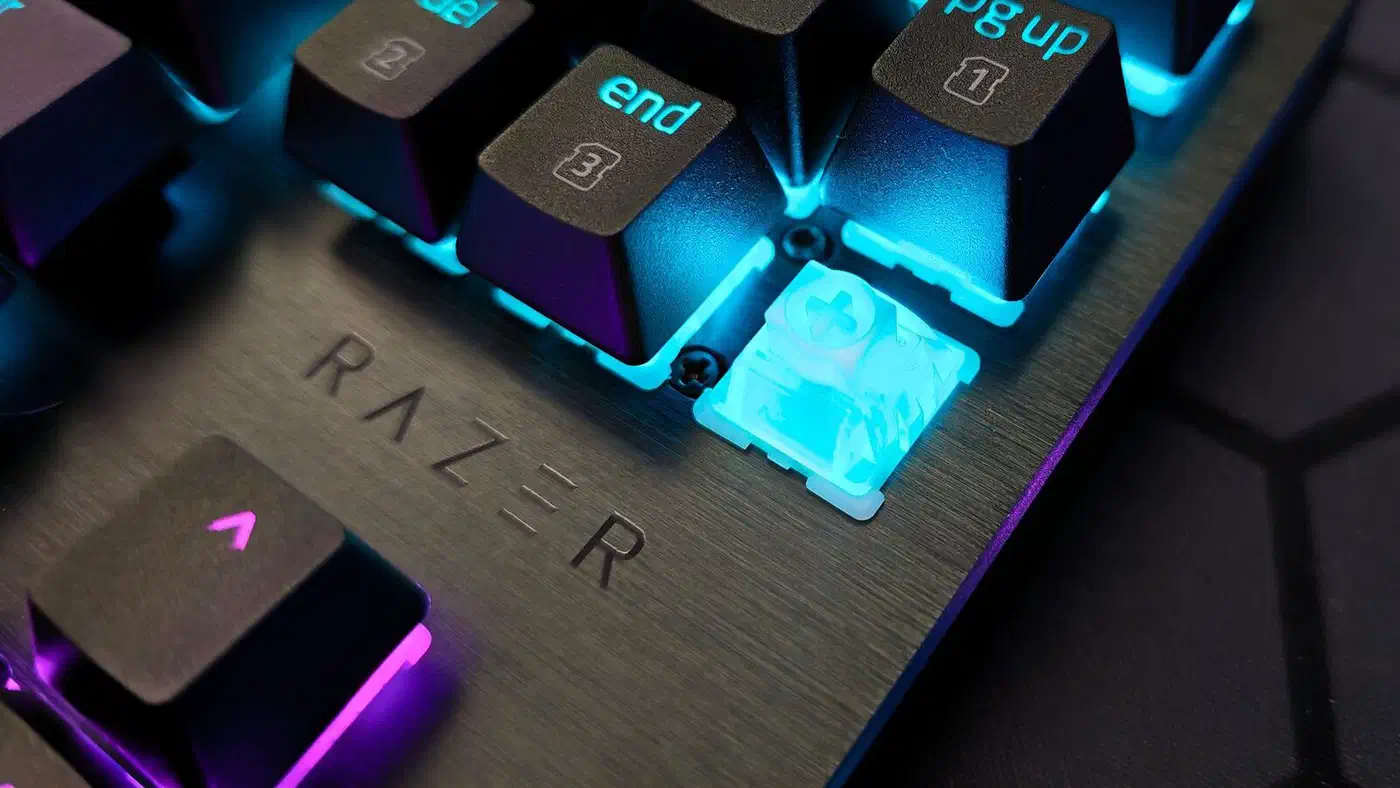
A board can also accept 8,000 USB polls a second while its own controller scans the keys far more slowly, which means most of those reports repeat old data. Wooting’s write-up on true polling draws the line at having a fresh report ready every 0.125ms, in sync with the bus. Faster polling also samples every mechanical fault it finds, so a switch with side-to-side stem play feeds the controller noise it cannot filter out.
when other devices tell you they have 8kHz polling, question it!
Why are 8,000Hz keyboards wired only?
Wireless input latency stopped being the problem years ago, because a good 2.4GHz link is competitive with a cable. Airtime is the limit now.
Eight thousand reports a second means the radio wakes up and transmits eight thousand times a second. Every one of those transmissions costs power, so the battery hits its limit long before latency does. That is reasoning from how 2.4GHz links work, since vendors keep the drain numbers to themselves.
A keyboard also has a bigger job than a mouse. A mouse sends two axes and a few buttons, though the G Pro X2 Superstrike now runs a haptic engine on the same battery. A keyboard has to report the state of a hundred-odd keys, and on a magnetic board each of those keys carries an analog travel value rather than a simple on or off.
Most rivals compromise, running 8,000Hz on the cable and dropping to 1,000Hz on 2.4GHz. Razer skipped that and shipped the TKL and Mini 65 percent as wired boards, which CGMagazine’s review treats as the price of the polling rate rather than a way to save money.
However, that ceiling comes from the power budget, and better firmware can lift it. Keychron’s K2 Ultra 8K claims a true 8,000Hz in 2.4GHz mode alongside a 760-hour battery figure, using ZMK firmware and a 4,000mAh cell. It runs ordinary mechanical switches, though, from a clicky blue to a silent tactile like the Boba U4 , so it dodges the analog scanning load that a magnetic board carries. Mechanical switches differ in feel in ways a gram rating hides, so it pays to read switch feel from a force curve before you pick one. Those switches even come short: the 11.9mm MX Low Profile keeps the same mechanical feel on a much slimmer deck.
What 0.875ms is worth next to everything else
Your key press has to travel a long way before you see anything. The switch senses movement, the controller scans it, the report crosses the polling interval, the USB stack hands it over, the game engine picks it up on its next tick, the GPU renders a frame, and the monitor shows it.
Put 0.875ms against those numbers and it shrinks fast. A 144Hz display paints a new frame every 6.9ms. Human reaction time to a visual cue sits above 200ms for most people. The polling gain is under half a percent of that.
Faster polling does buy consistency, because inputs land in a tighter window relative to each game tick, so the same press is less likely to slip into the next frame.
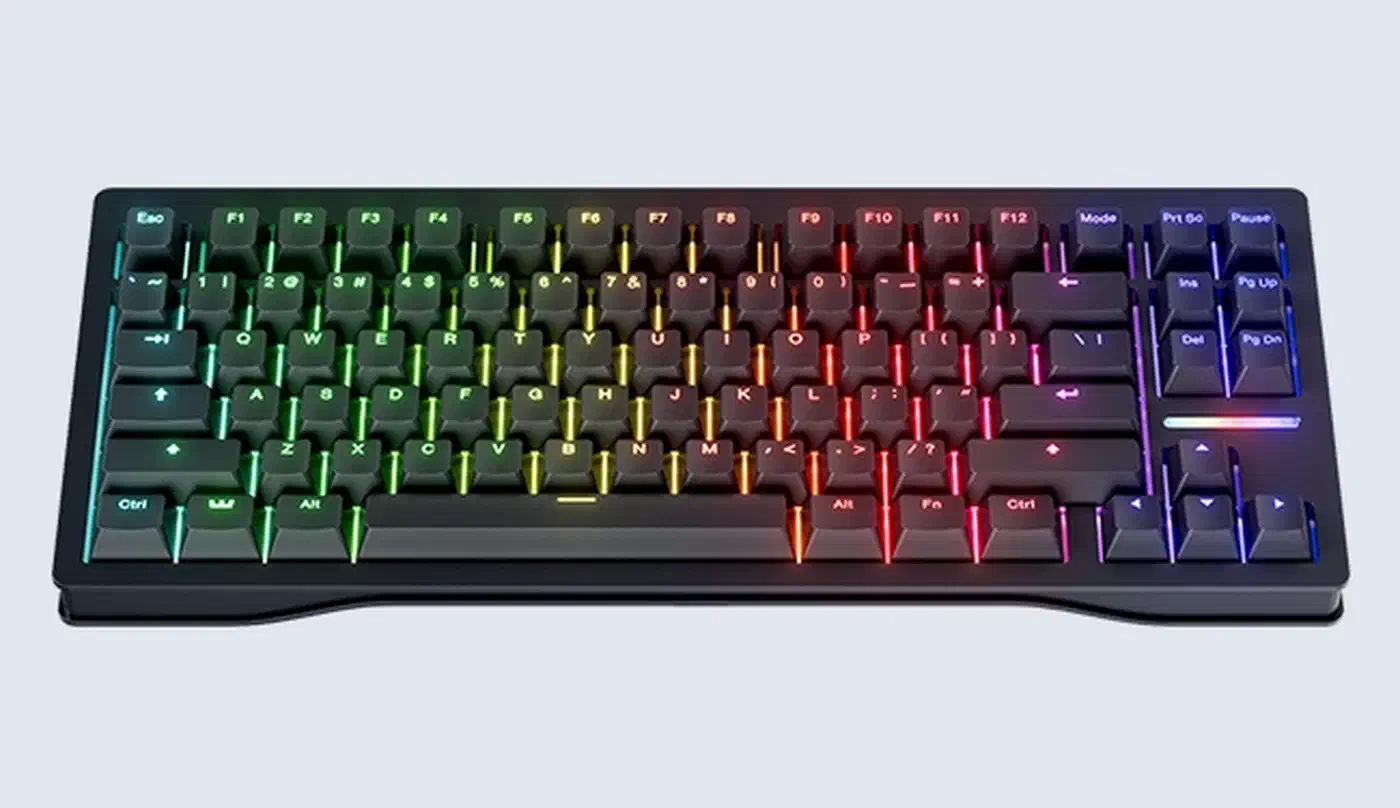
The Wooting 80HE reaches the same 8,000Hz and also ships without a radio.
| Keyboard | Switches | Wired polling | Wireless polling |
|---|---|---|---|
| Razer Huntsman V3 HE Magnetic 8KHz | Hall effect | 8,000Hz | none, wired only |
| Wooting 80HE | Hall effect | 8,000Hz | none, wired only |
| Attack Shark X82PRO HE | Hall effect | 8,000Hz | 1,000Hz |
| Keychron K2 HE | Hall effect | 1,000Hz | 1,000Hz, 90Hz on Bluetooth |
| Keychron K2 Ultra 8K | Mechanical | 8,000Hz | 8,000Hz |
Nobody has published clean measurements showing whether the USB stack and the operating system’s input handling start to bottleneck a keyboard before the radio would.
Cable or wireless, decided by what you play
Take the cable if you play competitively, sit at one desk, and already run a wired mouse. You are optimising a chain that only pays off when every link is tight, and a board with no battery cannot die in the middle of a match.
Take wireless if you want a clean desk, move the keyboard between a PC and a laptop, or spend more hours typing than fragging. The 0.44ms you give up will not decide a single round, and daily convenience will show up every day.
Watch the marketing either way. Plenty of boards advertise 8,000Hz in big type and then quote it for wired mode only, with the radio running at an eighth of that. Read the connectivity table before the headline number.
Razer picked a side and shipped a cable, which is a fair answer to a real constraint. The cable buys a small consistency gain at a cost to your desk that only you can price.