

The G Pro X2 Superstrike has no click switch inside

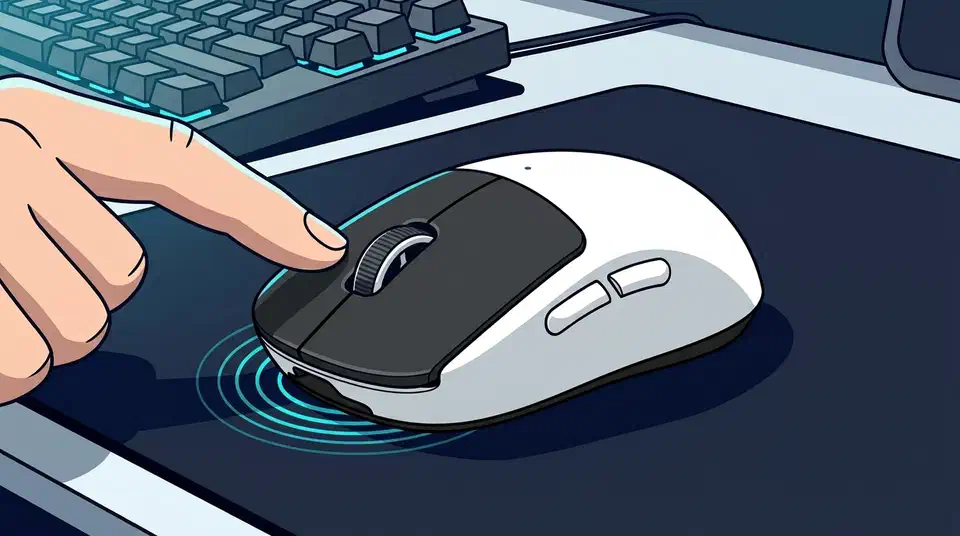
The Logitech G Pro X2 Superstrike haptic click is generated by a motor inside the mouse. Inductive coils sense the buttons moving, and tiny haptic motors produce the feel of a click. That deletes double-clicking, the wear failure that kills most gaming mice. Logitech will not publish a click-life rating for the new parts.
Key Takeaways
- The Superstrike swaps click switches for a haptic engine.
- Coils sense the press, motors make the click you feel.
- No switch means no double-click failure later on.
- Tom’s Hardware and Club386 both call the click slightly round.
- Logitech publishes no click-life number for the haptic parts.
How the G Pro X2 Superstrike haptic click works
In every other gaming mouse, a switch sits under the button. The same part that reports the press also gives you the snap you feel. The Logitech G Pro X2 Superstrike splits that job in two, using a system Logitech calls H.I.T.S., short for Haptic Inductive Trigger System.
An electromagnetic coil and a small piece of metal measure how far the button has travelled, with nothing touching anything. Club386 compares it to the Hall effect keys in a modern keyboard, except the coil reads distance instead of a magnet passing a sensor.
Separate hardware handles the feel, and a haptic motor fires a jolt the moment the press registers, so the click you sense is manufactured on demand. Tom’s Hardware’s review puts the button stiffness at effectively zero, since there’s no tactile bump to push through.
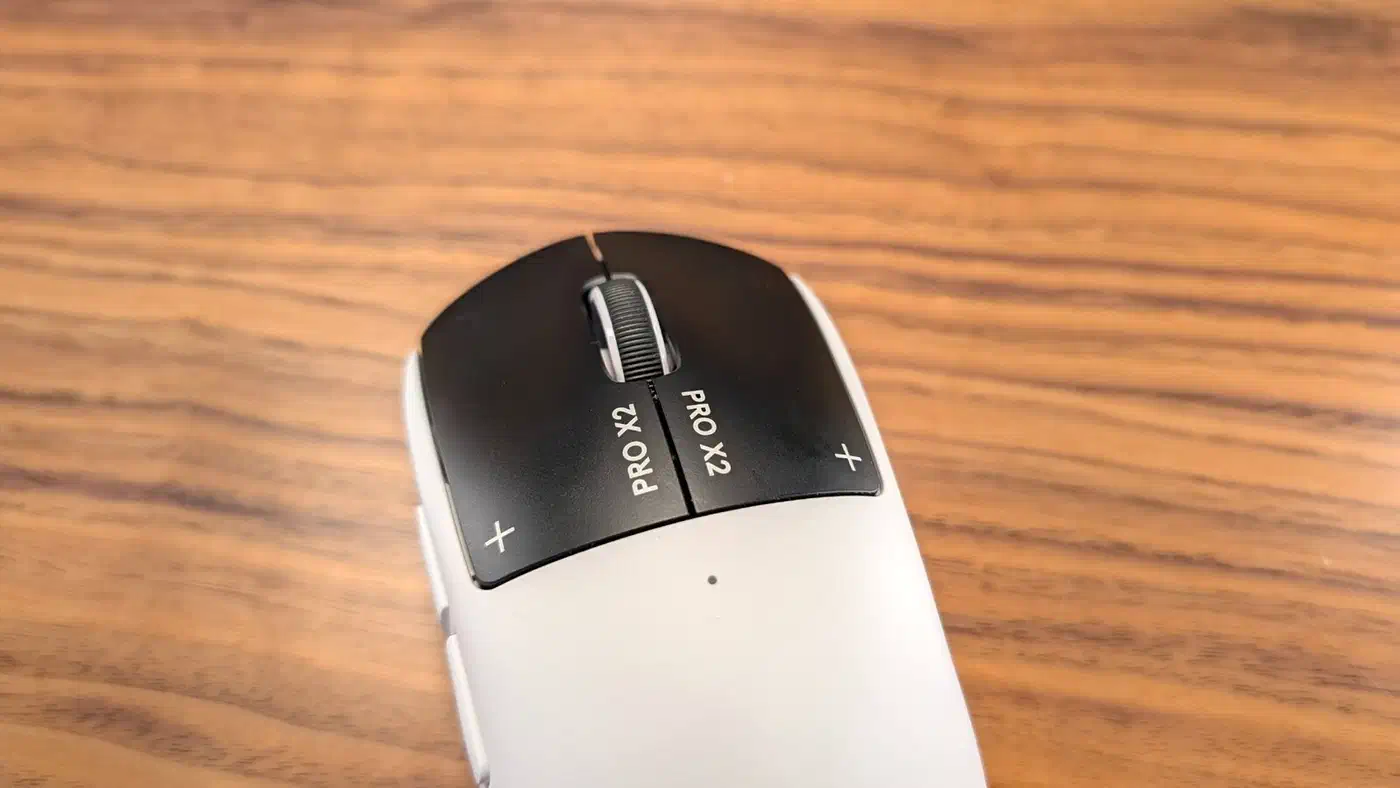
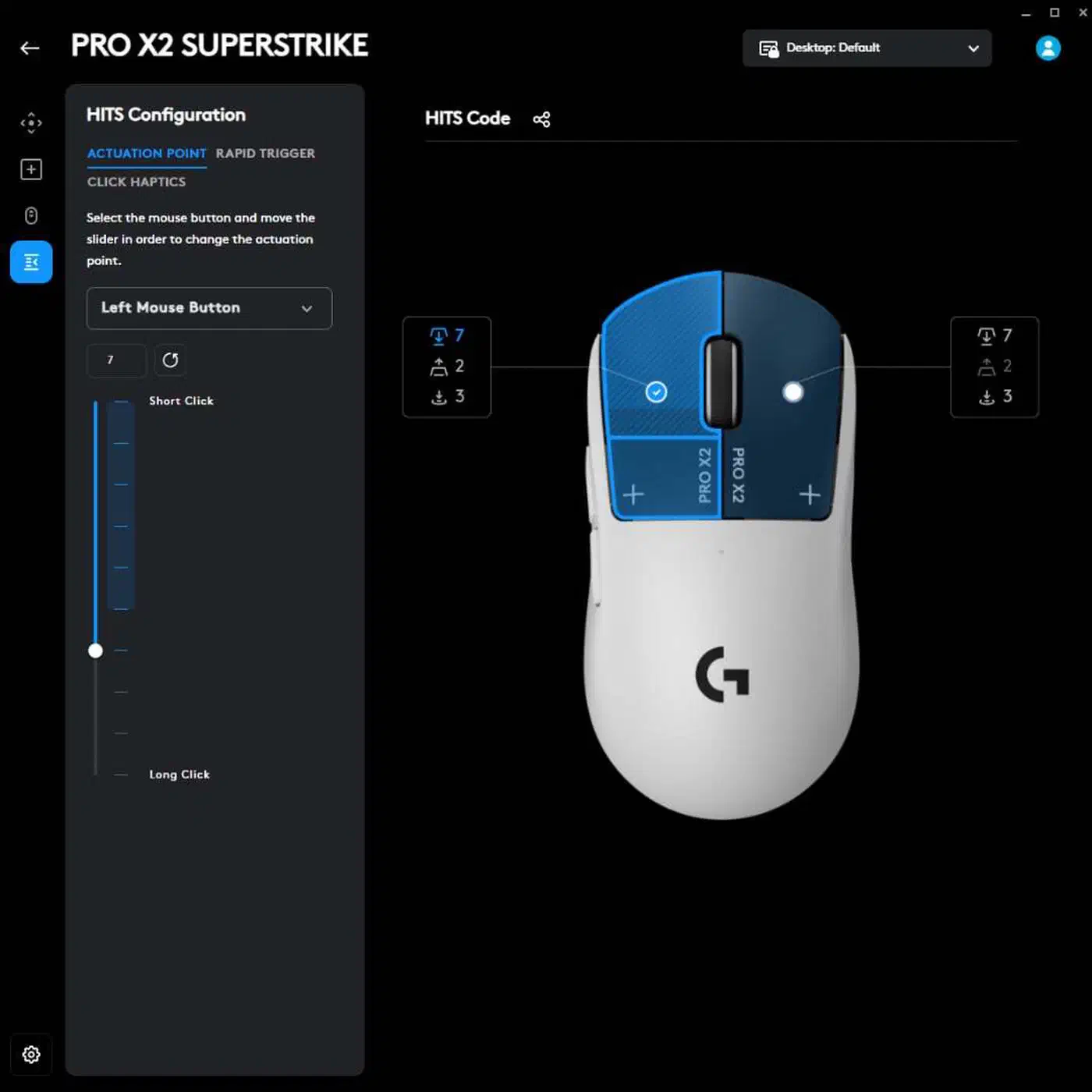
Because detection and feel are separate, G Hub can offer ten actuation levels and five haptic strengths. You set the point where the click fires and the punch you get back on their own. The mouse costs $179.99 and weighs 61 grams, three grams more than the G Pro X Superlight 2, per TechPowerUp’s teardown and testing .
TechPowerUp measured 1.8 ms of end-to-end click latency at the shortest actuation point. The Endgame Gear OP1 8K V2, the quickest mouse it had tested before, managed 4.8 ms. Logitech’s headline number is “up to 30 ms,” and TechPowerUp warns that nobody should expect a real-world gain anywhere near that.
The failure mode this deletes
Double-clicking is how most gaming mice die. A worn switch registers two presses from one, so a single click drags a file, fires twice, or opens something you never meant to open. It shows up after a year or two of heavy use, on the button you press most, and it doesn’t get better.
The cause is mechanical wear on the metal contacts inside the switch. Omron’s D2FC-F-7N, the part in a huge share of gaming mice, carries a 20 million click rating, and premium variants reach 50 million. Those numbers cover the switch still functioning, and contact bounce arrives well before the rating does.
Logitech has been in the middle of this for years. A US law firm opened a double-click failure investigation into the G Pro and Superlight lines in 2025. Earlier class actions had already raised the same complaint about G-series mice. Removing the switch removes the wear surface, and with it the single most common way a good mouse becomes rubbish.
Optical switches already took a run at this problem by replacing the metal contacts with a beam. The Superstrike goes further and removes the button switch entirely.
Repair gets worse, though. On an ordinary mouse a worn switch is a solderable part, and plenty of owners have fixed one for the price of a coffee. Nothing to desolder also means nothing to replace.
The failure modes it adds
A haptic motor is still a moving part, and it wears in its own way. Logitech has published nothing about how long one lasts, even when Club386’s Damien Mason asked directly.
Logitech has kept hush on the durability of its new switches, if you can still call them that, telling me that the click rate is “not a meaningful number.”
That may well be true in engineering terms, because a coil has no contacts to wear out. It still leaves buyers with no figure to compare against the 20 million clicks printed on the part the Superstrike replaces.
Tom’s Hardware’s Christopher Coke found the haptics convincing and highly tactile, yet never quite a match for a switch.
But even on its highest setting, there’s a slight roundness to each click that gives it away.
Club386 describes the same sensation as closer to a Steam Deck trackpad or an iPhone than a mouse button.
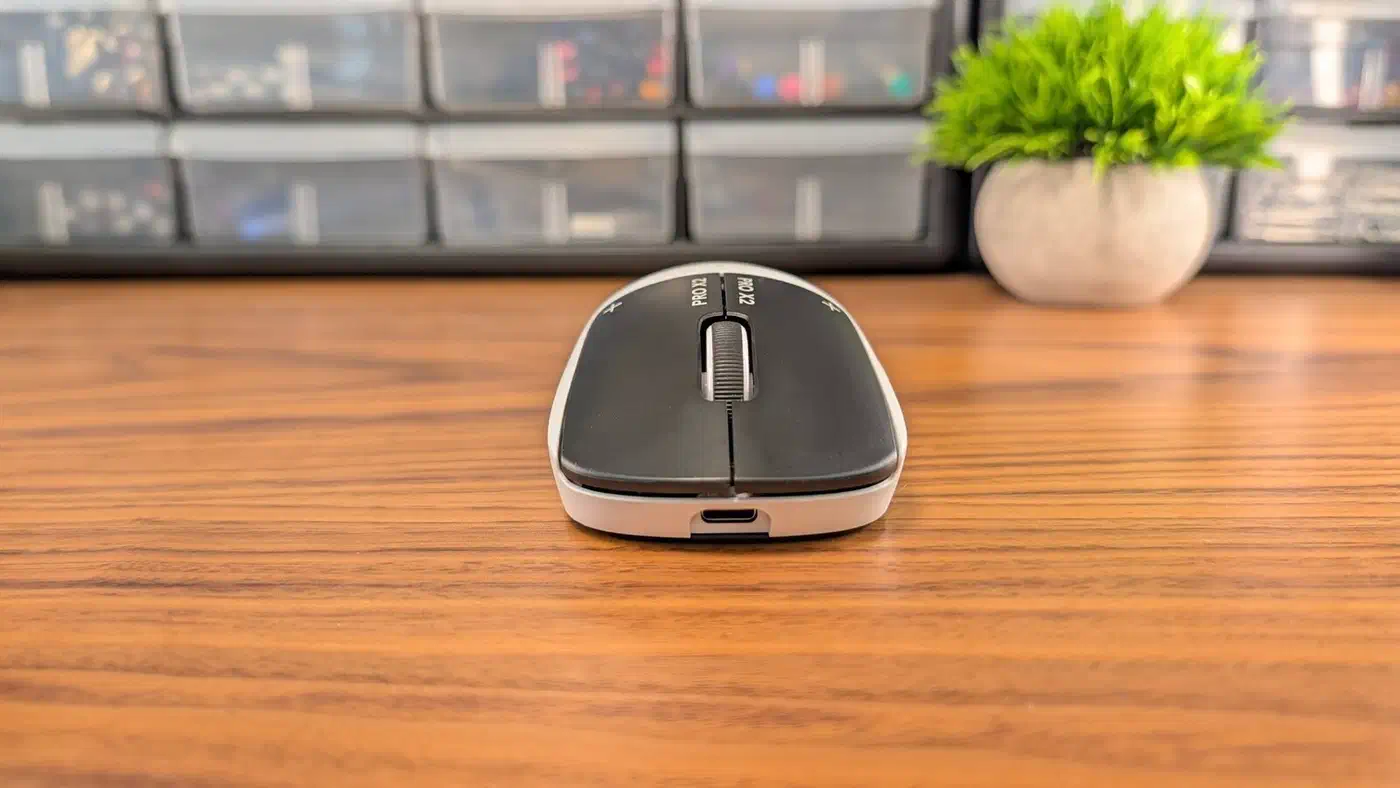
Firmware now decides when the click fires and what it feels like, so a bad update breaks the button itself. TechPowerUp also logged polling instability on the review sample. Logitech had fixed that same fault in firmware on the previous Superlight, then let it back in here.
Haptics also run on the battery, because the mouse now spends energy producing every click. Club386 found that pushing feedback from level one to level five costs up to seven hours of the rated 90.
Haptic clicks against the switches they replace
| Button type | Wear surface | Published life | Feel |
|---|---|---|---|
| Mechanical (Omron D2FC-F-7N) | Metal contacts | 20 million clicks | Sharp, well defined |
| Premium mechanical | Metal contacts | 50 million clicks | Sharp, heavier |
| Optical | None in the beam path | 100 million clicks | Sharp, slightly hollow |
| H.I.T.S. on the Superstrike | Haptic motor only | None published | Round, tunable in software |
Published life decides whether this design lasts, and it’s the one cell in the table a buyer can’t fill in.
Is a haptic click mouse worth buying yet?
For the trade to pay off outright, Logitech would need to publish a life figure that stands next to 100 million optical clicks. The click feel would also need to hold steady from a full battery down to an empty one. Neither is settled.
Buy it now if your last two mice died of double-clicking and you already like this shape. You’re trading a failure you’ve lived through for one that is still theoretical, and that trade makes sense.
Wait if your click feel is non-negotiable. Anyone who plays to a tournament standard gains nothing here that a good optical mouse doesn’t already give them. The same goes for anyone who can’t stomach a firmware update changing how a button behaves.
This is the first serious attempt to remove the click switch from a flagship gaming mouse, and it works well enough that the idea will spread. It is still a first generation, though, and it asks you to trust a part with no number on it.