

LG's 27GX790B reaches 720Hz by dropping down to 720p

The LG 27GX790B 720Hz Dual Mode is real, and it costs three quarters of the panel’s pixels. The monitor runs 540Hz at QHD natively. Switching to 720Hz drops it to 1280x720, so pixel density falls from about 109 PPI to about 54. That buys 180Hz more refresh.
Key Takeaways
- The 27GX790B runs 540Hz at QHD and 720Hz only at 720p.
- Turning on 720Hz throws away three quarters of the pixels.
- At 720p on a 27-inch screen you get about 54 PPI.
- Feeding 720 frames a second needs a PC almost nobody owns.
- The new OLED panel stack is the better reason to buy it.
What Dual Mode switches on the LG 27GX790B
LG sells one monitor with two personalities, and the marketing prints the faster one on the box. In its native state the 27GX790B is a 27-inch QHD panel running at 540Hz. Dual Mode is a hotkey that rebuilds the signal at 1280x720 and pushes refresh to 720Hz.
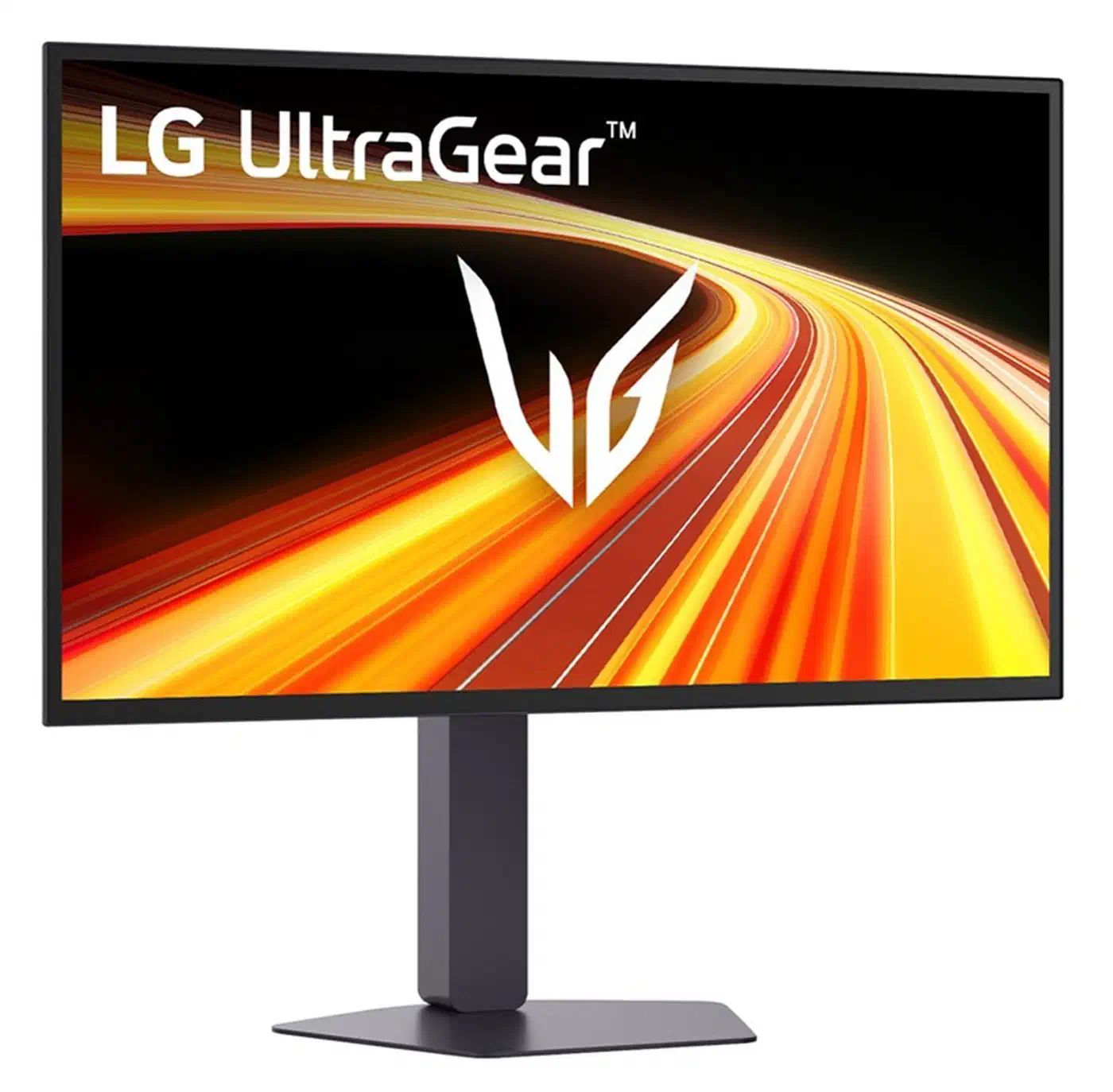
The panel is a 4th-generation Primary RGB Tandem WOLED, measured at 26.5 inches. TFTCentral’s spec breakdown puts it at 0.02ms grey-to-grey and 1500 nits peak on a small window. The video feed arrives over DisplayPort 2.1 at UHBR 13.5, and DSC compression squeezes it down enough to fit.
| Native mode | Dual Mode | |
|---|---|---|
| Resolution | 2560x1440 | 1280x720 |
| Refresh rate | 540Hz | 720Hz |
| Total pixels | 3,686,400 | 921,600 |
| Pixel density | about 109 PPI | about 54 PPI |
| Time per frame | 1.85ms | 1.39ms |
Halving both dimensions leaves a quarter of the pixels, so 75 percent of the image is gone in exchange for 0.46ms off each frame. LG’s published material does not say whether the 720p signal stretches to fill the panel or sits letterboxed in the middle. Treat the on-screen result as unconfirmed until someone measures one.
What GPU do you need to hit 720 frames per second?
720Hz means the PC has to finish a new frame every 1.39 milliseconds. It has to hold that pace for a whole match, in the middle of a firefight as well as on a menu screen.
Counter-Strike 2 is the one mainstream case that clears the bar. A community benchmark on an RTX 5090 and a Ryzen 7 9800X3D recorded about 1,087 fps average at 1280x960 on low settings. An RTX 5080 with a 9950X3D managed roughly 870 fps in the same test conditions.
Those are averages, and the dips underneath them fall well below 720 fps, so the panel spends a fair slice of every round redrawing frames the PC never delivered.
Step outside that narrow slice of games and the numbers collapse. Anything with modern lighting, ray tracing, or a busy simulation layer lands in the low hundreds at any resolution. The 540Hz native mode already covers that with room left over. At four-figure frame rates the graphics card stops being the limit anyway. The CPU and the game engine set the ceiling, and cutting resolution further no longer helps.
Most players cannot saturate 540Hz, which leaves 720Hz as a spec-sheet number.
The Tandem OLED stack is the real upgrade on this panel
Primary RGB Tandem OLED stacks emissive layers on top of each other and gives each colour its own emitter, instead of filtering white light.
Stacking lowers the current each layer carries at a given brightness, so the panel reaches higher sustained output without driving any single layer as hard. That is also the argument for slower burn-in. The 1500 nit peak and the 335 nit full-screen figure both come from that structure.
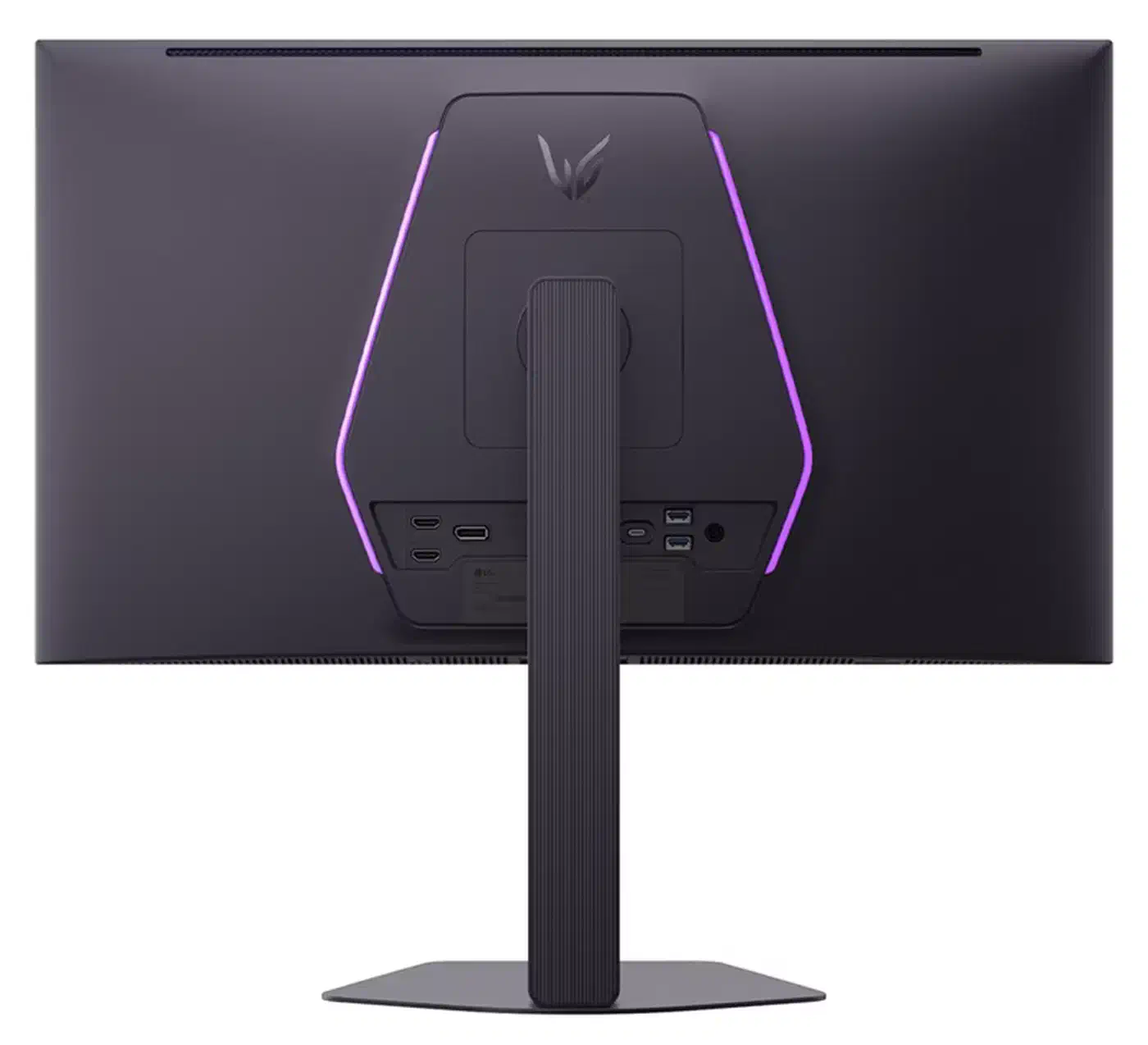
A per-colour emitter puts red, green, and blue in a conventional order. That fixes the coloured fringing that made earlier WOLED and QD-OLED screens awkward for code and spreadsheets. 109 PPI keeps it short of retina-class sharpness, though it reads like any ordinary desktop screen.
Dual Mode throws all of that away, because 720p makes the best text panel LG has shipped in this size look like a 2008 laptop screen.
The 5K model in the same family handles the switch far better. On the 27GM950B , Dual Mode halves the count on both axes, so each QHD pixel lands on a clean 2 by 2 block.
The 720Hz Dual Mode is not even the fastest one available
LG’s headline number loses to the IPS crowd on its own terms. DisplayNinja’s monitor tracker lists several 27-inch 1440p panels whose Dual Mode runs at 1000Hz or better. All of them use cheaper panel technology than Tandem OLED.
| Monitor | Panel | Native | Dual Mode |
|---|---|---|---|
| LG 27GX790B | 26.5-inch OLED | QHD 540Hz | 720p 720Hz |
| Acer XV273U F5 | 27-inch IPS | QHD 540Hz | 720p 1000Hz |
| LG 25G590B | 24.5-inch IPS | 1080p 1000Hz | none needed |
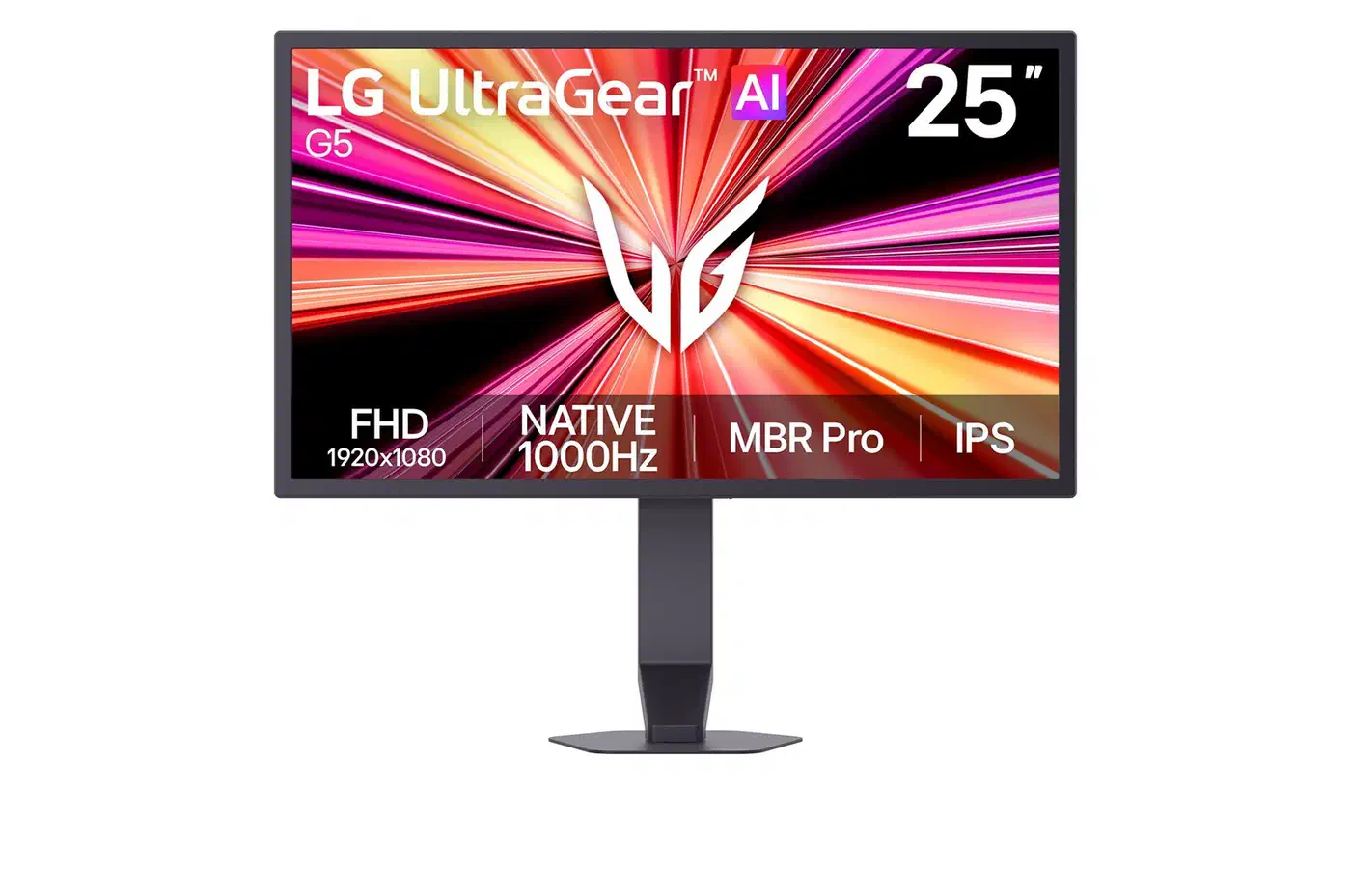
The 25G590B is the cleanest deal of the three, because it reaches four figures at its native resolution and never asks you to give up an image to get there.
Who the 720Hz mode is for
The mode earns its keep for a player who competes in one title at minimum settings on a top-tier CPU and doesn’t care how anything else looks. For that person 0.46ms per frame is a small but genuine edge. The same reasoning runs through the rest of the chain, where a magnetic keyboard’s 0.12 ms penalty buys adjustable actuation.
Everyone else should set QHD at 540Hz and never open the menu again. The 2026 UltraGear launch coverage put the 27GX790B at 849 euros. That is OLED money, and the OLED panel is what you’re paying for.
A Dual Mode toggle costs nothing when it sits unused, so none of this is a reason to skip the monitor. Just read reviews carefully, because a benchmark quoting 720Hz is quoting the 720p mode, and a latency figure measured there does not describe the screen you will use. Watch the software side too, since new LG monitors have started pushing McAfee pop-ups through Windows Update.
Across the whole GX7 family, pick the model by its native resolution and native refresh, from this 27-inch panel up to the 52-inch wall-format sibling . The Dual Mode number is a footnote the marketing department promoted.