

At 52 inches the 52G930B turns 5K2K into a wall screen

The LG 52G930B spreads 5120x2160 pixels across a 52-inch panel, which lands at roughly 107 PPI, a density that belongs on a television. The pixel grid only disappears once your eyes sit about 80cm back, which is further than most desks allow. Treat it as a wall display you sit away from.
Key Takeaways
- The 52G930B packs 5120x2160 into 52 inches, about 107 PPI.
- You pay monitor prices for television-level pixel density.
- You need roughly 80cm of distance before the grid disappears.
- The 39-inch version gives you 142 PPI at the same resolution.
- LG aims it at gaming, and never mentions work use.
107 PPI is what 5K2K looks like at 52 inches
A 5K2K panel has a fixed pixel count, so stretching it over more inches spreads those pixels thinner. LG revealed the 52-inch model alongside a 27-inch 5K miniLED and a 39-inch OLED. FlatpanelsHD covered the whole pre-CES lineup when the three landed together.
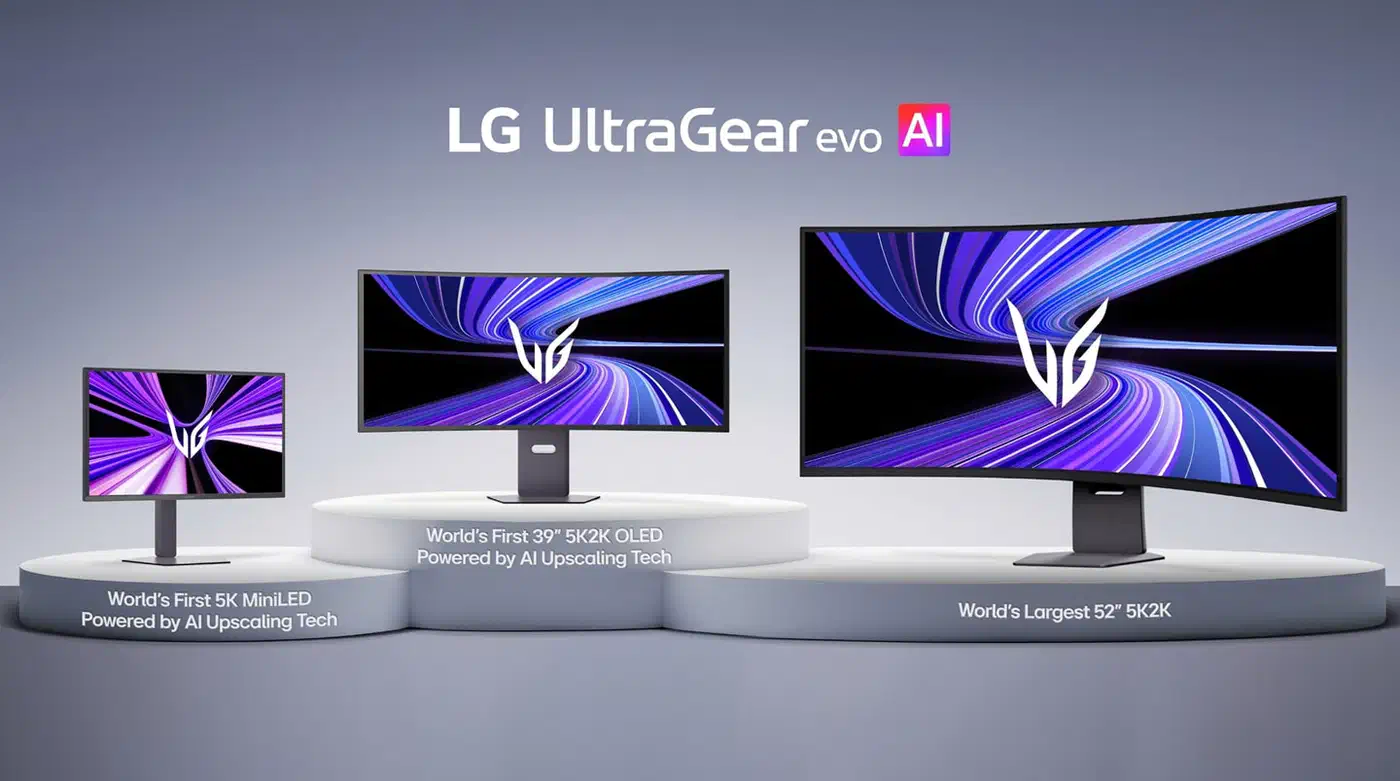
A 52-inch diagonal at a 5120x2160 shape gives a screen about 47.9 inches wide and 20.2 inches tall. Divide 5120 by 47.9 and you get 106.9 PPI, which rounds to 107. Each pixel is a square about 0.237mm on a side.
Compare that to the 39-inch 39GX950B, which LG rates at 142 PPI with a 0.18mm pitch. That is the same grid squeezed into 13 fewer inches of glass, and only the smaller one holds sharp text at arm’s length. The 39-inch panel is the one that earns a spot on a coding desk , where it trades blows with Dell’s IPS Black.
Human eyes resolve detail down to about one arcminute, so a pixel stops being visible once it subtends less than that angle. Run 0.237mm through that maths and you get 816mm, or roughly 80cm. Sit at a normal 60cm desk position and you will see pixel structure in small text, especially on the VA subpixel layout this panel uses.
How far away do you need to sit from a 52-inch monitor?
About 80cm, measured from your eyes to the middle of the screen. Closer than that and text edges start showing their staircase. Further than that and the panel behaves like a very wide television, which is exactly what LG designed it to be.
As you move back, pixels get smaller in your vision, but so does the screen. The 52G930B is 1,217mm wide, so at 80cm it fills about 75 degrees of your horizontal view. Your sharp central vision covers a couple of degrees, so everything else needs an eye flick or a head turn.
| Eye to screen | Pixel grid | Horizontal view | Verdict |
|---|---|---|---|
| 60cm | Visible in text | ~91 degrees | Neck strain, soft text |
| 70cm | Faintly visible | ~82 degrees | Still too close |
| 80cm | Gone | ~75 degrees | The design target |
| 100cm | Gone | ~63 degrees | Comfortable, TV-like |
Below 70cm the head turning arrives before the pixel problem does. Reading a terminal pinned to the left edge means rotating your neck every time you glance at a browser on the right.
Desk depth is where this gets awkward. Most desks run 60 to 75cm front to back, and the screen plus its stand eats maybe 25cm of that. Sit properly and your eyes end up around 55 to 65cm from the glass. That means the 52G930B wants a wall mount, a deep desk, or a couch.
Display Ninja’s new monitor tracker lists the 5K2K sizes now shipping or announced.
| Monitor | Size and panel | PPI | Grid vanishes at |
|---|---|---|---|
| LG 39GX950B | 39" 5120x2160 OLED | 142 | ~61cm |
| Samsung G75F | 40" 5120x2160 VA | 139 | ~63cm |
| LG 45GX950A | 45" 5120x2160 OLED | 124 | ~71cm |
| Dell U5226KW | 52" 6144x2560 IPS | 128 | ~68cm |
| LG 52G930B | 52" 5120x2160 VA | 107 | ~80cm |
Dell’s UltraSharp is the same 52 inches, but it carries 6144x2560 pixels instead, so it stays desk-sharp at 128 PPI. You pay for that in refresh rate, since the Dell tops out at 120Hz where the LG runs 240Hz.
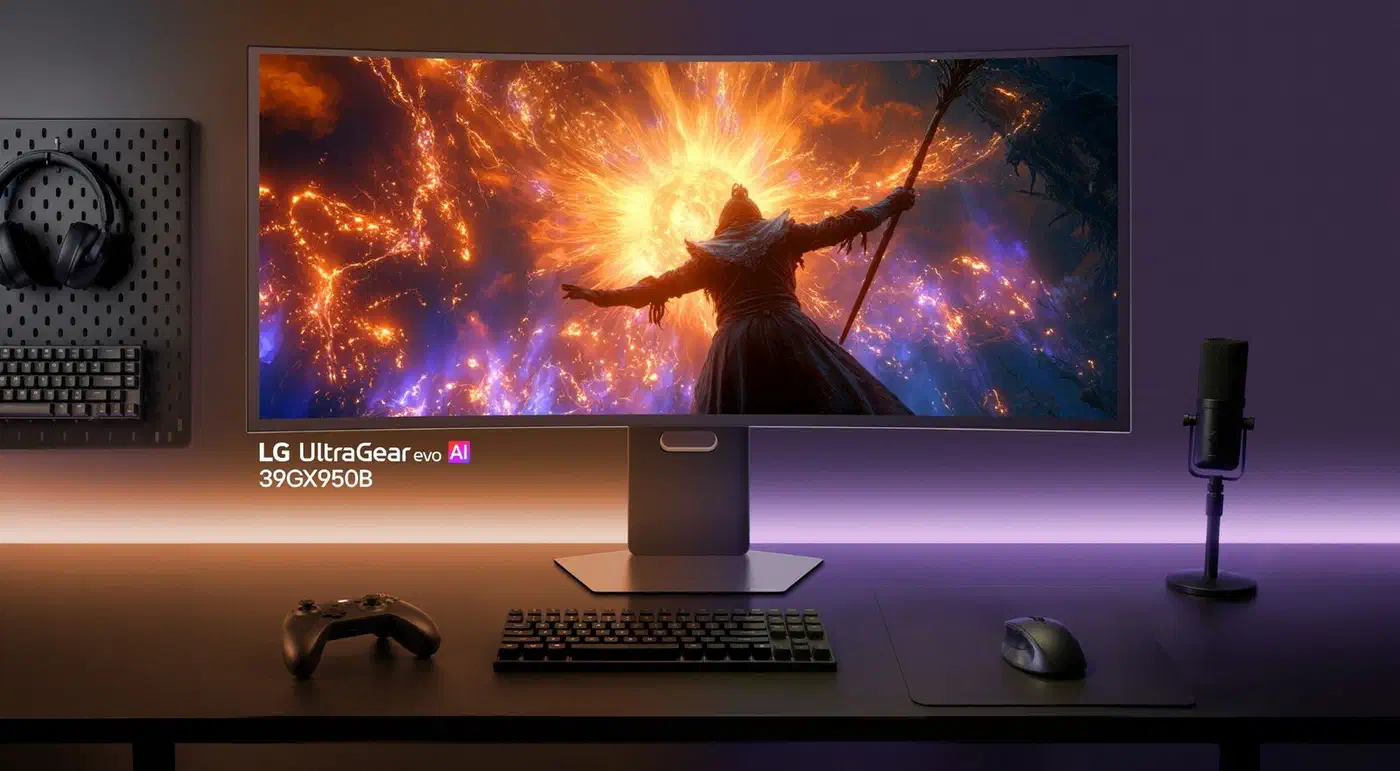
Where a 52-inch 5K2K panel wins
Plenty of setups sit past 80cm by default, and in those the extra 13 inches of glass is pure gain.
Couch and standing-desk gaming already runs at that range. Put the screen on a wall or a tall arm and sit a metre back, and 107 PPI looks fine. The 1000R curve then wraps your side vision the way LG intends.
Sim racing and flight sim rigs are the strongest case. A wheel rig puts the screen past arm’s length by necessity, and field of view beats sharpness when you are judging apex points. The 240Hz refresh rate and 1ms GtG response give it a real advantage over the 120Hz 52-inch alternatives here.
Multi-window layouts work too, as long as each window is physically big. LG says the panel gives you the height of a 42-inch 16:9 screen stretched into a 21:9 shape. That is a workspace about 33 percent wider than a standard UHD monitor. Three full browser windows fit side by side without overlapping.
It loses on anything you read at 100 percent scaling. Code, spreadsheets, and long documents all expose the pitch. Photo work suffers too, because you cannot judge fine detail on pixels you can count.
What LG has not said yet
Pre-orders have appeared around $2,000 against the Dell UltraSharp’s $2,900, so a third fewer pixels buys you double the refresh rate.
Confirmed so far: a VA panel, 240Hz, 1ms GtG, DisplayHDR 600, 95% DCI-P3 coverage, and a 1000R curve. Connectivity runs DP 2.1, two HDMI 2.1 ports, USB-C with 90W power delivery, and two 10W speakers.
LG has not detailed a desk-friendly stand yet, and at 52 inches the base footprint is a bigger deal than it ever is at 27. A VESA arm rated for this weight is not cheap either.
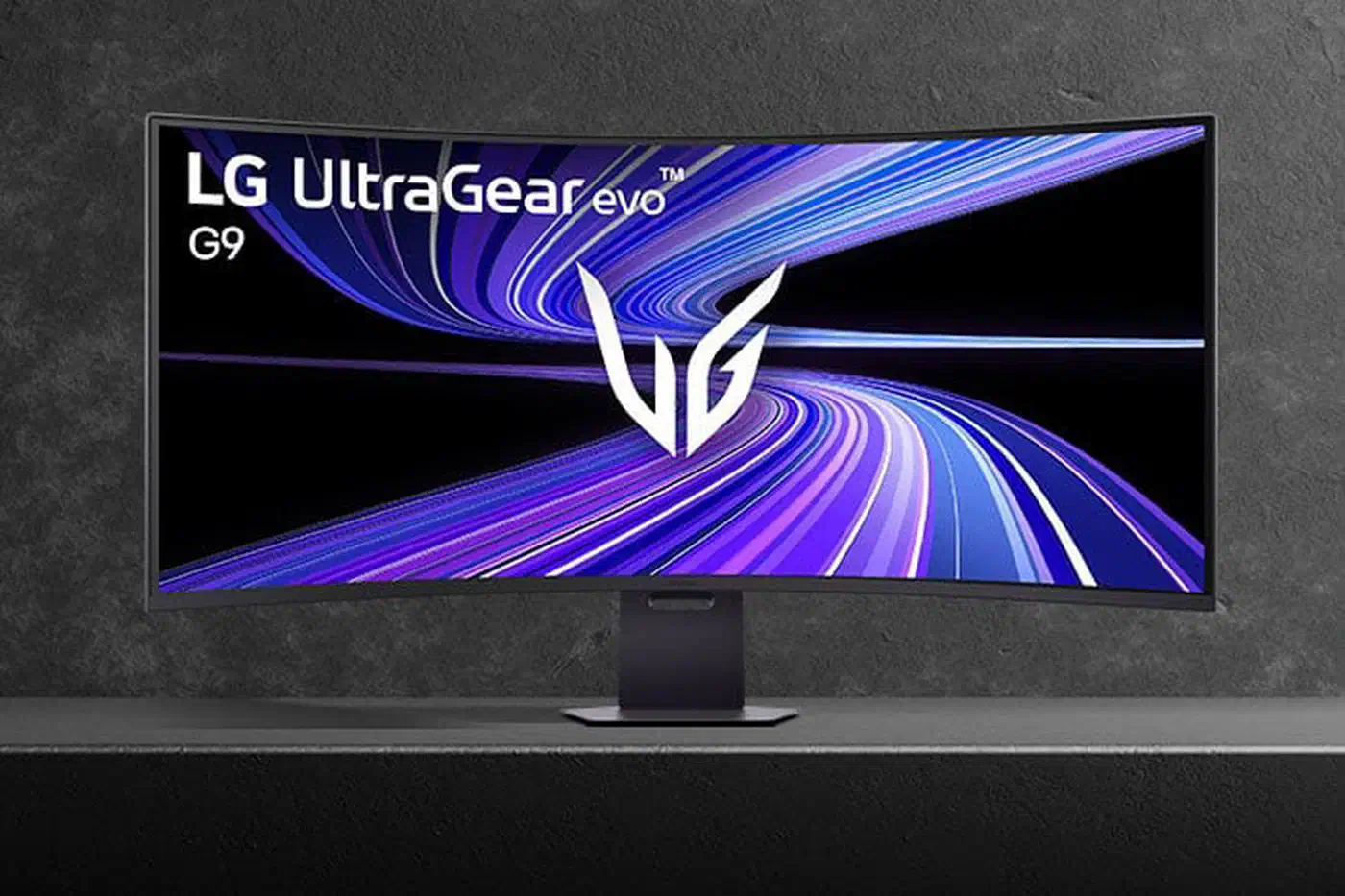
LG also has not said whether this is the existing 5K2K panel generation scaled up or a different LCD stack. LG’s UltraGear evo announcement frames the 52-inch model as a large-format gaming display, and never once pitches it at productivity.
So measure your desk before you buy. If it is under 80cm deep and you have no wall to mount to, the 39-inch model is the one you want.
Whichever size you land on, know that recent LG panels can auto-install adware the first time you connect them, so it is worth blocking that before setup.