

Gateron TMR keys draw 40x less power than Hall effect

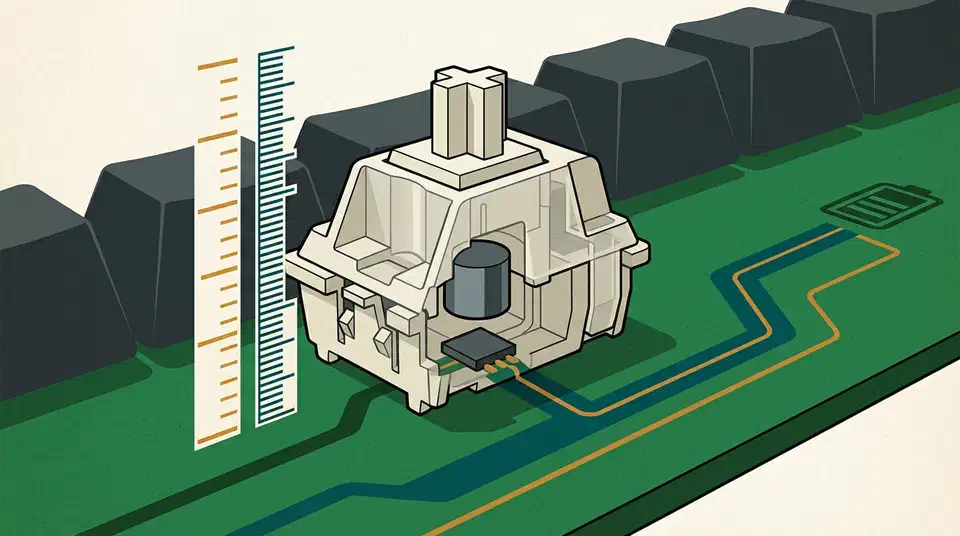
TMR switch power draw is the number that decides whether a wireless magnetic keyboard is any good. TMR sensors read key travel to about 0.01mm, ten times finer than Hall effect, and each one pulls roughly 100 microamps against 4mA. That is 40 times less power per key, and the payoff shows up in battery life.
Key Takeaways
- TMR reads key travel to about 0.01mm, ten times finer than Hall effect.
- Each TMR sensor sips around 100 microamps, roughly 40 times less than Hall effect.
- The switches are identical; only the sensor and the magnet position change.
- Low draw is what lets a magnetic board run wireless for weeks.
- No keyboard maker publishes runtime hours, so the saving stays hard to check.
What TMR sensing actually changes
TMR stands for tunnel magnetoresistance. Both sensor types watch the magnet inside a magnetic switch, so neither one touches the moving part. A Hall effect sensor reports a voltage that shifts with field strength. A TMR sensor reports a change in electrical resistance as electrons tunnel between two magnetic layers, and that reading is far more sensitive at the same power. Logitech pushes the same contactless idea further in a mouse that drops the click switch and fakes the feel instead.
HLPlanet’s TMR versus Hall effect breakdown puts TMR at roughly 0.01mm against the 0.1mm a good Hall effect board manages. A sheet of office paper is about 0.1mm thick, so TMR resolves a tenth of a sheet of paper. Cherry quotes the same 0.01mm accuracy on its MX 8.2 Pro TMR Wireless .
TMR is not a new kind of switch, though plenty of buyers read it that way. Per HLPlanet, the switches in a TMR board are the same magnetic switches used in Hall effect boards. What changes is the sensor on the circuit board and where the magnet sits. Gateron Jade, Jade Pro and Lekker V2 switches all drop into either camp.
Sensor position splits magnetic switches into two standards, Gateron’s KS-20 and the KS-37 that Keychron favours. A KS-20 switch will not work in a KS-37 board, and that has nothing to do with TMR.
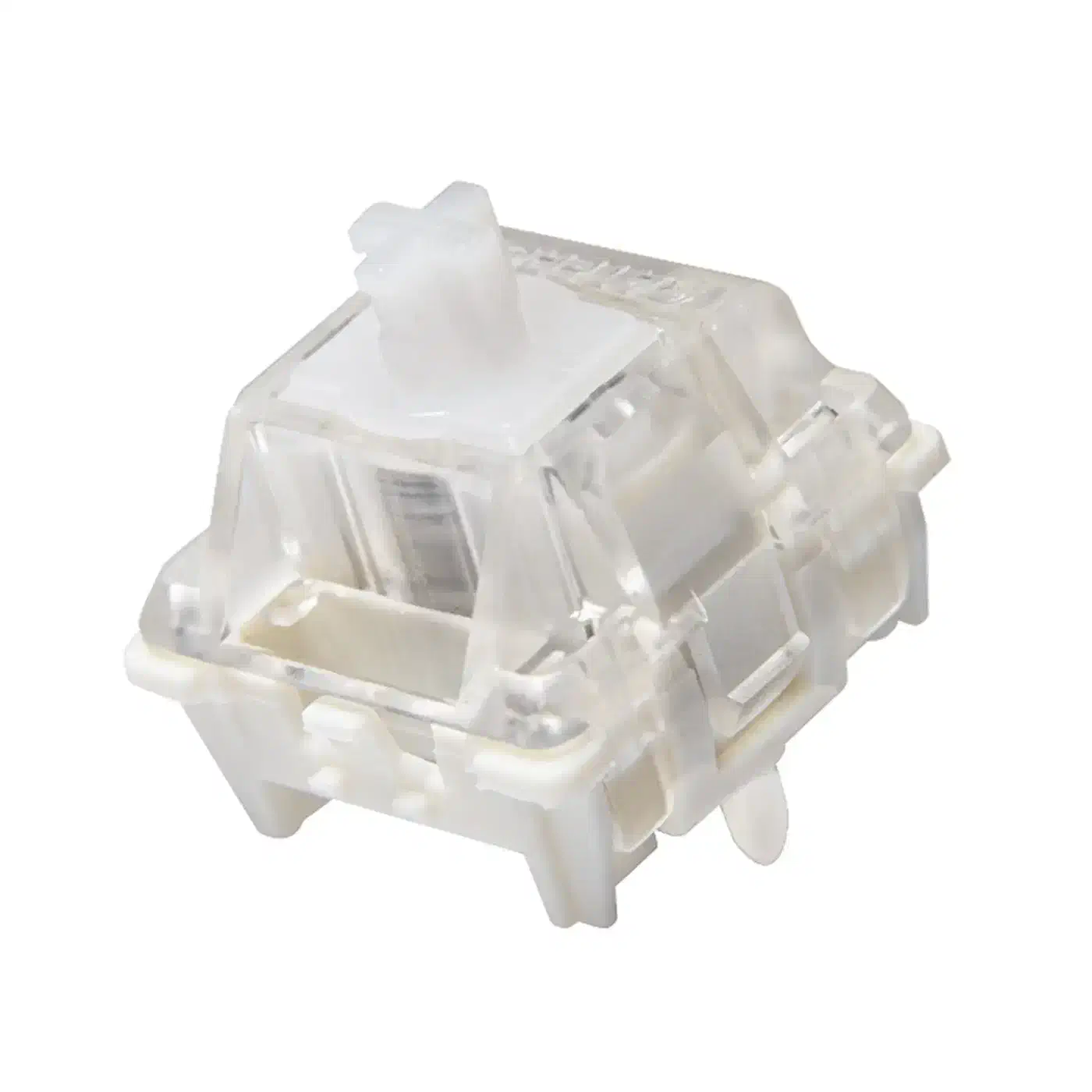
What the finer reading buys is a finer threshold. You can park an actuation point at 0.15mm and trust it to hold, which is useful in a shooter. It does not shorten travel, cut latency or change how the board sounds. Razer’s own magnetic flagship gives up some raw speed for that adjustability, and finer sensing does nothing to buy it back.
The TMR power draw figure and why it decides wireless
MonsGeek’s own comparison puts a TMR sensor at about 100 microamps against four milliamps for a Hall effect sensor. Most reviews skip both figures.
A magnetic keyboard has to read every key all the time. A normal mechanical board waits for two pieces of metal to touch, so an idle key costs nothing. A magnetic board is always measuring, so the sensor array is a permanent load on the battery.
| Sensing | Per sensor | 100 keys | Hours on a 4,000mAh cell |
|---|---|---|---|
| Hall effect | 4mA | 400mA | about 10 |
| TMR | 100µA | 10mA | about 400 |
Treat that as a ceiling rather than a measurement. It assumes every sensor draws its rated current continuously, which no real board does, and it ignores the radio, the lighting and the microcontroller. Nobody publishes whether the 40x figure is measured at rest, mid-scan or averaged across a scan cycle. No vendor breaks sensing out as a line item in its battery rating either.
Wooting tested both and landed well short of the headline, because a TMR signal needs amplifying before the firmware can use it.
In our testing, TMR sensors consumed 5 to 10 times less power than Hall Effect sensors after signal boosting.
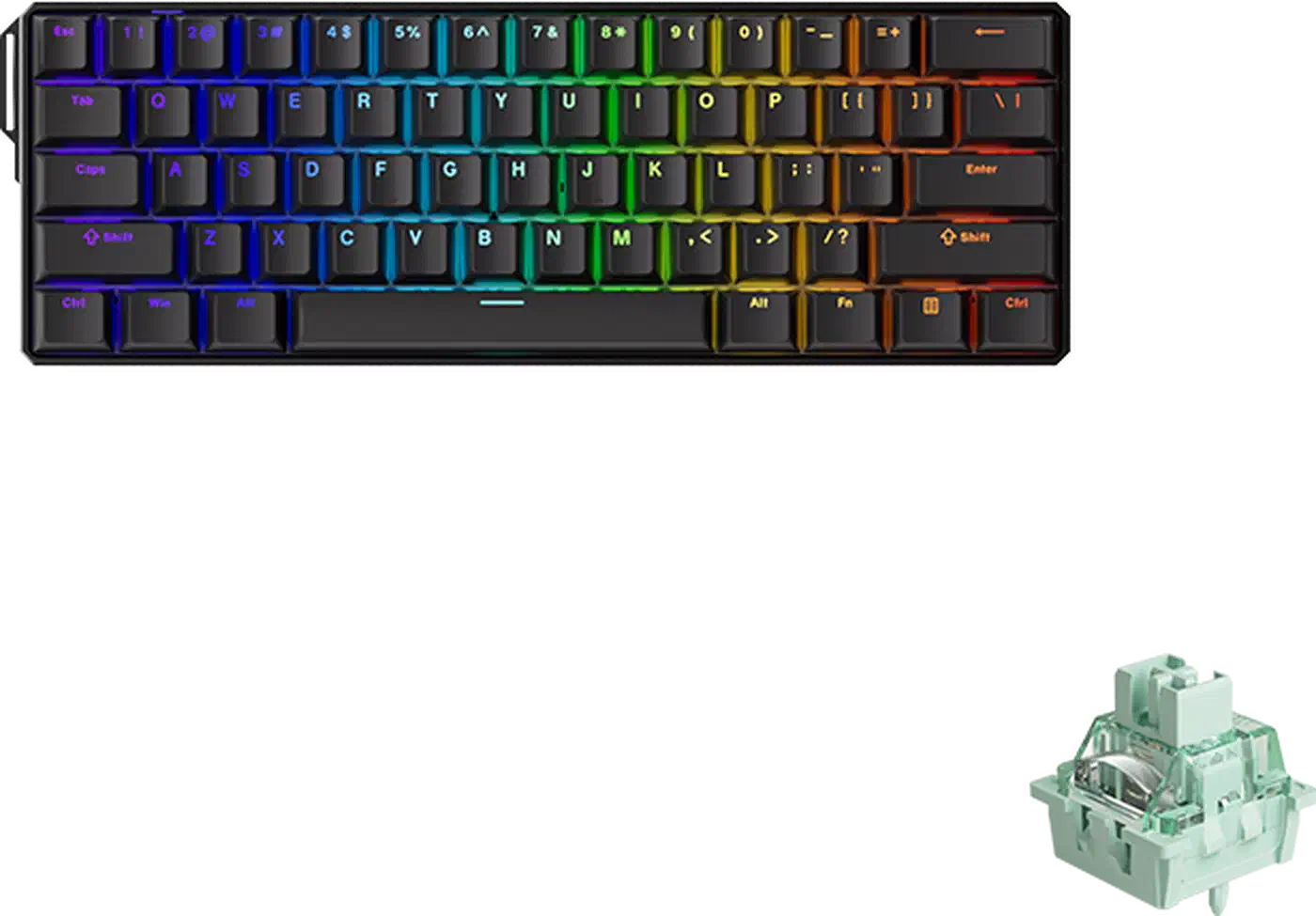
Shipping boards will not settle it, because nobody prints the number that would. MonsGeek gives the FUN60 Ultra TMR a 4,000mAh cell and its Hall effect FUN60 Pro HE a 3,000mAh one, and quotes no runtime for either. Epomaker does print a figure on the Hall effect HE75 V2 , 20 hours of continuous use from 8,000mAh, but only with the lighting on. No pair on sale carries lights-off hours on both boxes. The comparison that HowToGeek drew is about as close to like-for-like as the market offers.
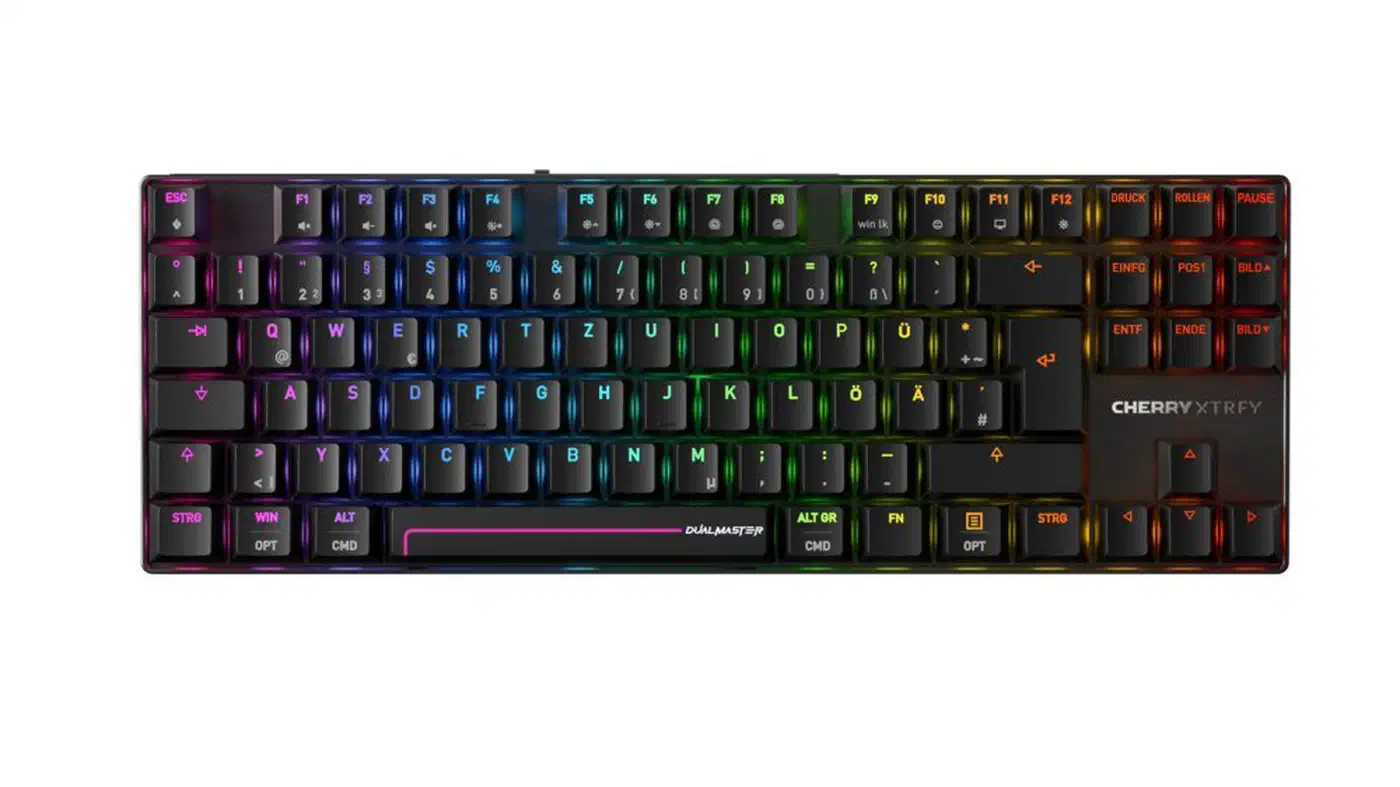
Even so, the saving is what made wireless magnetic boards practical. Cherry ships 8,000Hz polling over 2.4GHz radio on a keyboard rated for 300 hours, and a year earlier that polling rate was a cable-only trick.
Is a TMR keyboard better than Hall effect?
On a wired board the gain is slight, and on a wireless one it comes down almost entirely to battery life.
Marcus Reed spent months typing on each for gamingkeyboards.net and came away unconvinced that anyone’s hands can tell.
Now the contrarian bit, because I’d be a bad reviewer if I didn’t say it: most people will not feel the difference between a great Hall Effect board and a great TMR board.
Wooting, which sells Hall effect boards, reports that both sensor types resolve movements down to 0.02mm once the firmware is tuned properly. That puts most of the resolution gap in the firmware rather than the silicon.
Finer sensing does earn its keep in one place: rapid trigger set very shallow. At a 0.1mm reset, 0.1mm steps are the whole adjustment range, so a tenth of that step size makes the setting stable instead of twitchy. Outside that, actuation depth, latency and typing feel all come from the switch, the plate, the stabilisers and the firmware instead. Case construction still decides how a board sounds, and no sensor fixes a hollow chassis. Asus proved the point the other way round with the Azoth 96 HE , where the gasket mount and the foam do the work your fingers notice.
What to check on a wireless magnetic keyboard
Battery claims are the least comparable spec in this category, so the power advantage is easy to lose between the box and your desk.
- What polling rate runs on the radio, and what runs on the cable? They usually differ. A board can advertise 8,000Hz and deliver it only when plugged in.
- Was the battery figure measured with the lighting off? Epomaker’s 20 hours is a lights-on number, and most quoted weeks are not.
- Is per-key actuation available wirelessly? Some boards restrict configuration or rapid trigger to wired mode.
- How do the two specs interact? Higher polling means more radio transmissions per second, and the radio dwarfs the sensor array. Reviewers running the FUN60 Ultra at full 8,000Hz with lighting on report hours, not weeks.
When a wireless magnetic board quotes weeks of life, find the polling rate that number was measured at. If the specification sheet does not say, assume 1,000Hz with the lights off, and assume your own settings will cost you most of the difference.
So judge a keyboard on the whole board. TMR is the better silicon, and it is why an untethered 8,000Hz keyboard exists. It is still the ingredient you will notice least once the thing is on your desk.