

The Asus Azoth 96 HE feels like a real keyboard again

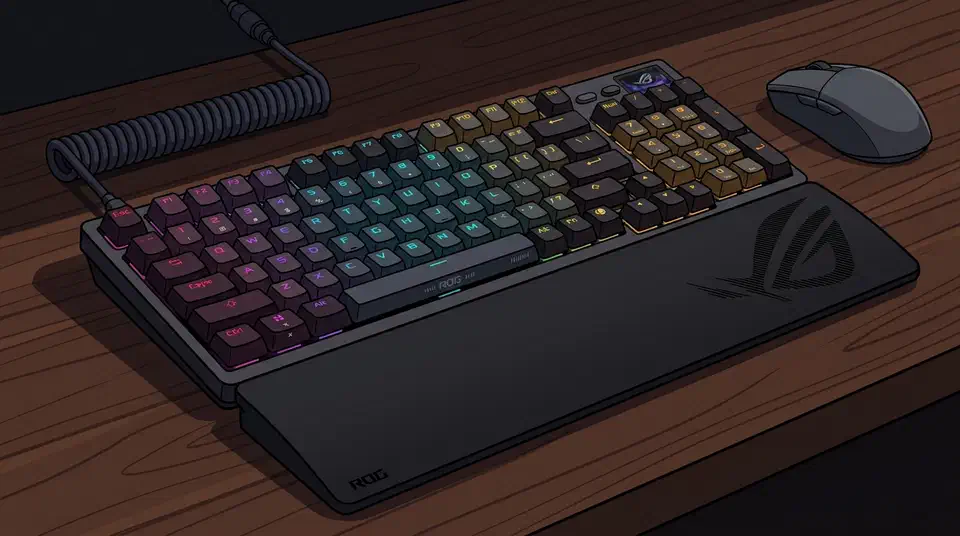
The Asus ROG Azoth 96 HE won GamesRadar’s Hall effect keyboard ranking on typing feel. The reason is the case: a gasket mount and six dampening layers. That gives you a buying rule for the whole category, which is to judge the chassis first, since you can swap the switches later.
Key Takeaways
- GamesRadar rates the Azoth 96 HE the best Hall effect board on feel.
- The case does most of that work, and the sensing tech gets the credit.
- Six dampening layers and a gasket mount kill the hollow plastic sound.
- Magnetic switches are swappable later; the case never is.
- Two big roundups picked different winners, so feel is the tiebreaker.
Why magnetic keyboards spent two years feeling like plastic
Magnetic keyboards sense how far you press a key instead of just whether you pressed it. That opens up adjustable actuation, rapid trigger, and analog movement, and for two product cycles it was the only thing brands talked about.
The engineering went into the sensing and the software. The chassis got whatever was cheap, usually a tray mount with a thin plate and no foam. So the boards sounded hollow and pingy. Swapping in a better magnetic switch did not fix it.
Buyers had nothing to compare except numbers, so the category sold on actuation depth and polling rate. Mice are running the same experiment now, and one flagship even manufactures the click feel with a motor.
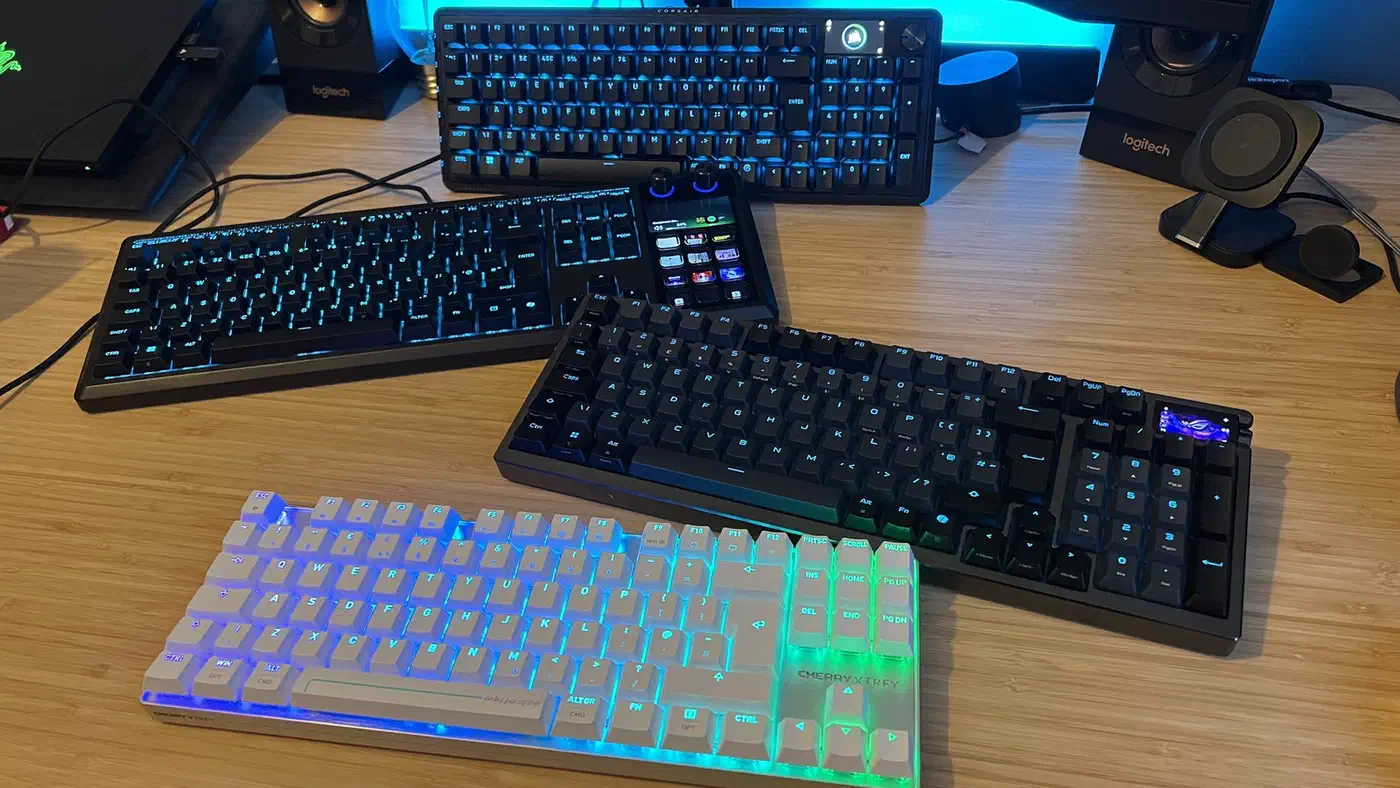
The field is now crowded. GamesRadar’s Hall effect roundup covers boards from Asus, Corsair, Cherry, Endgame Gear and Ducky. The same reviewer logged hands-on time with magnetic decks from Logitech, SteelSeries, Glorious and Razer’s first Hall effect line . When the spec sheets converge, feel becomes the tiebreaker by default.
What makes a Hall effect keyboard feel good?
Four things decide how a Hall effect keyboard feels, and only one of them is the switch.
Mounting style is the big one. A tray mount screws the plate straight to the case, so every keypress lands on a rigid shell. A gasket mount suspends the plate on soft strips instead, letting it flex a millimetre and soften the bottom-out.
Damping shapes the sound, and sound is most of what people mean by quality. Foam and silicone layers between the board and the case absorb the ring that makes a cheap keyboard sound like a lunchbox.
Plate material sets stiffness. Aluminium is firm and bright, FR4 and POM are softer and duller. The switch itself decides smoothness and spring weight, and it is the part everyone shops for.
| Part | Changeable after buying? |
|---|---|
| Switches | Yes, on any hot-swap board |
| Keycaps | Yes, always |
| Foam and damping | Sometimes, if the case opens |
| Plate | Rarely, and only on custom-friendly boards |
| Case and mounting style | No |
The case and its mounting style carry most of the feel, and they are the parts you are stuck with.
What the Asus ROG Azoth 96 HE gets right
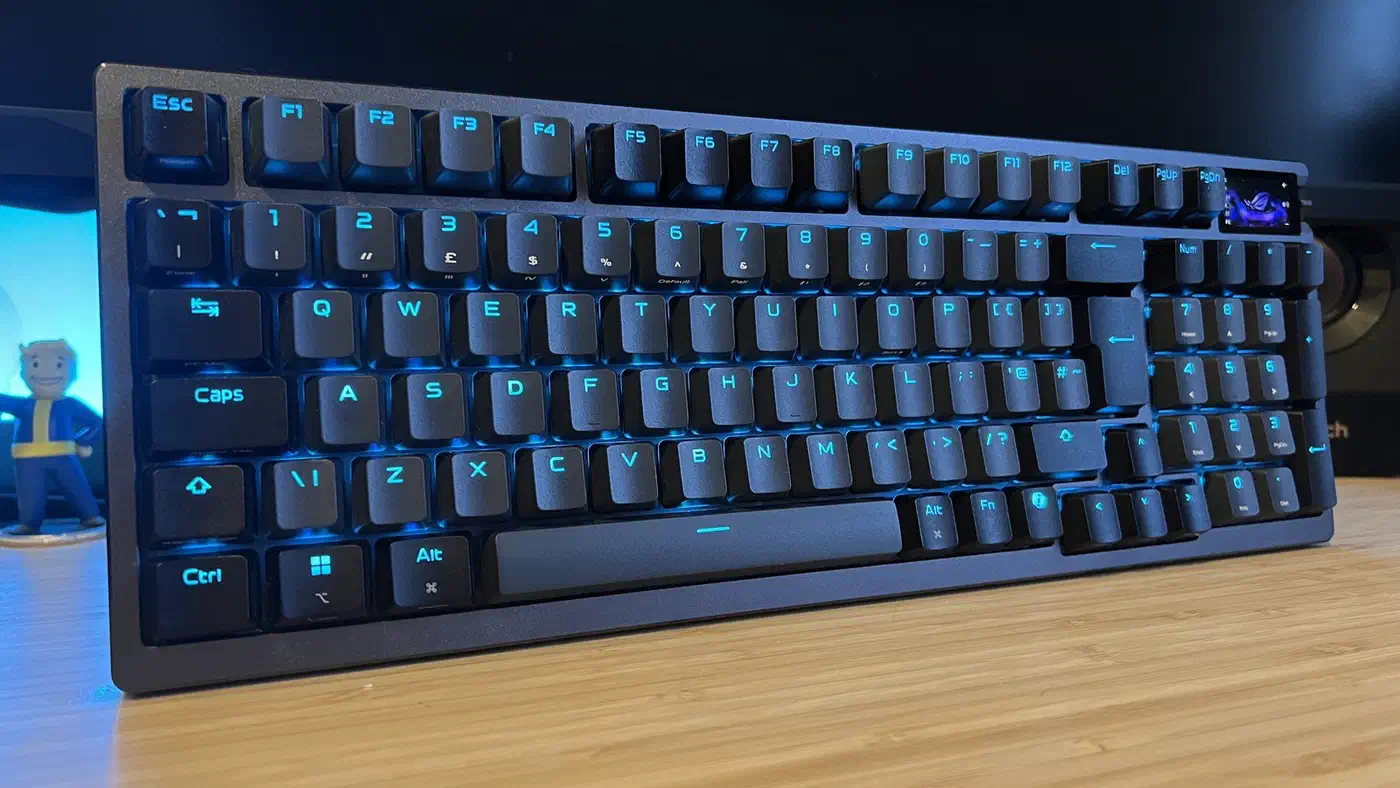
The Asus ROG Azoth 96 HE is a gasket-mounted 96% board. Its hot-swappable ROG HFX V2 magnetic switches adjust from 0.1mm to 3.5mm in 0.01mm steps. Asus stacks six dampening layers inside it: four PORON pads, one IXPE switch pad and one silicone layer. The two lower PORON mats lift out if you want a firmer bottom-out.
Those are custom-keyboard parts, and Asus has put analog sensing on top of them.
They’re the smoothest, most mechanical-feeling magnetic switches I’ve tested so far, and in the Azoth chassis they have a bounce and energy that’s unmatched.
Baker’s roundup also credits the 96% layout. It keeps a number pad but leaves a gap between the arrows and the numbers, so your hand knows where it is without looking.
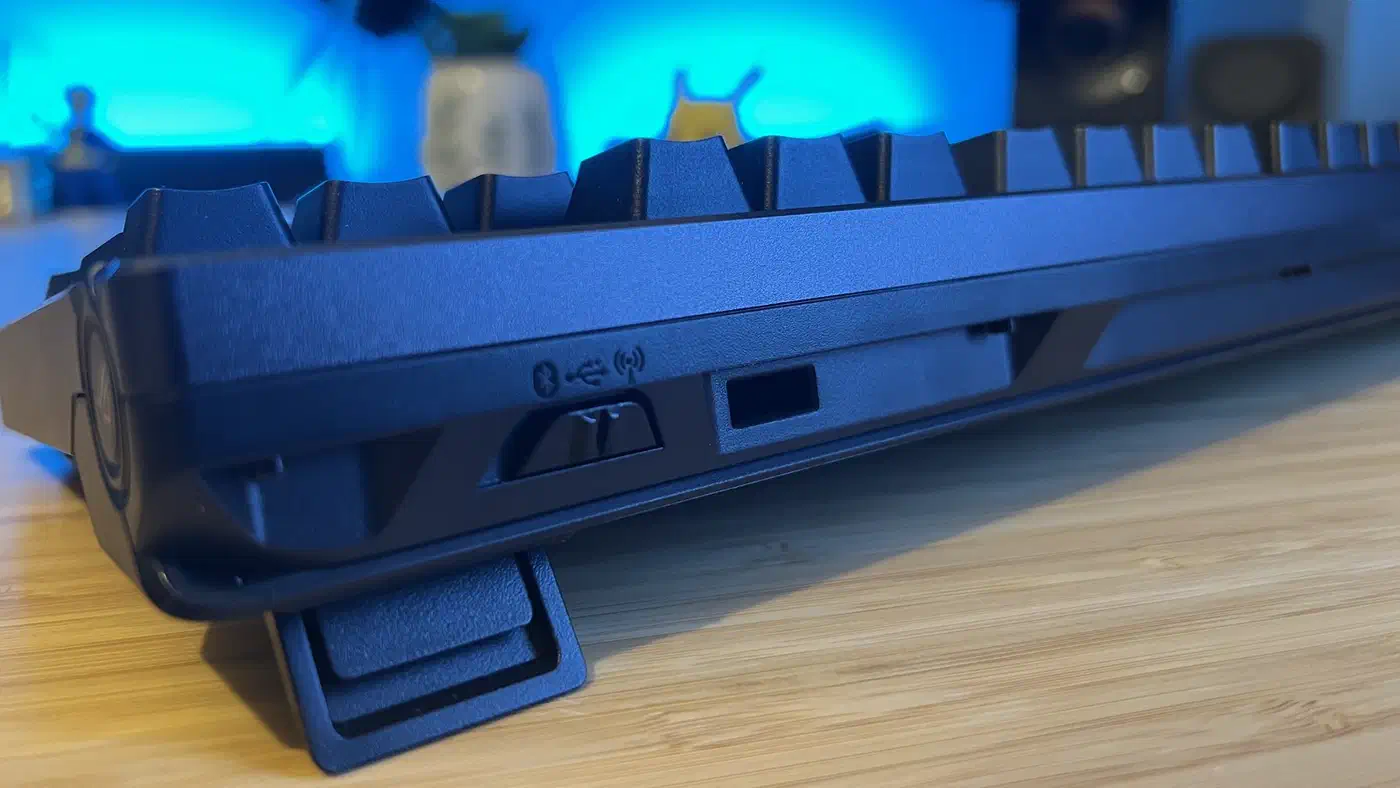
The wireless is the other surprise. The 2.4GHz link runs at the same 8000 Hz polling rate as the cable, so you do not trade responsiveness for cutting the cord. That is rare on magnetic boards, which draw more power than ordinary mechanical ones.
The price is the downside. GamesRadar’s testing put the Azoth 96 HE at $349.99, over $100 above the Corsair Vanguard Pro 96 . Baker reckons the cheaper Corsair gets you 90% of the way there.
Two roundups, two different winners
PC Gamer’s Hall effect roundup gives the top spot to the Wooting 80HE , and the reason is software. Jacob Ridley rates the Wootility configuration app as the thing that makes analog switches usable for a newcomer.
Our reviewer didn’t come to the same conclusion, as Reece felt the plastic chassis wasn’t quite as good as others around.
Two reviewers at the same outlet split over one keyboard, and the thing they split over was the case. Wooting sells a separate zinc alloy case for the 80HE as an upgrade, so you can pay to fix the plastic shell.
| Board | Chassis | Picked for |
|---|---|---|
| Asus ROG Azoth 96 HE | Gasket mount, six damping layers | Typing feel |
| Wooting 80HE | Plastic, alloy case sold separately | Software and speed |
| Corsair Vanguard Pro 96 | Wired 96% shell | Value |
A firmware update can add features, but it cannot stiffen a plastic shell.
The buying rule for the whole category
Buy the chassis and tune the sensing afterwards. Switches and keycaps are consumables you can replace at any point.
Run four checks before you pay. Is it gasket-mounted or tray-mounted? Does it ship with foam, or is the inside hollow? What is the plate made of? And are the switches hot-swappable? Hot-swap sockets turn a better switch into a $30 fix later instead of a whole new keyboard.
The Azoth is only half hot-swappable, because Asus does not sell HFX V2 switches as loose sets. The sockets take third-party magnetic switches, so the upgrade path exists without Asus supplying it.
Actuation range past what you will configure is a spec-sheet number: almost nobody tunes 30 keys individually to 0.01mm. Rapid trigger and analog input are table stakes now, so paying extra for them is paying for something the cheap boards already do.
The Azoth 96 HE sits at the top of the price range. The Vanguard Pro 96 saves you real money for most of the same experience. Still, if the last magnetic board you tried sounded like an empty drawer, look at the case before you blame the switches.