

The Bambu X2D brings dual nozzles to a lower price tier

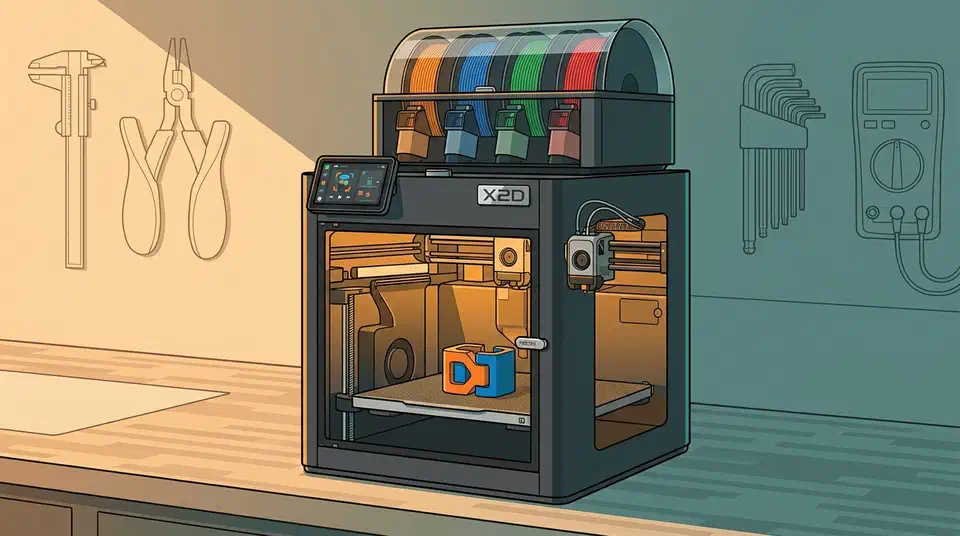
The Bambu X2D dual nozzle printer costs $649 and cuts purged filament from about 40 grams per colour change down to 10 or 12. Purge waste is the running cost that decides whether multicolour printing pays off. A second hot end also makes soluble supports practical at this price.
Key Takeaways
- The X2D lands at $649, or $899 with an AMS in the Combo.
- Two hot ends share one toolhead, and the idle one lifts clear.
- A colour change wastes about 11 grams instead of 40.
- Dissolvable supports finally make sense on a cheap printer.
- The second nozzle is slower and handles flexible filament poorly.
What the Bambu X2D dual nozzle setup buys you
Bambu Lab launched the X2D in 2026 at $649 for the bare printer and $899 for the Combo, which adds an AMS 2 Pro. Bambu’s Black Friday sale cuts those to $589 and $789 until December 1, 2026. The X2D launch write-up puts it directly in the X1 Carbon’s old slot, about $550 below where that machine started.
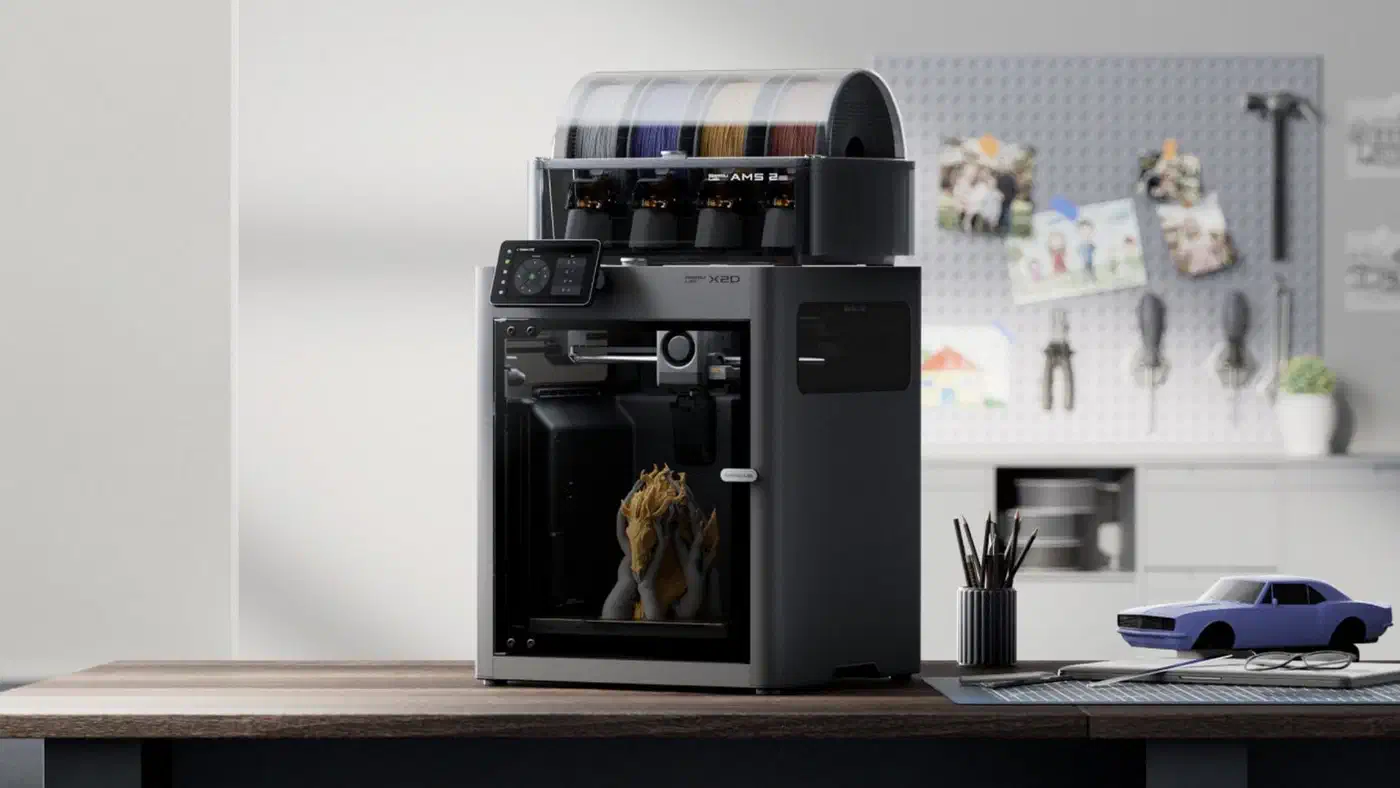
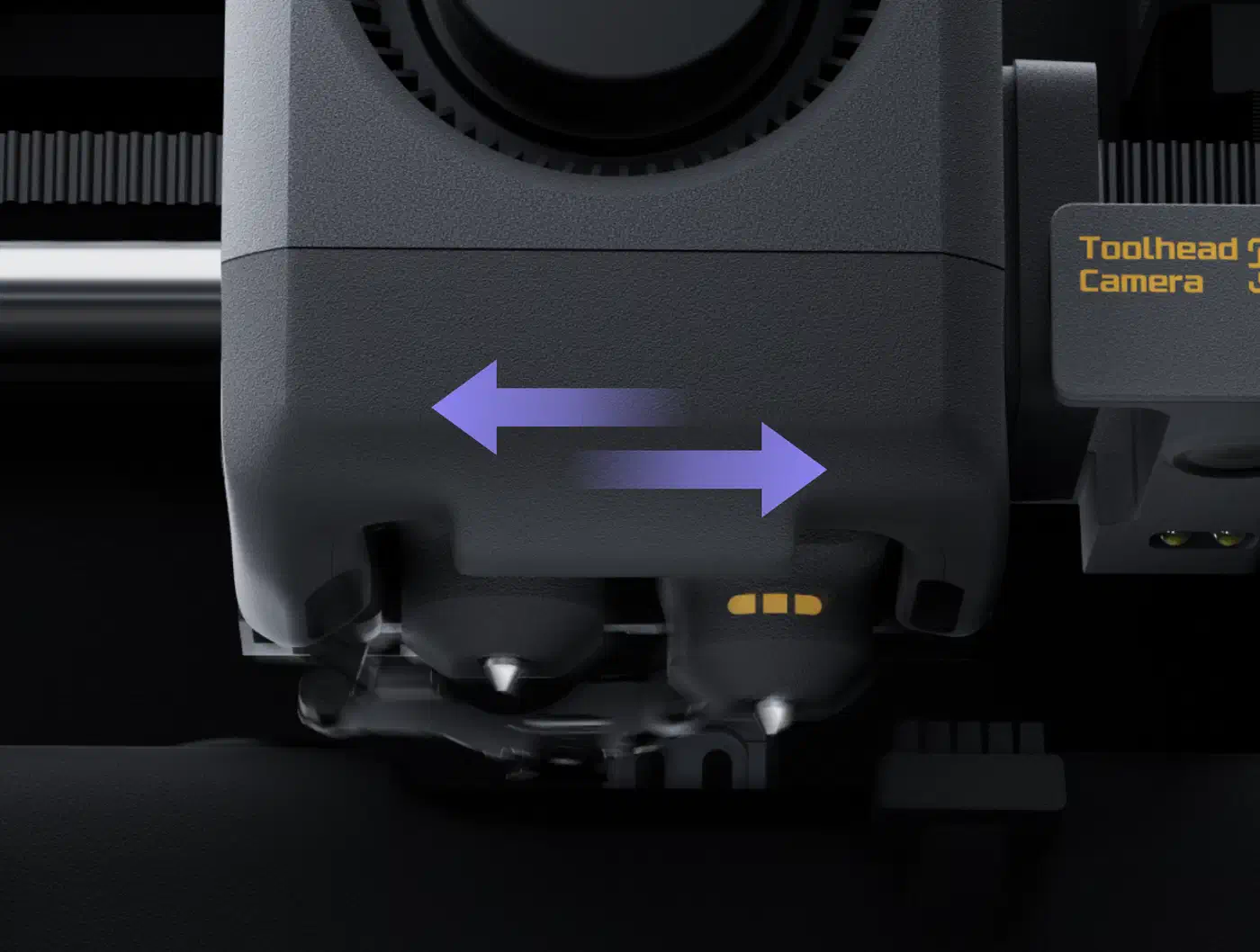
Both hot ends ride on one toolhead, and the two are built differently. The left nozzle is direct drive with the motor at the toolhead, handles the full material range to 300°C, and moves at up to 1000mm/s. The right nozzle is Bowden fed from a motor at the back of the printer, which keeps the toolhead light but caps that side at 200mm/s.
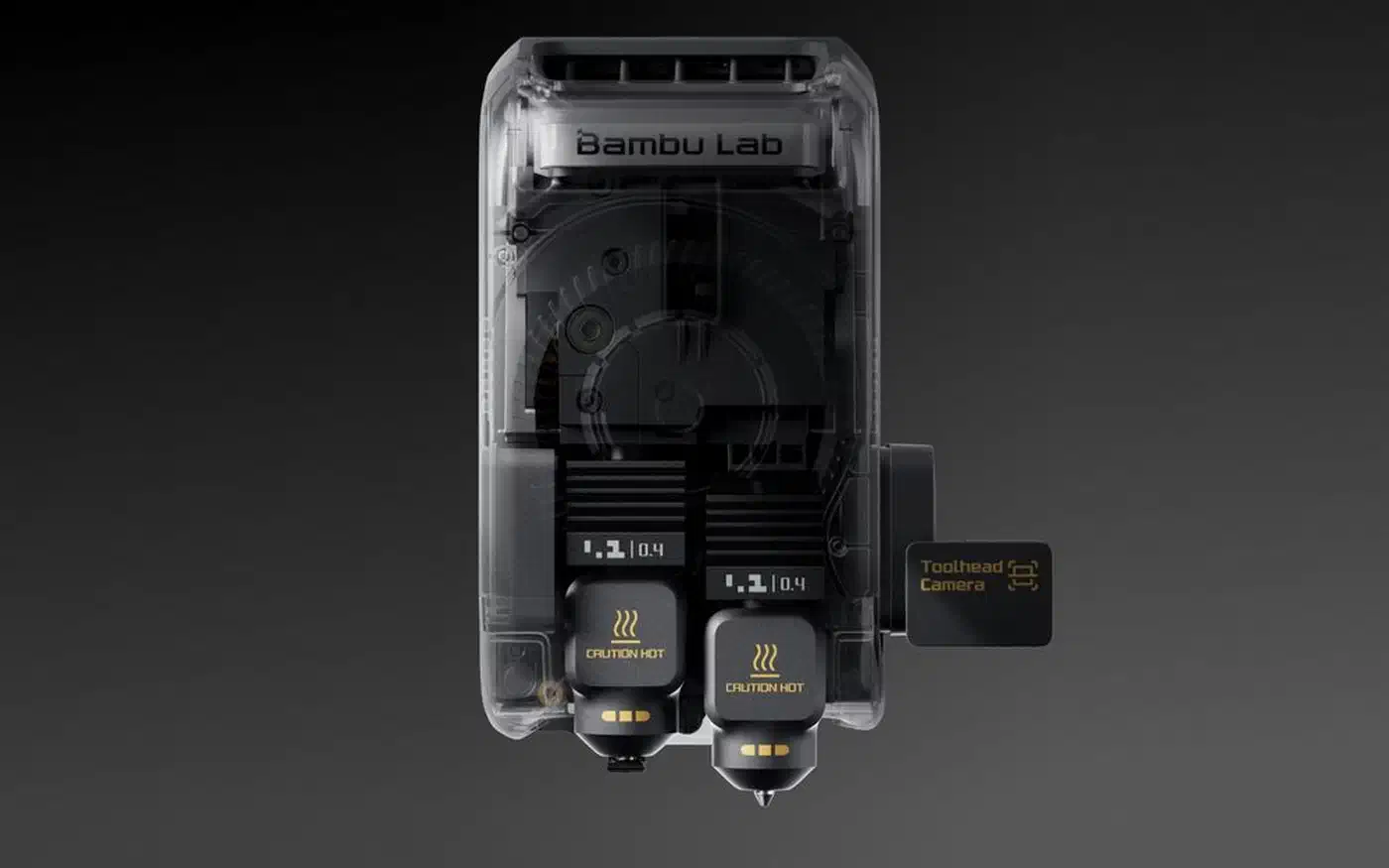
Switching happens with a gear-and-trigger lift inside the toolhead rather than a second motor. The idle nozzle rises off the print plane, which keeps it from oozing onto your part, and a wiper cleans its tip before it comes back down.
Build volume is 256 x 256 x 260mm, dropping to 235.5 x 256 x 256mm in dual-nozzle mode because the two tips need an offset. The chamber heats actively to 65°C, filtration runs three stages (a G3 pre-filter, an H12 HEPA layer and activated carbon), and the machine weighs 16.25 kg. If floor space counts for more than a second nozzle, the A2L’s 330mm bed buys roughly double that volume for less money.
The widely quoted 1000mm/s figure describes the toolhead’s mechanical ceiling, and real prints land within a few percent of X1 Carbon times.
A true toolchanger parks independent heads and picks one up. The X2D keeps both tips on a single carriage and lifts one out of the way, so you get most of the dual-material benefit without the extra motion hardware, along with the limits of a shared carriage.
How much filament does a colour change waste?
A single nozzle can only hold one material at a time. Before it prints the next colour clean, it has to push the old one out on every swap, and that flushed plastic goes into a purge tower or a waste chute.
Two nozzles change the arithmetic, because two materials are loaded at once. The StackSheriff X2D review puts the drop at roughly 70%: two-colour parts that dumped about 40 grams per change now shed 10 to 12 grams.
Take a two-colour model with a dozen changes and price the waste at $13/kg, which is what the review’s $60/kg PVA figure implies for standard filament at four to five times cheaper.
| Setup | Purged per swap | Swaps | Total purged | Waste cost |
|---|---|---|---|---|
| Single nozzle plus AMS | 40 g | 12 | 480 g | $6.24 |
| X2D, two nozzles | 11 g | 12 | 132 g | $1.72 |
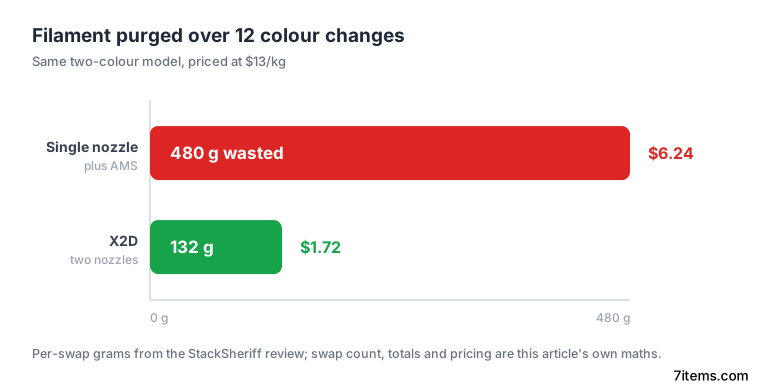
On the single-nozzle run, nearly half of a 1 kg spool goes in the bin.
The per-swap grams and the 70% reduction come from the review; the swap count, the totals and the currency conversion are my own. Filament prices move, so treat the dollar column as a rough guide. In one job the review logged, a 14-hour PA-CF jig with PVA supports finished with 22 grams of waste. The same part on an X1 Carbon with AMS swaps would have thrown away 80 grams or more.
Dual extrusion isn’t a gimmick at this price; it materially cuts purge waste and unlocks the soluble-support workflow that’s previously been exclusive to $3,000+ printers.
Soluble supports are the underrated half of dual extrusion
Support material is where the second nozzle changes what you can physically build. Load PVA or BVOH on the Bowden side, print the scaffold in it, then drop the finished part in water and let the scaffold disappear.
Internal channels that a knife will never get into, captured moving parts printed already assembled, and deep undercuts all become printable, because you never have to break the support out by hand.
PVA and BVOH print at temperatures that pair easily with PLA and PETG on the primary nozzle. High-temperature engineering plastics are harder: Bambu lists PC and PA6-CF for the main hot end, but the 300°C nozzle ceiling rules out blends that want 310°C or more.
First-party PVA runs about $60/kg, four to five times standard PLA, so a support-heavy part costs more to print. Dissolving is also slow, since parts soak for hours. PVA absorbs moisture from the air faster than any other consumer filament, so an open spool degrades quickly. Of the two costs, the time adds up faster than the money.
Where the X2D still gives ground
Each of the two nozzles holds one material. A passive toolchanger like the eight-nozzle Prusa INDX skips that limit, since each material keeps its own hot end. Past a second material you are back on an AMS feeding one hot end, which purges as it always did, so a six-colour model still wastes nearly as much filament as before.
Flexibles like TPU won’t run reliably through the Bowden side, and abrasives belong on the direct-drive nozzle. The 200mm/s cap comes from the mechanics, so no firmware setting will lift it. Symmetric dual extrusion, where either nozzle can do either job, still costs a lot more.
The lifter also adds a failure mode that single-nozzle machines do not have. Reports on r/BambuLab describe lifter misalignment during multi-material prints, where the parked nozzle drags across the part on a swap. The camera-based first-layer check catches some of it, but a misalignment can still happen mid-print. Nobody has published long-run data on the mechanism’s wear over hundreds of swaps yet.
The X2D follows the same locked-down path as the rest of the recent Bambu line: OrcaSlicer works, but new features reach Bambu Studio first, by six to twelve months in some cases. If open firmware is a requirement, this is not your printer.
Get the X2D if your work is two materials, or if soluble supports would change what you can make. Stick with an AMS-fed single-nozzle machine if you mostly print many-colour models, because two nozzles do not help there.