

Annealing HT-PLA Pro at 100°C nearly doubles its heat limit

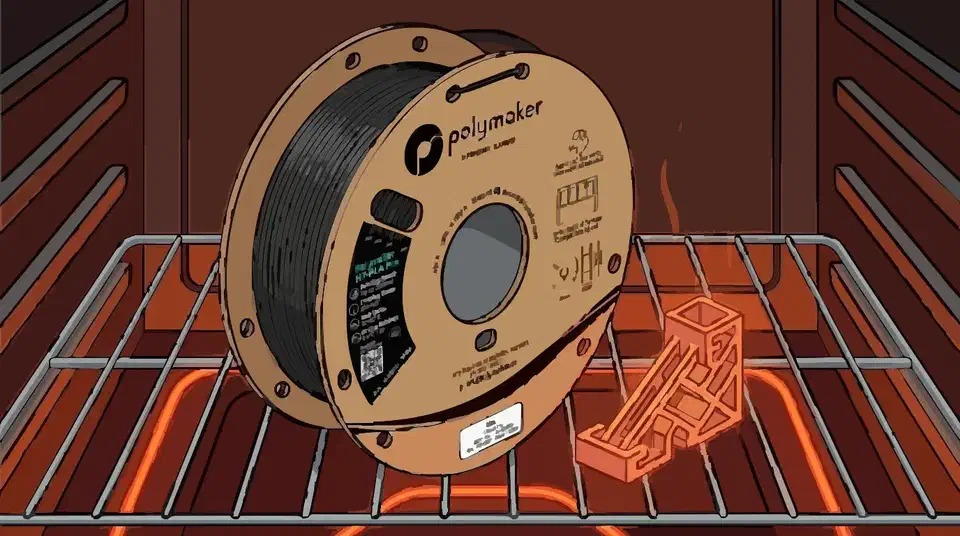
HT-PLA Pro annealing raises a part’s heat limit under load from 56.3°C to 107.6°C after 30 minutes at 100°C. The much-quoted “won’t sag up to 150°C” is a softening point measured with no load on the part, so it says little about what a loaded part can take.
Key Takeaways
- A 30-minute anneal at 100°C lifts HT-PLA Pro’s heat rating under load from 56.3°C to 107.6°C.
- The “won’t sag to 150°C” claim is measured on a part carrying no load.
- HT-PLA Pro takes more than double the impact of regular HT-PLA.
- Annealing can warp a print, so heat-soak a test part before a full batch.
- It still prints on plain PLA settings, so the heat gain costs only oven time.
What does annealing HT-PLA Pro change?
Annealing is a short heat soak that lets the plastic finish crystallizing. For HT-PLA Pro, it decides whether a part softens in warm air or holds its shape under load.
The numbers come from Polymaker’s own HT-PLA Pro datasheet. A 30-minute anneal at 100°C lifts the heat deflection temperature (HDT at 0.45 MPa) from 56.3°C to 107.6°C. HDT is the temperature at which a part carrying a light load starts to bend.
As printed, 56.3°C is barely above a hot car interior on a summer day. Annealed, 107.6°C clears the temperature of boiling water. The heat and time give the polymer chains room to crystallize more fully. Ordinary PLA softens in that same low range, which is why even food-contact PLA stays away from hot drinks.
The datasheet lists that 107.6°C figure at the lighter 0.45 MPa test load only. It does not publish a number for the heavier 1.8 MPa load, so size safety margins around the load you expect.
Why “won’t sag up to 150°C” isn’t a heat limit
The marketing number and the number a working part needs come from two different tests, and people who mix them up end up trusting the plastic too much.
The 150°C figure is a Vicat softening point. Off the plate it reads 148.3°C, rising to 150.5°C after annealing, and both are tested with no external load beyond the part’s own weight. So it only tells you a part keeps its shape on a shelf in a warm room.
Heat deflection temperature is the number to trust for a part that bears force, because it is measured under a defined load.
| Measure | What it tests | As printed | Annealed |
|---|---|---|---|
| Vicat softening | Shape held with no load | 148.3°C | 150.5°C |
| HDT at 0.45 MPa | Shape held under a light load | 56.3°C | 107.6°C |
A part trusted to the 150°C marketing figure can deform under load at barely a third of that heat. Hackaday’s write-up on HT-PLA’s marketing makes the same point: the 150°C claim only means the part keeps its shape when it carries no load, and for heat under load Polymaker points buyers to HT-PLA-GF, rated to 110°C under load.
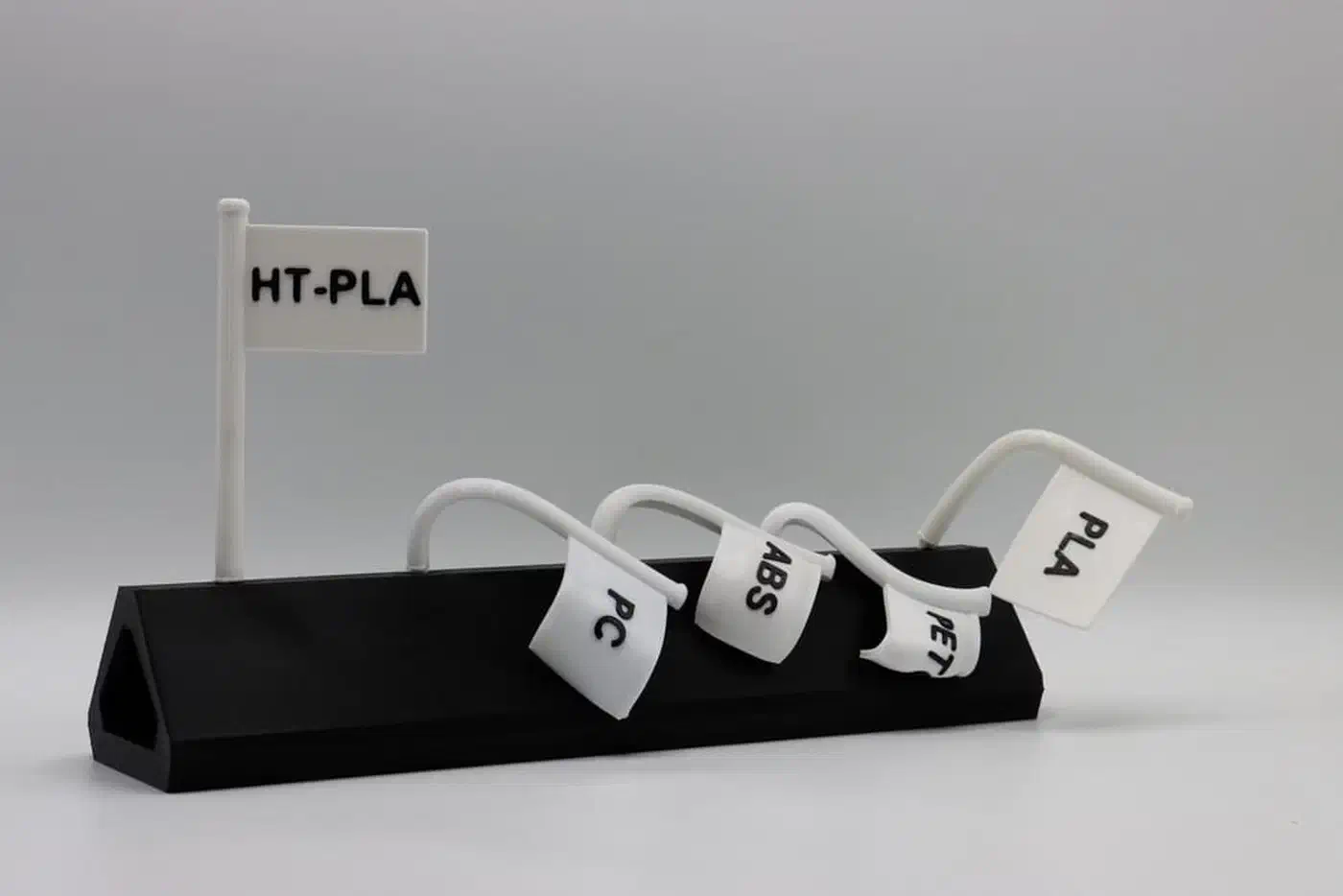
the short version is that this is mechanically like PLA and can take the heat
How much tougher is HT-PLA Pro than regular HT-PLA?
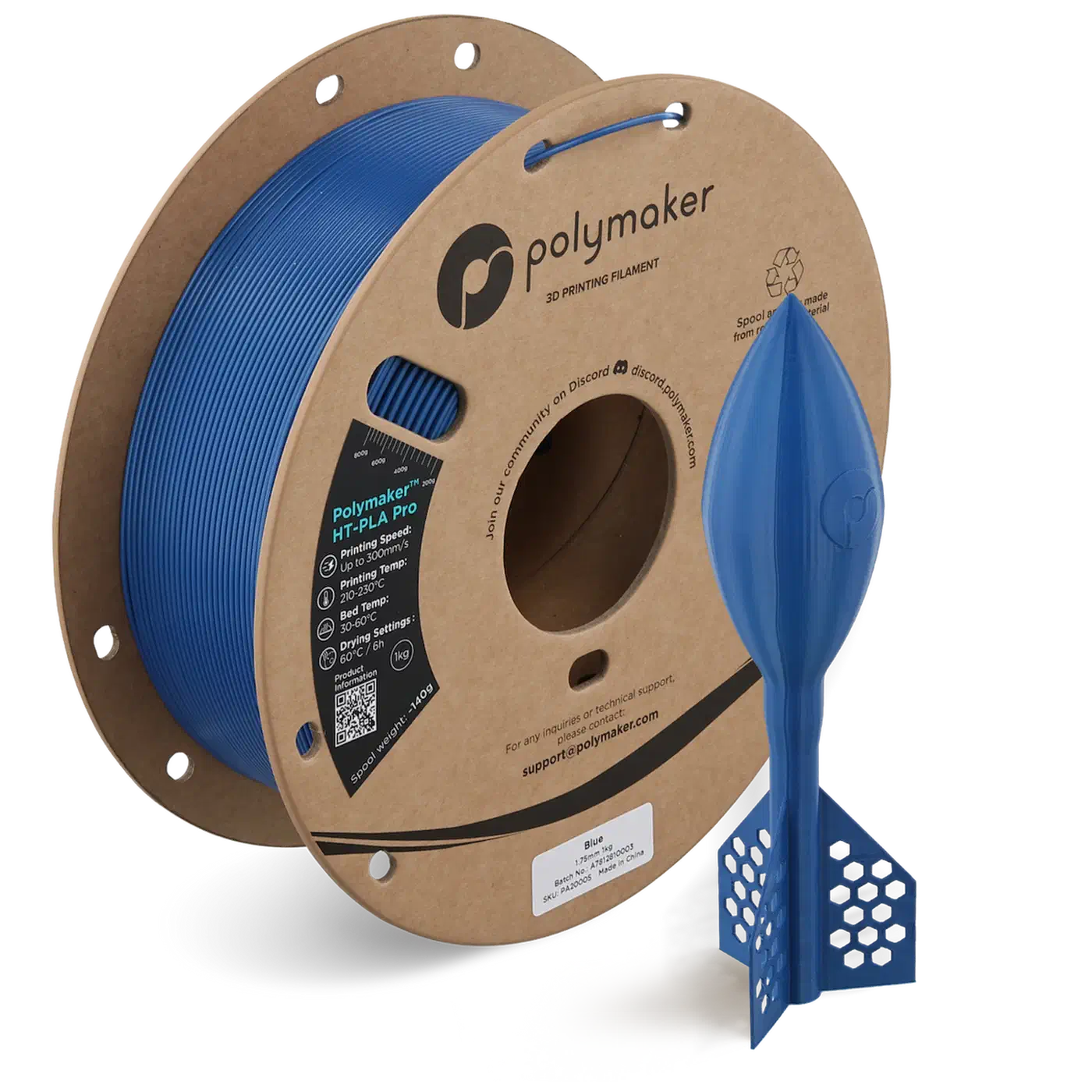
The Pro grade also gets a big jump in impact and layer strength, which helps parts that get dropped or stressed across layers.
Impact strength more than doubles, so HT-PLA Pro shrugs off a sharp knock that would crack the plain grade. Z-axis adhesion climbs about 30% too. PLA prints tend to split along layer lines, so that is the gain you notice when a part hits the floor.
| Property | HT-PLA Pro | Regular HT-PLA |
|---|---|---|
| Impact strength | 9.94 kJ/m² | 4.94 kJ/m² |
| Z-axis interlayer adhesion | 26.8 MPa | 20.8 MPa |
| Vicat softening, unloaded | up to 150.5°C | up to 150°C |
Regular HT-PLA has the same 150°C unloaded rating, and Polymaker recommends the same 30-minute 80 to 100°C anneal, 100°C preferred, per the HT-PLA datasheet. So pick HT-PLA Pro when the part sees impact or layer stress on top of heat. Plain HT-PLA is fine when heat stability alone is the goal.
How do you anneal HT-PLA Pro without warping it?
Annealing shrinks a part slightly and can warp it.
Both grades print on ordinary PLA settings, which is why the heat gain costs only oven time. Polymaker suggests a nozzle around 230°C, the high end for PLA, with print speeds up to 300 mm/s and no enclosure needed. On the bed side, a low-heat PLA plate such as Bambu’s SuperTack grips at 45°C.
| Setting | Value |
|---|---|
| Nozzle temperature | around 230°C |
| Build plate | 25 to 65°C |
| Print speed | up to 300 mm/s |
| Anneal | 30 min at 100°C |
Expect a dimensional change of 0.3 to 0.6% after the soak, with a slight difference between the XY and Z axes. Design tight-fit parts with that shift in mind. Large or thick parts warp most, so anneal a test part before running a full batch.
How to anneal HT-PLA Pro for heat under load
Pick a uniform heat source
Use a forced-air drying oven for even heat. A household oven can overheat the element-facing side and soften it, so wrap the part in aluminum foil to spread the heat. A water or oil bath works too, as long as the part never touches the hot bottom of the container.
Preheat to 100°C
Bring the oven to 100°C and let it hold that temperature before the part goes in.
Keep the part on the bed if it fits
Put the plate in the oven, bed at the bottom and part facing up, so the flat plate anchors the part against distortion. If you must take it off the plate, leave the supports on and keep its original print orientation.
Soak by wall thickness
Hold the part by how thick its walls are: 30 to 60 minutes under 4 mm, 1 to 2 hours at 6 mm, 2 to 4 hours at 8 mm, and 3 to 6 hours at 10 mm. Thick walls need the extra time for the heat to reach the core.
Ease large or thick parts up to temperature
Bulky parts warp the most. Hold them at 60°C until the core is uniform, then ramp quickly to 100°C. A programmable oven makes this hands-off and cuts the chance of permanent deformation.
Cool, then measure
Let the part cool in the oven before you pull it out. Then check the fit, and expect that 0.3 to 0.6% change between the XY and Z axes.
The datasheet names typical warm spots for annealed HT-PLA Pro: a bracket on a sunlit windowsill, or a mount near machinery that gives off heat.