

The Viper V4 Pro weighs 49 grams and runs for 180 hours

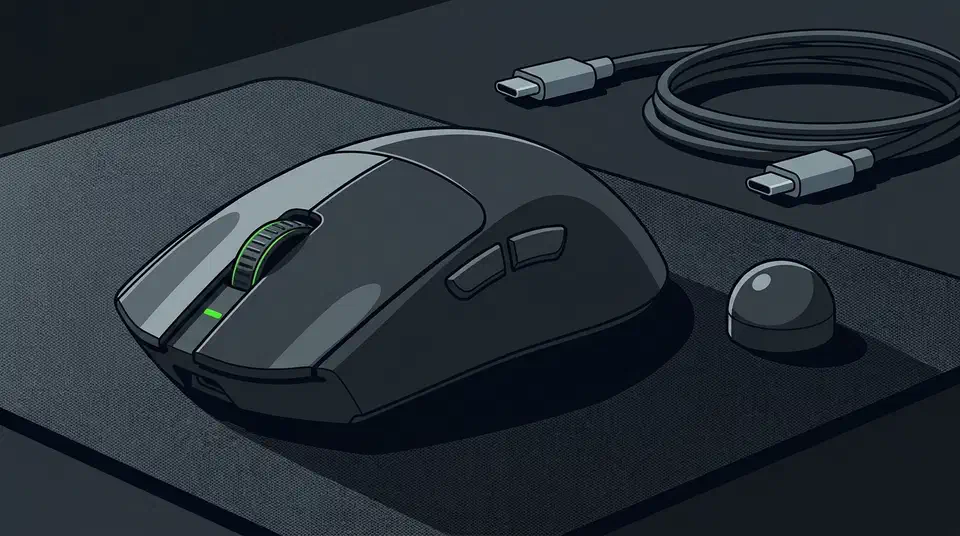
The Razer Viper V4 Pro weighs 49 grams and quotes up to 180 hours of battery, and that headline number is measured at 1,000Hz polling. Turn on the true 8,000Hz mode and the rating drops to about 44 hours. Razer’s own page prints only the 180, so the 8,000Hz figure comes from review testing.
Key Takeaways
- The mouse weighs 49g in black and 50g in white, down from 54g.
- The 180-hour battery rating assumes 1,000Hz polling.
- Switch to 8,000Hz and the rating falls to 44 hours.
- Eight times the polling costs about four times the battery drain.
- Two reviewers found no shell creak, but both complain about loud clicks.
What the Razer Viper V4 Pro ships with
The Viper V4 Pro is a symmetrical wireless mouse aimed at competitive players. Razer keeps the shape of the V3 Pro and changes almost everything under it.
- Weight: 49g in black, 50g in white, down from 54g on the V3 Pro.
- Sensor: Focus Pro 50K Gen-3, running to 50,000 DPI, 930 IPS and 90G.
- Wireless: HyperSpeed Wireless Gen-2 with true 8,000Hz polling.
- Switches: optical Gen-4, rated for 100 million clicks.
- Battery: up to 180 hours.
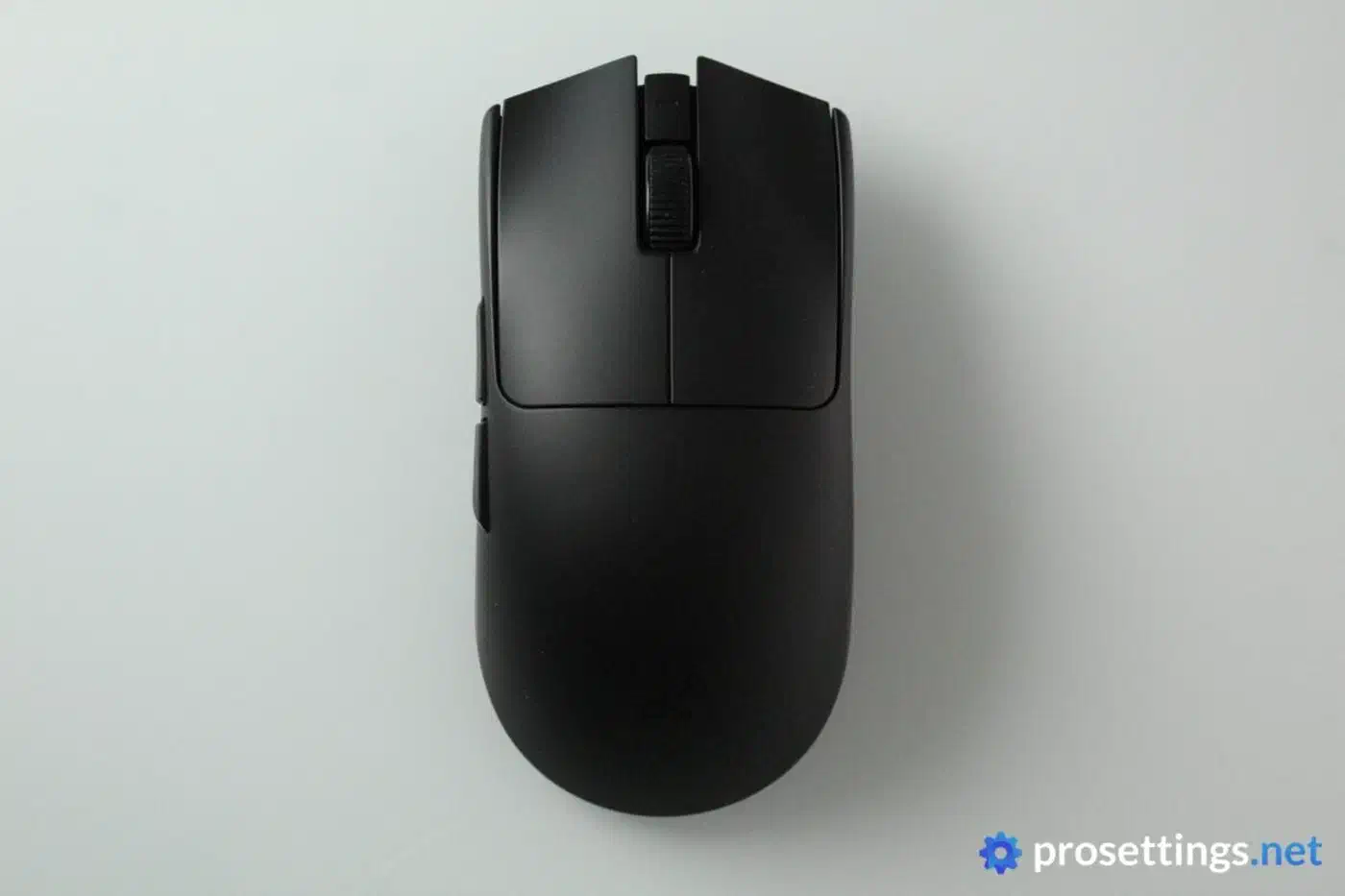
The Igor’s Lab review lists all of those from Razer’s own data sheet. The “up to” in front of the battery figure hides a range that depends on polling rate.
How long does the Viper V4 Pro last at 8,000Hz?
Polling rate drains a wireless mouse faster than any other setting. Everything else inside draws roughly the same power whatever you set it to.
Razer measures the 180-hour figure at 1,000Hz. The spec block of the PC Gamer review prints it as “180 hours @ 1,000 Hz”. ProSettings puts the 8,000Hz figure, which Razer’s page leaves out, at about 44 hours.
| Polling rate | Rated battery | Reports per second |
|---|---|---|
| 1,000Hz | 180 hours | 1,000 |
| 8,000Hz | 44 hours | 8,000 |
Eight times the reports should cost eight times the battery. Straight arithmetic would put 8,000Hz at 22.5 hours. The real rating is 44 hours, so the drain scales by about 4.1x instead of 8x.
The relationship bends because the radio has fixed costs as well as per-report costs. It has to stay awake, hold the link and run the sensor whatever the report rate. Those overheads do not double when the reports double. Razer’s Frame Sync also helps here: as PC Gamer explains, the sensor takes a scan only when the dongle asks for one, so fewer captures are needed at any given rate.
In practice, pick the polling tier that fits how you play. A weekend of hard play fits inside 44 hours, and the mouse charges over USB-C while you keep using it. If you would rather forget the cable exists for a month, drop to 1,000Hz and take the 180. Your processor pays as well, since 8,000Hz polling interrupts arrive eight times as often.
ProSettings rated the mouse 5 out of 5, with battery life among the reasons.
| Mouse | Rated battery at 1,000Hz |
|---|---|
| Razer Viper V4 Pro | 180 hours |
| Razer DeathAdder V4 Pro | 150 hours |
| Logitech G Pro X2 Superstrike | about 90 hours |
That is a comfortable lead in a class where 60 to 80 hours used to be normal.
Where the weight came from
Five grams left the mouse between the V3 Pro and the V4 Pro, on a shell of the same size and shape. That is roughly a tenth of its weight. Removing it without shrinking the mouse means the material had to come out of the walls, the bracing, the battery, or the switch assembly. Razer’s DeathAdder V3 HyperSpeed took the other road and shrank its whole shell to reach 55 grams.
A smaller battery and a longer runtime cannot both be true unless efficiency improved, and Razer says it did. HyperSpeed Wireless Gen-2 plus Frame Sync is the stated reason the V4 Pro lasts longer than its heavier predecessor. So the battery is a plausible place for some of those grams to have gone.
Thinner walls are the usual cost of a weight cut, and they tend to show up as creak under grip pressure. Both reviewers went looking for it and neither found any. ProSettings reports that tapping, shaking and squeezing the mouse produces no noise and no real flex. PC Gamer found zero creak even when squeezing the sides hard, and rated the build above every other mouse the reviewer had tested.
The Razer Viper V4 Pro is one of the best gaming mice I’ve used so far. There is little to nothing I can objectively fault it for.
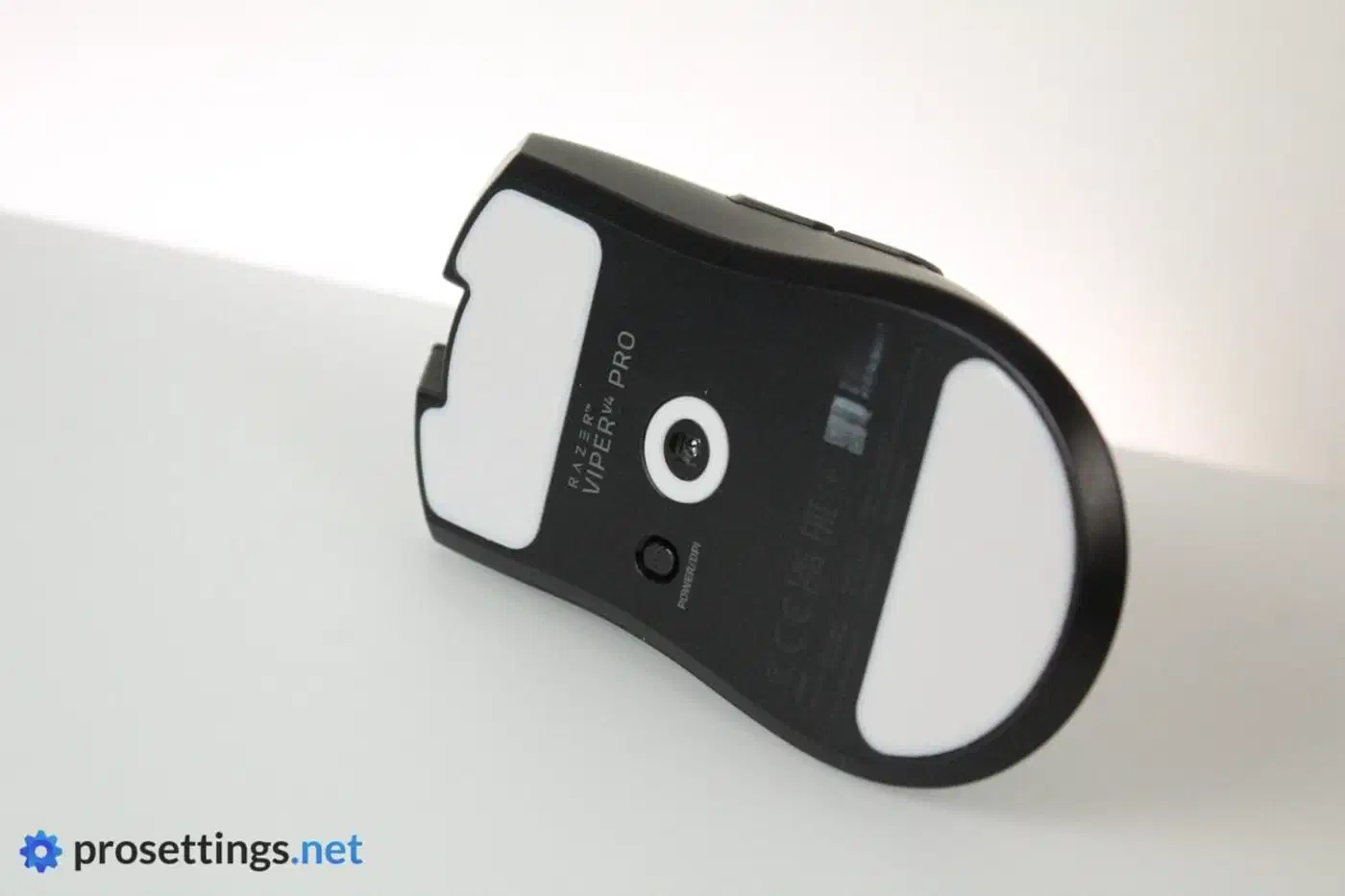
The skates did change shape slightly, so aftermarket feet cut for the V3 Pro will not fit the V4 Pro. Replacement sets come in two main polymers, and PTFE beats UHMWPE for glide on a cloth pad.
The complaint reviewers keep making
The one complaint both reviews share is the click sound. ProSettings calls the switches loud and marbly. PC Gamer scored the mouse 95 out of 100 and found nothing else to fault.
They’re far from quiet clicks and certainly won’t be to everybody’s tastes, but I got used to them pretty quickly.
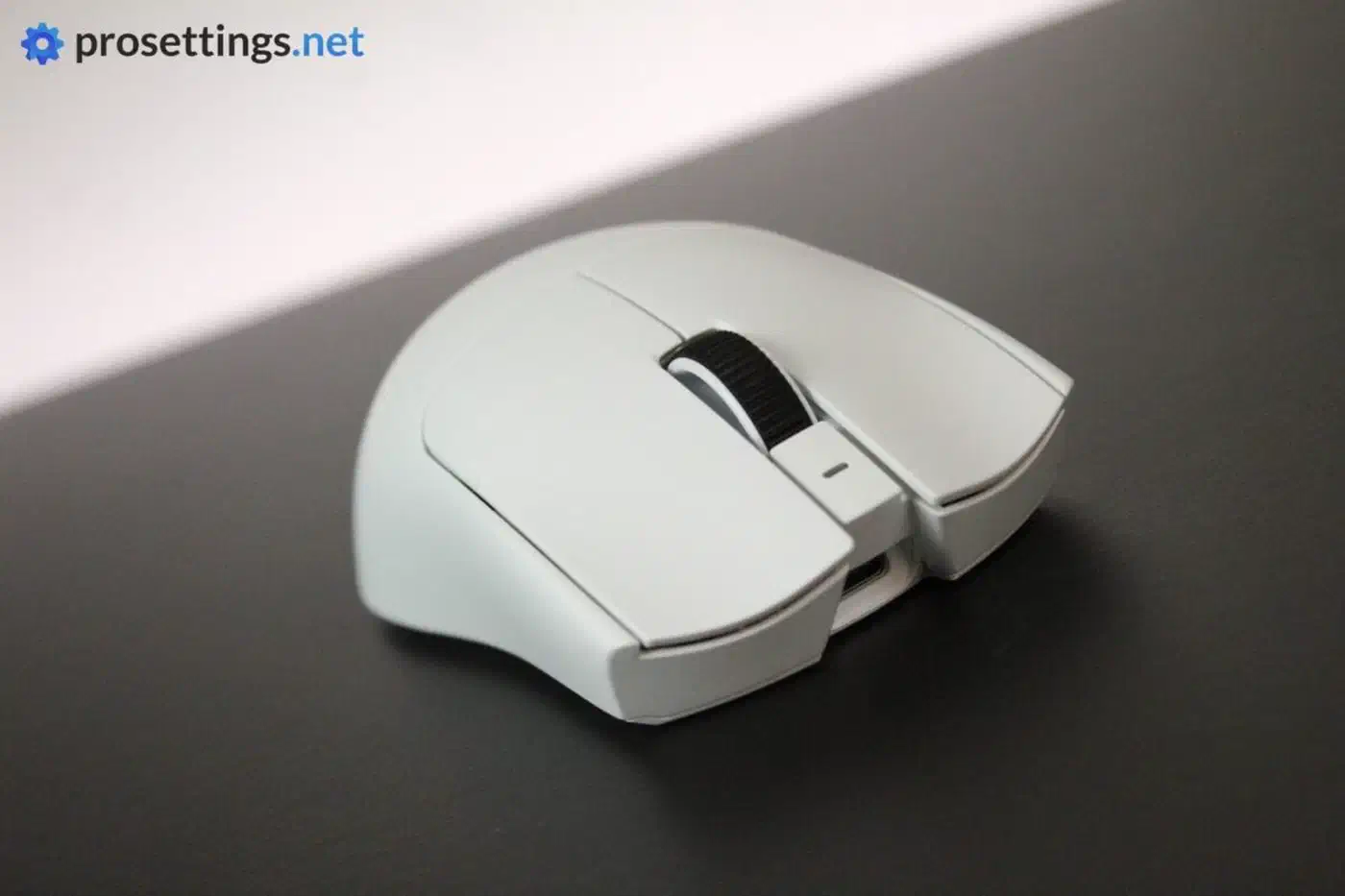
Optical switches ring a little by nature, and a shell with less material inside damps that ring less. Logitech went the other way on the Superstrike and dropped the switch entirely, which buys near silence but leaves the buttons dead on a flat battery. The same Gen-4 switches drew the same complaint in the DeathAdder V4 Pro, a different mouse from a different sample, so expect the noise from any unit.
In a closed office the noise is a non-issue, but a shared bedroom or an open microphone on stream will pick the clicks up.
The Viper V4 Pro puts the best battery numbers in its class into a 49-gram shell that doesn’t creak. It’s loud and costs around 160 dollars, and the 180-hour figure on the box is a 1,000Hz number, so plan for 44 hours if you want the 8,000Hz mode you paid for.