Cheap mice now ship last year's Hero and Focus Pro sensors

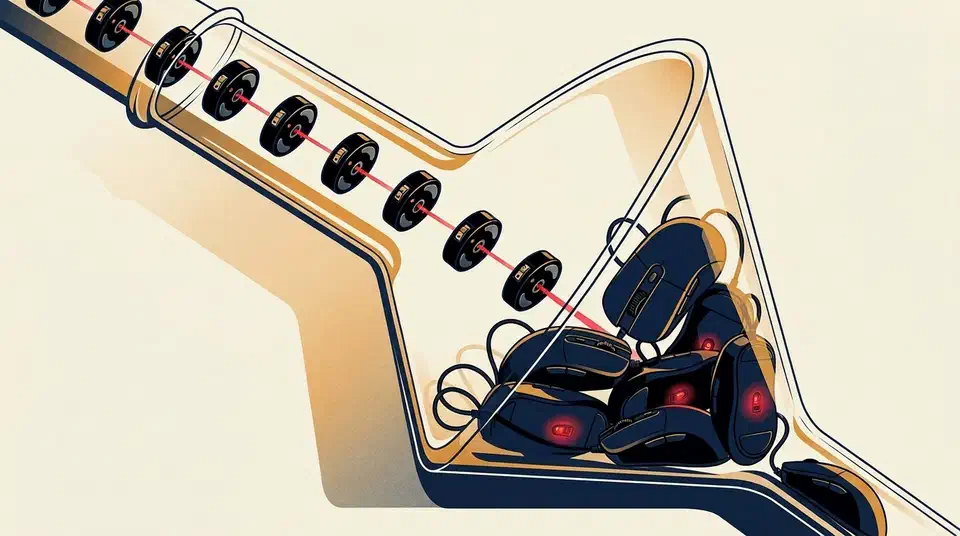
Budget gaming mice now ship the flagship sensors of one generation ago, so the spec sheet no longer sorts the price tiers. A $40 mouse and a $180 mouse track your hand the same way. What the extra money buys is shell rigidity, skates, battery capacity and software. The ranking below goes by how often you notice each one.
Key Takeaways
- Cheap mice now carry the sensors that were flagship-grade one generation ago.
- Sub-60g weights and 8,000Hz polling have both moved down the price ladder.
- Shell, skates, battery and software are what your extra money buys.
- Sensor specs stopped being a useful buying signal about two generations ago.
- Pick by grip, weight and the games you play, never by the DPI number.
What budget gaming mice inherited, and when
The cheap tier is running last generation’s flagship parts. The PixArt PAW3395 was the top-end sensor of 2023 and 2024. It now sits in mice around the $50 mark, including the 61g NZXT Lift 2 Ergo in CompareWize’s budget roundup . The Logitech G203 Lightsync has carried a Hero sensor at the bottom of the range for years.
Budget mice now come with sensors that would have been flagship-grade a few years ago. Mid-range wireless mice weigh less than wired mice did in 2020.
Weight and polling followed the same route down. Sub-60g is now the normal competitive weight, and Mouse Tester’s 2026 roundup treats 8,000Hz polling as a mid-range feature. The HyperX Pulsefire Haste hits 59g at roughly $40. Razer got its non-flagship DeathAdder to 55g, though it shrank the shell to get there.
Sensor development ran past what a hand can use, so last year’s part is still well over the ceiling. Most FPS players sit at 800 or 1600 DPI, which the KeyboardTester buying guide names as the sane range. A 26,000 DPI sensor therefore sits about sixteen times past the setting anyone plays at, and the 45,000 DPI parts in flagships go further past it again.
Switches moved partway down the same ladder. Optical and hybrid switches used to be a flagship-only answer to the double-click problem, and they now appear well below the top tier. Under about $40 you still mostly get mechanical switches, so this one has not finished trickling.
What is the difference between a $40 and a $180 gaming mouse?
The order below is our own reasoning, ranked by how often an owner meets each difference in a normal week.
| Difference | How often you meet it | Fixable later |
|---|---|---|
| Shell material and rigidity | Every day | No |
| Skates | Every movement | Yes, under $10 |
| Battery capacity | Weekly | No |
| Software and onboard memory | At setup, and on a new machine | Partly |
| Sensor and DPI | Never | Not needed |
Shell rigidity is the one you feel every single day and the one you cannot fix. A cheap shell creaks under a firm grip, flexes when you click, and sometimes rattles when you lift it. Spec sheets never carry a number for any of that, so reviews are the only place it shows up.
Skates cost the least to correct. Makers cut the feet on cheap mice, and stock glides wear fast. A set of aftermarket PTFE feet runs under $10, and How-To Geek calls the swap the easiest mod there is . Budget PTFE gets close to premium glass glide for a fraction of the money.
Battery capacity turns up about once a week. Cheap wireless mice often take an AA cell, which is why the G305 weighs 99g. High polling rates make it worse, because reporting eight times more often costs power. A flagship pairs a bigger cell with a lighter shell; a budget mouse usually picks one.
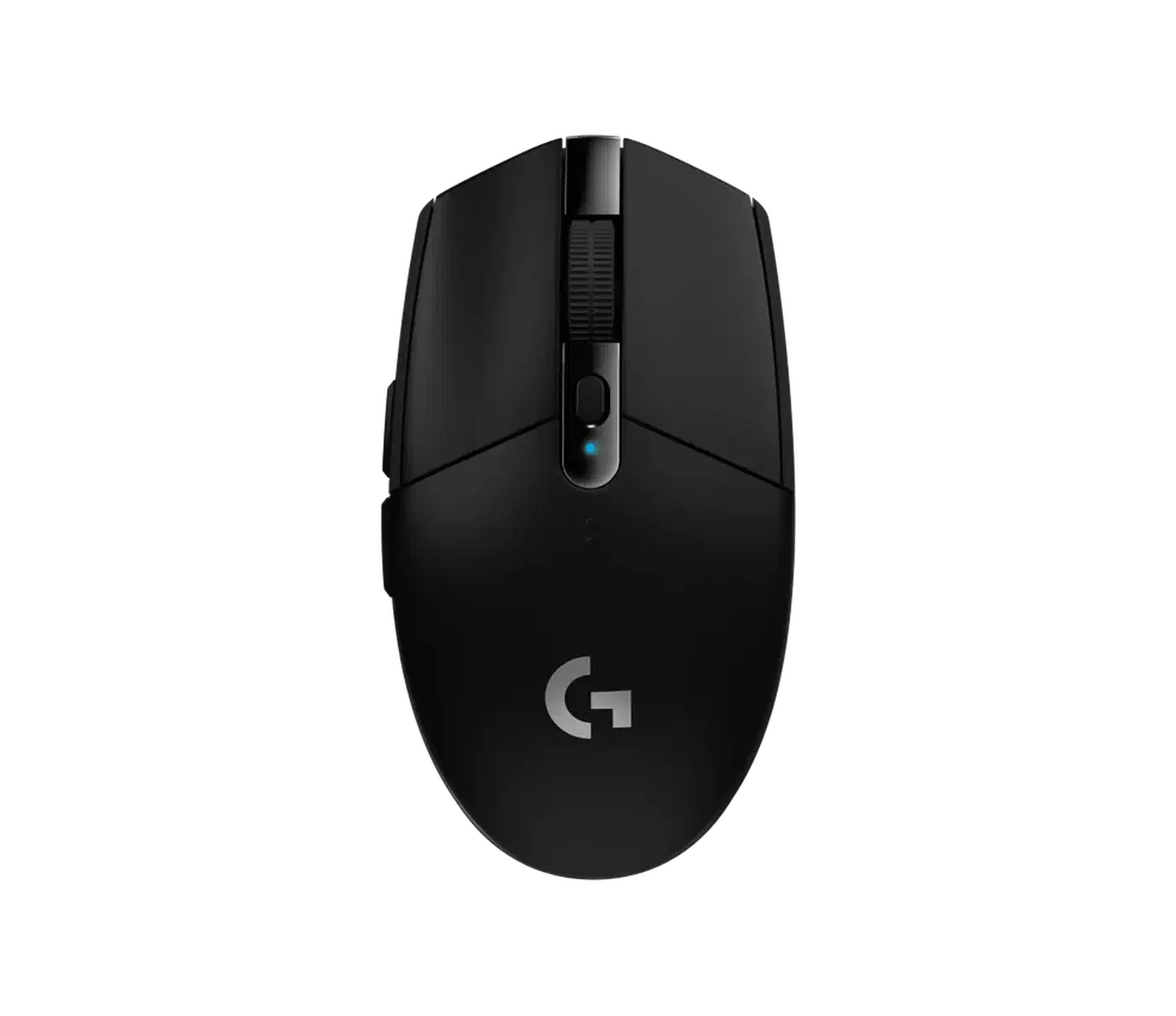
Software and onboard memory show up at setup and again whenever you move machines. A mouse with onboard profiles keeps its settings on any PC. Zowie’s EC1-CW goes further and adjusts everything from buttons underneath, with no driver at all. Cheaper mice tend to lean on a desktop app instead, and Logitech’s G Hub draws complaints even from people who like the hardware.
Where cheap mice still cut corners
The savings have to come from somewhere, and they mostly come from places a spec table has no column for.
Switch lifespan is the clearest one: named budget mice from HyperX and SteelSeries publish 60-million-click ratings, while no-name cheap brands publish nothing and fall short in practice. Whether the tiering is systematic across the market is an open question, because too few makers publish the figure to compare.
A mouse can carry a capable sensor and still cap its report rate in firmware, which the G203 does at 1000Hz. Price does not predict this: Zowie’s EC1-CW is a mid-to-high mouse and also ships at 1000Hz out of the box. Check the cap on the specific model you are buying.
Wireless quality gets trimmed as well, and no box lists it. Two mice can both say 2.4GHz and behave differently at range or near interference. KeyboardTester’s list of buying mistakes puts receiver placement high. A dongle stuffed behind a PC case performs worse than the same dongle on a short extender near the pad.
Warranty is the least compared of all: none of the 2026 roundups above print warranty terms next to the specs. Cover length is still a real cost difference between a $40 mouse and a $180 one, so look it up yourself before you buy.
How to buy when the tiers look alike
Start with grip and hand size, because shape is the only thing you cannot change later. An ergonomic shell suits a palm grip, a claw grip needs hump support under a raised hand, and a fingertip grip needs something light and easy to lift. The regulars on r/MouseReview have said this for years, and a great sensor is wasted if your hand never relaxes.
Discomfort is not a skill issue. Return it and try a different shell.
Pick a weight among the shapes that already fit your hand. Sub-60g suits fast flicks and long sessions; heavier shells feel steadier to people used to them. Neither is correct in general.
The consumables and the battery set what ownership feels like. Ask what the skates are made of and whether spares exist, whether the cell is built in or replaceable, and how the runtime holds up at the polling rate you plan to use.
Check the software as well, especially if you run Linux or a locked-down work machine. Onboard memory turns a driver problem into a one-time setup. A mouse that needs a Windows app to change DPI on a Linux desktop is a worse buy, whatever its sensor says.
Sensor comes last, and only as a yes-or-no check. Confirm it is a current-generation part from PixArt, Logitech or Razer, then stop reading the number. The Razer Viper V3 Pro at $159.99 list and a $40 competitor will both put your crosshair where you meant it.