

Thunderbolt 5 docks now deliver 140W over a single cable


A Thunderbolt 5 dock is required to send 140W down a single cable, so the dock replaces your laptop charger instead of sitting next to it. The older 96W docks that still win value picks cannot do that under load. Bandwidth is the opposite story: 80Gbps is the everyday number, and 120Gbps arrives only for heavy screens.
Key Takeaways
- Every Thunderbolt 5 dock owes your laptop 140W. Older 96W docks do not.
- Check the wattage printed on your laptop’s own charger, then match it.
- The 120Gbps headline only shows up when your monitors demand it.
- Faster video costs you upload speed on the same cable.
- On a Mac, your chip sets the monitor count.
Nothing here was tested on my own desk. Every number below is attributed to the publication or vendor that published it, and where nobody publishes a number, I say so.
What 140W buys you on a Thunderbolt 5 dock
140W is the floor for the whole category, not a perk of the pricier models. Plugable’s Thunderbolt 5 explainer puts it plainly: a certified cable and a Thunderbolt 5 dock will always support 140W charging, with 240W as an optional extra. A dock that cannot reach 140W is not a Thunderbolt 5 dock.
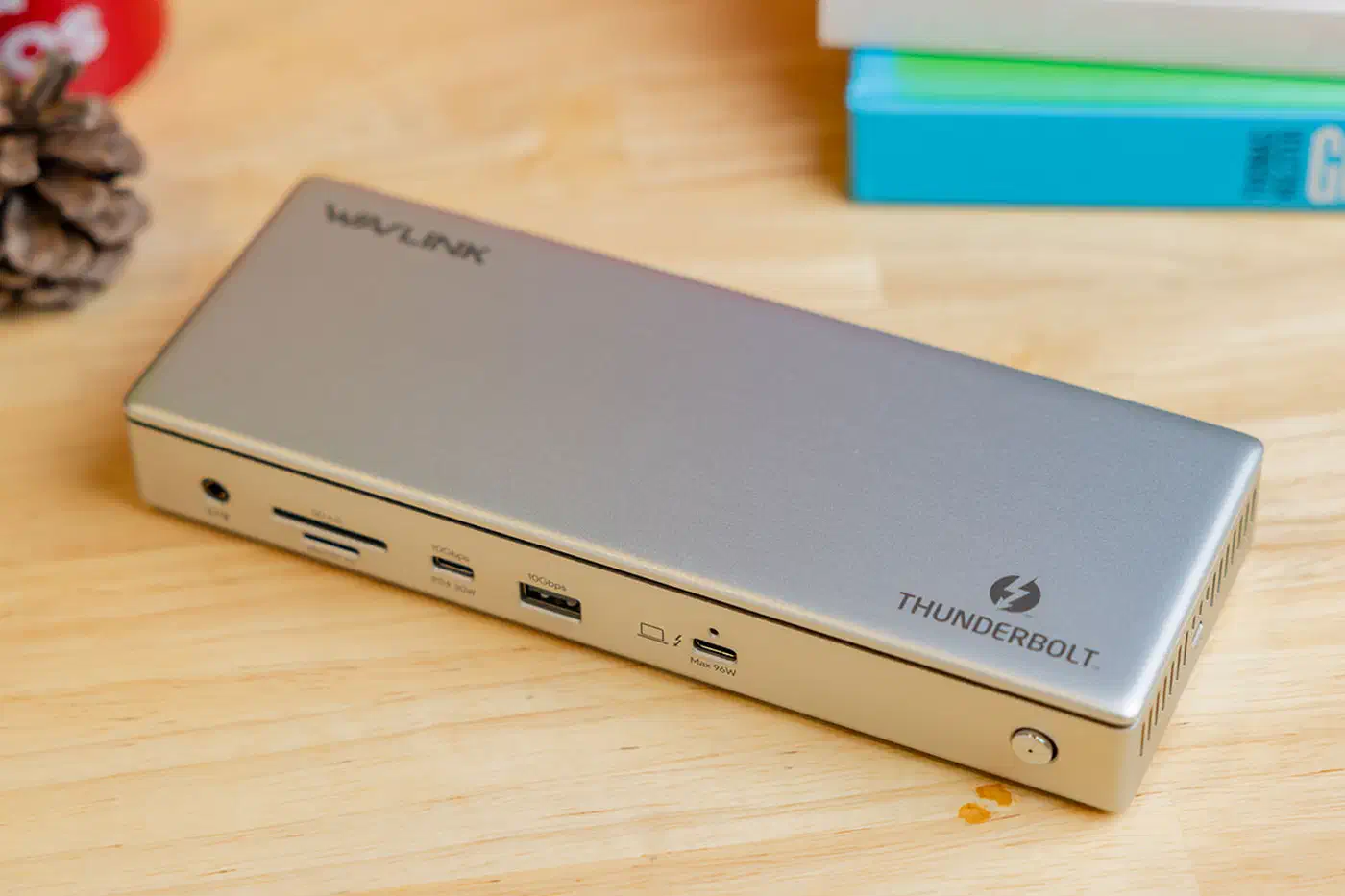
That single rule sorts the market faster than any spec sheet. PCWorld’s dock guide measures 96W from its Wavlink triple-display pick, which is a Thunderbolt 4 dock, and calls that enough for a lightweight content-creation laptop. Tom’s Hardware reports the same 96W ceiling from the Amazon Basics Thunderbolt 4 Pro and notes it misses the loftier power figures the newer generation reaches.
| What you plug in | Power to the laptop | Data bandwidth |
|---|---|---|
| Thunderbolt 4 value dock | 96W typical | 40Gbps |
| Thunderbolt 5 dock | 140W required | 80Gbps both ways |
| Thunderbolt 5 dock, 240W option | up to 240W | 80Gbps both ways |
Most laptops draw 65W to 90W, so 96W covers an ultrabook and stops there. Gaming and workstation machines eat more than that under load, and a laptop working hard feeds itself first: only the surplus reaches the battery. So the test that counts is whether the battery still climbs while the fans are running. A Thunderbolt monitor pushes the same 140W and adds a built-in KVM switch , so one panel charges the laptop and swaps your keyboard between two PCs at once.
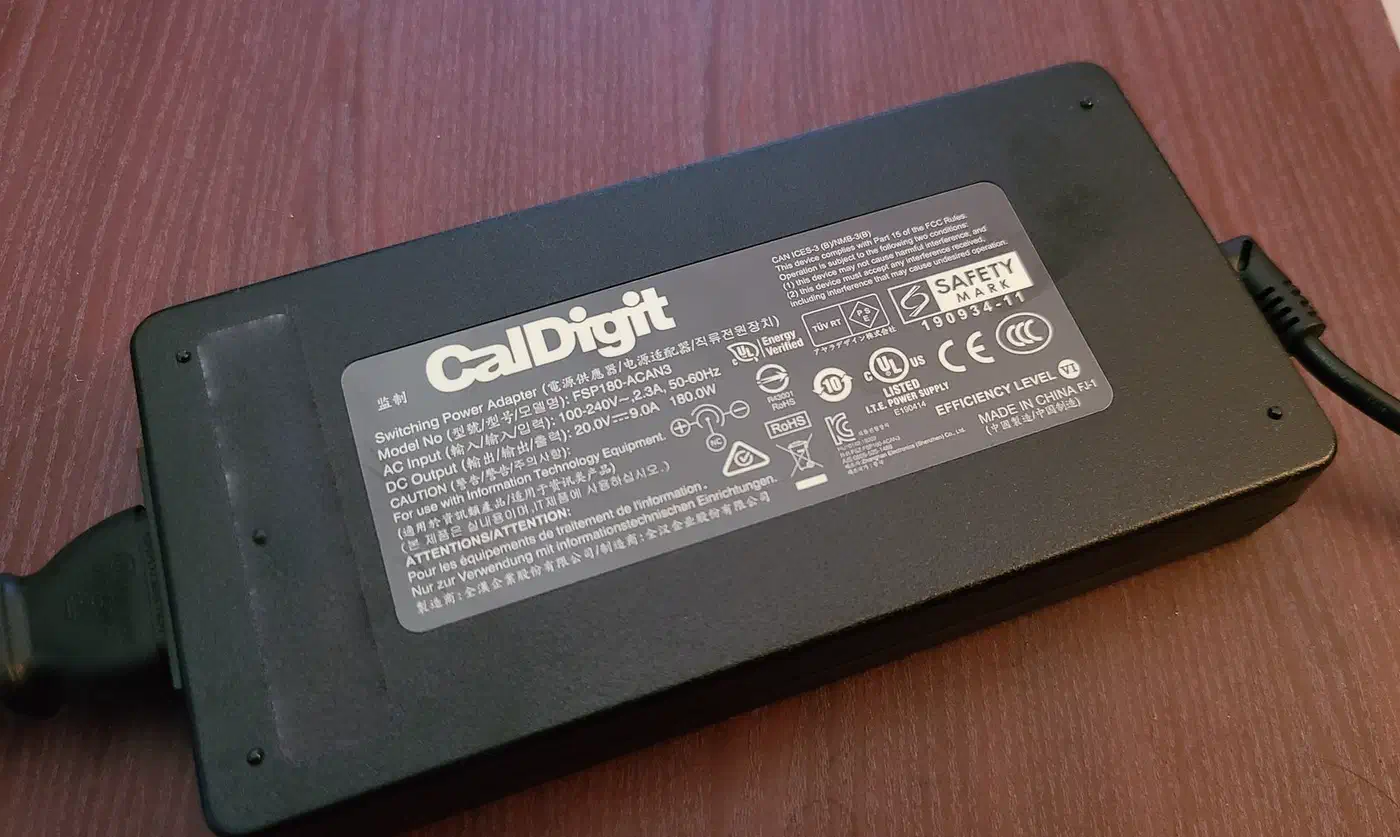
None of these publications says whether a 140W dock holds that figure continuously or peaks at it, so treat 140W as headroom you cannot count on holding.
When does a Thunderbolt 5 dock run at 120Gbps?
Only when your displays force it to. The default state is 80Gbps flowing both directions at once. Kensington’s Thunderbolt 5 explainer calls the higher gear Bandwidth Boost and describes it as a dynamic allocation of up to 120Gbps, triggered when more video bandwidth is required.
Belkin’s 14-in-1 dock behaves the same way. Notebookcheck reports that it offers 80Gbps by default and scales to 120Gbps when it detects that higher-end monitors need more. No vendor publishes the resolution at which that switch flips, so anyone quoting one is guessing.
The 120Gbps mode moves bandwidth around instead of adding any. Plugable spells out the trade: downstream bandwidth expands to 120Gbps while upstream simultaneously drops to 40Gbps. Consequently a video editor pushing three big screens has half the return path left for the external drive holding the project files.
For a desk with one 4K screen, none of this ever engages. You sit at 80Gbps forever, and the 120Gbps on the box is a number you bought and will not use. That is fine, as long as you did not pay a premium for it.
Your chip sets the display count
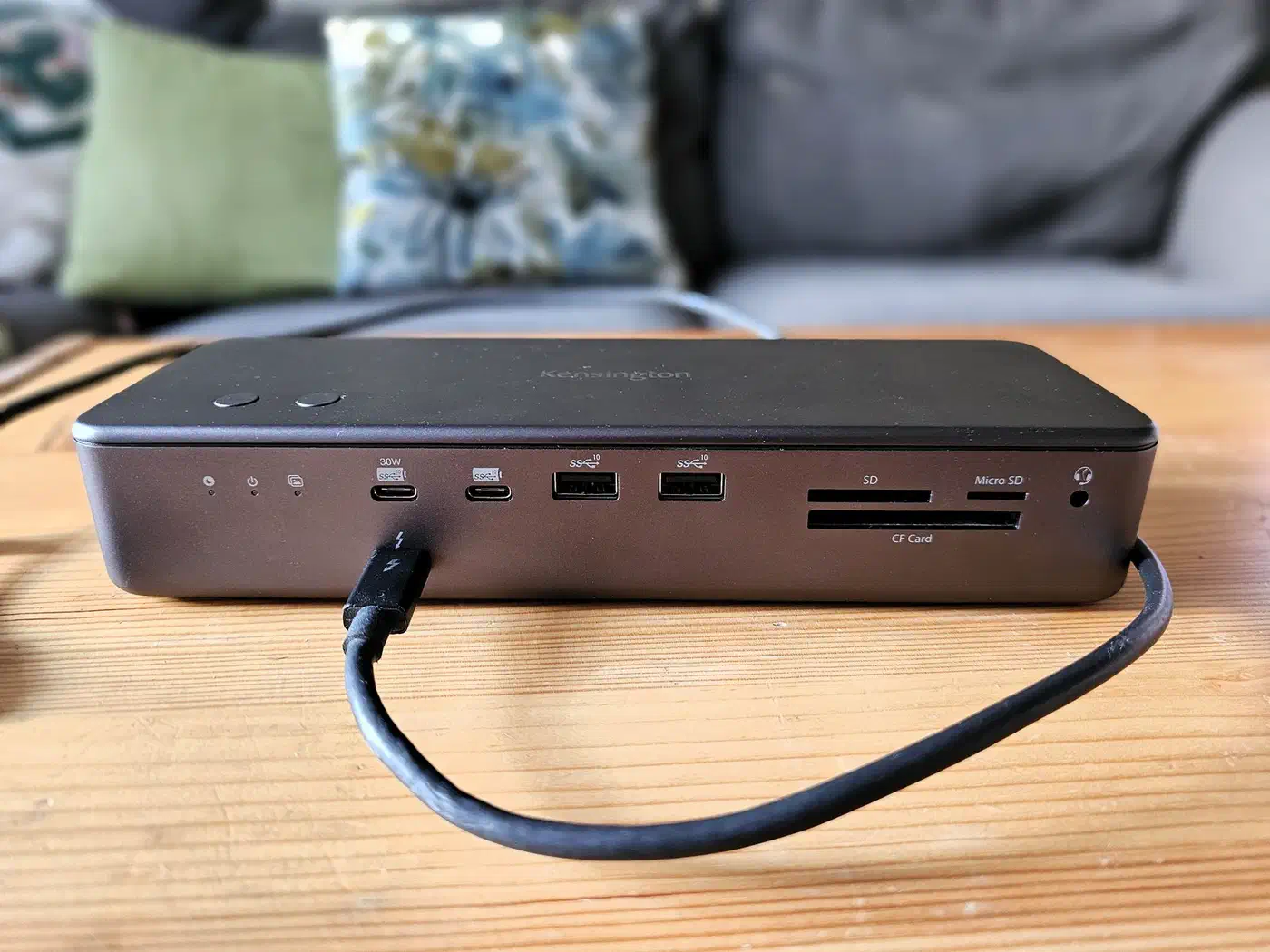
The Belkin dock offers one DisplayPort 2.1 output and one HDMI 2.1 output, each rated to 8K at 60Hz or 4K at 240Hz depending on the monitor. Two downstream Thunderbolt 5 ports also carry video and supply 15W apiece for accessories. On Windows the same unit drives three external 4K displays at 144Hz, four screens counting the laptop panel.
On a Mac, Apple Silicon sets the ceiling and the dock’s spec sheet no longer decides anything. M4 and M5 machines drive multiple external displays, while M1, M2 and M3 Macs cap out at whatever Apple’s own silicon allows, regardless of how many outputs the dock has. This trips people up because the dock is telling the truth and the limitation is invisible until the second monitor stays black.
Look up your Mac’s chip and its external display limit first, then shop for a dock that meets it.
What plugs into a Thunderbolt 5 dock, and what does not
Thunderbolt 3 hosts are out, at least on the Belkin. The dock works with Thunderbolt 4, USB4 and plain USB-C machines, but at reduced bandwidth. In practice reduced bandwidth means fewer displays, lower refresh rates and slower downstream storage, so an older laptop connected to a new dock gets the ports without the performance.

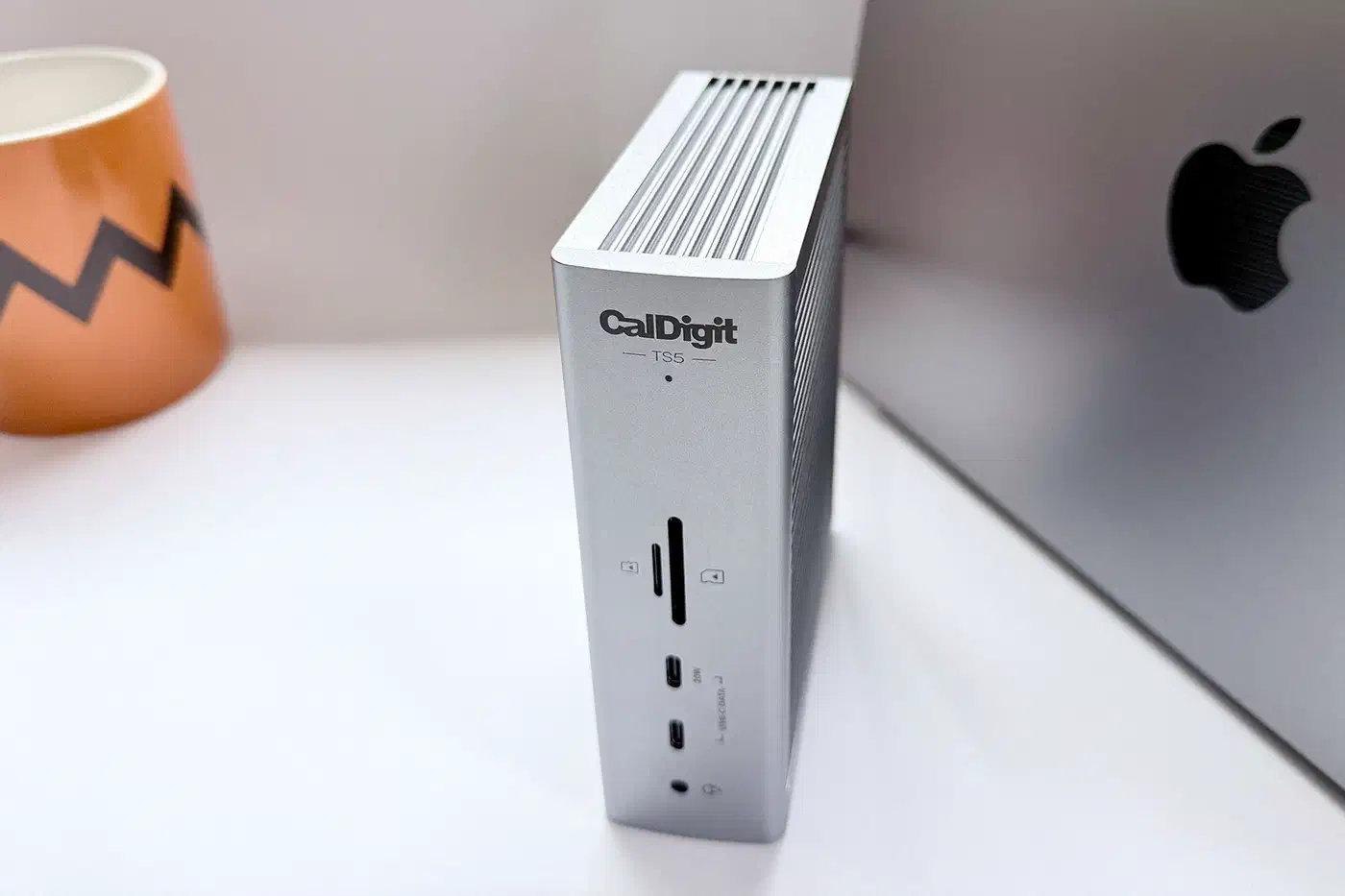
Tom’s Hardware splits these docks into value and premium tiers for Windows and Mac separately, which is the right way to shortlist. Two features show up at the premium end and are worth wanting. A 10 GbE port replaces the 2.5 GbE most docks ship with, and an internal M.2 slot turns the dock itself into a fast PCIe 4.0 drive. The Wavlink WL-UTD58-M carries that M.2 slot at a $399 list price, while the CalDigit TS5 Plus trades it for the 10 GbE port and lists at $499.
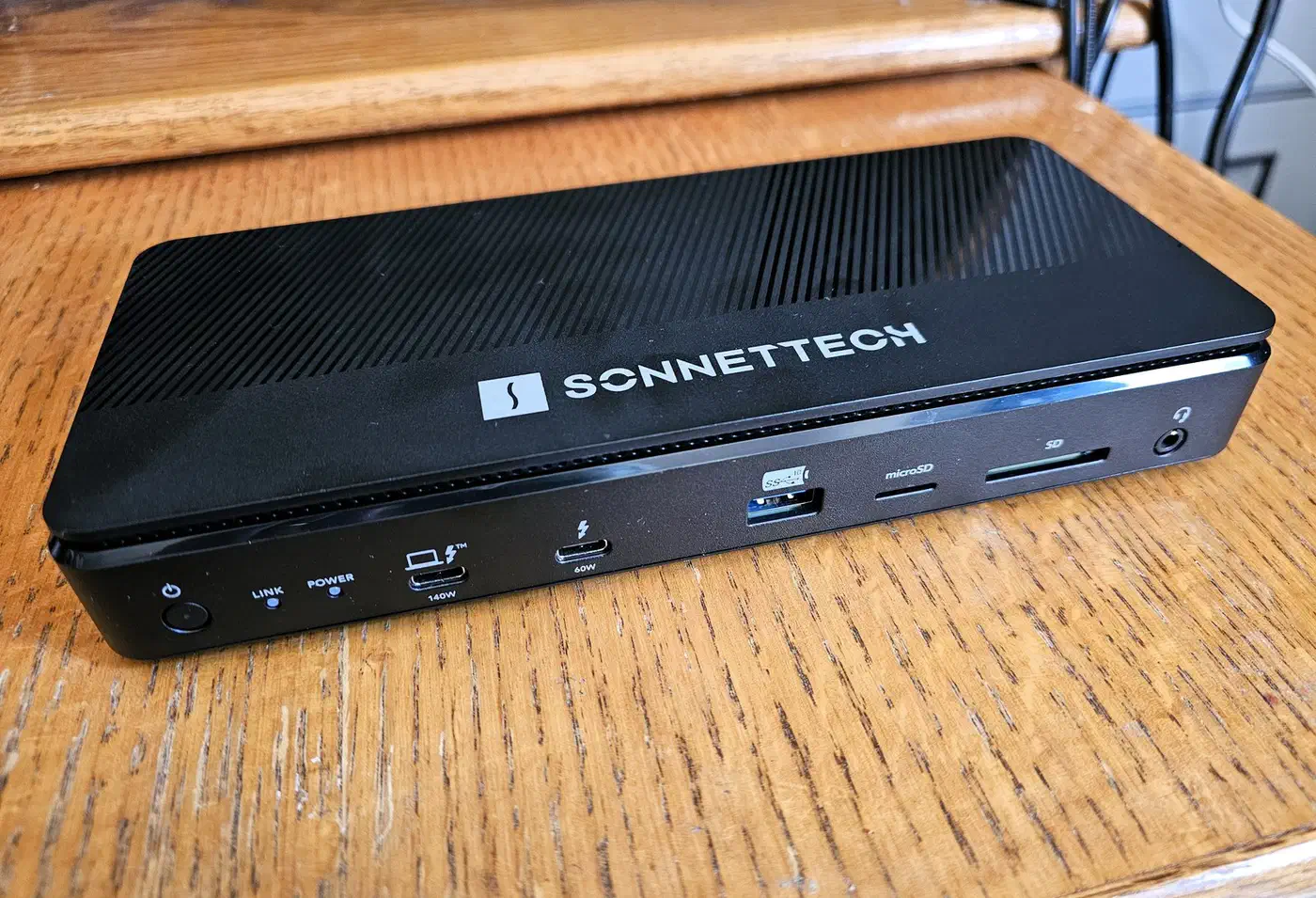
PCWorld is blunt about whether any of this is necessary yet:
I absolutely think that this is more dock than the average person will need, especially in a year where Thunderbolt 5 isn’t a necessity.
Availability is its own problem. Belkin launched the 14-in-1 in China at 2,299 yuan, roughly $338, and briefly posted a $350 page on its global site before pulling it down. Treat that $350 as a withdrawn listing, because the company has confirmed no launch outside China.
The short version
Wattage is the number to buy on first, because it decides whether the dock replaces your charger. Display count comes next, and you check it against your own chip, not the dock’s box. Bandwidth is last, and for most desks the 120Gbps line never applies at all.