

One hotkey turns the LG 32GS95UE into a 480Hz 1080p screen


LG 32GS95UE dual mode swaps native 4K at 240Hz for 1080p at 480Hz with a single hotkey. Because 1080p is exactly a quarter of 4K, the refresh doubles for fast shooters. The trade costs sharpness, though: the 31.5-inch panel falls from about 140 pixels per inch to about 70.
Key Takeaways
- The 32GS95UE flips between 4K at 240Hz and 1080p at 480Hz with one button.
- Dropping to 1080p frees up bandwidth, which doubles the refresh rate.
- The 4K mode stops at 240Hz because no cable carries 4K at 480Hz.
- On a 32-inch screen 1080p looks soft, so switch only for fast shooters.
- Newer 2026 screens drop to 1440p instead, a much easier trade.
What is dual mode on the LG 32GS95UE?
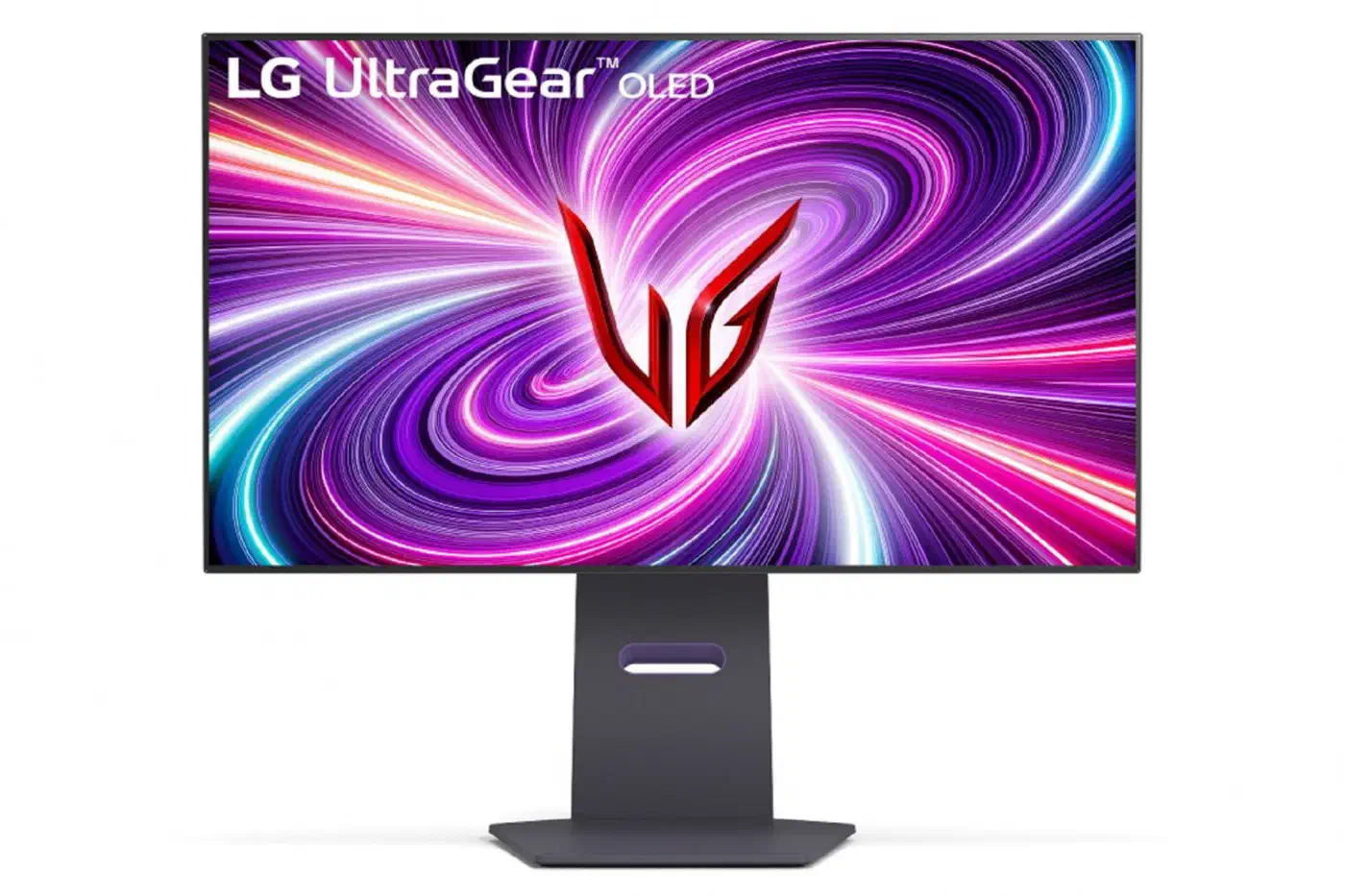
LG’s product page for the 32-inch UltraGear 32GS95UE calls this feature Dual Mode, and GSMArena’s launch coverage calls it Dual-Hz. The screen runs native 4K (3840x2160) at up to 240Hz, or a reduced Full HD (1920x1080) at the panel’s top speed of 480Hz. You pick one of the two on the fly.
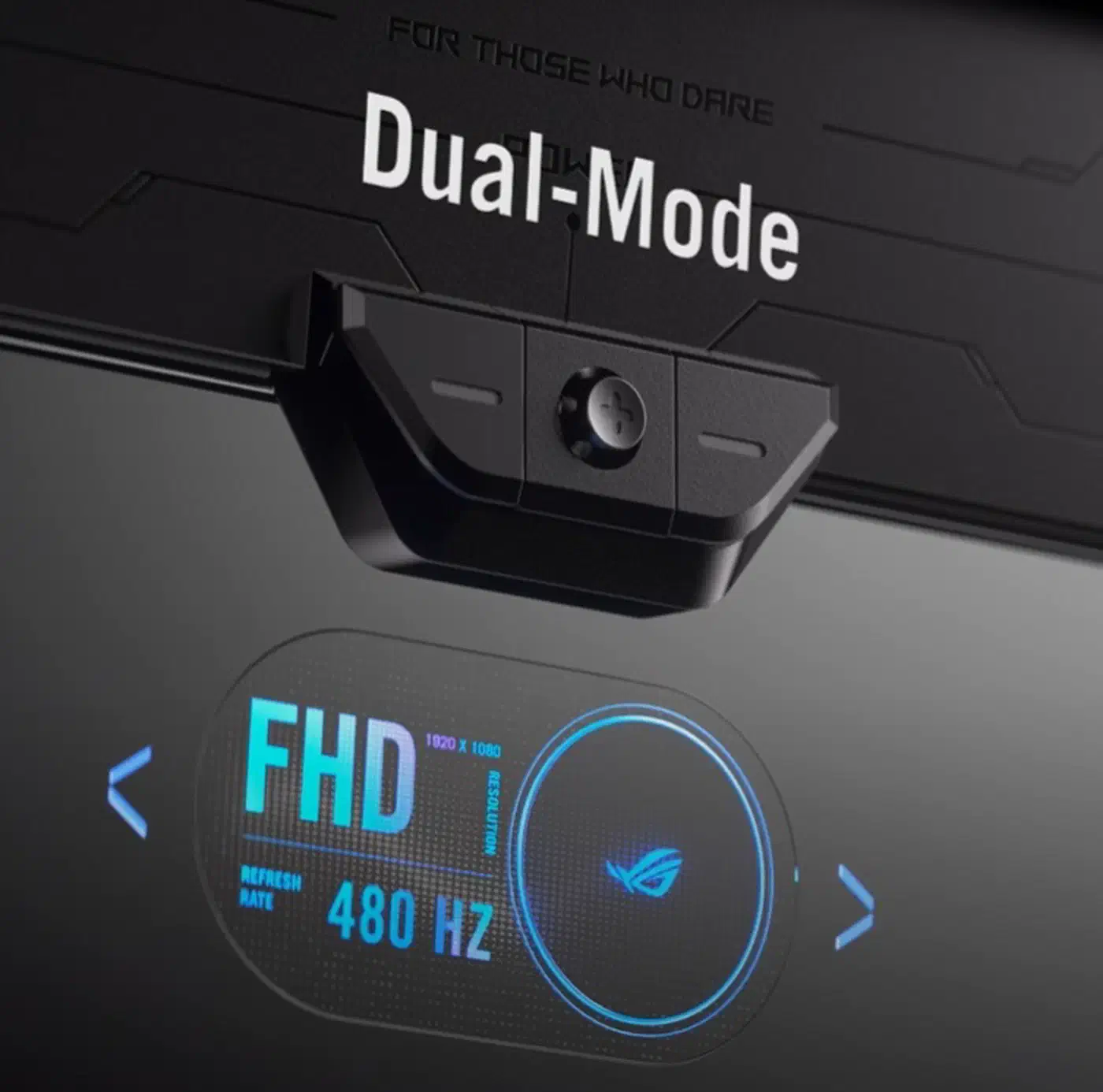
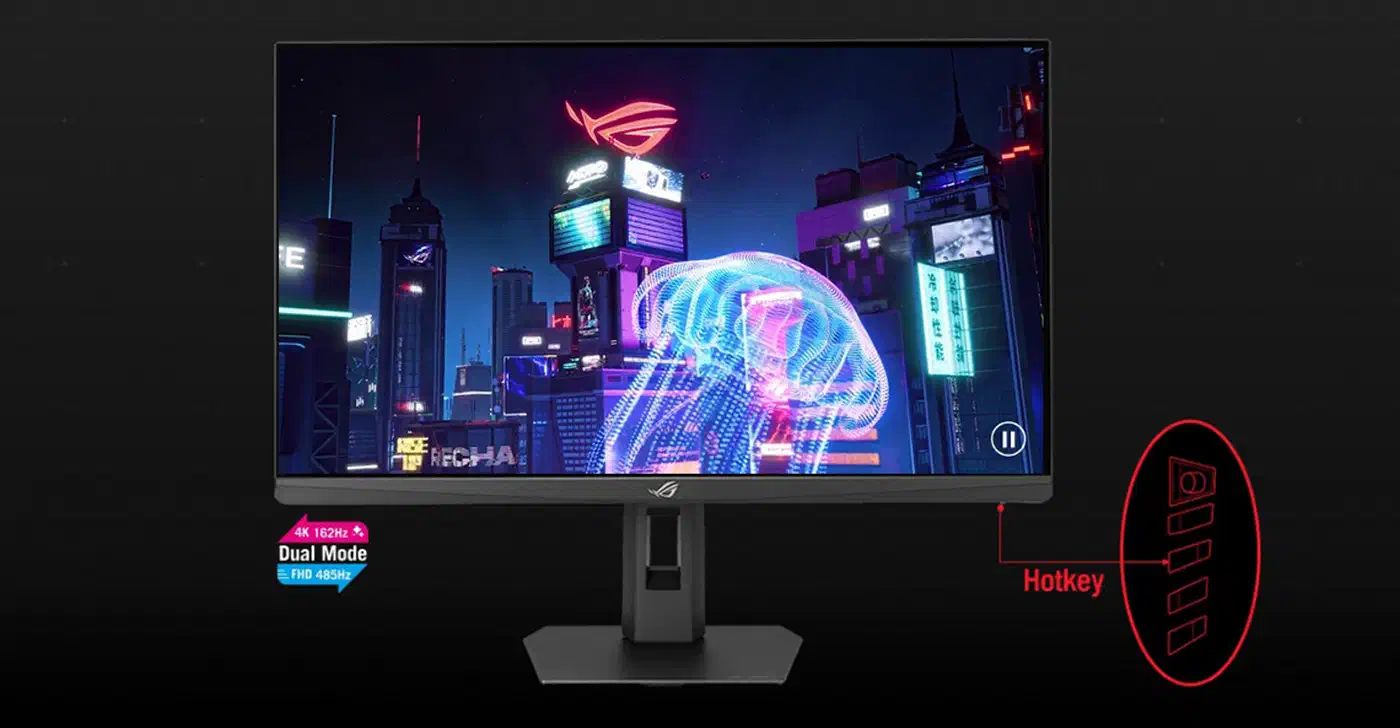
Per GSMArena’s Dual-Hz announcement, you flip modes with a hotkey or the joystick under the panel. Your system then sees the display as either 4K 240Hz or 1080p 480Hz and scales the image to fit.
Dual-Hz is just LG’s brand name for a wider idea. TFTCentral’s dual-mode explainer notes that LG Display, which first put the feature on its panels, calls the technology Dynamic Frequency and Resolution, or DFR. ASUS calls its version Frame Rate Boost. Under any name, it is one panel with a sharp mode and a fast mode that you switch between whenever you like.
How does dropping to 1080p double the refresh rate?
Dual mode halves the resolution both across and down, so 4K becomes 1080p with a quarter of the pixels per frame. With that much less to send, the link and panel can run twice as fast, and the 240Hz 4K mode turns into 480Hz at 1080p.
GSMArena is blunt about the 4K side: the panel is effectively capped at 240Hz there, because no current display standard can carry 4K at the full 480Hz. The 4K ceiling comes from the cable, since the panel itself can reach 480Hz.
Bandwidth is tight even at 240Hz. The 32GS95UE has a single DisplayPort rated 1.4, not the newer 2.1, so it leans hard on Display Stream Compression, or DSC, to carry full 4K at speed.
Is 1080p at 480Hz worth leaving 4K behind?
On the 31.5-inch panel, 4K works out to about 140 pixels per inch. Drop to 1080p and density falls to roughly 70 PPI, so text and thin lines go soft in the fast mode. These figures come from the panel size and resolution, so treat them as close estimates.
In fast competitive shooters the trade pays off, because motion clarity and frame rate count for more than fine detail, and that is the use dual mode was built for. Desktop work, browsing and graphically rich AAA games are better left in 4K for the density and screen space. High refresh is also not the only route to clear motion: BFI on the PG34WCDM strobes black frames to get there.
TFTCentral notes that 1080p on a big screen is a clear step down, which is why the same trade feels better on smaller 27-inch models.
Not everyone found the dual-mode function useful though, as 1080p on a 32″ sized screen offers a low pixel density and was a significant drop in image quality and sharpness.
Keep 4K 240Hz for daily use, and switch to 1080p 480Hz only for ranked matches.
How dual mode improved across 2026 monitors
Screens released in 2026 push the 32GS95UE’s idea further, with boost ratios well past 2x. TFTCentral points to the ASUS ROG Strix XG27UCGR and the budget TUF Gaming VG27UQEL5A, which reach close to 3x and nearly 4x.
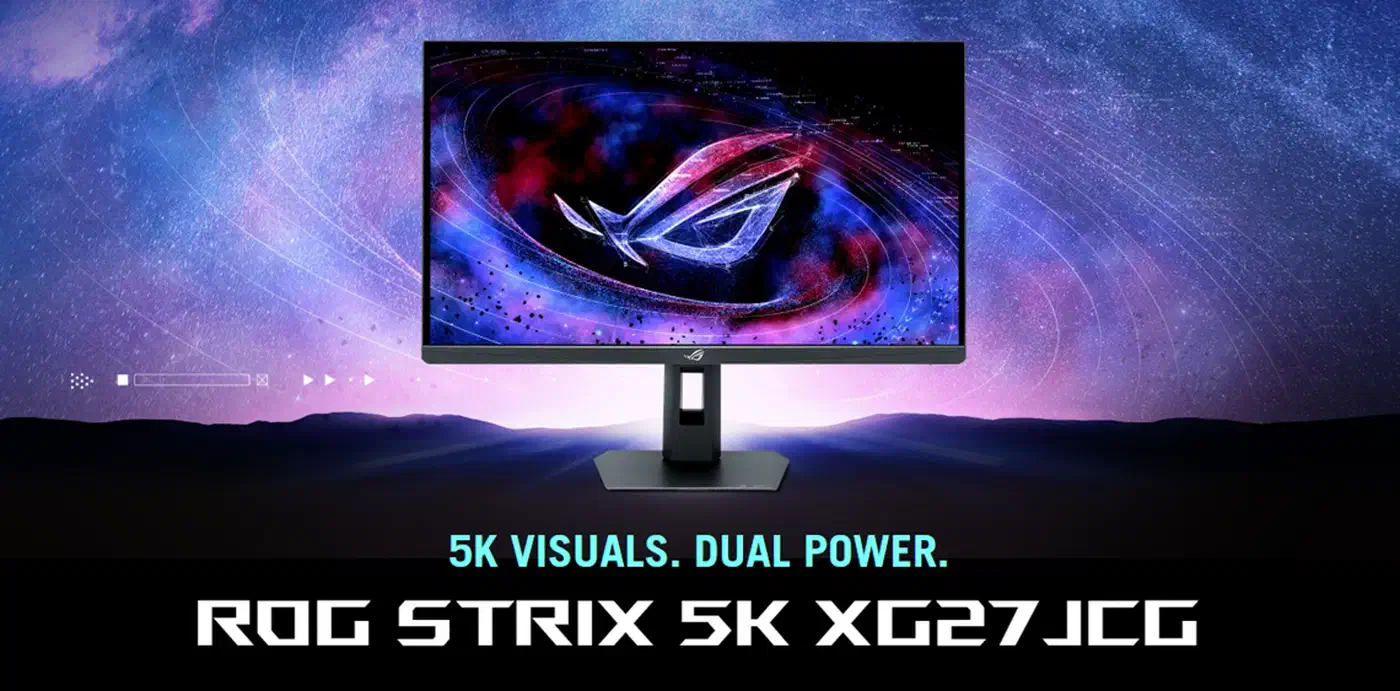
The resolution drop also got gentler. The ASUS ROG Strix XG27JCG runs 5K at 180Hz natively and boosts to 1440p at 330Hz. On a 27-inch screen, 1440p is a normal, usable resolution, so the fast mode no longer feels like a sacrifice. Some 2026 OLED panels skip the trade entirely: Samsung’s 500Hz QD-OLED runs a native QHD image at that speed with no resolution to drop. ASUS also added Smart Pixel, an upscaling feature meant to sharpen the lower-resolution mode.
| Monitor | Native mode | Boost mode | Boost ratio |
|---|---|---|---|
| LG 32GS95UE | 4K 240Hz | 1080p 480Hz | 2x |
| ASUS XG27UCGR | 4K 162Hz | 1080p 485Hz | ~3x |
| ASUS VG27UQEL5A | 4K 80Hz | 1080p 310Hz | ~4x |
| ASUS XG27JCG | 5K 180Hz | 1440p 330Hz | ~1.8x |
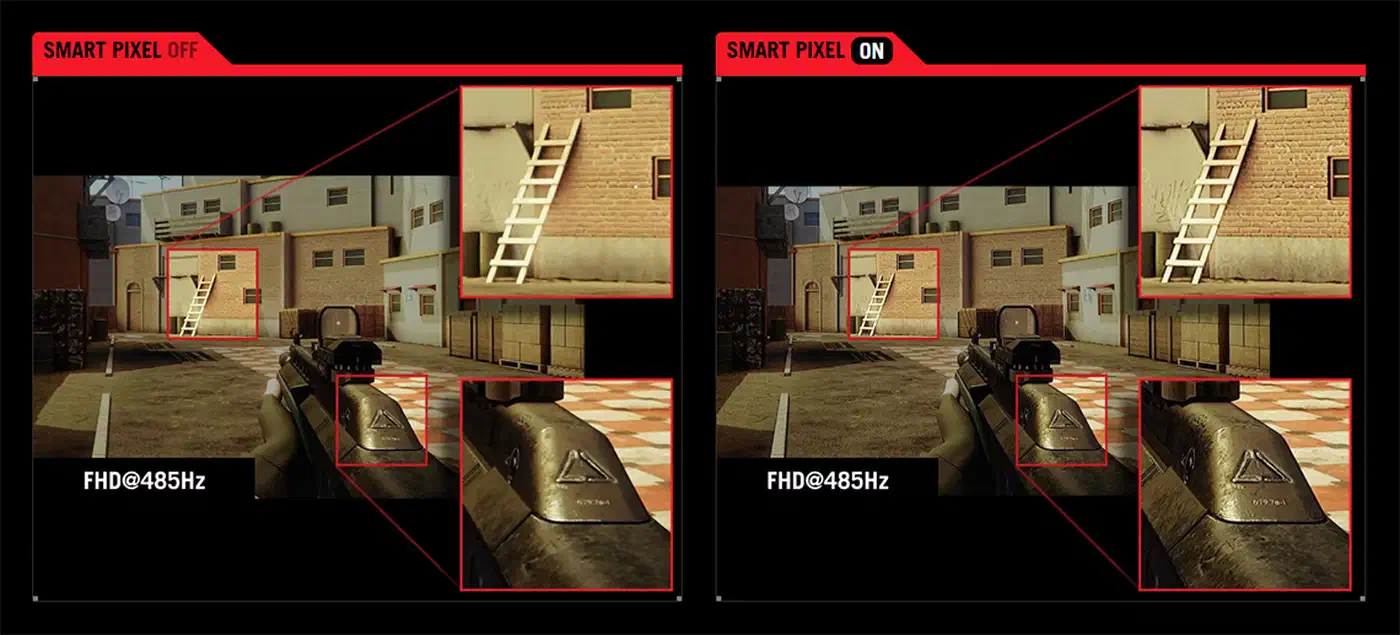
The 2026 wave also rides new panels. Tom’s Hardware reports LG Display’s first 4K 240Hz OLED with a true RGB striped subpixel layout, built on multi-stack Tandem WOLED. That layout cuts the text fringing older OLED screens showed. The tradeoff is brightness: the RGB-stripe panel peaks near 1,000 nits, with 250 nits full-screen, down from roughly 1,500 nits on the latest Tandem OLED.
Who should pick a dual-mode monitor?
The target buyer wants one screen for two jobs. Sharp, detailed work and slower story games live in the high-resolution mode, and fast competitive play lives in the high-refresh mode. Before dual mode you had to pick one: a sharp panel with a low refresh cap, or a fast one stuck at low resolution.
Screen size decides which kind to buy. A 32-inch 4K/1080p screen like the 32GS95UE suits a big desk that wants detail with an occasional speed mode. A 27-inch 5K/1440p screen keeps a usable resolution in both modes, so neither one feels like a compromise.
You only gain from dual mode if you regularly play fast shooters; otherwise a plain high-resolution monitor is a better buy.