

HDMI VRR works differently on the PS5 and the Xbox Series X


Both consoles get the same tear-free picture from HDMI VRR, over different ports. The PS5 runs variable refresh rate only over HDMI 2.1, while the Xbox Series X and S also run it over HDMI 2.0 and 1.4. The PS5 caps its output at 32Gbps, so a monitor’s full 48Gbps port is optional.
Key Takeaways
- The PS5 does VRR only over HDMI 2.1; the Xbox does it over older ports too.
- Both need a full HDMI 2.1 screen and an Ultra High Speed cable for 4K 120Hz.
- The PS5 never sends more than 32Gbps, so a 48Gbps port is optional.
- An “HDMI 2.1” label alone does not promise VRR or ALLM will work.
- The PS5 wants HDMI-Forum VRR; plain FreeSync can still leave it tearing.
How do the PS5 and Xbox handle HDMI VRR differently?
Variable refresh rate, or VRR, matches the screen’s refresh rate to the console’s live frame output. It kills tearing and smooths the stutter that shows up when frame rates swing in demanding games.
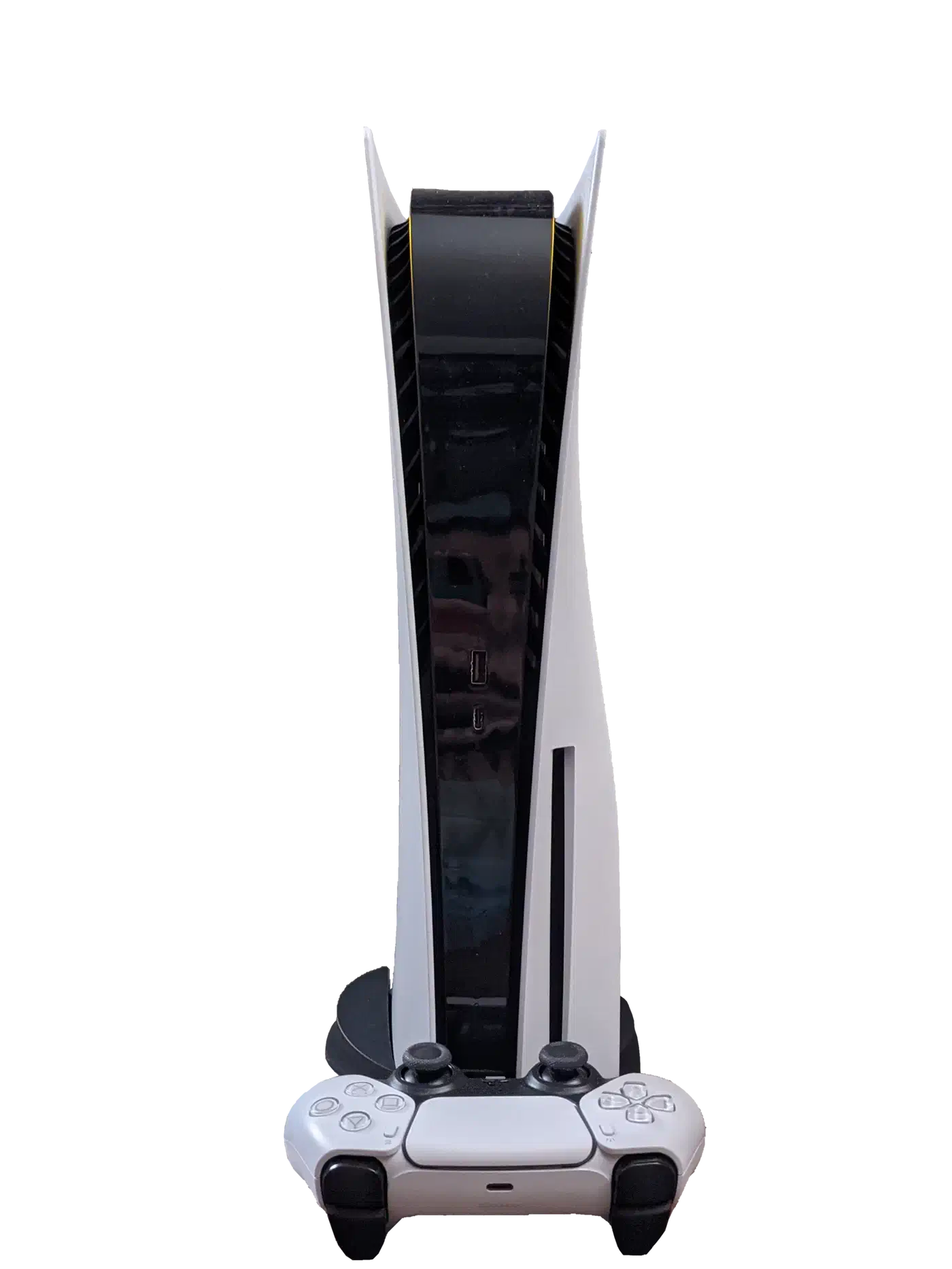
The PS5 supports VRR only over HDMI 2.1. Its older HDMI modes have no VRR path, so a PS5 plugged into an HDMI 2.0 screen gets no VRR.
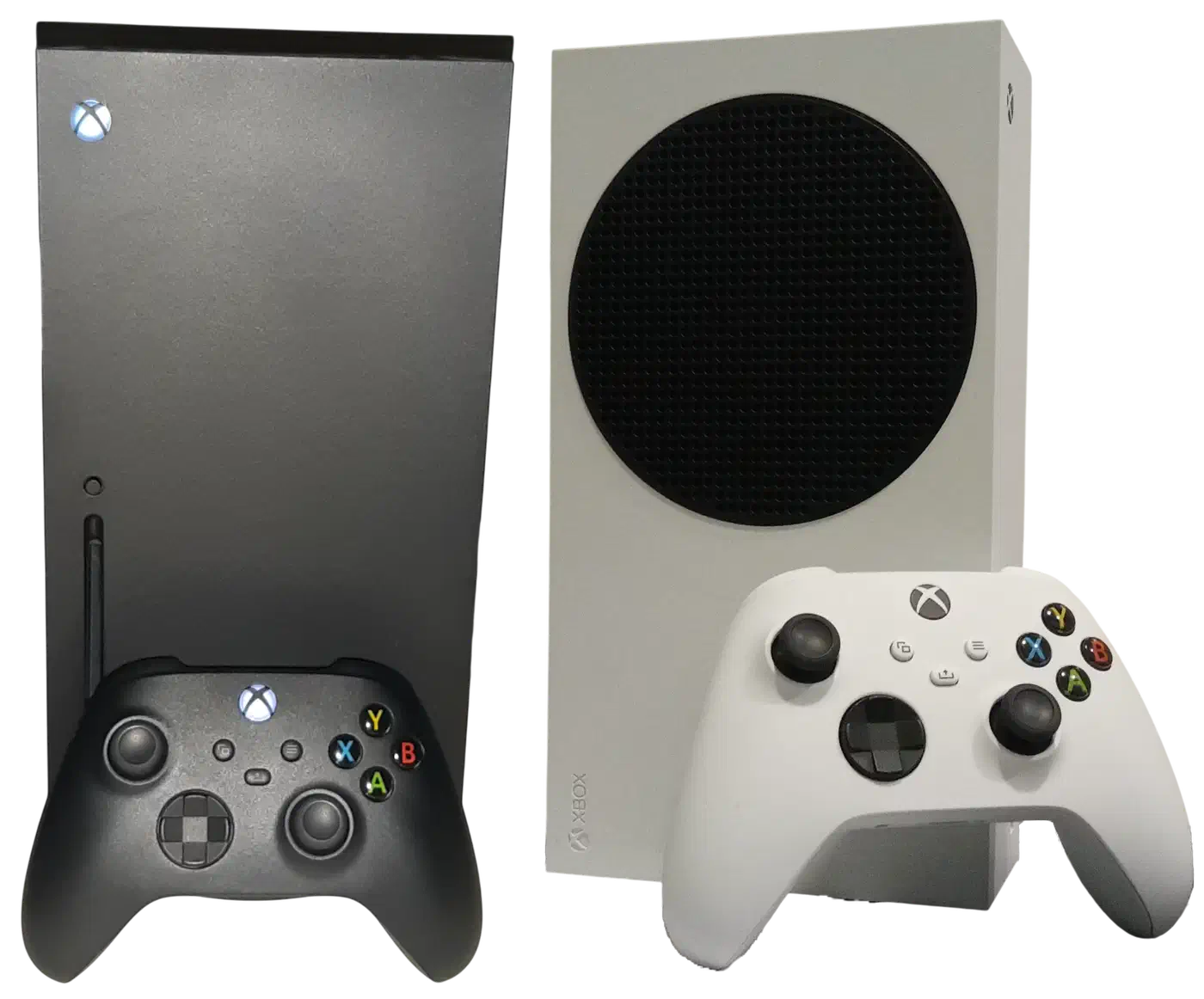
The Xbox Series X and S can also run Adaptive-Sync VRR over HDMI 2.0 and even HDMI 1.4.
An older HDMI 2.0 monitor can therefore give an Xbox tear-free VRR and leave a PS5 tearing.
| Console | VRR runs over | Needed for 4K 120Hz | VRR type it wants |
|---|---|---|---|
| PS5 | HDMI 2.1 only | Full HDMI 2.1 display, Ultra High Speed cable | HDMI-Forum VRR |
| Xbox Series X and S | HDMI 2.1, 2.0, and 1.4 | Full HDMI 2.1 display, Ultra High Speed cable | Adaptive-Sync or HDMI-Forum VRR |
Why the 48Gbps versus 32Gbps gap changes what you buy
The PS5 has no use for the biggest HDMI number on the box. Full HDMI 2.1 carries up to 48Gbps, enough for uncompressed 4K 120Hz at 4:4:4 chroma. The PS5’s output tops out at 32Gbps, so it never fills that pipe.
A lower-bandwidth HDMI 2.1 port can still deliver 4K 120Hz to a PS5, and a PS5 owner who pays extra for a full 48Gbps port gets headroom the console never uses.
On a 24Gbps HDMI 2.1 port the PS5 drops from its usual 4:2:2 chroma subsampling to 4:2:0 at peak settings. Unlike the Xbox and PCs, the PS5 cannot lean on Display Stream Compression, so its bandwidth ceiling is hard. That subsampling shows up as color fringing and softer text on menus and the desktop. You barely notice it in fast action, but it shows when you read in-game text.
What an HDMI 2.1 spec sheet does not promise
Since HDMI 2.1 became a superset of HDMI 2.0, the version number stopped guaranteeing the features consoles care about. A monitor can legally wear the “HDMI 2.1” label while its port delivers only 24Gbps and supports just some of the newer features.
“4K 120Hz compatible” marketing often hides a screen without VRR or ALLM. Those two features keep console play smooth. ALLM switches the display into its lowest-latency mode on its own, cutting input lag with no manual tweaks. Look for 4K 120Hz, VRR, and ALLM each confirmed by name in the spec list.
The PS5’s Video Output screen (Settings > Screen and Video > Video Output, which shows the Current Video Output Signal and the Information for the Connected HDMI Device) and the Xbox 4K TV details screen both report what the console negotiated, which tells you more than anything printed on the box.
Does a PS5 need HDMI-Forum VRR, or is FreeSync enough?
For the PS5, basic Adaptive-Sync or FreeSync over HDMI is frequently not enough. HDMI-Forum VRR is the implementation that reliably stops tearing on this console. A monitor can advertise FreeSync and still leave a PS5 tearing if it lacks HDMI-Forum VRR. The Xbox is more forgiving here, since it accepts Adaptive-Sync over its older ports.
Some monitors support the 1440p 120Hz mode together with FreeSync on the Xbox Series X and S. Put a PS5 on that same panel and you get plain 1440p 120Hz without the tear-free layer, a PS5-side gap noted by Display Ninja. So confirm HDMI-Forum VRR in the spec list rather than trusting a generic Adaptive-Sync line.
If you are weighing a newer standard, the jump to 96Gbps on HDMI 2.2 through the Ultra96 cable does not change any of this for the current consoles. Neither the PS5 nor the Xbox sends enough bandwidth to use it, so an HDMI 2.2 monitor buys you nothing extra on today’s hardware.
An Ultra High Speed HDMI cable carries the certification for the full 48Gbps signal. An uncertified cable can silently drop 4K 120Hz or fail VRR, even when the console and monitor both support it. Check that the cable carries the certification logo before you fault the monitor.