

Rapid trigger is legal in CS2, Razer Snap Tap is not

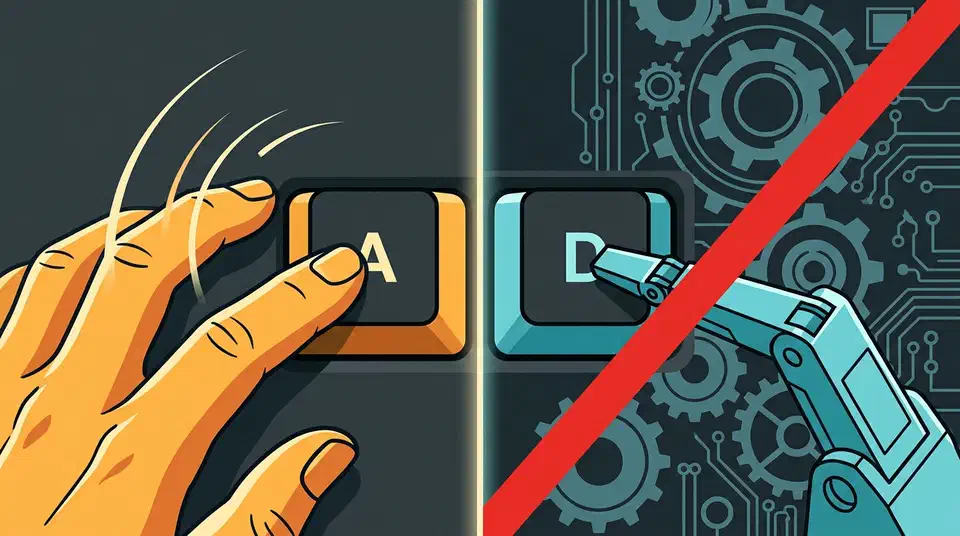
Rapid trigger is legal in CS2, and Snap Tap is not. Valve banned hardware SOCD automation in 2024, which covers Razer Snap Tap, Wooting Snappy Tappy and every rebranded twin of the same feature. Rapid trigger and adjustable actuation stay permitted. The two sit side by side in the same vendor app.
Key Takeaways
- Rapid trigger and adjustable actuation are fine in CS2.
- Snap Tap and its clones are banned, whatever your brand calls them.
- The line is automation: any feature that makes the counter-strafe choice for you is out.
- Both features usually live in the same settings panel.
- Valorant still allows Snap Tap, so the habit does not transfer.
What Valve banned in CS2, and what it left alone
SOCD stands for simultaneous opposing cardinal directions. It describes what your keyboard does when you hold A and D at the same time. Normally the game gets both inputs and your character stops dead. A keyboard with SOCD resolution picks a winner for you, usually the key you pressed last. You snap from strafing left to strafing right with no gap.
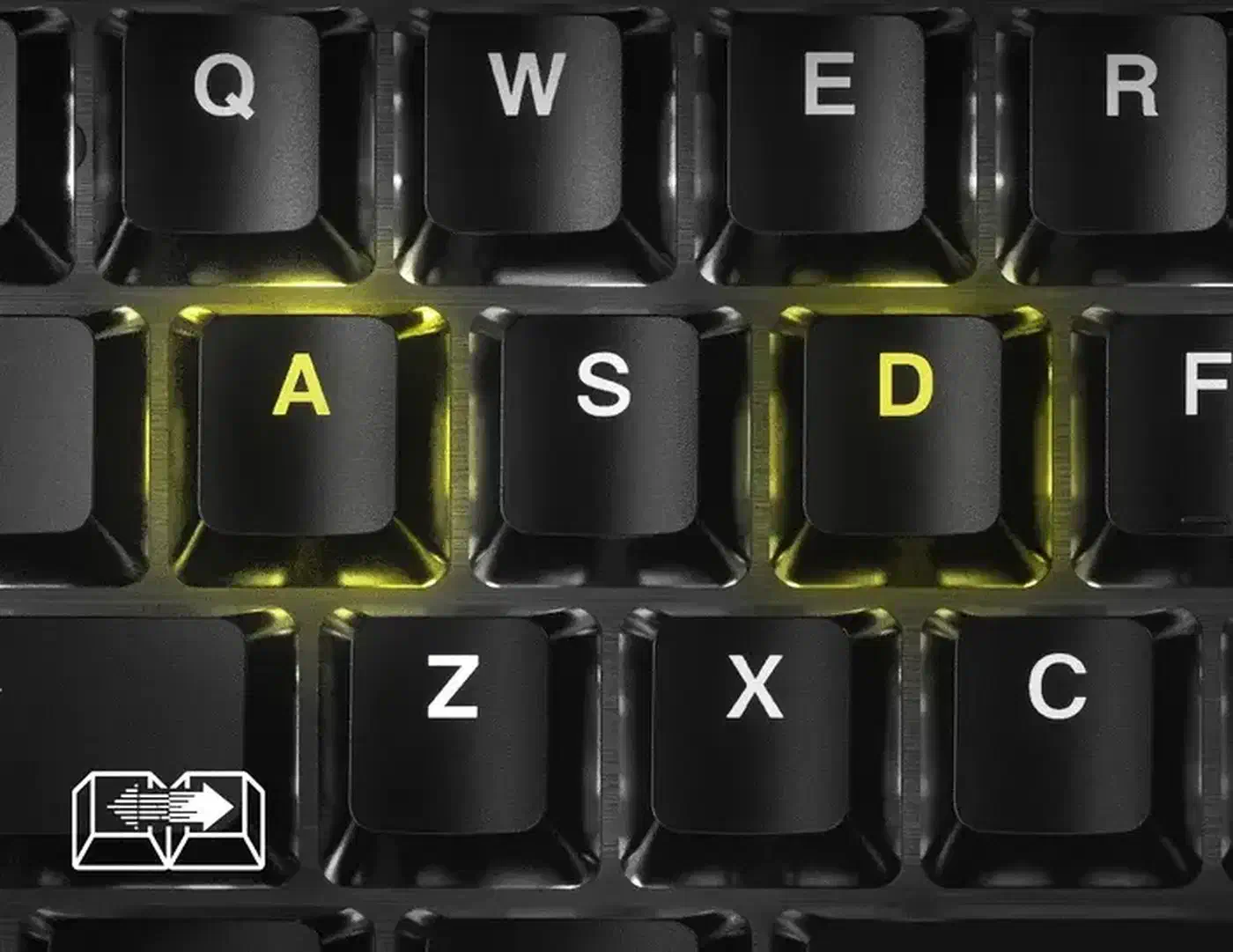
Valve decided that picking the winner is the game’s job. The Counter-Strike 2 announcement that landed in 2024 covered null binds, jump binds written as scripts, and hardware SOCD from any vendor.
Recently, some hardware features have blurred the line between manual input and automation, so we’ve decided to draw a clear line on what is or isn’t acceptable in Counter-Strike.
Valve Official Servers may kick a player suspected of firing several actions from one key press. That is a kick and your account survives it; no ban follows.
The ban also applies to the feature rather than the board it runs on. A Hall effect board with a banned feature is perfectly fine in CS2 with that feature switched off. That is why a Huntsman V3 Pro is welcome at any match. The switch tech underneath, Hall effect or a contactless optical switch , was never the issue; the automation was.
Rapid trigger vs Snap Tap, and why only one is banned
Rapid trigger changes when a key press registers. A magnetic switch resets the moment you start lifting your finger. It doesn’t wait for the stem to travel back past a fixed point. You still made every press and every release yourself.
Snap Tap changes what your presses mean. When two opposite keys are down, the keyboard resolves the conflict for you and releases one of them. That is the counter-strafe decision a player is supposed to make with their own fingers.
So the test is what the feature decides for you: an earlier registration point leaves the strafe choice in your hands, while SOCD resolution takes it over. That test travels to mice too, where a tunable click point still leaves every press yours.
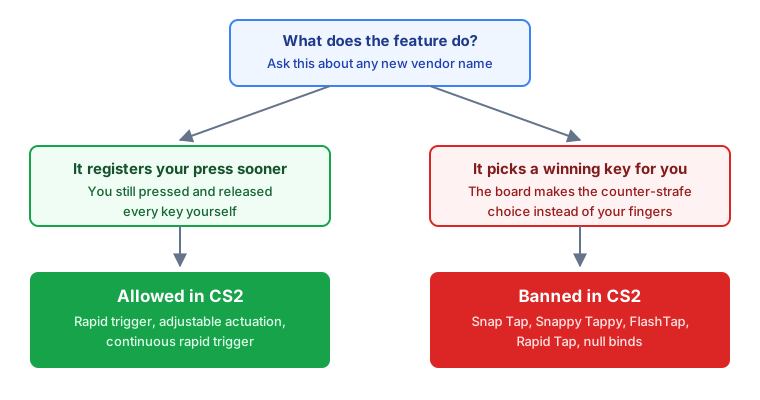
Wooting’s Rappy Snappy resolves by depth rather than by order, so the deeper key wins. It is still a machine deciding your direction. A firmware version is the same behavior as a script, just one layer lower. If it resolves opposite inputs for you, turn it off.
Which keyboard features are banned in CS2?
Vendors all shipped the same idea under different names, which is why players keep asking whether their specific board is safe.
| Vendor | Feature | What it does | CS2 status | Where to switch it off |
|---|---|---|---|---|
| Razer | Snap Tap | Last key pressed wins | Banned | Synapse 4, Customize tab, or Fn + Left Shift |
| Wooting | Snappy Tappy | Last key pressed wins | Banned | Wootility, per profile |
| Wooting | Rappy Snappy | Deeper key press wins | Banned | Wootility, per profile |
| Corsair | FlashTap | Last key pressed wins | Banned | Off by default, toggled by the Game Mode button or Fn + Right Shift |
| SteelSeries | Rapid Tap | Last key pressed wins | Banned | SteelSeries GG, QuickSet game presets |
| Asus ROG | Speed Tap | Last key pressed wins | Banned | Armoury Crate profile |
| Keychron | Last Key Priority | Last key pressed wins | Banned | Keychron Launcher |
| Keychron | Snap Click | Deeper key press wins | Banned | Keychron Launcher |
| Logitech G | Key Priority | First, last or a fixed key wins | Banned | G Hub, switch the key to another mode |
| Any | Rapid trigger, adjustable actuation | Key registers and resets sooner | Allowed | Nothing to do |
Corsair’s FlashTap ships off and needs a deliberate button press, so a K70 PRO TKL out of the box is already match-legal. Logitech’s Pro X TKL Rapid won’t run Key Priority and rapid trigger at once, so picking rapid trigger switches SOCD off by itself.
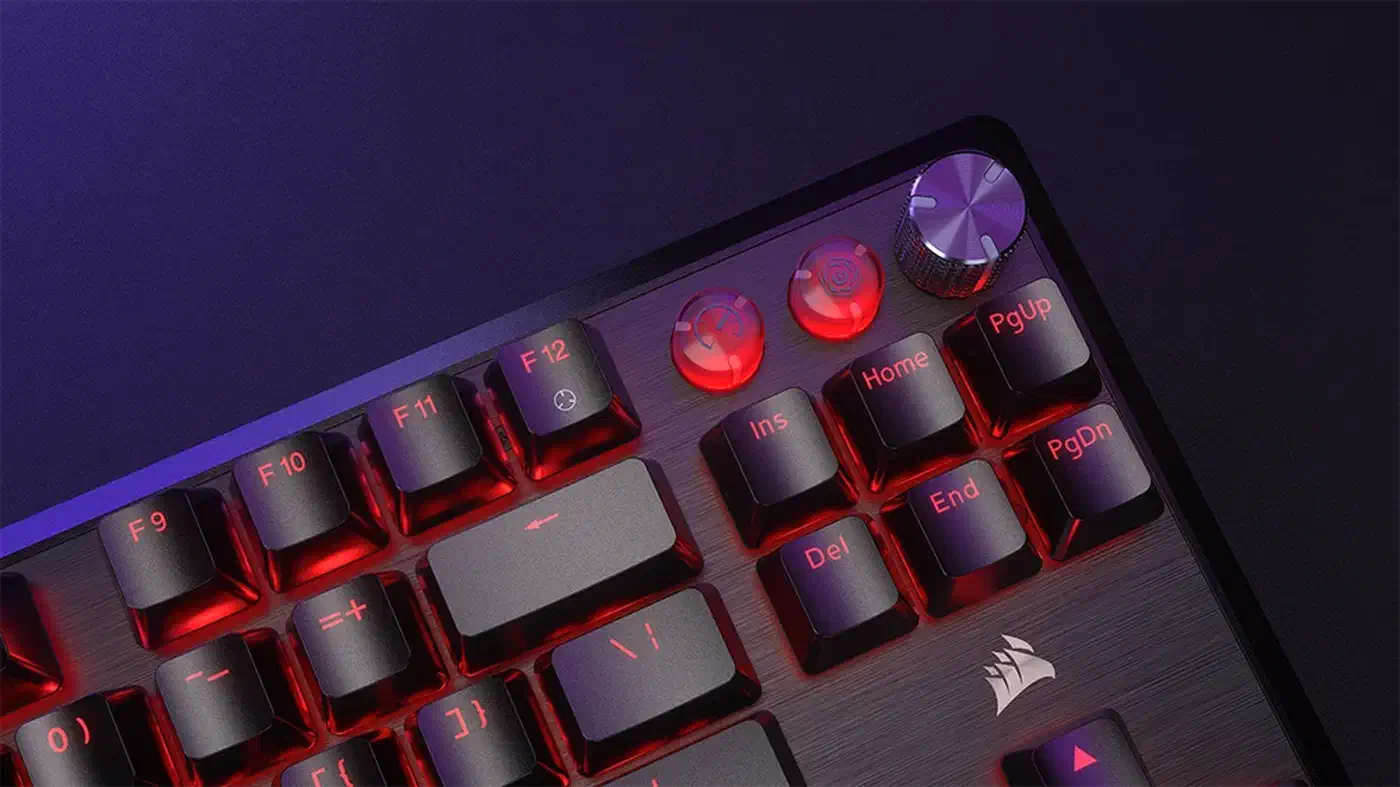
Vendor menus move between firmware versions, so treat the last column as a starting point rather than a guaranteed click path.
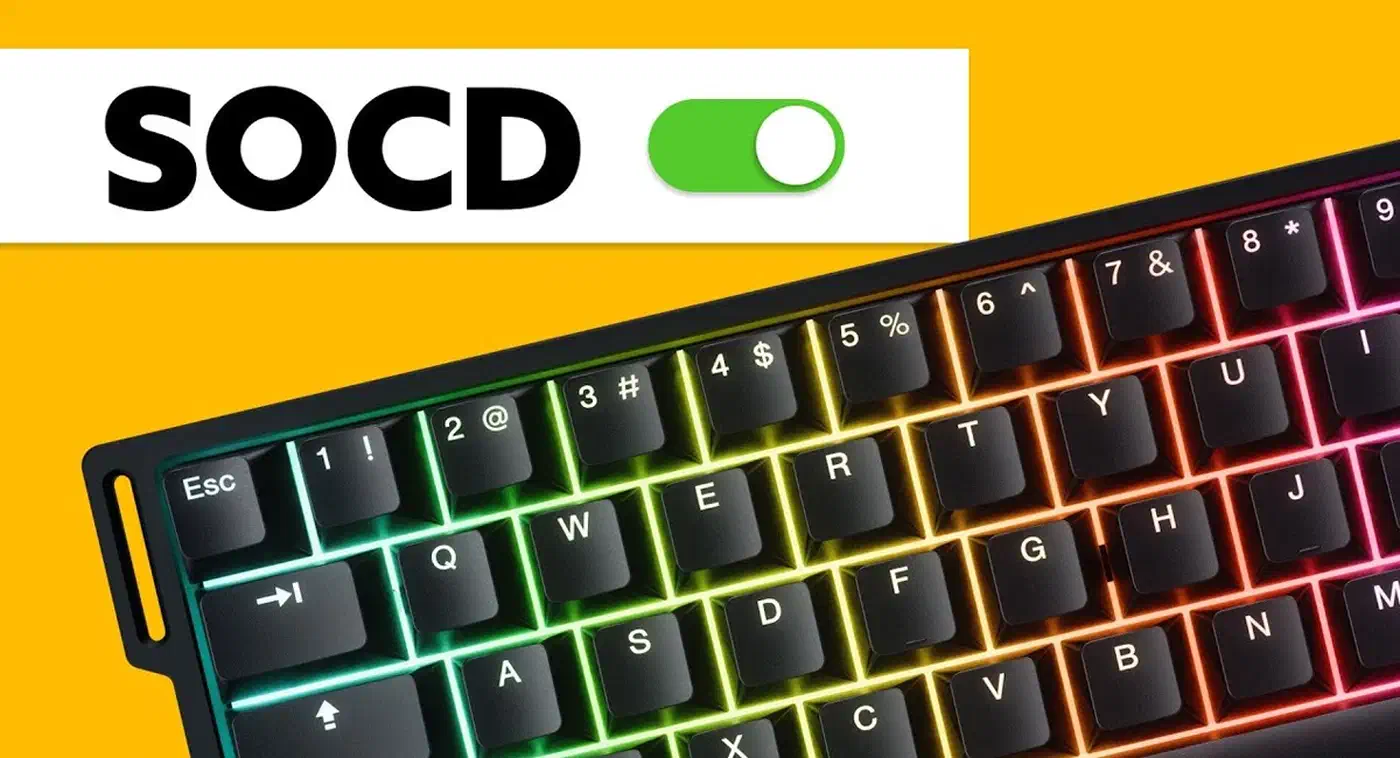
So this little hype is over, we are glad Valve has taken a stance against Snap Tap. Don’t use Snappy Tappy (SOCD) or Rappy Snappy in CS2 any more as it will result in a kick.
Valorant plays by different rules
Riot went the other way. The 2025 VALORANT Champions Tour ruleset lets players use Snaptap, SOCD or equivalent keyboard tech, unless league officials say otherwise. Hardware SOCD is not banned in Valorant at the account level either.
Riot treats software SOCD differently. Third-party programs that fake the same effect can fall under its rule on unauthorized software. That path ends in a permanent ban.
Tournament organizers set their own rules on top. ESL banned SOCD at LAN events while leaving it alone in online play until detection tooling catches up.
The pre-match checklist
Vendor software stores these settings per profile, and that is where most accidental violations start. A board can be legal on your work profile and illegal on the gaming one you actually loaded.
Before you queue on Valve Official Servers, open the vendor app and check the profile that is loaded. Switch off Snap Tap, Snappy Tappy, Rappy Snappy, FlashTap, Rapid Tap, Speed Tap, Last Key Priority, Snap Click or Key Priority, depending on your brand. Clear any null bind and jump bind scripts from your config while you’re there.
Then save a dedicated competition profile with all of it off and leave it alone. Switching profiles is one click.
Rapid trigger, adjustable actuation and continuous rapid trigger are allowed on Valve servers and across the major circuits. Switching SOCD off costs you only the automatic counter-strafe, and the fast keys stay.