

Map the G512 X analog keys to throttle, brake and clutch

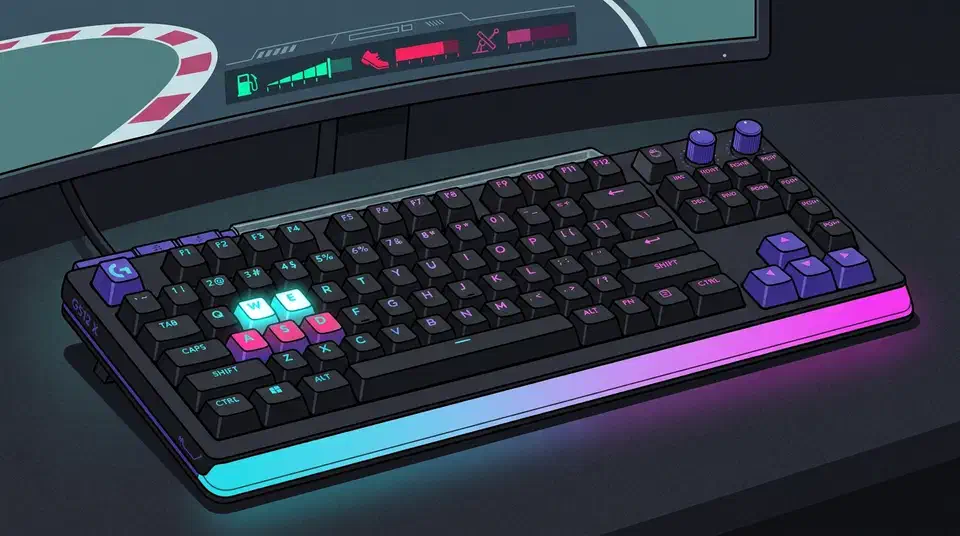
G512 X analog keys for sim racing give throttle and brake a real position axis instead of an on-off switch. The trade is room to work in: a magnetic key travels about 4mm, while the factory brake on Logitech’s own PRO pedals travels 33mm. That gap is where trail braking falls apart.
Key Takeaways
- Analog keys report how far down you press them.
- Throttle and brake get a smooth axis instead of full-on or nothing.
- A key gives about 4mm to work with; a brake pedal gives eight times more.
- Throttle control improves a lot, but trail braking still needs a pedal.
- Many brands sell analog boards now, so this is no longer one company’s trick.
What an analog key actually reports
A normal mechanical switch behaves like a light switch. It closes a contact at a fixed depth and sends the computer a 1, then sends a 0 when it opens again, with nothing in between.
A magnetic switch carries a small magnet, and a sensor in the board reads that magnet’s position continuously as the key moves. The analog and Hall effect keyboard roundup at MKBGuide describes the output as a value for exactly how far down the key is pressed.
So the game receives a number that climbs from zero to full as your finger sinks, in place of a key-down event. That number is the same shape of input a racing sim wants from a throttle. The magnetic-switch explainer at Eloquent Clicks makes the same point about position sensing replacing binary contact. Logitech has since carried position sensing into a mouse , using coils rather than magnets.
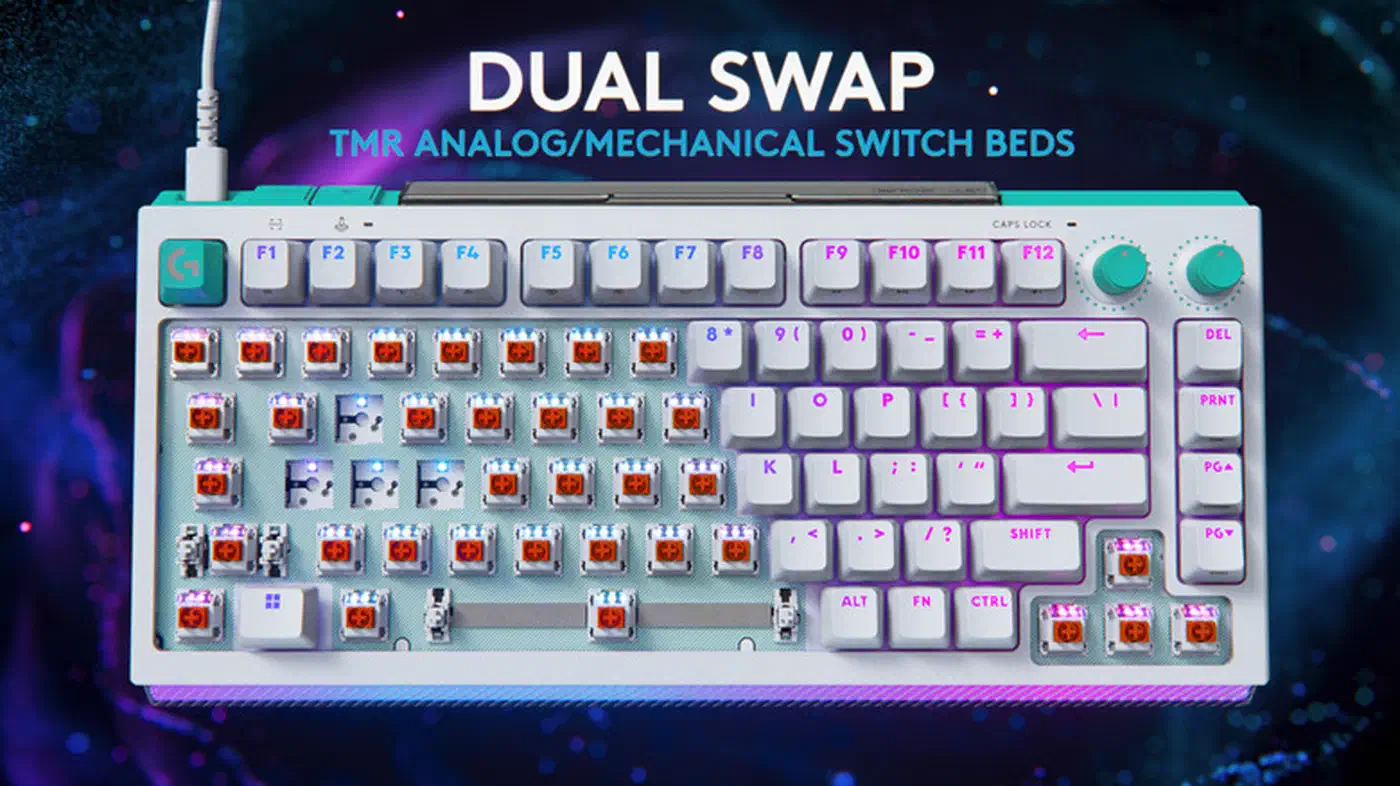
Logitech’s board sits in that family. The G512 X carries 39 Dual Swap sockets, and each one takes either an ordinary 3-pin or 5-pin mechanical switch, right down to a quiet tactile such as the Boba U4 , or a TMR analog switch, as Engadget covered at launch . Getting one bed to read both switch types is the harder half of that trick. The axis often goes unused. Owners set a shallow actuation point, turn on rapid trigger, and go back to treating every key as on or off.
The axis exists; whether it is long enough for a human to steer with is a separate question.
4mm of key travel against 33mm of pedal
Logitech ships the G512 X with the Gateron KS-20 magnetic switch . Its total travel is 4.1mm plus or minus 0.2mm, per HLPlanet’s Hall effect switch database . Vendor software exposes actuation anywhere from 0.1mm to 4.0mm, so 0.1mm is the granularity the industry advertises. Divide 3.9mm of usable travel by 0.1mm and you get about 39 positions a finger can realistically aim at.
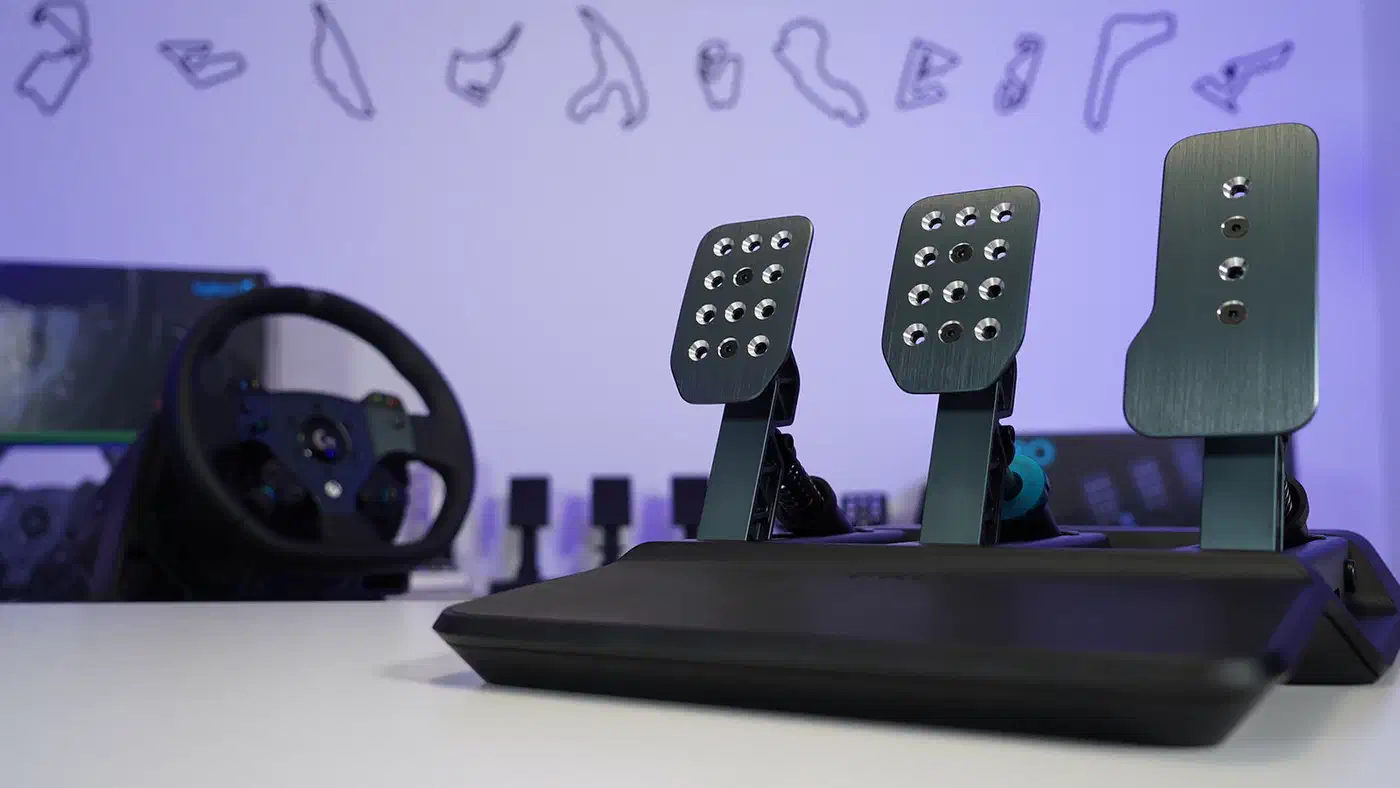
Logitech’s PRO Racing Pedals, for comparison, ship with 33mm of brake travel out of the box and adjust from 18mm to 41mm, per Boosted Media’s teardown review . At the same 0.1mm discrimination that is 330 positions, roughly eight times the room.
| Analog key | Load cell brake pedal | |
|---|---|---|
| Travel | 4.1mm | 33mm at factory setting |
| Adjustment range | 0.1 to 4.0mm actuation | 18 to 41mm travel |
| What is measured | position | force |
| Force at full input | about 50gf | tens of kilograms |
| Muscle group | one finger | whole leg |
A KS-20 bottoms out at roughly 50 grams of force , so your entire modulation range is the weight of a slice of bread. A load cell brake reads pressure across tens of kilograms, which your leg can hold steady in a way your finger simply cannot.
braking force is determined by the physical force you apply to the pedal. Not the pedal’s position.
The keyboard is measuring the wrong quantity for braking.
Where the short axis still works well is the throttle. Feeding power back in on corner exit is a gentle upward ramp, and 39 steps of finger travel handle a ramp fine. Gentle brake pressure on a straight also survives, because you are holding one steady value rather than chasing one.
Trail braking is where it collapses. You bleed off pressure in tiny amounts at the end of a long stroke while the car rotates, and the useful part of that motion is the last few percent. That final band is several millimetres of leg movement on a pedal, and it shrinks to a fraction of a millimetre on a key, under a fingertip already fighting a 50 gram spring.
Mapping the G512 X analog keys for sim racing
The Dual Swap beds cluster toward the left side of the board, where game inputs normally live. The G512 X ships with a small handful of analog switches rather than a full set. Confirm the keys you want are inside that group first. A switch moved into a non-analog socket gets you an ordinary digital key.
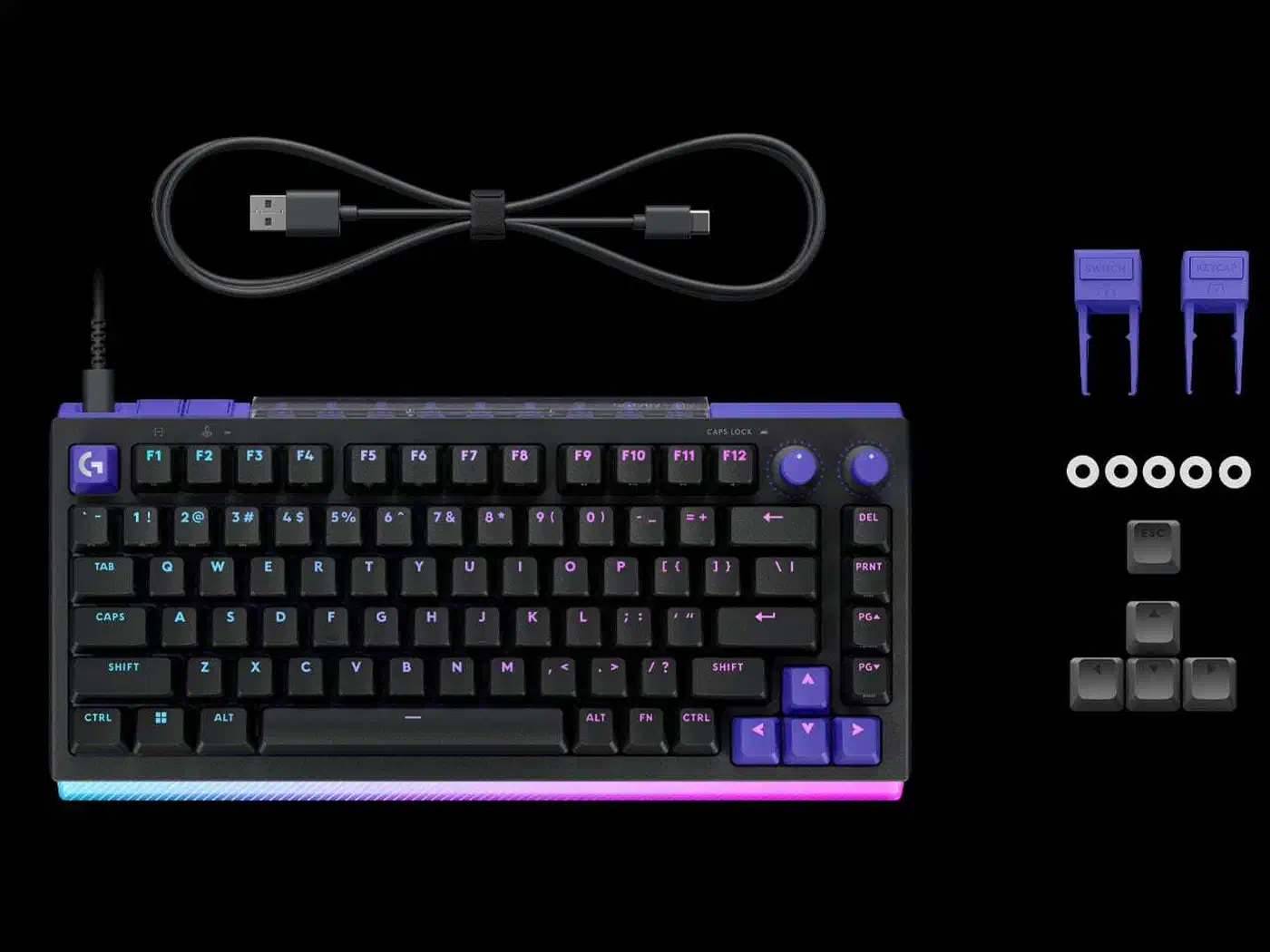
Pick three keys your fingers reach without moving your hand. Adjacent keys in one row work, though a vertical column often feels better, since each finger presses down its own path instead of splaying sideways. Throttle and brake go on the two strongest fingers, index and middle. Clutch goes third, because you touch it twice a lap.
Two settings do most of the work:
- A small deadzone at the top of travel. Fingers rest on keys, and without a deadzone that resting weight feeds a few percent of throttle continuously, so the car creeps.
- A slight exponential curve on the brake. Bend it so early travel produces less input. That spreads your useful range across more of the 4mm. The throttle needs this far less, because a linear ramp is already what corner exit wants.
Start both there and tune them to your own hands.
Logitech documents the G512 X analog features as depth-triggered key actions: adjustable actuation from 0.1mm to 4.0mm, rapid trigger, and a second actuation point that fires a different command deeper in the stroke. Those are still keystrokes, and a sim wants a joystick axis, so your setup route depends on which one your board can produce:
- Boards with native analog gamepad emulation, which Wooting’s configuration software has offered for years, appear to a sim as a controller and get bound like any axis.
- Everything else needs a mapping layer between keyboard and game. vJoy paired with Joystick Gremlin creates virtual axes. Purpose-built tools such as ReAxis turn key input into smooth axis values aimed at iRacing and Assetto Corsa.
iRacing’s controller documentation accepts a keyboard as an input device but treats it as buttons. Assetto Corsa Competizione won’t bind throttle and brake to buttons at all and insists on axes. That is why the virtual-axis tools exist.
Finally, judge the result with a stopwatch instead of your hands. Run five laps of one car on one track before the change and five after, then compare sector times. Braking zones live in specific sectors, so the sector split tells you whether the curve helped or only felt different.
Are analog keyboards good for sim racing?
Yes, if you have no pedals and nowhere to put a rig. The jump from a binary key to a 4mm axis is the biggest input upgrade available to someone racing on a desk. It costs nothing beyond a keyboard you were buying anyway.
No, if you already own pedals. Four millimetres under a fingertip won’t compete with 33mm under a leg, and no curve setting closes a gap that large. Keep the analog keys for their FPS features and drive with your feet. Those features have their own wiring rule, since a true 8,000Hz poll still needs a cable.
The middle case is that analog keys make a much better keyboard for racing without becoming a substitute for a pedal set. Throttle modulation genuinely improves, while braking technique stays limited by physics you cannot configure around.
HLPlanet’s tester has now measured 39 magnetic and TMR boards from Wooting, Keychron, Corsair, Razer, Epomaker, Logitech and a dozen smaller brands. You can buy one from a brand your usual retailer already stocks.
Cost keeps the question open: a load cell pedal set costs more than the G512 X 98 did at launch, and it needs somewhere to bolt down.