

Analog and normal switches share one G512 X socket bed

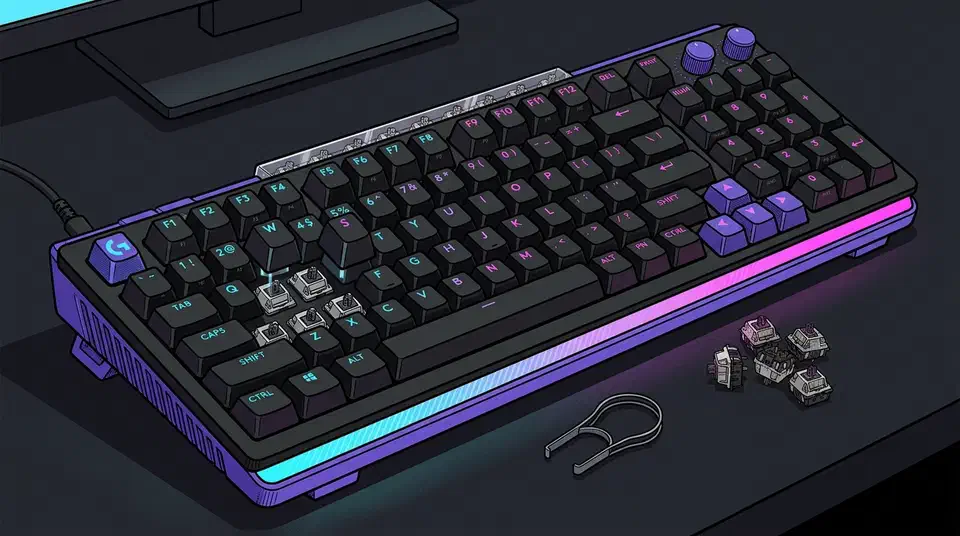
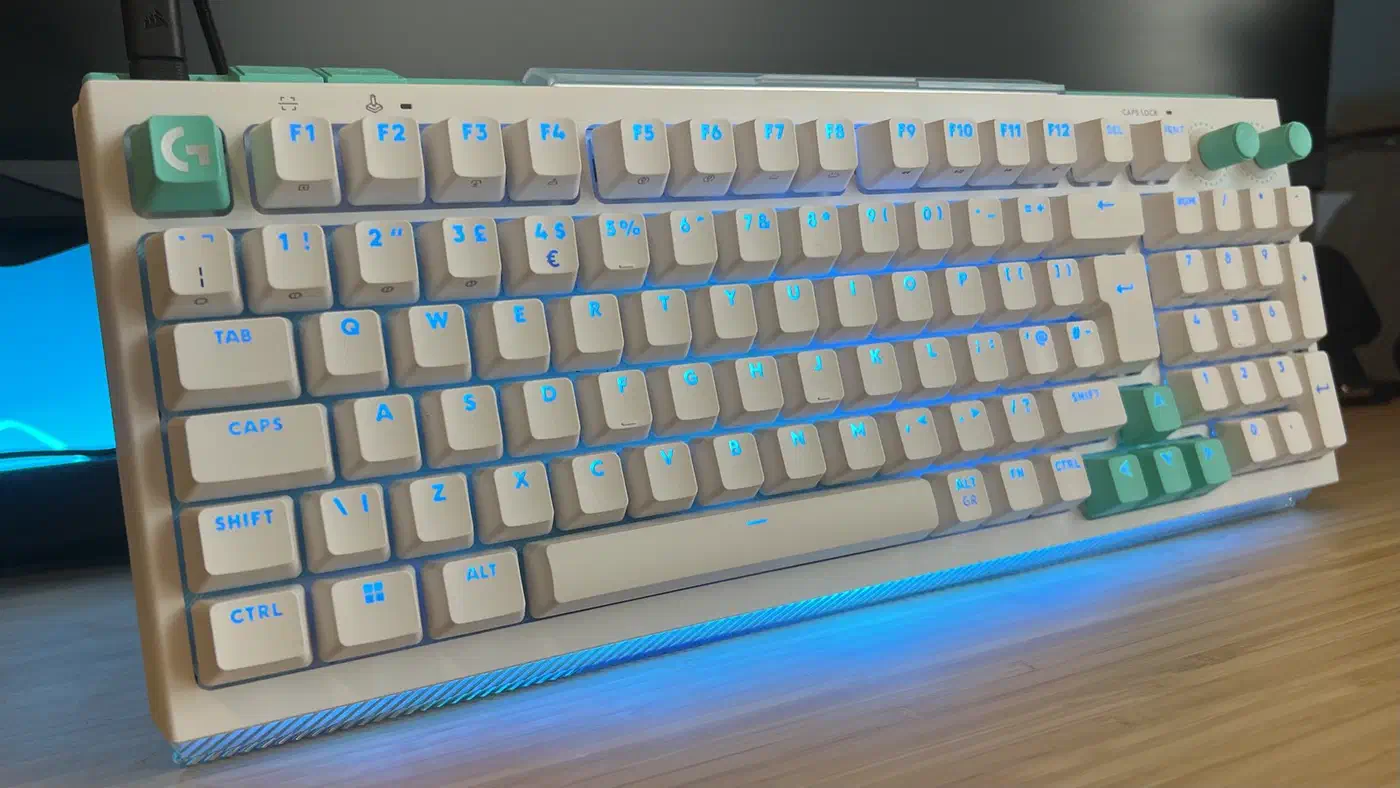
The Logitech G512 X carries 39 hybrid sockets. Each one takes an analog magnetic switch or an ordinary 3-pin or 5-pin mechanical switch, in the same hole. Nine Gateron KS-20 analog switches come in the box. No other keyboard mixes two sensing methods inside one bed, because the wiring the two methods need pulls in opposite directions.
Key Takeaways
- The G512 X has 39 sockets that take analog magnetic or normal mechanical switches.
- It ships with nine analog switches, so 30 beds arrive empty.
- Sockets swap live, so you never unplug the board.
- The analog beds sit on the left half, plus arrows and space.
- Two sizes: $199.99 for the 98-key and $179.99 for the 75 percent.
How the G512 X hybrid socket works
A normal mechanical switch is a simple on-off part. Press it and two metal contacts touch, the circuit closes, and the board records one bit: pressed or not pressed. Those metal contacts are also the part that wears out, which is why Logitech’s haptic click mouse does away with them.
A magnetic switch closes nothing. It carries a small magnet on the stem, and the board watches that magnet move toward a sensor soldered under the key. From the strength of the field it works out how far down the key has travelled, in fractions of a millimetre. That is what makes rapid trigger and adjustable actuation possible. It carries a price too, which is what adjustable keys cost in speed next to a plain optical board.
So the two switch types need different things from the same square of circuit board. A mechanical switch needs a pair of pins with a clean electrical path between them, while a magnetic one needs a sensor sitting directly under the stem, reading a field, with the pin holes still open around it. The hybrid bed is the compromise: contact pins and a tunnelling magnetoresistance sensor packed into one footprint.
That is why the count stops at 39. Every hybrid bed costs board area plus a sensor and the analog input channel that reads it. Filling all 98 positions would mean 98 sensors. Most people will never use more than a handful, and the price would follow. PC Gamer’s review confirms both 3-pin and 5-pin mechanical switches drop in. Anything you can pull out you can also open and hand lube with Krytox 205g0 before it goes back.
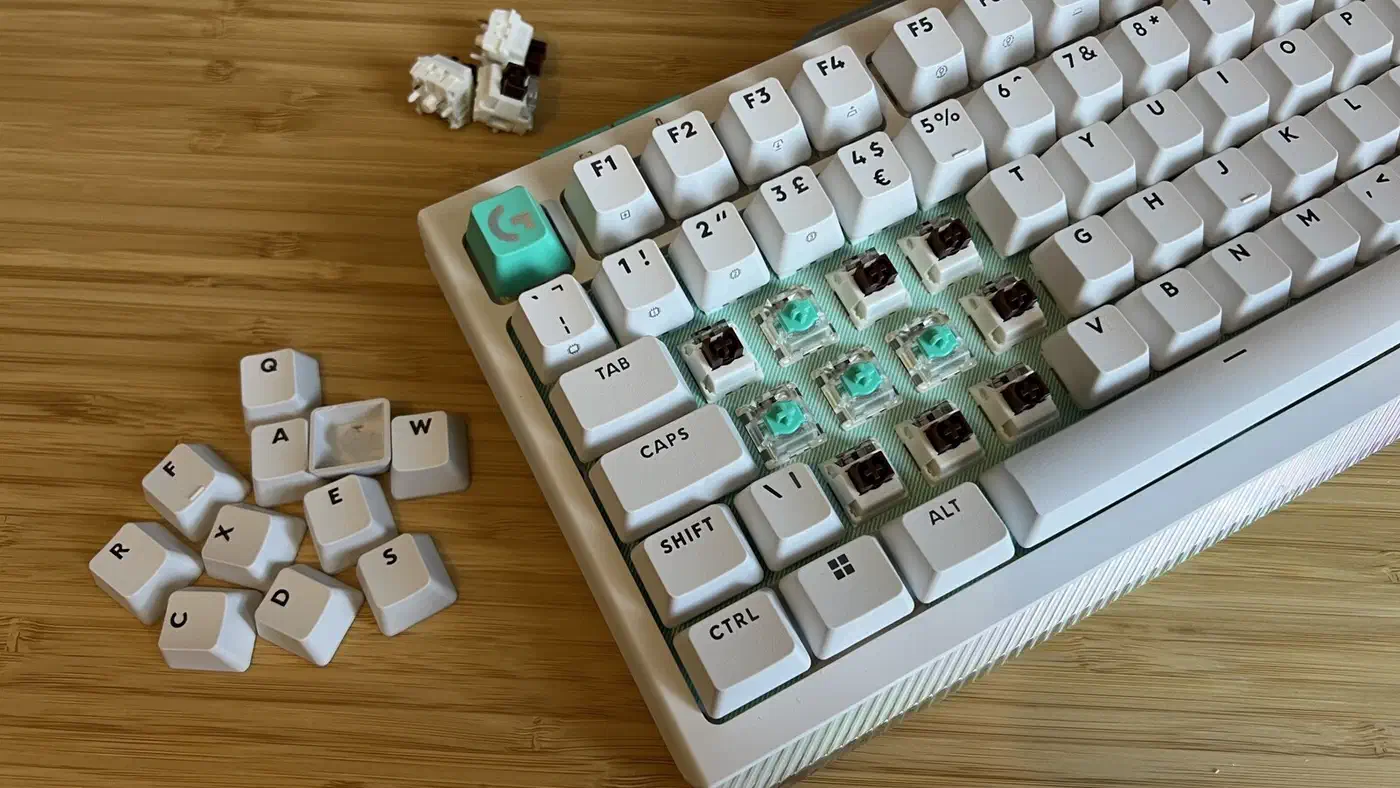
A scan button at the top left registers which sockets now hold analog switches, then lights them in RGB so you remember.
Which 39 keys are analog, and does it match what you need?
The hybrid beds sit on the left half of the board, plus the arrow keys and the space bar. Logitech leaves out the escape key, the function row, and the Windows shortcut keys. That covers the keys people want reading depth, the movement and throttle keys most of all.
Nine analog switches ship in the box, clustered around WASD, which is where continuous input changes an outcome. GamesRadar’s review calls that a smart choice.
In essence, it doesn’t charge you for the premium magnetic switches you’re unlikely to use on the right-hand side of the board.
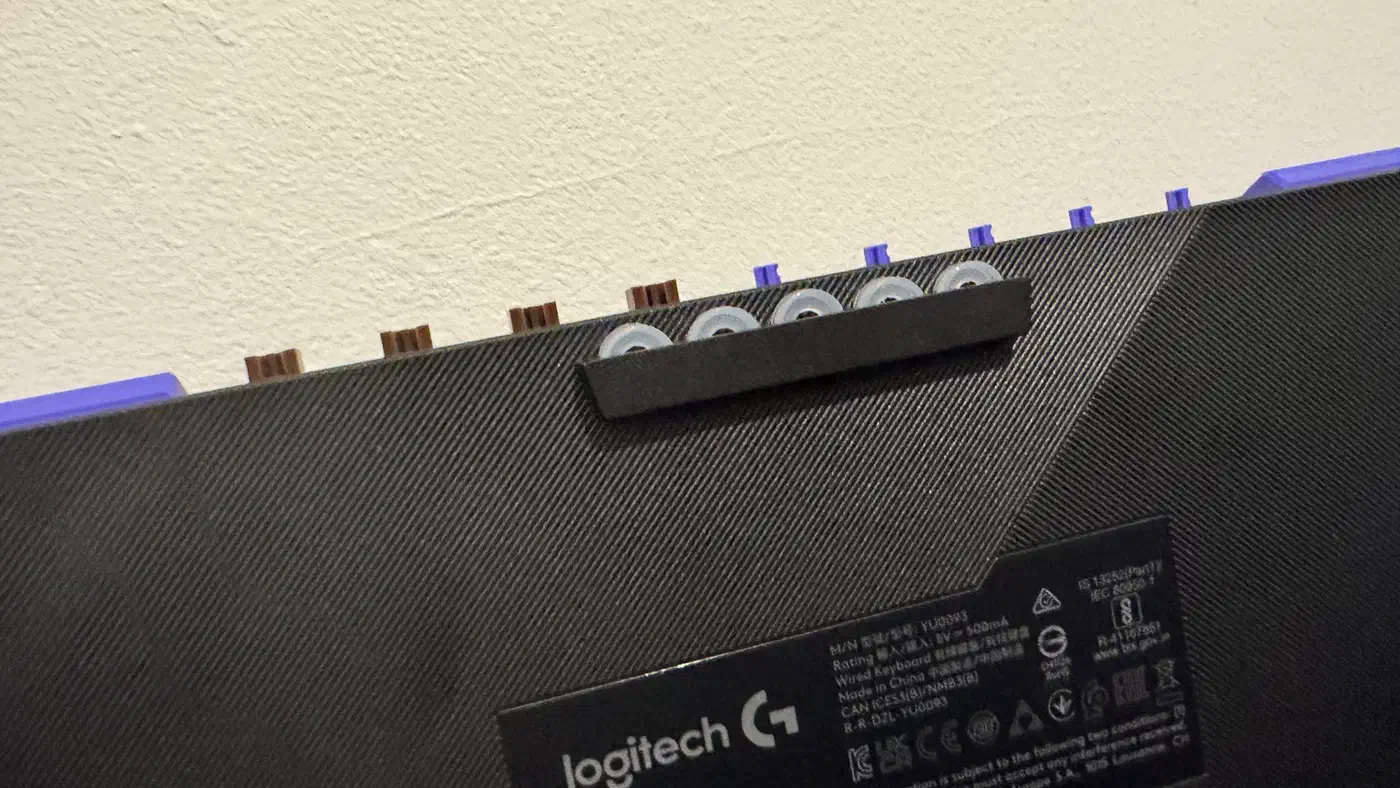
Every socket is hot-swappable while the keyboard is plugged in, so a switch change takes seconds and no reboot. The keycap puller and switch puller live in the feet, and spare switches store in a compartment on the back. Those sockets carry a swap-cycle rating too, but pin damage kills a socket long before the rating ever runs out.
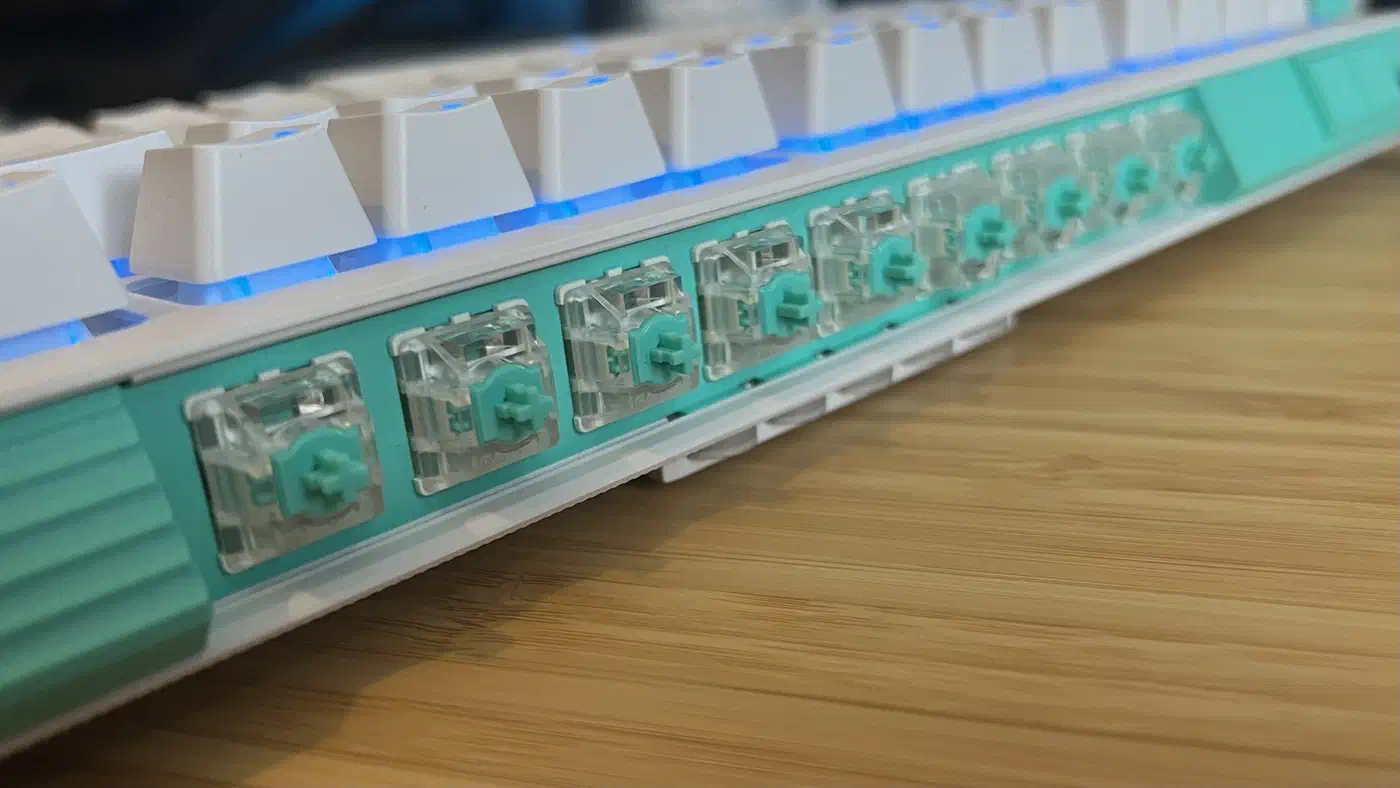
Each Gateron KS-20 actuates anywhere from 0.1 mm to 4 mm, the full range the category offers. A second actuation point sits on top of that. Logitech also supplies rubber SAPP rings. They sit under the keycap and add resistance at 2 mm, so one key can walk at a light press and sprint at a hard one.
Is nine analog switches a feature or a sample pack?
Nine is a real feature if analog input is a tool you reach for on a few keys. WASD plus a couple of extras covers movement, which is where variable depth pays off. Nothing improves once you put an analog switch under the semicolon.
Nine looks like a sample pack if you read the socket count as a promise. Building 39 beds and shipping nine switches leaves you to source the other 30 yourself. Logitech’s own G512 X announcement lists SAPP rings and palm rests as separate purchases. You can fill the rest with common third-party magnetic switches, out of your own pocket.
Tabitha Baker, testing the 98-key model, found the join between the two switch types far less jarring than expected. The mechanical switches actuate a little heavy and the TMR switches actuate light, a gap you can see in each switch’s rising force curve, so the two meet somewhere comfortable.
Buy it for analog on the keys you move with, and skip it if you want a fully analog board. Paying for 39 empty beds is a worse deal than a board that arrives full.
Where the G512 X sits in the 2026 field
Logitech uses tunnelling magnetoresistance sensing rather than Hall effect. That is the direction the whole category moved in during 2026. TMR reads the same magnet with less noise and less power. Power budgets decide more than feel, and they are why 8,000Hz boards stay wired. In practice that means a lighter actuation feel than the cheaper Hall effect boards, which add resistance and fatigue.
On price it undercuts the full-magnetic competition.
| Keyboard | Sensing | Analog coverage | Price |
|---|---|---|---|
| Logitech G512 X | TMR | 39 hybrid beds, 9 switches supplied | $179.99 to $199.99 |
| Cherry XTRFY MX 8.2 Pro TMR | TMR | Hybrid, whole board | $249.99 |
| Corsair Vanguard Pro 96 | Hall effect | Whole board | $229.99 |
| Asus ROG Azoth 96 HE | Hall effect | Whole board | $359.99 |
| Wooting 80HE | Hall effect | Whole board | Around $200 |
The cheapest way to get every key analog is still a dedicated magnetic board. None of those let you go the other way and drop a mechanical switch into a magnetic board.
The biggest benefit of Dual Swap to me is not the ability to add analogue switches to an otherwise mechanical keyboard, but instead mechanical switches to an otherwise analogue one.
Against a plain mechanical board you pay a premium for sockets you may never fill. Against a full magnetic board you give up per-key tuning on the right hand side, which most players will never notice.
Count the keys you want reading depth rather than yes or no, then compare that number against nine. If it lands at nine or below, the board arrives finished. If it lands at thirty, you’re buying an expensive shell and the switches to fill it.