

Gateron KS-20 magnetic switches take any standard keycap set

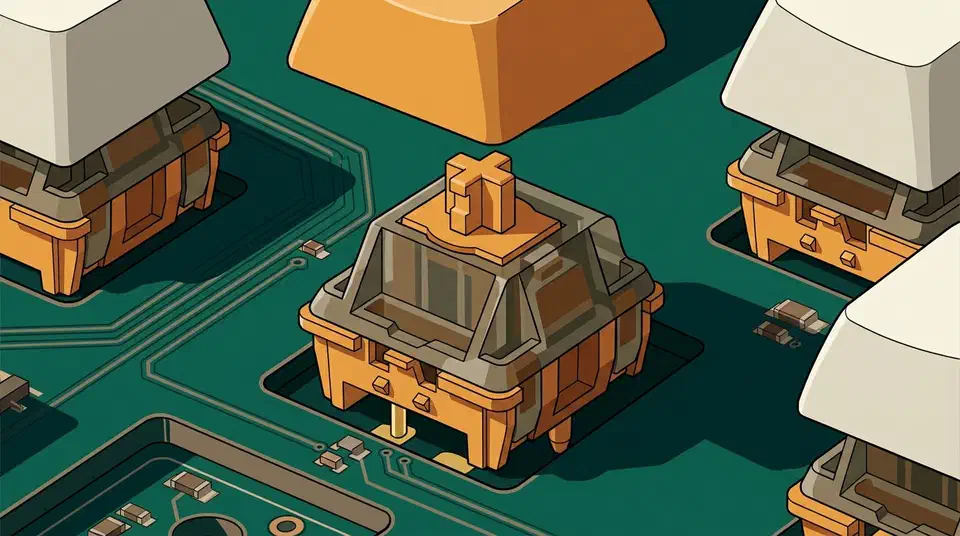
Magnetic switch hot-swap compatibility splits into three answers. Your keycaps fit, because Gateron, Kailh and TTC all build magnetic switches on a standard MX stem. Switches are stricter, since the circuit board does the sensing. Cross-brand magnetic swaps hang on one hidden variable: which magnet pole faces the board.
Key Takeaways
- Magnetic switches use standard MX stems, so your normal keycap sets fit.
- The sensing happens on the circuit board, under the socket.
- A magnetic board can’t read a mechanical switch, and a mechanical board can’t read a magnetic one.
- Magnet polarity differs between brands, even in identical-looking switch bodies.
- Hot-swap here is a repair feature more than a customisation one.
Keycaps fit, and that is the easy half
Gateron, Kailh and TTC all use the same cross-shaped MX stem a Cherry MX clone uses. mechanicalkeyboard.net’s TMR guide says so plainly: standard MX keycaps fit both Hall effect and TMR boards, so your PBT set, artisan caps and novelty keys still fit.
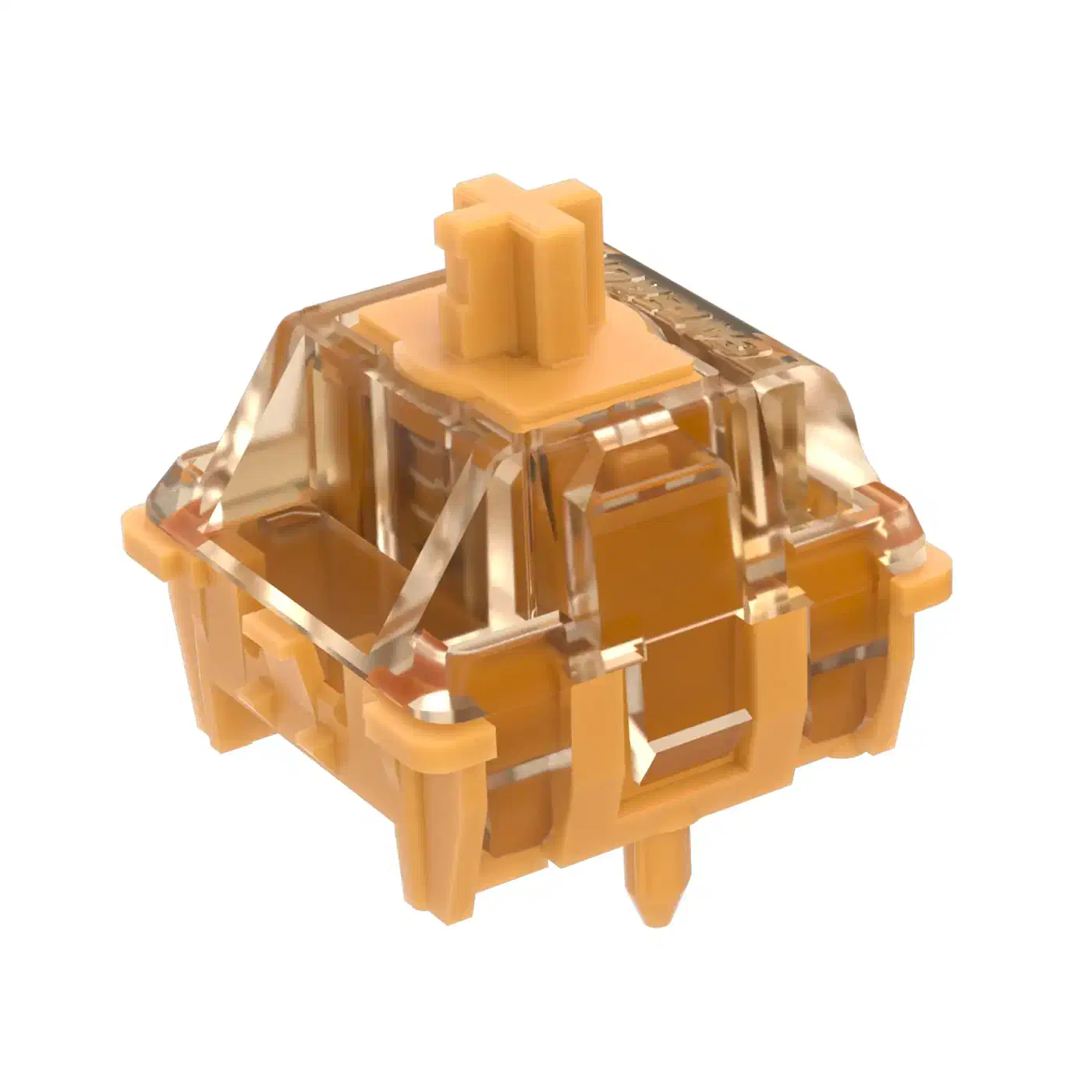
Gateron’s own KS-20 magnetic switch set listing gives 4.1±0.2 mm of total travel and a 38 gf initial force on a linear switch. The dual-rail KS-20 page drops that to 30±10 gf and warns that the switch is designed for Hall effect keyboards, not for mechanical keyboards.
Stabilisers follow the standard too, so the long keys are fine. Very tall or heavy keycaps change how fast the magnet moves. That shifts where a shallow actuation point lands in practice. Set actuation to 0.2 mm and a chunky SA cap can feel twitchier than a flat one on the same board. A tall cap also magnifies whatever stem-to-housing clearance the switch shipped with.
Can you put mechanical switches in a magnetic keyboard?
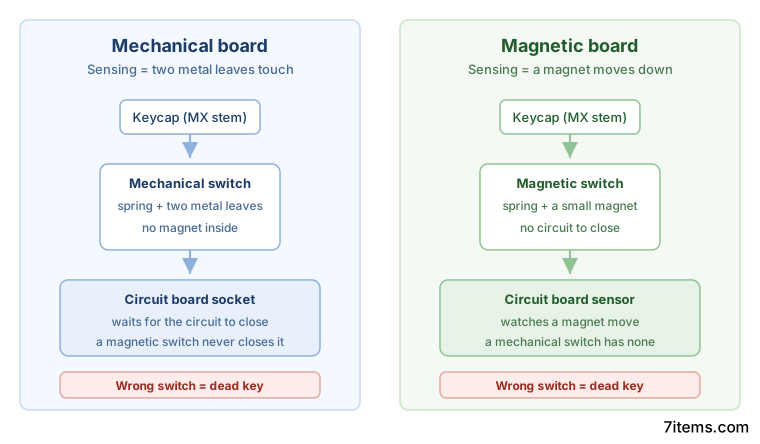
No, because of where the sensing happens. On a Hall effect or TMR board, each socket has a sensor underneath it watching a magnet move down through the switch. A mechanical switch has no magnet, so the sensor sees nothing and the key does nothing. That magnet-reading step is also why a magnetic board trails optical switches on latency.
Going the other way fails too. A plain mechanical board is watching for two metal leaves touching. A magnetic switch never closes that circuit, so it registers nothing in an ordinary hot-swap socket. MonsGeek’s compatibility guide puts it the same way: standard keyboards use physical contact to register keystrokes and do not work with magnetic switches.
People usually ask this question because they are worried about damage. Nobody has documented a mismatched switch harming anything, and nobody has ruled it out. Every report describes a dead key and a board that carries on working, but no vendor promises it is safe.
Some TMR boards are built as hybrids that accept both kinds of switch in the same socket. Gamakay says TMR circuit boards can take both on the same board and presents its TK75 TMR as part of that shift, and Logitech built 39 dual-purpose beds into the G512 X. Hybrid support is a per-model choice, so check the specific board rather than assuming any TMR keyboard takes both types.
Why cross-brand magnetic switches are a maybe
Two magnetic switches can look identical and still behave differently. The magnet inside them is not standardised, and every switch magnet has a direction. Some face north pole down toward the board, some face south pole down, and a board tuned for one reads the other badly.
Kinetic Labs is blunt about the gap between that reality and the marketing:
Despite what quite a few vendors will claim, there are cross-brand and cross-switch incompatibilities that do show up when swapping these kinds of switches across boards.
Magnet strength is the second variable. A board tuned for a weak magnet can be overwhelmed by a strong one, and a strong-magnet board may barely register a weak one. Neither number appears on a spec sheet.
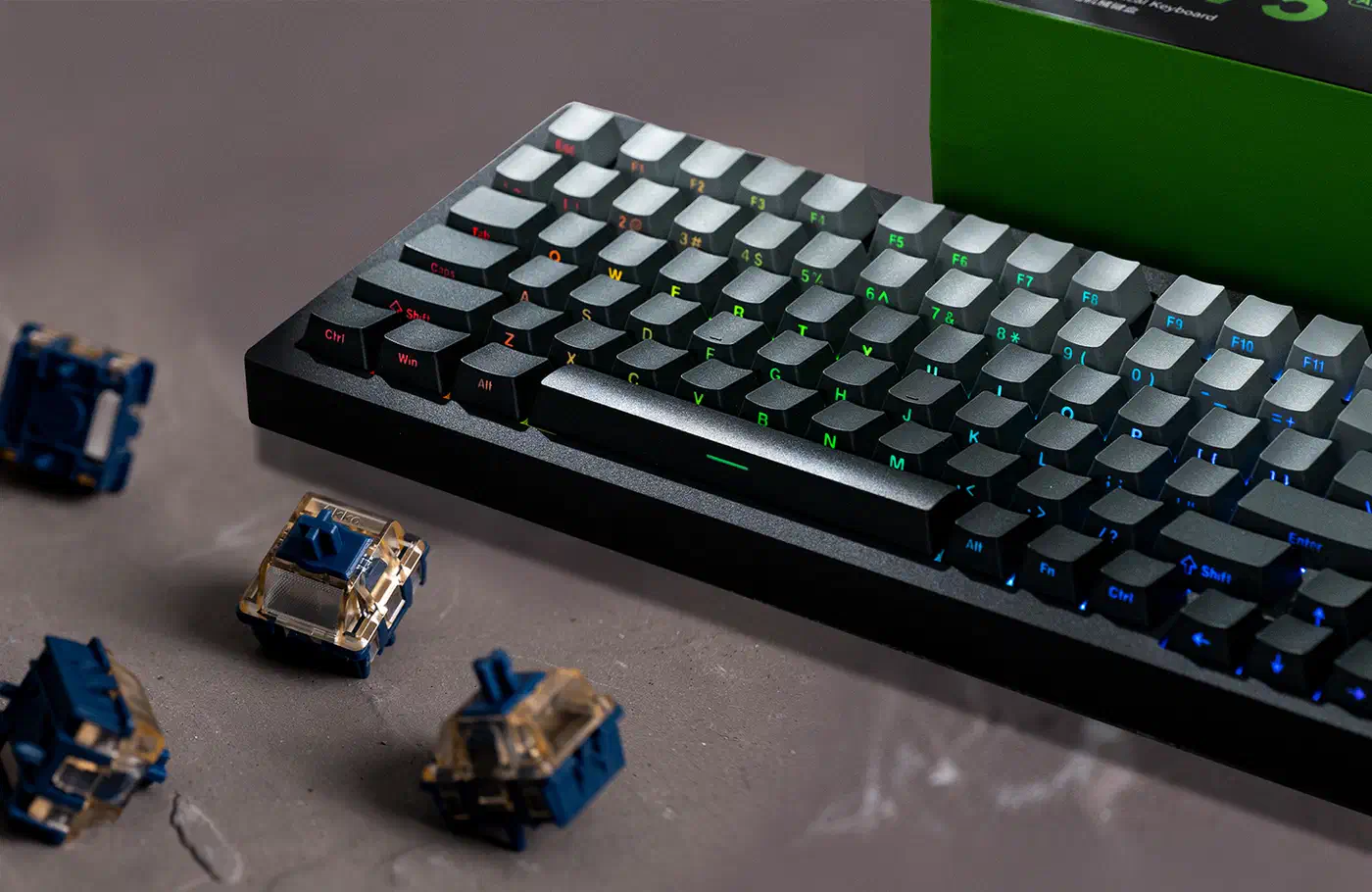
A bad pairing shows up in the typing feel. Actuation can land deeper or shallower than the software says, a dead zone can appear at one end of travel, and rapid trigger can fire twice and refuse to reset. MonsGeek publishes one pairing that fails outright: its M1W HE and M1W V3 HE ship south-pole-down switches, so north-pole-down Akko Astrolink switches won’t work in them.
Documented cases like that are rare. Vendors almost never publish magnet polarity or pole spacing, so any compatibility table has gaps in it.
Magnetic switch hot-swap compatibility at a glance
| Swap | Works? | Reason |
|---|---|---|
| MX keycaps onto magnetic switches | Yes | Magnetic switches keep the standard MX stem |
| Mechanical switch into a Hall effect board | No | The sensor waits for a magnet that never arrives |
| Magnetic switch into a plain mechanical board | No | The sockets have no magnetic sensors under them |
| Hall effect switch into a TMR board | Usually | TMR reads the same magnets and is backward compatible |
| Cross-brand magnetic switch, same pole direction | Maybe | Magnet strength and board tuning still have to agree |
| Cross-brand magnetic switch, opposite pole direction | No | MonsGeek M1W HE rejects Akko Astrolink for this reason |
| Mechanical switch into a hybrid TMR board | Model-specific | Only some TMR boards are wired for both types |
Moving Hall effect switches onto a TMR board is the one cross-technology swap the sources actively endorse, per mechanicalkeyboard.net’s TMR versus Hall effect breakdown.
What hot-swap buys you on a magnetic board
Mostly it buys you an easy repair, because a single failed switch becomes a two-minute fix instead of a soldering job or a warranty claim. Logitech went the opposite way on the mouse side, and a mouse built without switches leaves you nothing to swap. Spring weight changes inside the same family are on the table too, so a 30 gf set can become a 50 gf set.
What you don’t get is the mechanical hobby’s swap-everything culture, nor its bench work, where opening a switch to brush Krytox 205g0 onto the stem rails is a normal evening. The pool of switches a given magnetic board will read is small, sometimes a single vendor’s own catalogue. Even inside the magnetic world, Gateron hedges: its dual-rail KS-20 page says the switch faces north pole down and fits only boards built for that orientation, then names the brands it has been matched with.
Before buying switches, look for the board maker’s own compatibility statement naming the exact switch family. Trust that over a forum guess. If you’re shopping for the board itself, check whether replacement switches are sold separately at all, and what a full set costs. A board with no spares on sale has a hot-swap socket that will never earn its keep. Read the connection line too, since plenty of boards quote 8,000Hz for the cable and then drop to 1,000Hz wireless.