

14 screws stiffen the Corsair Makr Pro 75 gasket mount

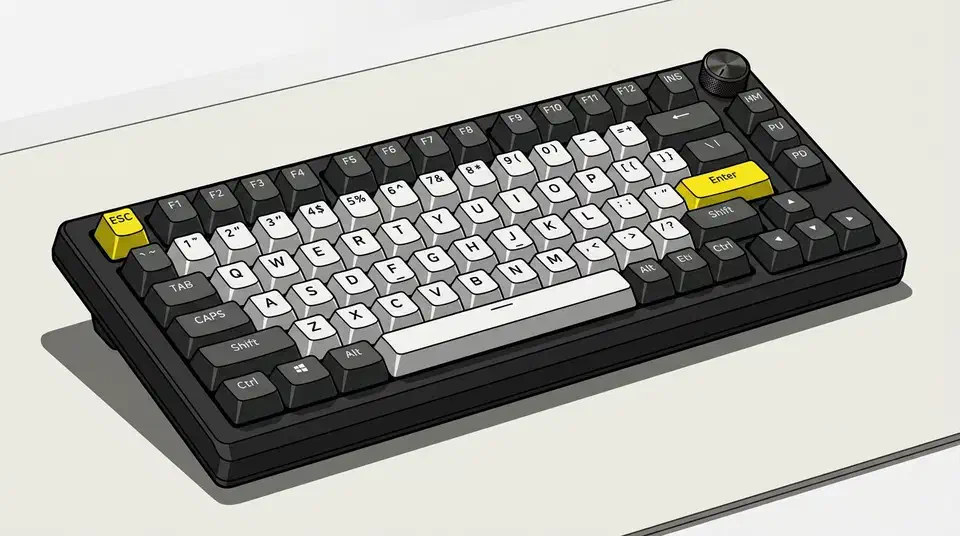
The Corsair Makr Pro 75 gasket mount looks premium on the spec sheet, but it types stiff. KitGuru’s reviewer found 14 standoff screws and over 200g of foam and silicone packing the case so tight the plate can barely move. A gasket only softens typing when the plate has room to flex, and here it has none.
Key Takeaways
- The Makr Pro 75 lists a gasket mount, but it types stiff in practice.
- 14 standoff screws clamp the assembly so the plate can barely move.
- Over 200g of foam and silicone fill the case and deaden the sound.
- A gasket only softens typing when the plate has room to flex.
- The aluminium build is good; the typing bounce is what is missing.
Why the Corsair Makr Pro 75 gasket mount feels stiff
Corsair sells this board as a premium hybrid: a CNC aluminium case, Hall Effect switches, and internal dampening, all framed on the Corsair Makr Pro 75 product page as high-end features. On paper it reads like a custom board you don’t have to build yourself.
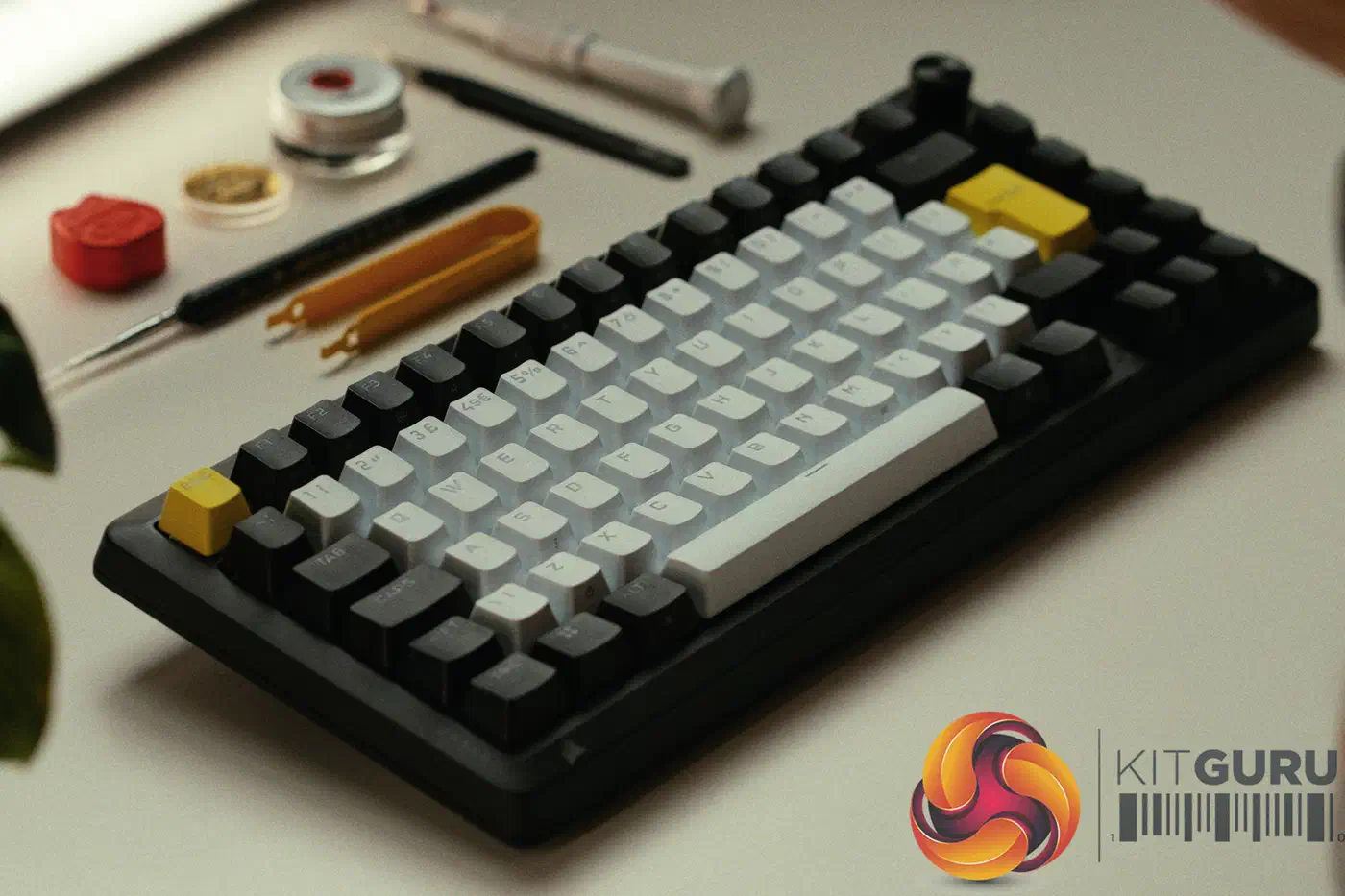
Reviewer Carlos Ribeiro reaches the opposite verdict for KitGuru. The board technically has a gasket mount, but the tightly packed interior and 14 standoff screws leave it feeling rigid. The gasket is present in name and does almost nothing in the hand.
A gasket mount is meant to suspend the plate on soft strips so it flexes a little on each keypress. That small give is the “bounce” enthusiasts chase. The more points you clamp the plate down at, the less it can move.
That is exactly what 14 standoffs do. Each screw pins the plate harder to the frame, so the travel the gasket is supposed to allow gets designed out. The soft strips are still there, but they have nothing left to cushion.
The reviewer’s own video chapter list even flags “Gasket mounted design?” with a question mark, so the mount was one of the review’s main sticking points.
while it technically uses a gasket mount, the tightly packed interior and 14 standoff screws result in a stiff typing feel that lacks the bounce I personally tend to prefer
How 200g of foam changes the sound and the feel
The standoffs are only half the story. Corsair also packs the case with over 200g of foam and silicone, and that fill flattens the board a second way.
Ribeiro describes the result as a “dead” sound profile that strips the character from every keypress. That same fill also removes the empty space the plate would otherwise drop into. Foam does two jobs at once here: it mutes resonance for the ear, and it blocks movement for the fingers.
A gasket needs somewhere for the plate to go, and the case needs some air left inside it. Pack both out with dense fill, and the mount stops changing anything you can feel. The low-profile NuPhy Air75 V3 shows the opposite choice, spending about 1mm of extra height to leave the plate room to move.
What the Makr Pro 75 gets right
None of this makes the board bad. The chassis is well built, and the review still scores it 8 out of 10.
The full aluminium case gives it real heft, at a listed 1.282kg for a 75 percent layout. For a heavier take on the same idea, the concrete K2 HE case pushes a 75 percent board to 1.74kg. Internal access is easy, so swapping switches or foam takes little effort. It runs Corsair MGX V2 Hall Effect switches with hot-swap support, and once calibrated the rapid trigger feels sharp and fast for competitive play.
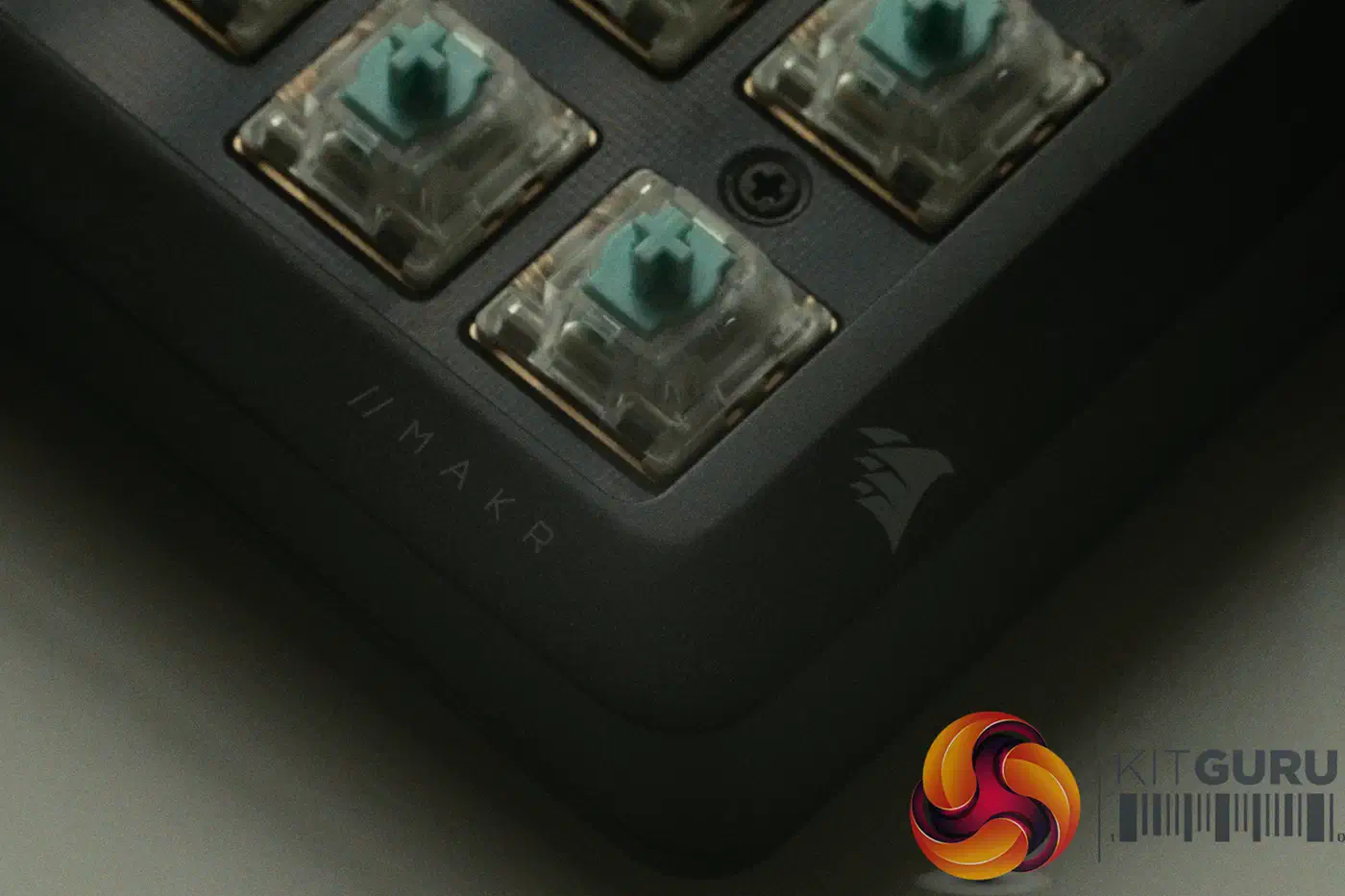
You get premium materials most gaming brands skip, against a typing feel that falls short of custom boards at a similar price. At £219.99, it suits a gamer who wants a metal board without sourcing parts, rather than the enthusiast chasing bounce.
| Spec | Corsair Makr Pro 75 | Asus ROG Azoth 96 HE |
|---|---|---|
| Mount claimed | Gasket | Gasket |
| Feel delivered | Stiff, no bounce | Soft, flexes on press |
| Standoff screws | 14 | Fewer clamp points |
| Case weight | 1.282kg aluminium | Lighter, part plastic |
| Switch type | Hall Effect, hot-swap | Hall Effect, hot-swap |
| Price bracket | £219.99 | Similar bracket |
How do I tell if a gasket mount does anything?
The Makr Pro 75 is a useful worked example, because the same test applies to any board you are about to buy.
Start with the screws. Count the standoffs or mounting points in teardown photos: more clamping points means less plate movement, whatever the marketing says.
Then check the foam load. Heavy foam and silicone fill both deadens the sound and removes the space the plate needs to flex, so a board stuffed full will feel firm no matter what the mount is called.
Read reviews for the right words. Search for “bounce” or “stiff” in the typing-feel section, not just “gasket mount,” since the label alone tells you nothing about the result.
Finally, look at how the plate sits. Teardown photos show whether it hangs on soft strips or is screwed down hard against the frame. A plate pinned tight cannot cushion a keystroke, however premium the case around it.