

Cherry rebuilt five parts inside the MX2A mechanical switch

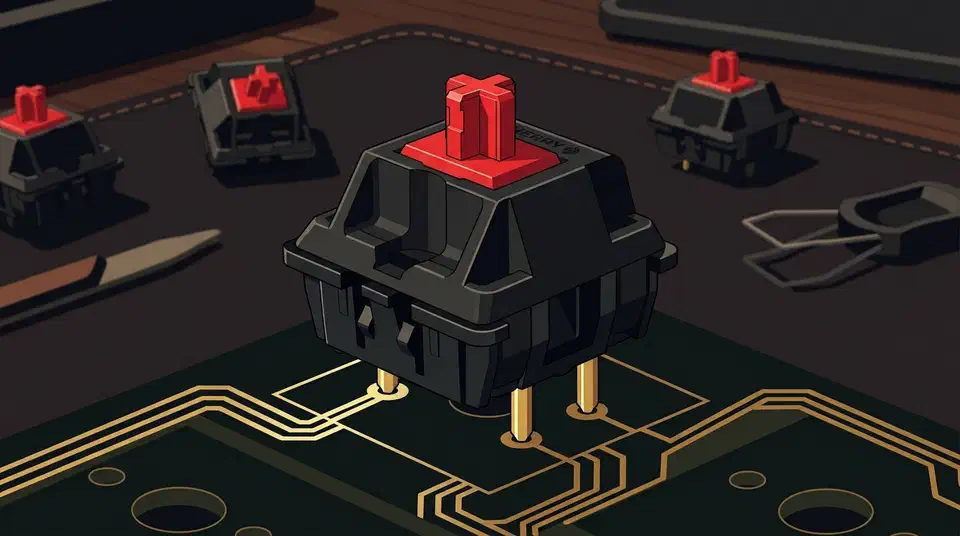
The Cherry MX2A switch redesign changes five separate parts inside the standard MX switch: the spring, the stem, the socket dome, the lubrication on that dome, and the guidance ribs. Each part answers one old complaint about the original MX.
Key Takeaways
- MX2A is now the default MX across Cherry’s mainstream catalogue; the MX Special line keeps the older MX1A design.
- The spring changed from cylindrical to barrel-shaped, which is what killed the ping.
- A machine places lubricant on the socket dome, replacing grease smeared over the whole switch.
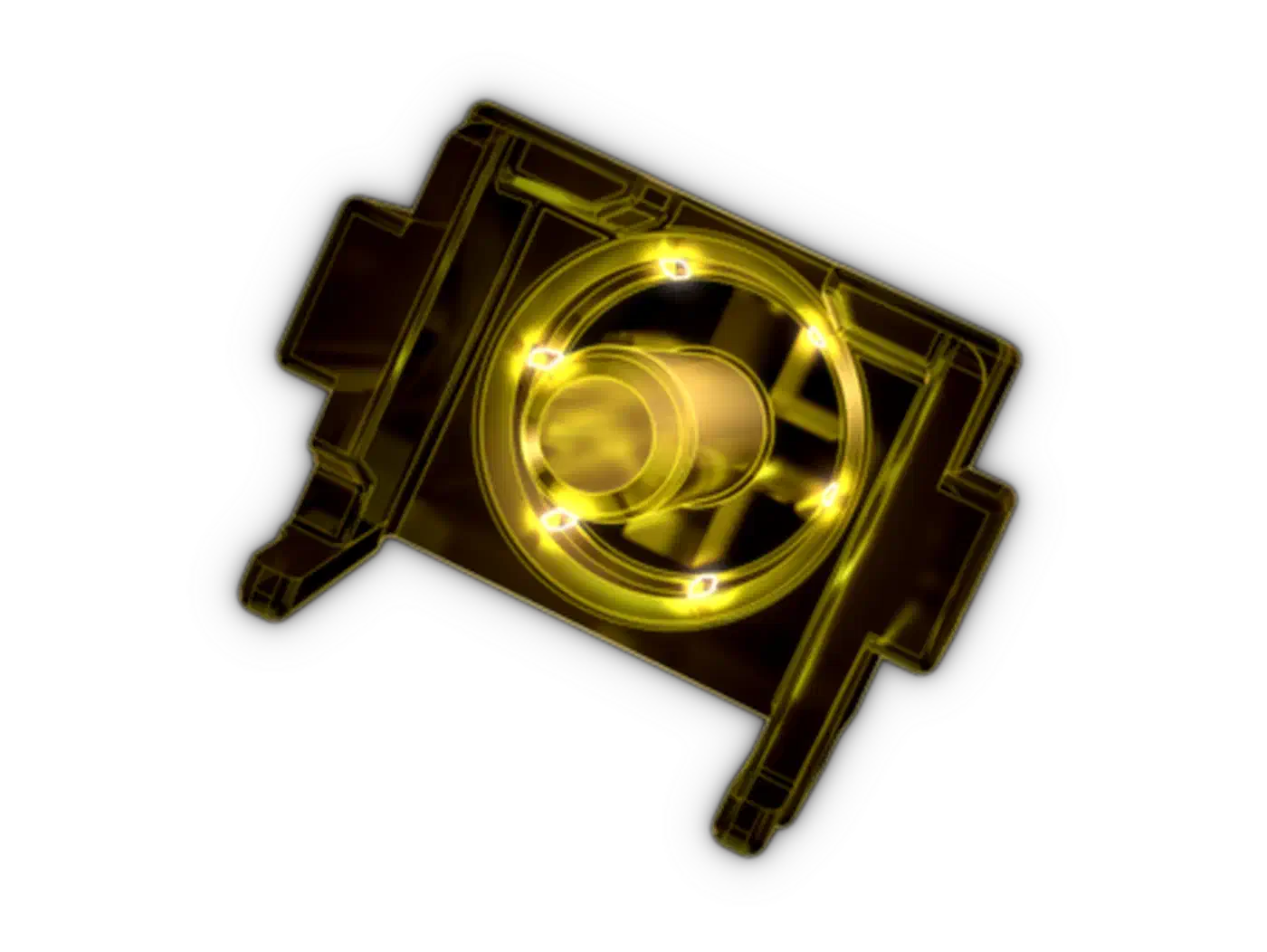
- A six-rib “crown” on the stem that centres the spring is Cherry’s fix for the wobble the old MX was known for.
- The 100 million click rating covers only select switch types.
What is the Cherry MX2A?
The Cherry MX2A is a ground-up internal revision of the mainstream MX switch, first shown in 2023. Cherry kept the outside and rebuilt the inside.
The MKB Guide Cherry MX overview describes MX2A as an internal revision applied to the entire mainstream catalogue, with only the MX Special line kept on the older MX1A design. So a Cherry switch bought today is usually an MX2A. The Keybumps Cherry MX switch guide lists both linear and tactile MX2A variants.
The housing, the stem cross, and keycap fit all stay the same. So an MX2A drops straight into an existing board without an adapter. The feel families you already know, like the heavy Black or the tactile Brown, keep their names. The one Cherry line that does change shape is the Low Profile version, which cuts the switch to 11.9mm tall. Magnetic switches skip the contact mechanism and sense the stem instead, which is why Gateron’s TMR power draw became a fresh concern.
The five parts Cherry redesigned
Cherry publishes the list of what changed in its MX2A engineering breakdown. The part changes come from Cherry; the complaint and typist columns are our reading of them.
| Old complaint | Part Cherry changed | What a typist notices |
|---|---|---|
| Spring ping | Spring went from cylindrical to barrel-shaped | Less metallic ring on each keypress |
| Scratchy travel | Ring lube applied by machine onto the socket dome | Smoother contact point, quieter stroke |
| Stem wobble | Six-rib “crown” on the stem centres the spring | Steadier keycap, less side-to-side play |
| Rough bottom-out | Socket dome reshaped and diamond-polished | Cleaner glide at the bottom of the press |
| Friction through the stroke | Glide-optimised guidance ribs in the top housing | Less drag as the stem moves down |
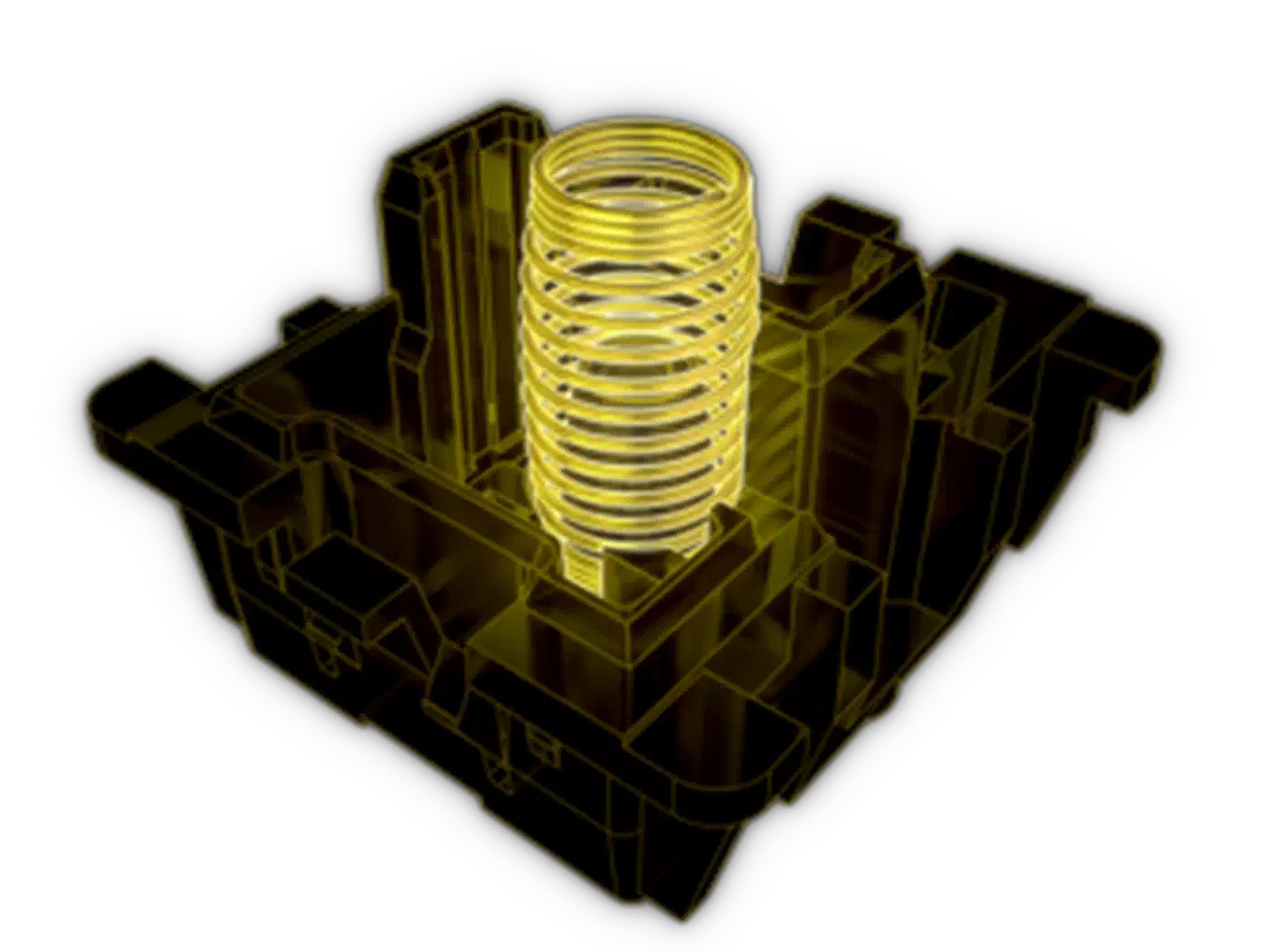
Cherry moved from a cylindrical coil to a barrel shape, so the spring holds its form under fast keystrokes. Cherry credits that shape for removing the ping and delivering more even force. Some enthusiast switches go further and stack multi-stage springs to reshape the force curve.
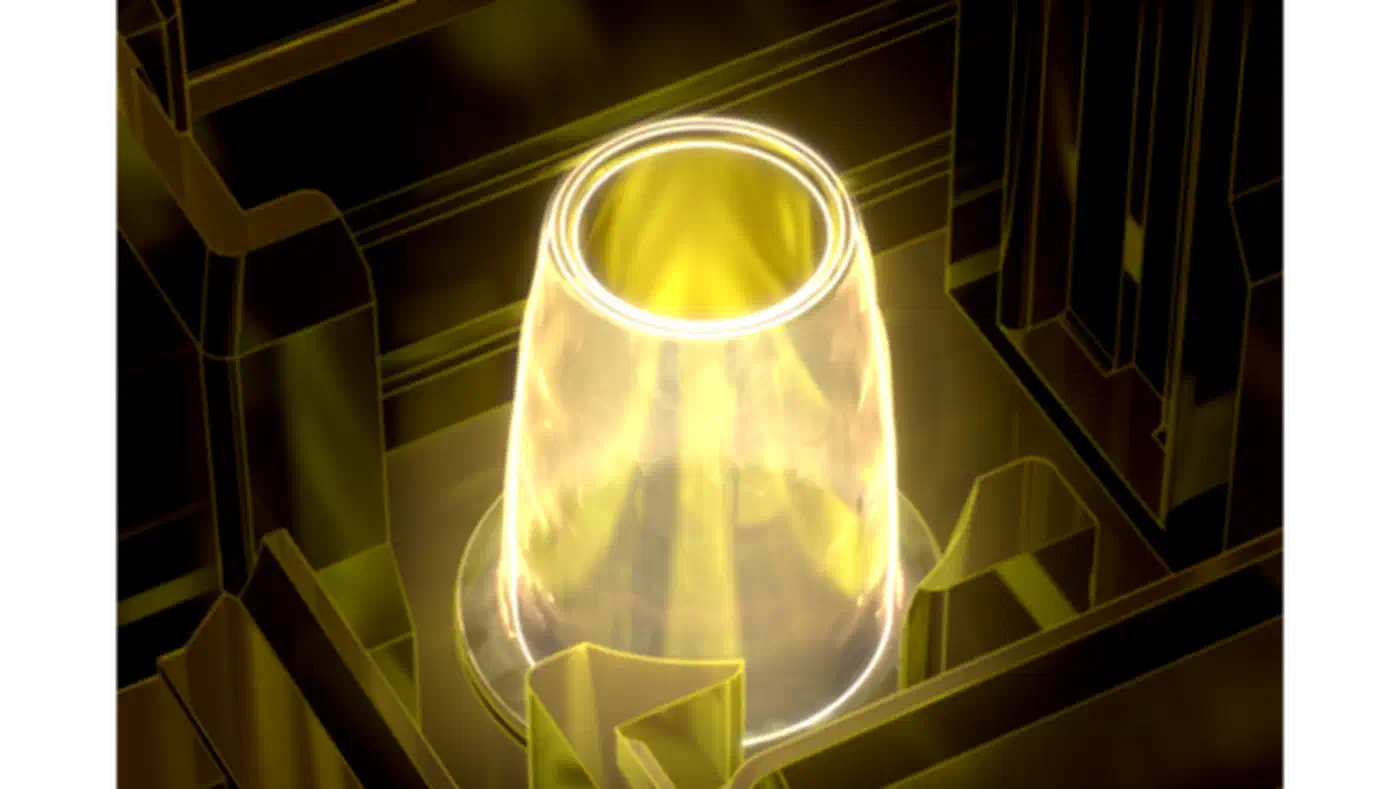
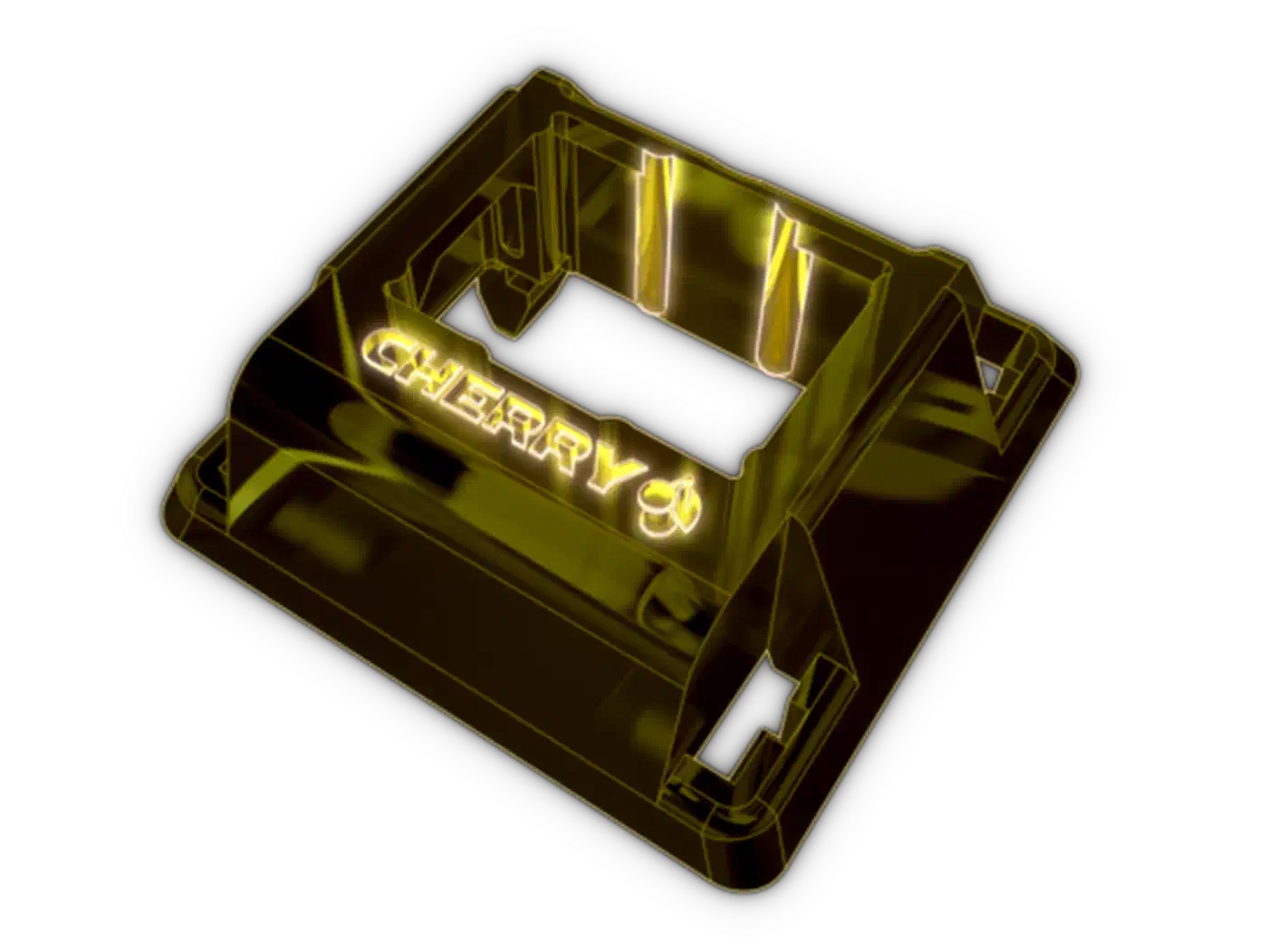
Instead of grease smeared across the whole switch, an automated process places a ring of lube directly on the socket dome in the bottom housing. Cherry says its grease behaves like the community favourite Krytox GPL 205 Grade 0. That gives a smooth contact point without the mess of hand lubing.
Which changes can a typist feel?
Some of the five changes you hear, some you feel through the keycap, and a couple barely register outside a test bench. The order below is a judgement call.
Spring ping was the loudest old complaint, so the barrel spring is the change most people notice first. Wobble comes next, felt through the keycap, and it shows up most on tall keycap profiles and big keys like the spacebar. Other makers now quote the play as a hard number, like the 0.05mm of stem clearance the WS Flux switch aims for.
Consistent lubrication is hard to notice on one switch and easier across a full board, because uneven lube is what the ear picks out as one scratchy key in a row. The guidance ribs and diamond-polished dome come last. They smooth the stroke, but few typists could name the difference blind.
None of these changes alters actuation force, travel distance, or the basic feel family. An MX2A Black keeps the heavy linear feel of the original MX Black, which Computer Station Nation’s per-variant specs list at 60g, now with less stem wobble and better consistency.
The lifespan claim and its footnote
Cherry rates the Gold Cross Point Contact for a lifespan beyond 100 million clicks. That number gets repeated everywhere, usually without the words that follow it. Cherry’s own phrasing is “for select switch types,” so the rating does not apply to every MX2A.
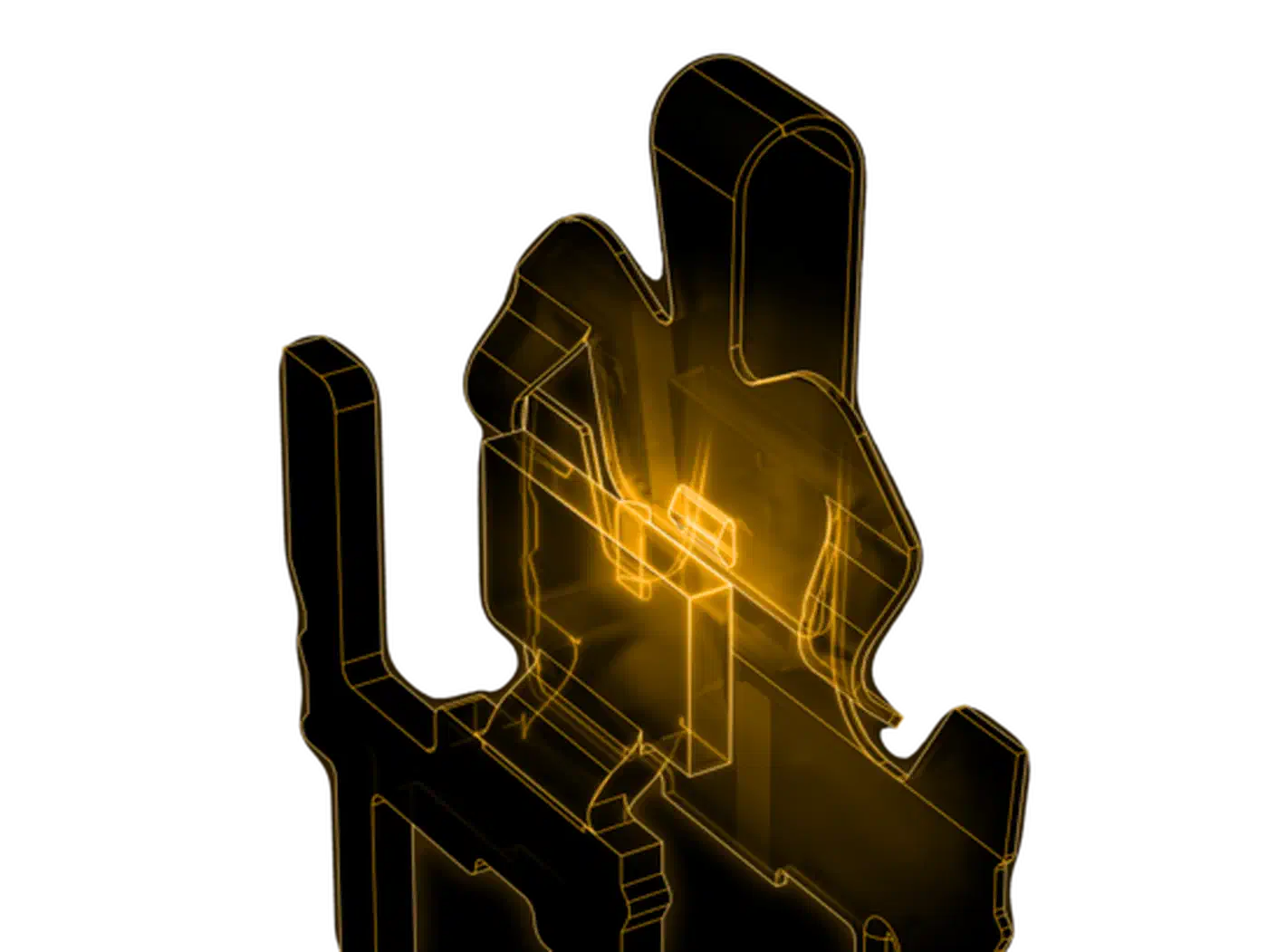
The lifespan comes from the contact design, which most reviews skip in favour of the plastic parts. Cherry uses gold contacts joined by a two-point welding process. That pairing carries the long click life and a debounce time under 1 ms. The stem and housing wear far more slowly than the electrical contact, so the contact sets the limit.
100 million clicks is a high ceiling. A heavy typist might hit a few million keystrokes a year, so even the busiest keyboard would take decades to reach that ceiling. Which variants earn the full rating is unclear, because Cherry does not publish that list in its MX2A breakdown, so treat 100 million as a best-case figure that may not cover every switch on the shelf.