

The Viper V4 Pro wins on weight, the G Pro X2 on click

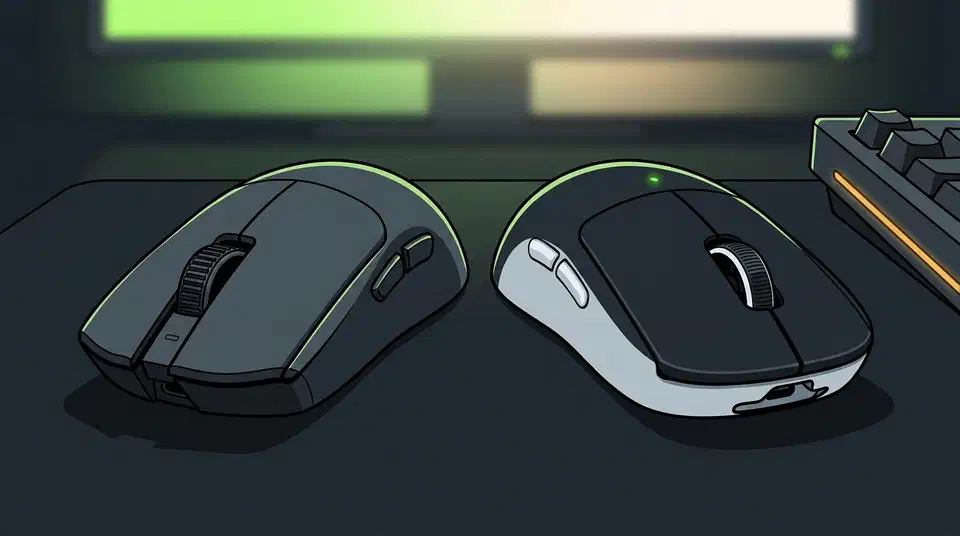
Razer Viper V4 Pro vs Logitech G Pro X2 Superstrike is the first flagship match-up in years with no single winner. Razer spent its effort on grams, sensor and battery, while Logitech threw out the switch and rebuilt the click. The two mice now answer different questions, so this comparison ends in three verdicts by player type.
Key Takeaways
- Razer worked on weight, sensor and battery while Logitech rebuilt the click.
- The Viper V4 Pro is 49 grams and aimed straight at esports.
- The G Pro X2 Superstrike replaces its switches with a tunable haptic click.
- Both hit 8,000Hz wireless with no added input lag you can feel.
- The winner depends on which of three player types you are.
Where the Viper V4 Pro and the G Pro X2 Superstrike differ
For about a decade Razer and Logitech shipped near-identical flagship mice with different logos on the palm, and that stopped this year. The Razer Viper V4 Pro is the esports pick at roughly $170, while the Logitech G Pro X2 Superstrike sits at about $180 as the all-round flagship, a split this Logitech versus Razer comparison also lands on.
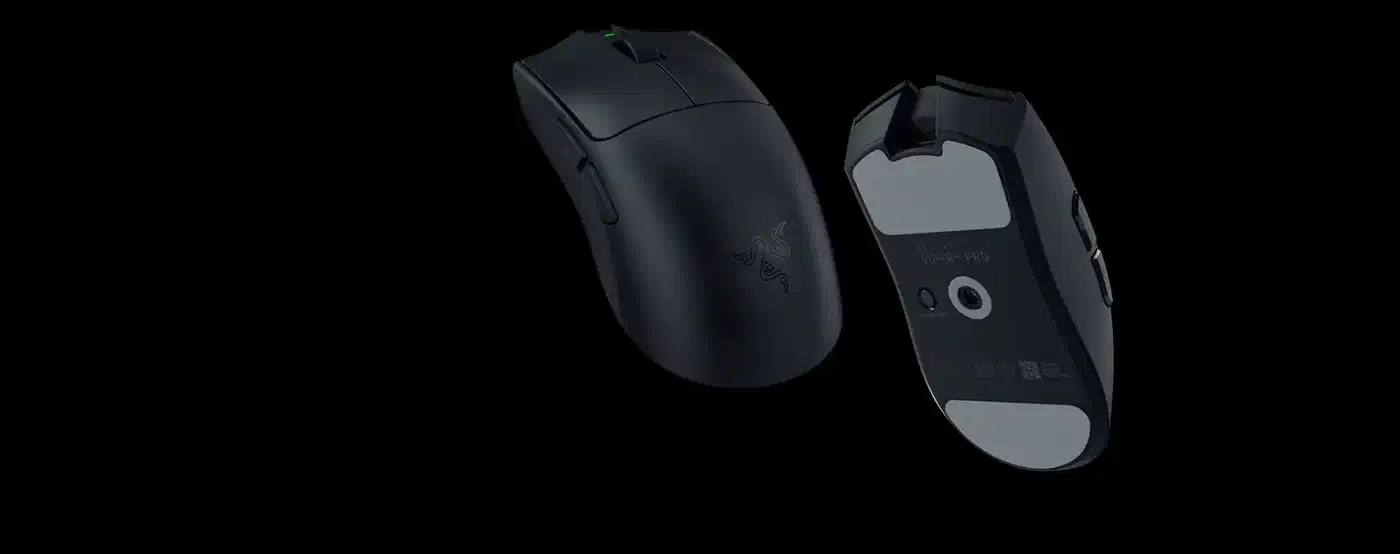
| Mouse | Weight | Main click | Sensor | Battery | Software | Warranty |
|---|---|---|---|---|---|---|
| Razer Viper V4 Pro | 49 g black, 50 g white | Gen-4 optical switch, rated 100M clicks | Focus Pro 50K Gen-3, up to 50,000 DPI | 180 h at 1,000Hz, 44 h at 8,000Hz | Synapse | 2 years |
| Logitech G Pro X2 Superstrike | 61 g | Haptic inductive trigger, 10 actuation steps | HERO 2, up to 44,000 DPI | about 90 h | G Hub | 2 years |
The shells are close enough that the table cannot separate them: 127 x 64 x 40 mm for the Viper against 125 x 63.5 x 40 mm for the Superstrike. The 12-gram gap is the one number a shooter player will feel every session.
Both run 8,000Hz wireless, and this fastest-mouse comparison puts them in the same latency bracket with no measurable penalty for going wireless, so polling is a wash. Running either at 8,000Hz still costs your PC, since the interrupt load can take up to 10 percent of a Ryzen 5 5600X.
The click is the whole argument
Razer kept the physical switch in the Viper V4 Pro, a Gen-4 optical unit that fires when the beam breaks, with no debounce delay and no power dependency in the feel of the button. You know what it feels like and how it fails, and it feels identical on day one and day nine hundred.
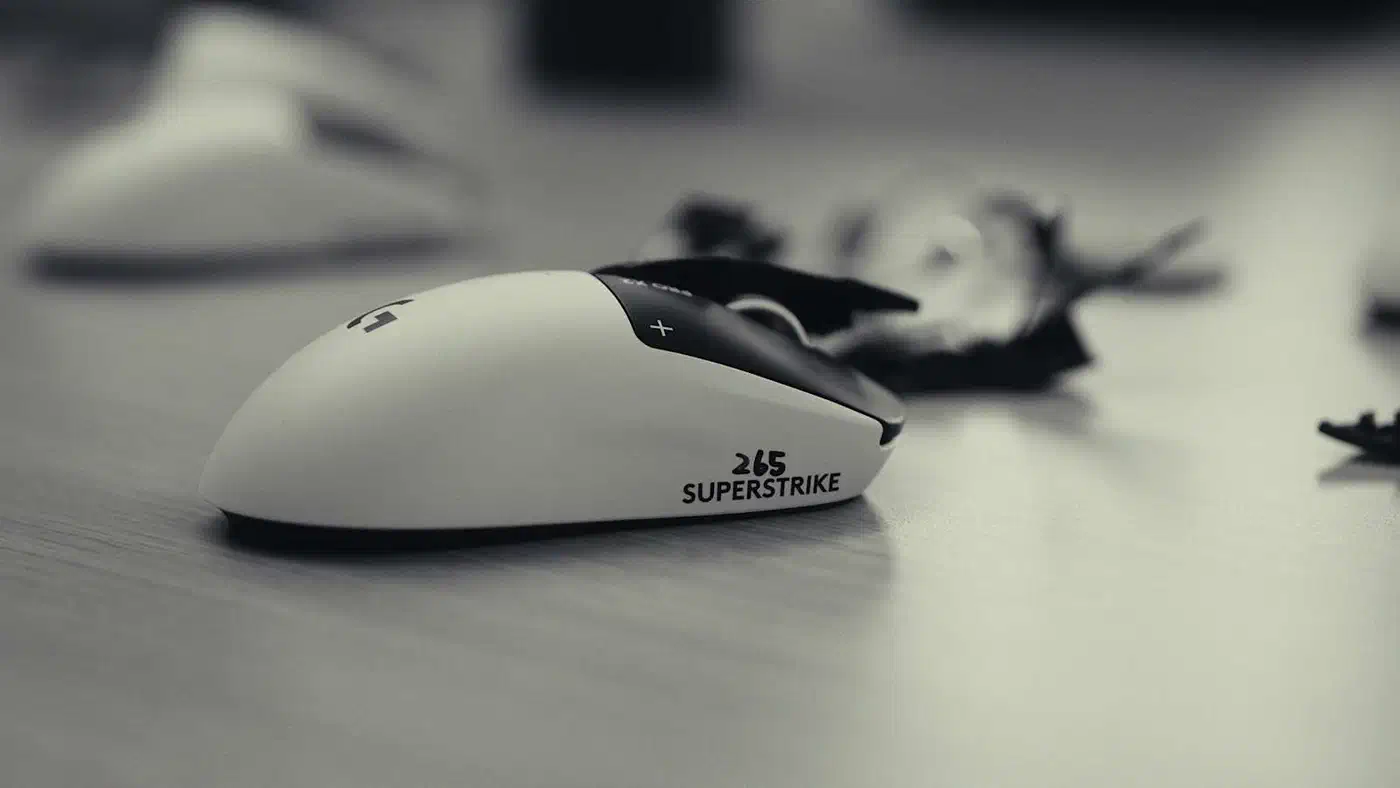
Logitech removed the switch entirely . The G Pro X2 Superstrike uses an inductive coil to sense how far the button travels, then a small haptic motor fakes the click you feel. Logitech says the system cuts click latency, and the actuation point moves across ten steps in software.
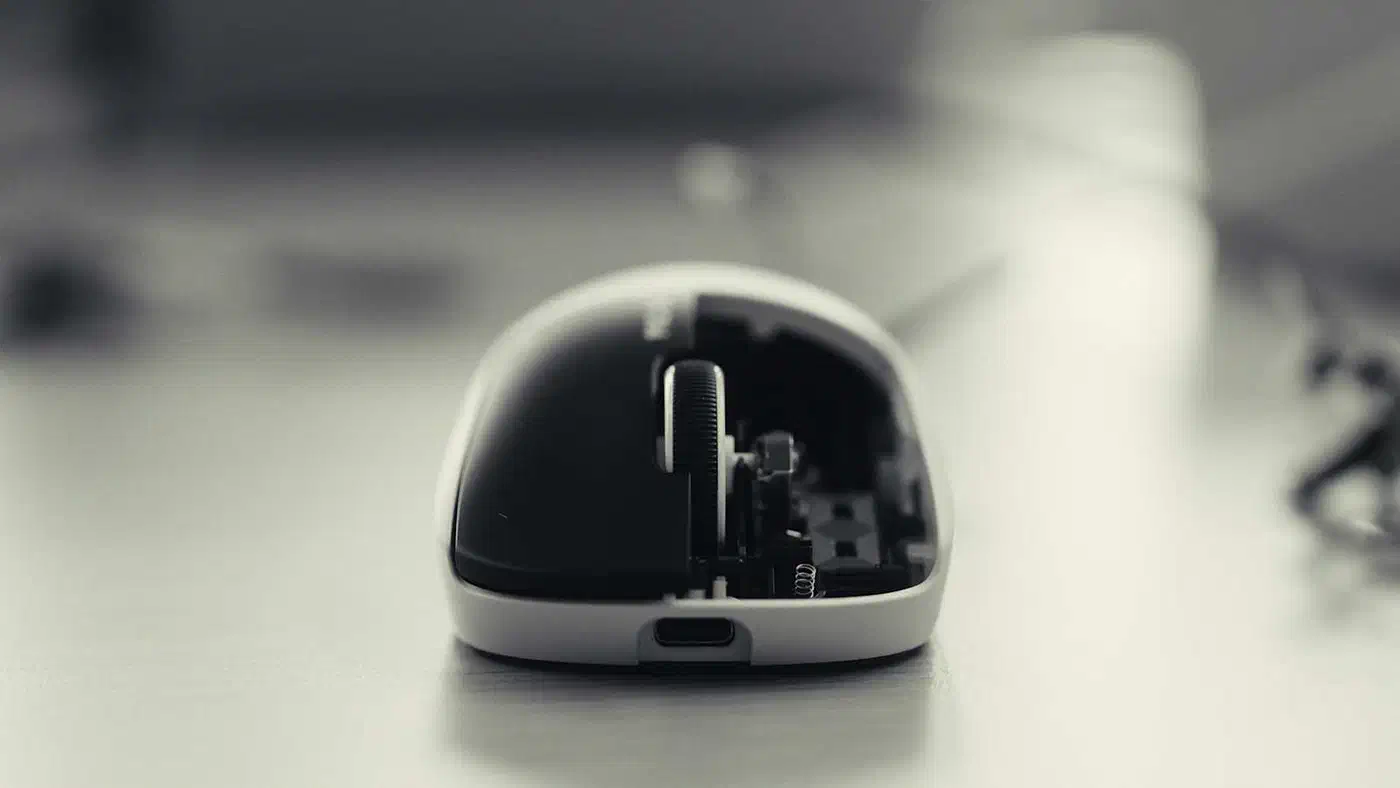
The payoff is that the same mouse can feel light for rapid tapping and firm for holding a button through a fight, so you pick a switch weight per game instead of at purchase. No mechanical mouse offers that, at any price.
In exchange, the click feels rounded next to the crisp snap of a mechanical switch, as Kyle Barr found in his Gizmodo review .
Instead of a ‘click,’ each press of the left mouse button feels and sounds like a ’thwomp.’
The bigger problem shows up when the battery goes flat. With the mouse off, the main buttons give back nothing at all. There is no spring and no switch under them, so a dead Superstrike feels like a broken mouse until you plug it in, and the Viper never gets into that state.
Which is better, the Viper V4 Pro or the G Pro X2 Superstrike?
Competitive shooter players should take the Viper V4 Pro. It is 12 grams lighter, it runs 180 hours between charges at 1,000Hz, and its click depends on nothing but your finger. Nothing about the mouse changes when the battery gets low. Running it at 2,000Hz rather than 8,000Hz gives up less than half a millisecond of latency.
Mixed gaming and desk work favours the G Pro X2 Superstrike. A firm click for spreadsheets and a hair-trigger for aim training, out of one mouse, beats 12 grams for anyone who isn’t chasing a rank. But if you’d never open the actuation settings, you’re paying $180 for a very good Superlight. Linux players get one more point for Logitech, because Piper’s device list covers dozens of Logitech devices and no Razer mice.
Large hands and palm grippers should judge by shell shape first. Both mice are ambidextrous and neither is a large ergonomic shape, so a big-handed palm gripper will fight either one. Measure your hand against those two dimension sets, and if both come up short, buy a DeathAdder-shaped mouse from either brand instead.
The $10 gap between them is under 6% of either price, so price should not decide this for anyone. Neither sensor decides it either, because a $40 mouse now ships last year’s flagship sensors .
What neither review will tell you yet
Repairability is unsourced on both sides. Neither vendor publishes spare part availability for the shell, the feet or the battery, and a haptic engine has no obvious equivalent to swapping a worn switch. The two-year warranty is the only durability promise either brand makes in writing.
Because Razer and Logitech do not publish the same measurement method, a millisecond from one spec sheet cannot be subtracted from a millisecond on the other. Treat any head-to-head latency number that mixes the two as marketing until an independent lab measures both on one bench.
Prices move by region: both figures here are US street prices, and import duty or local stock can swing the gap far past $10, which flips the value verdict in some countries.
An optical switch has years of field data behind its click rating. A first-generation inductive trigger with a vibration motor has none, and nobody knows yet how it ages after three years of daily use.
If you are still stuck after all that, stop reading comparisons and pick the shape your hand prefers. Grip comfort outlasts every spec on this page, and with dimensions this similar your hand will judge better than the table did.