Mouse polling at 8,000Hz eats 10 percent of a Ryzen 5600X


8000Hz polling CPU overhead is real, and older CPUs pay the most for it. Attack Shark’s modelling puts the cost at 5 to 10 percent of a Ryzen 5 5600X, while high-core-count chips have the headroom to absorb it. In a CPU-bound game it shows up in your 1 percent lows while the average frame rate barely moves.
Key Takeaways
- Every mouse report interrupts the CPU, so 8,000Hz means 8,000 interrupts a second.
- A Ryzen 5 5600X can lose 5 to 10 percent of its CPU to that stream.
- Fast modern chips shrug it off; older six-core builds stutter.
- The damage lands on your 1 percent lows, so averages hide it.
- 2,000Hz or 4,000Hz keeps most of the benefit for a fraction of the load.
Why polling costs CPU at all
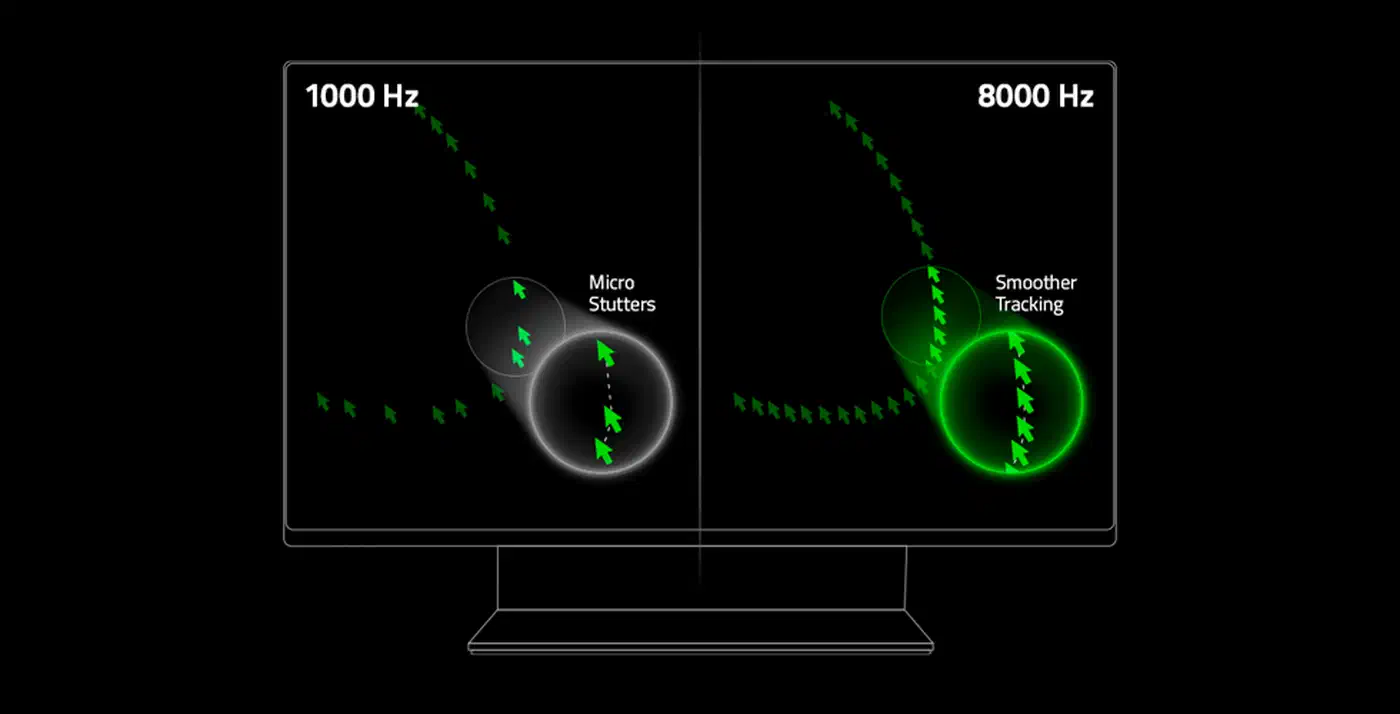
A polling rate is how often your PC asks the mouse where it is. At 1,000Hz that question gets answered every 1.0ms. At 8,000Hz the gap shrinks to 0.125ms, so the mouse talks eight times as often.
Every one of those answers raises an interrupt. An interrupt is a signal that makes the CPU stop what it is doing, save its place, handle the device, and pick up where it left off. Attack Shark’s benchmark of 8K polling CPU overhead describes exactly this: moving from 1K to 8K multiplies the interrupt frequency by eight.
A single interrupt is cheap, so the cost comes from the frequency and the context switching around it. The work is also concentrated, because the kernel handles these requests at high priority on whichever core owns the USB controller. That is why the effect is uneven from one game to the next.
Does 8,000Hz polling lower your FPS?
Your average FPS will hardly move, but your 1 percent lows can fall off a cliff. Attack Shark’s audit of frame rate minimums models a Zen 3 six-core system in a CPU-heavy urban scene and reports this split:
| Polling rate | Avg FPS | 1% low FPS | Frame time variance |
|---|---|---|---|
| 1,000Hz | 240 | 195 | ±0.8ms |
| 4,000Hz | 238 | 182 | ±1.4ms |
| 8,000Hz | 235 | 165 | ±2.9ms |
The average drops by 2 percent while the 1 percent lows drop by 15 percent. A player feels that as stutter.
On the CPU side, the same analysis puts 8K polling at 5 to 10 percent of total utilisation on a Ryzen 5 5600X. The companion piece models an older Ryzen 5 2600 and lands on 5 to 7 percent, enough to push a gaming session from about 68 percent utilisation to about 75 percent. From that came a rule of thumb worth keeping: if your CPU already sits above 70 percent during 1,000Hz gameplay, 8K polling will likely cost you frame consistency.
Both figures come from one vendor-adjacent publisher, and both articles label their data as deterministic scenario modelling rather than a controlled lab test. Neither says whether the quoted percentage is whole-CPU or single-core load, and the difference is large. On a six-core chip, 10 percent of the whole package is a very different problem from 10 percent of one core.
DirectX 11 titles suffer most, because DX11 leans on a single render thread. Interrupt that thread and the whole pipeline stalls. DirectX 12 and Vulkan spread work across cores and absorb the hits better, though neither is immune.
A CPU-generation rule for 8000Hz polling overhead
These tiers group by platform era, because the effect tracks architecture and core count more than clock speed. I reasoned them from the two cited models above; I have not tested any of it on my own bench.
| Your CPU | Expected 8K overhead | Suggested polling | Reasoning |
|---|---|---|---|
| Six-core Zen+ or older (Ryzen 5 2600) | 5 to 7 percent | 1,000Hz | Modelled overhead pushes a 68 percent gaming load to 75 percent |
| Six-core Zen 3 (Ryzen 5 5600X) | 5 to 10 percent | 2,000Hz or 4,000Hz | Same modelling, higher headline figure, measurable 1 percent low variance |
| Eight-core current-generation | Small enough to ignore | 4,000Hz or 8,000Hz | Spare cores absorb the IRQ stream without starving the render thread |
| Twelve-core and up | Negligible | 8,000Hz | IRQ handling is a tiny fraction of total capacity |
Most people live in the middle tier. Dropping to 2,000Hz or 4,000Hz keeps roughly three quarters of the latency benefit for a fraction of the interrupt load. Attack Shark’s own verdict points the same way, calling 4,000Hz the sweet spot for mid-range systems.
If your game is GPU-bound, the CPU has spare cycles and the interrupt load disappears into them. The rule only bites when the CPU is your limit, which is exactly the situation competitive players at 240Hz and above put themselves in.
How to test it on your own machine
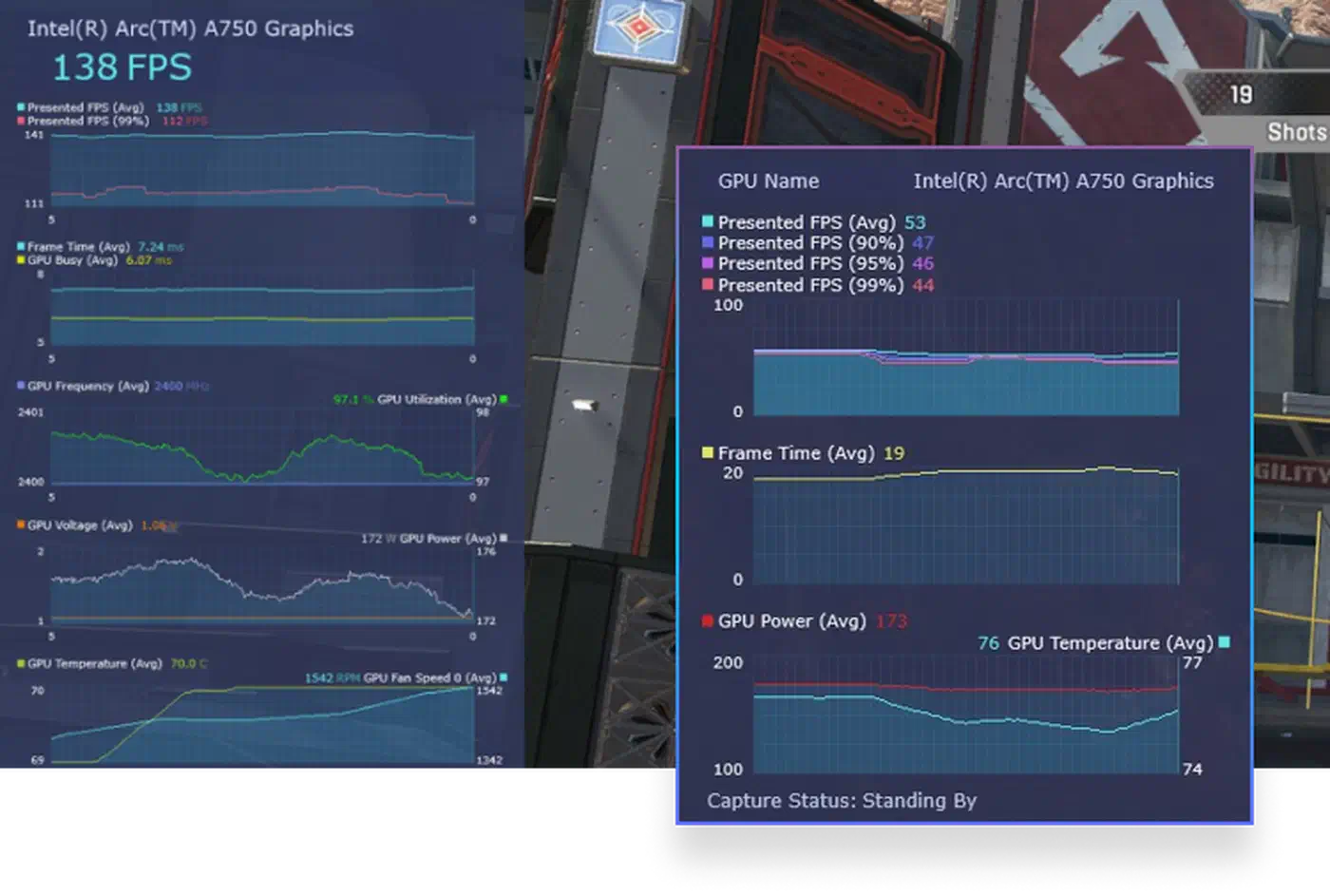
Your own frame times beat anybody’s model. The test takes about twenty minutes and needs one repeatable scene plus a frame-time capture tool such as PresentMon , with only one setting changed per run.
Pick a CPU-bound scene you can run identically every time. A replay, a training range, or a fixed walk through a busy town all work. A live match does not, because the load changes under you.
Capture frame times instead of frame rates, and record the 1 percent and 0.1 percent lows. A sixty-second run is enough.
PresentMon.exe -process_name game.exe -output_file poll_1000.csv -timed 60
PresentMon.exe -process_name game.exe -output_file poll_8000.csv -timed 60
Run the whole set three times at 1,000Hz, then three times at 8,000Hz, with nothing else changed: the same drivers, power plan, background apps and USB port. Then compare the lows against each other and treat any change smaller than your run-to-run spread as noise.
Different USB controllers on the same motherboard can give different results, so a rear I/O port wired to the chipset may behave nothing like a front-panel header sharing bandwidth with a webcam. Move the receiver and repeat the run before you blame the polling rate.
Nobody has published a clean before-and-after capture from named hardware in a named scene, and Linux interrupt handling under 8K polling has no comparable public numbers at all. Community reports on r/MouseReview and elsewhere lean anecdotal in both directions.
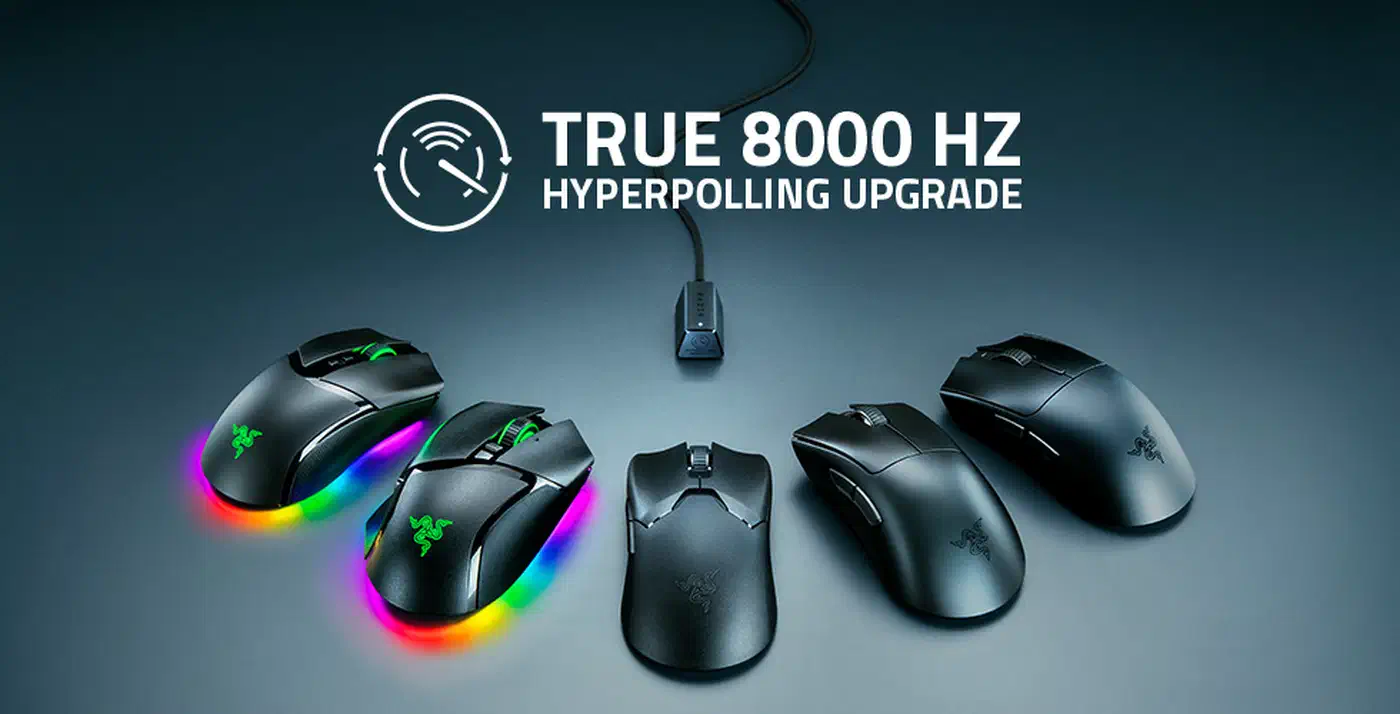
Meanwhile the hardware keeps shipping. Razer’s 8,000Hz wireless polling rolled out across the Viper V2 Pro, DeathAdder V3 Pro, Cobra Pro and Basilisk V3 Pro, so the setting sits one click away for millions of people running CPUs that cannot spare the cycles. On newer models the cost lands on the battery too, and the 49-gram Viper V4 Pro prints both ratings on one spec sheet. A flat battery costs more than polling on some 2026 shells, where the click itself stops working .