

Superstrike buttons need power to feel like buttons

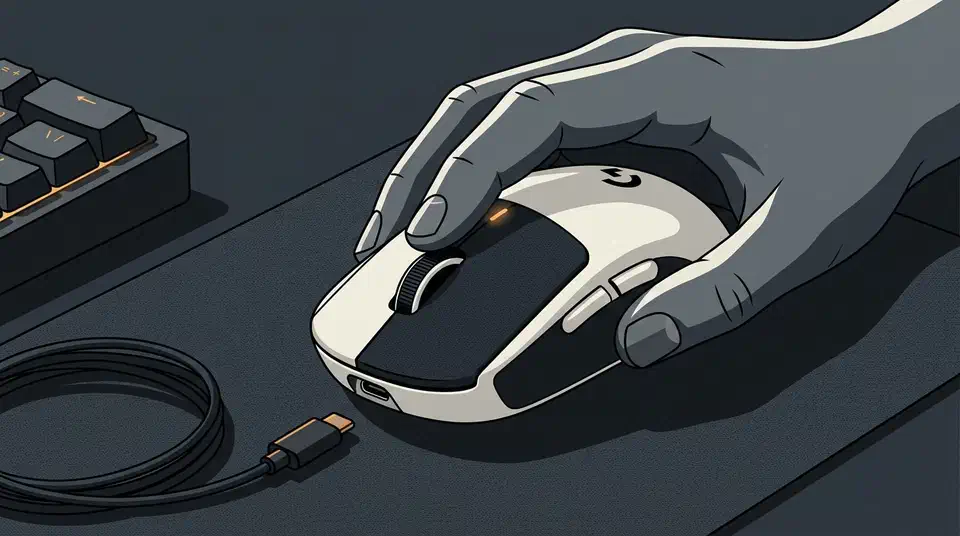
Superstrike unpowered buttons feel like dead plastic. Press one and nothing pushes back, because Logitech replaced the switches and springs with a haptic motor that needs power to fire. Here is a three-part test that scores any flagship mouse on how well it fails.
Key Takeaways
- Unpowered, the Superstrike’s buttons give no click and no push back.
- The click comes from a tiny motor, so no power means no feel.
- There is no DPI button on the mouse, so setup needs software.
- Switch-based rivals still click fine on a flat battery.
- Ask what a peripheral does with a dead battery before you buy.
What Superstrike unpowered buttons feel like
Switch off the Logitech G Pro X2 Superstrike and the left and right buttons stop being buttons. They still move under your finger, but nothing pushes back. John Yan switched one off for his Gaming Nexus review.
With the mouse unpowered and turned off, you basically feel nothing when you press any of the too-many buttons. It almost feels like a broken mouse. Because there are no switches or springs, there is no feedback and, therefore, it’s like pressing a dead button.
Logitech’s Haptic Inductive Trigger System swaps the mechanical microswitch for an electromagnetic coil, a metal plate and a small haptic actuator. An inductive sensor measures how far the plate moves, then the actuator fires a thump to imitate the break. PowerUp’s review compares the trick to the Taptic Engine in a MacBook trackpad.
A generated click needs a generator, and a generator with no power generates nothing. On a normal mouse the click is a side effect of physics. A leaf spring snaps, and it snaps whether the battery is full or flat.
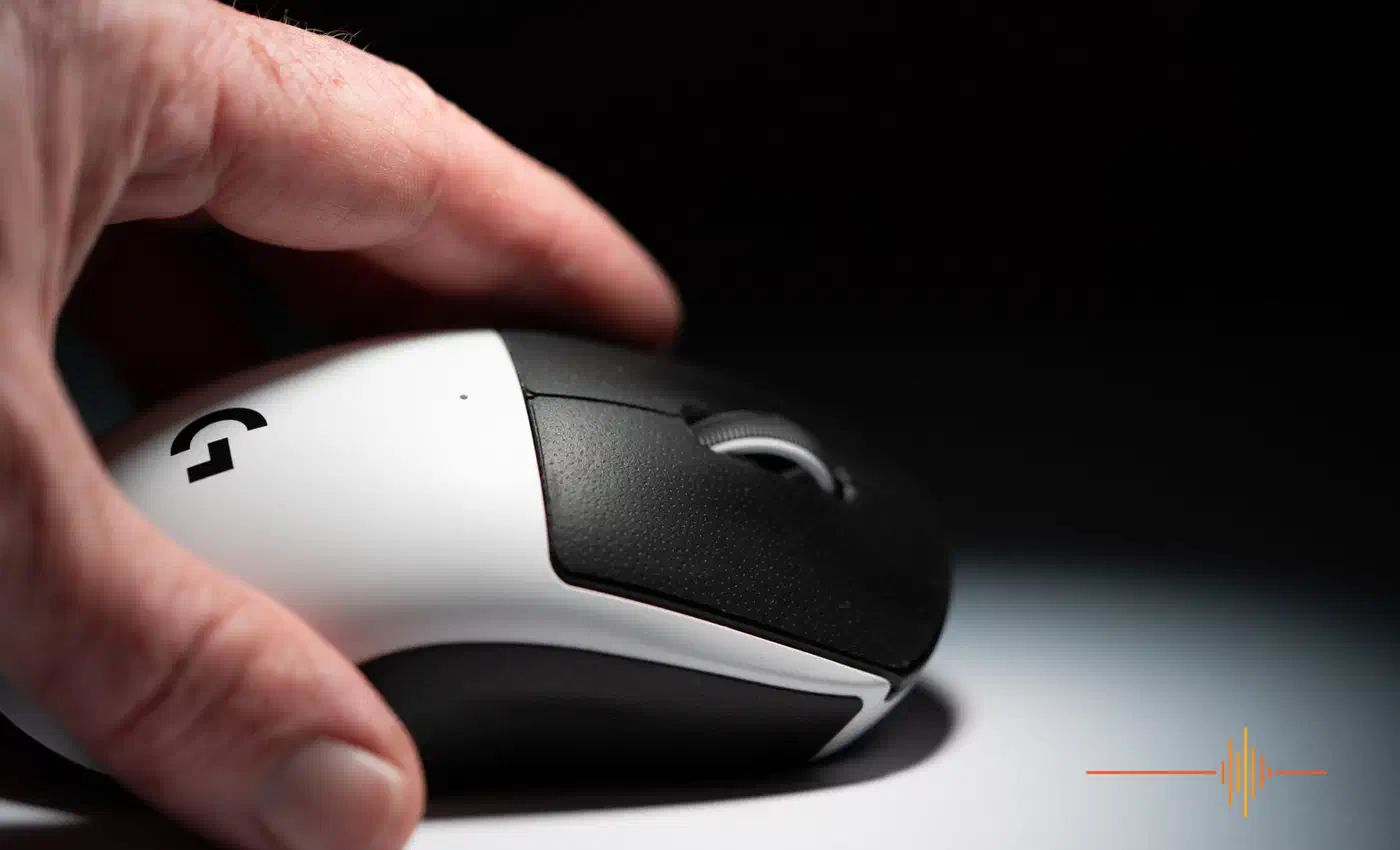
The practical moment is a battery that dies mid-session. On any other mouse you keep clicking while you hunt for a cable, annoyed but functional. On the Superstrike the buttons go numb first, so it reads like a fault. Logitech quotes up to 90 hours at 1000 Hz, so the moment is rare, but it will come around.
The software dependency stacked on the power one
The Superstrike carries a second dependency underneath the first one. There is no DPI selector on the mouse itself. Digital Reviews flags this in its caveats. Yan noticed the same gap against his older Pro X, which had a DPI switch on the underside. His workaround is to bind a button combination instead, which of course needs software to set up.
So the mouse leans on charge for feel and on a host app for setup. Out of the box it behaves the way somebody else decided it should, until you get software onto the machine.
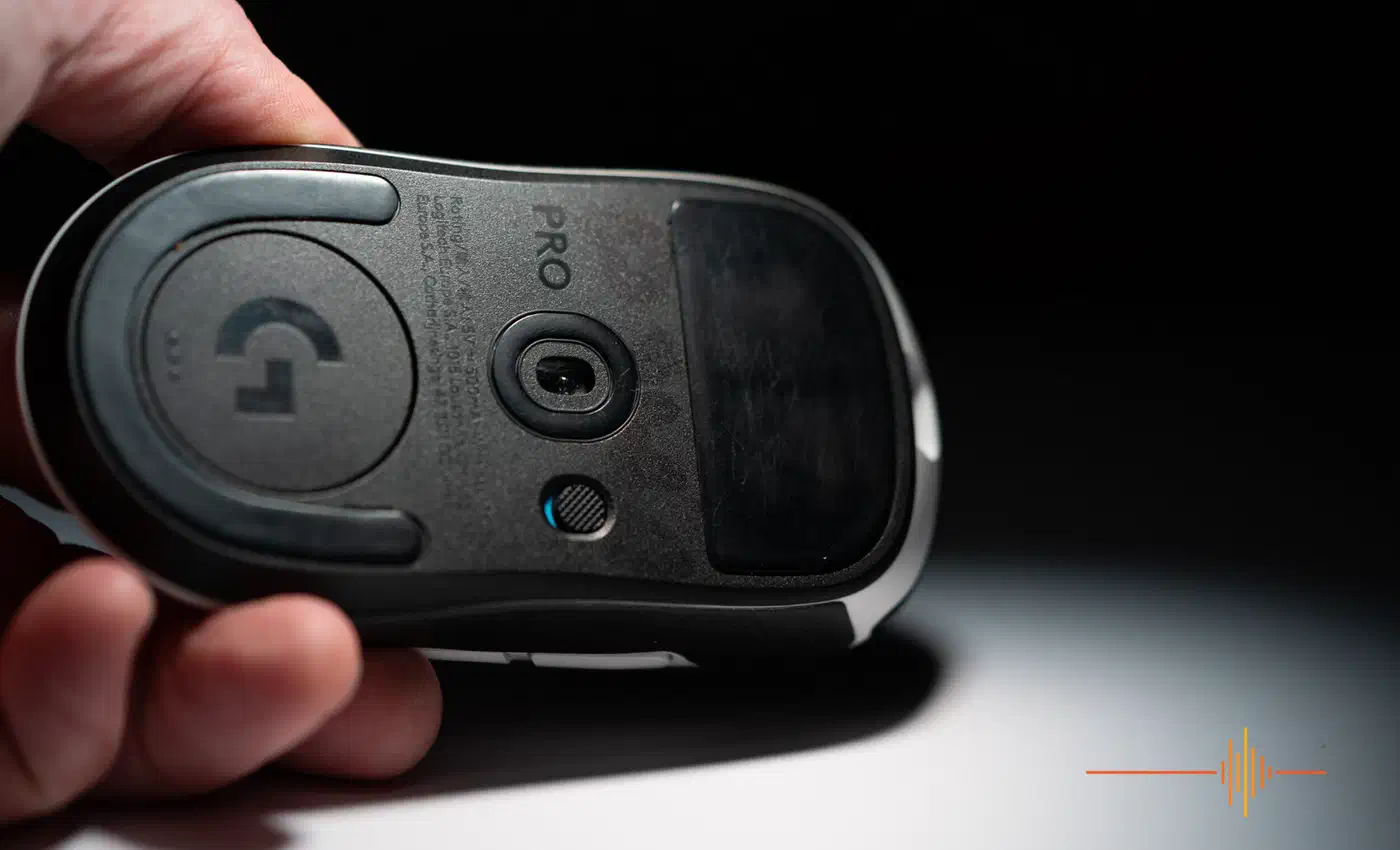
Four situations make that awkward: a freshly installed PC, a work laptop where you can’t install anything, a console, and Linux. Logitech’s G HUB covers none of the last three well.
Settings written to the mouse do persist. TechPowerUp’s spec breakdown notes that Logitech’s lightweight Onboard Memory Manager writes them too, not just the full G HUB install. Configure the mouse once on a machine you control, and it carries those settings to machines you do not. The dependency is real, but you pay it once during setup.
A graceful degradation test for gaming peripherals
Graceful degradation is an old engineering idea. When a system loses a resource, the fancy parts should switch off before the basic ones do. A peripheral passes when losing power or software costs you a feature, and fails when the loss costs you the whole device.
Run three conditions on any mouse:
- Unplugged: receiver removed or cable pulled, battery charged.
- Unpowered: battery flat or the power switch off, no cable.
- No vendor software: connected and charged, on a machine with nothing installed.
Then check three things in each condition. Does the cursor move? Do the buttons click? Can you change DPI? Score each cell pass, partial or fail. Publish the grid rather than a verdict, because different buyers weight the rows differently.
The test earns its keep by separating features that degrade from features that disappear. Adjustable actuation across ten levels degrades: lose the software and you keep whatever level was written last. A haptic click has no middle setting, so it either works or it’s gone.
Failing is not automatically a design fault. Removing the switch is what buys the Superstrike its adjustable actuation point and its very quiet press, and plenty of players will take that trade. The trade only goes wrong when the buyer finds out about it after the battery dies.
How the 2026 flagships score
A spring-loaded switch returns the button whether or not the mouse has power. So any mouse built on optical or mechanical switches clicks unpowered by simple physics. Cells I could not confirm are marked as such.
| Mouse | Clicks unpowered | DPI change with no software | Limit |
|---|---|---|---|
| G Pro X2 Superstrike | Fail | Fail | No switches, no shell button |
| G Pro X Superlight 2 DEX | Pass | Untested | Hybrid optical-mechanical switch |
| Razer Viper V3 Pro | Pass | Pass | Power and DPI share one bottom button |
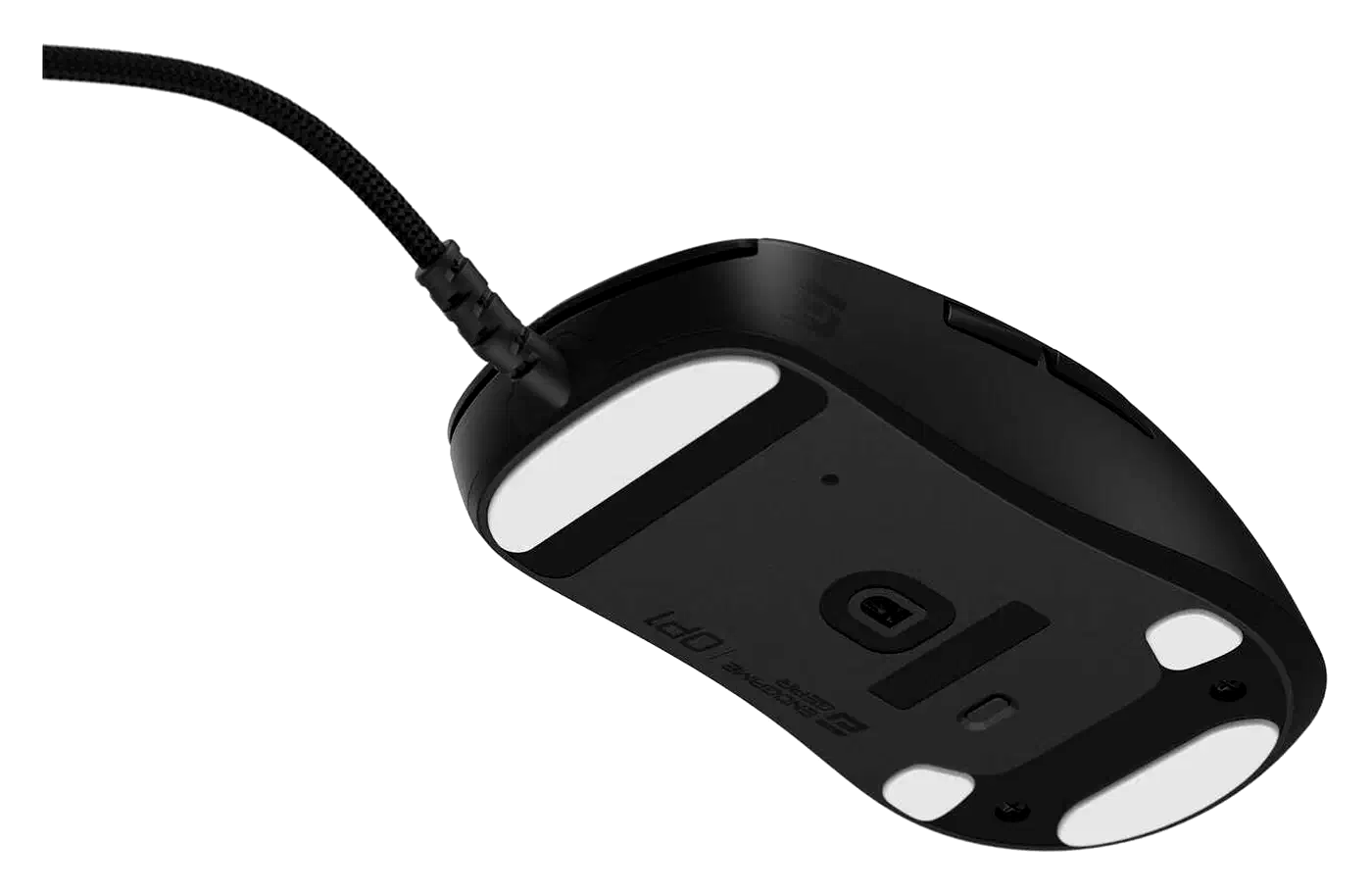
| Endgame Gear OP1 8K v2 | Pass | Pass | Wired only, so power comes with the cable |
The cheapest pass in the grid is a bottom-mounted DPI button, and it costs a gram. Razer’s Viper V3 Pro doubles its power switch as a DPI cycle. Five sensitivity stages stay reachable on a machine with no Synapse install. Endgame Gear goes further on the OP1 8K v2. A short press cycles DPI stages and a long press cycles polling rate, so the software only has to write those stages once.
No competing haptic mouse with a mechanical fallback turned up in the 2026 field, so I left that row empty. Three questions about the Superstrike also stayed open. Does plugging a flat one into USB-C restore the haptics right away? How long does the low-battery warning run before the click stops? Do onboard profiles survive a full discharge? Each answer needs a unit and a stopwatch.
A good design keeps the fancy feature optional. Losing power on a Viper V3 Pro costs you 8K polling, which nobody feels, while on a Superstrike it costs you the click. Check that difference before any peripheral goes in the basket.