

Read code at 216 pixels per inch on the ProArt PA32QCV

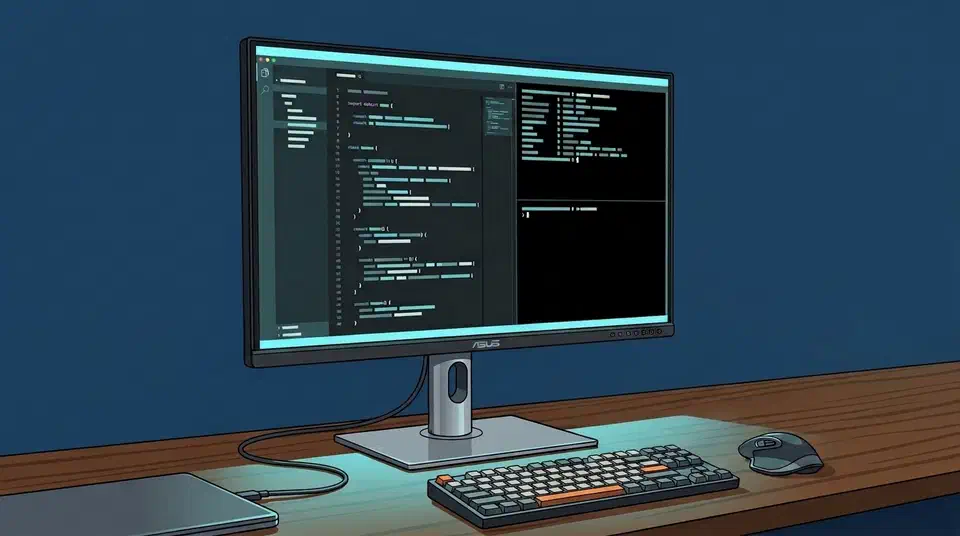
The ProArt PA32QCV is a 32-inch 6K monitor at 6016 x 3384, which works out to 216 pixels per inch against 137 for a 4K panel the same size. At 200 percent scaling it hands back 3008 x 1692 of desktop, with every glyph drawn at exactly double resolution.
Key Takeaways
- The PA32QCV puts 216 pixels per inch on a desk, against 137 for 4K.
- At 200 percent scale you get 3008 x 1692 of usable desktop space.
- That beats a 4K panel at 150 percent on both room and text sharpness.
- One Thunderbolt 4 cable carries the picture and 96W of laptop power.
- A 27-inch 5K panel hits the same sharpness with 28 percent fewer pixels.
What the ProArt PA32QCV is
The Asus ProArt PA32QCV is an IPS-LCD panel running 6016 x 3384 at 60Hz. PCWorld’s review lists the panel as 31.5 inches on a 16:9 aspect, which is what the industry sells as a 32-inch screen.
A single Thunderbolt 4 input carries video and 96 watts of power delivery, so a laptop charges on the cable that drives the picture. A second Thunderbolt 4 port daisy-chains to another screen, and HDMI 2.1 plus DisplayPort 1.4 round out the video inputs.
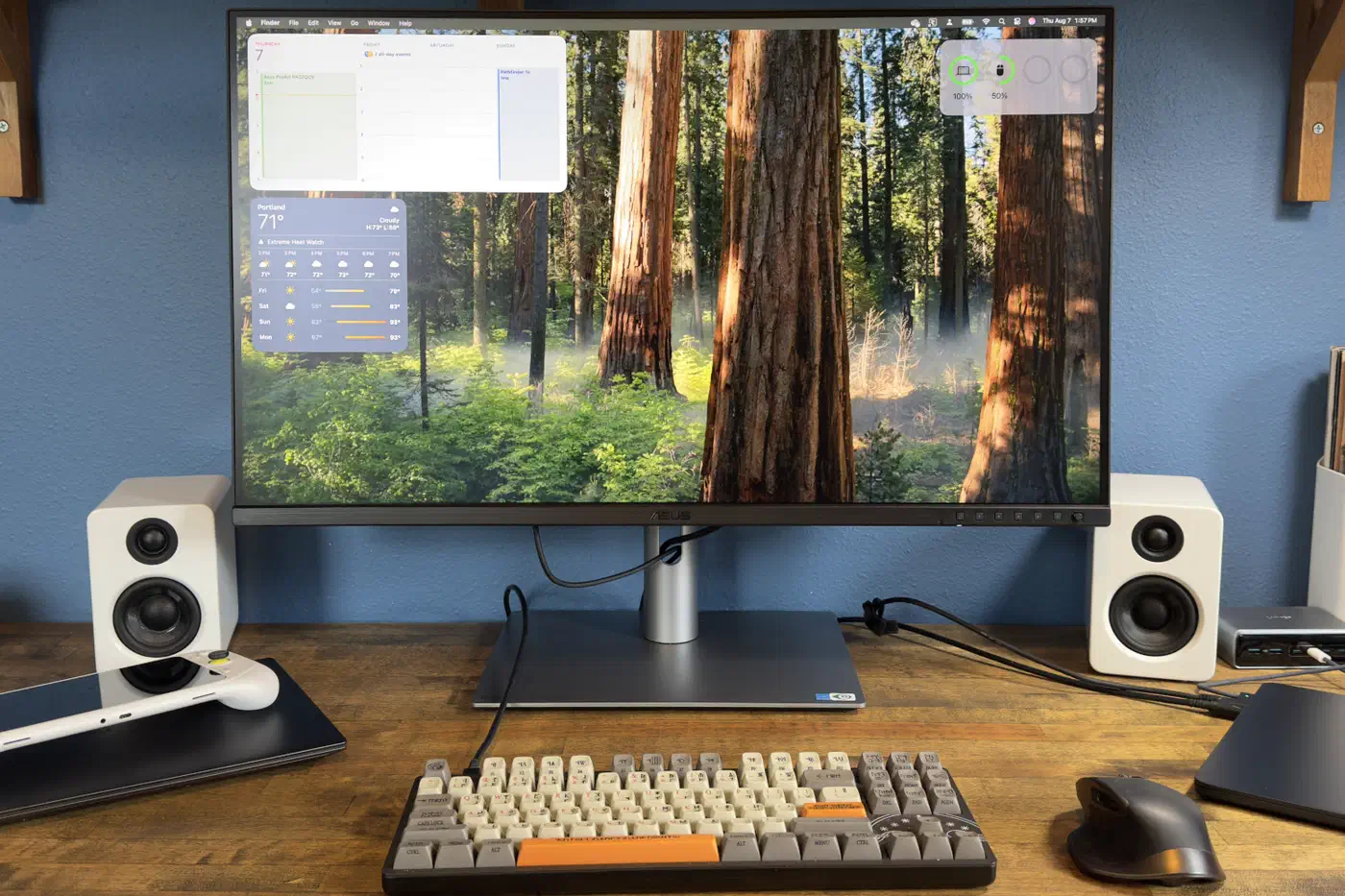
The pixel count is a shade under what earlier 6K panels offered. Dell’s UltraSharp U3224KB ran 6144 x 3456 in the same size class. Asus instead matched the Apple Pro Display XDR exactly, which is the more useful choice if a Mac drives the screen.
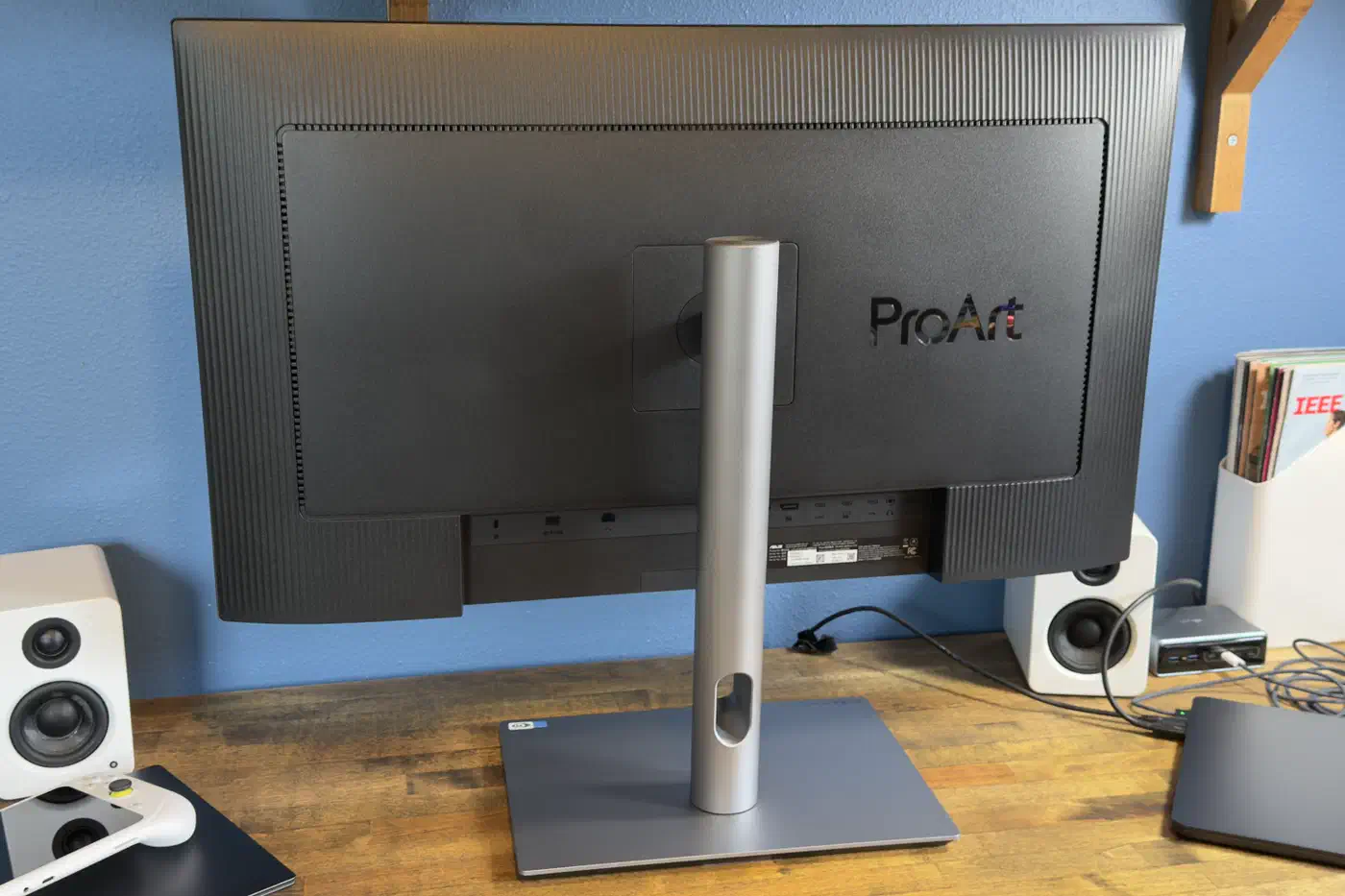
60Hz is the ceiling, with only VESA MediaSync for adaptive sync. That costs you a little smoothness when you drag a window around a code desk, and it rules the screen out for fast games.
How do you calculate pixels per inch on a monitor?
Pixel density is how you compare panels of different sizes. For any 16:9 screen, the horizontal width in inches is the diagonal multiplied by 0.8716. Divide the horizontal pixel count by that width and you have the density.
width  = diagonal_inches x 0.8716
ppi    = horizontal_pixels / width

32 x 0.8716 = 27.89 inches
6016 / 27.89 = 215.7 PPI
Run the same sum on 4K at the same size and 3840 pixels give 137 PPI. That gap is the argument for 6K on a desk you read text on all day. Smaller panels push the number higher still: the 13.3-inch Modos Flow e-paper screen holds 300 PPI.
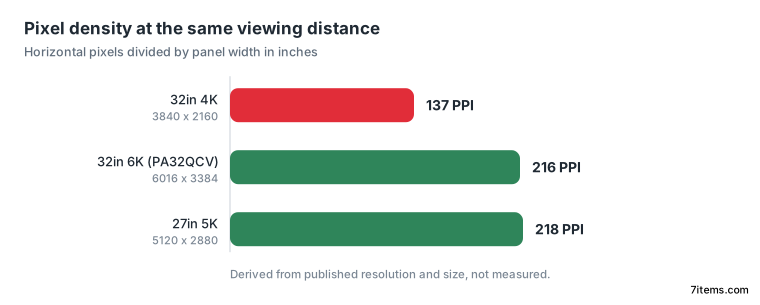
The screen measures 31.5 inches, and its EDID reports a 700mm wide image area, so the true density is closer to 218 PPI. Marketing rounds the diagonal up to 32 inches, so the published density comes out a little low.
Every PPI figure here comes from published resolution and size. Neither review measured rendered text or tested subpixel behaviour.
What 6K gives a code desk at 200 percent scaling
Density pays off once the desktop lands on an integer scale factor and draws every logical pixel as an exact 2x2 block with no resampling. At 200 percent the PA32QCV hands back 3008 x 1692 of logical desktop, and every glyph lands on a whole number of physical pixels.
A 32-inch 4K panel at 150 percent gives 2560 x 1440 of logical space, so 6K wins on area as well as sharpness. Run that 4K panel at 100 percent instead and you get 3840 x 2160 of room with text too small to read comfortably at 32 inches.
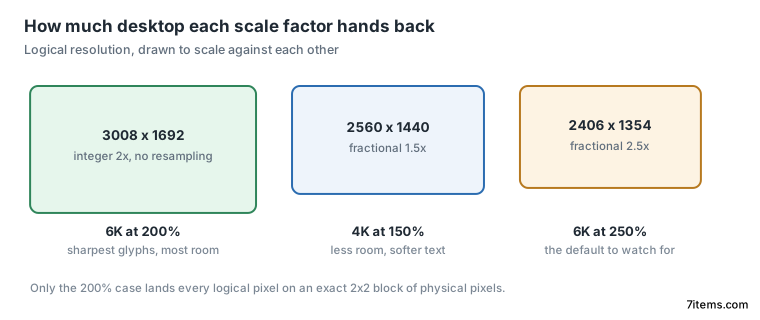
The open question is which scale a desktop picks on its own. Some environments land on 250 percent, which drops the logical space to 2406 x 1354 and gives back a fractional factor. Luke Hsiao bought the panel for programming with that constraint front of mind.
I know I wanted to avoid fractional scaling, so I was searching for either 6K or 8K.
Hsiao ran into a cabling problem on Linux, where the bundled HDMI cable capped his Arch machine at 3008 x 1692 while a DisplayPort cable brought up the full 6016 x 3384 at 60Hz straight away. The same hardware ran full resolution over HDMI under Windows, so the cable is the first thing to swap.
Either way the link is running close to its limit. 6016 x 3384 at 60Hz and 8 bits per colour needs about 29.3 Gbps of raw video, while DisplayPort 1.4 carries roughly 25.9 Gbps of payload across four lanes. Compression has to be doing the work, though neither Asus nor PCWorld says outright that Display Stream Compression is always on.
The 27-inch 5K panel that reaches the same density
If sharpness is the goal, a smaller panel gets you there with fewer pixels to push. 5120 x 2880 across 27 inches is 23.53 inches of width and 218 PPI, marginally sharper than 32-inch 6K. It needs 14.7 million pixels instead of 20.4 million, about 28 percent fewer.
Fewer pixels also loosen the constraints downstream. Cable bandwidth stops being marginal, the GPU has less to fill, and refresh rates climb. FlatpanelsHD reports that Samsung’s 2026 line includes a 27-inch 5K LCD, the Odyssey G80HF, running 180Hz natively and 360Hz at 1440p.
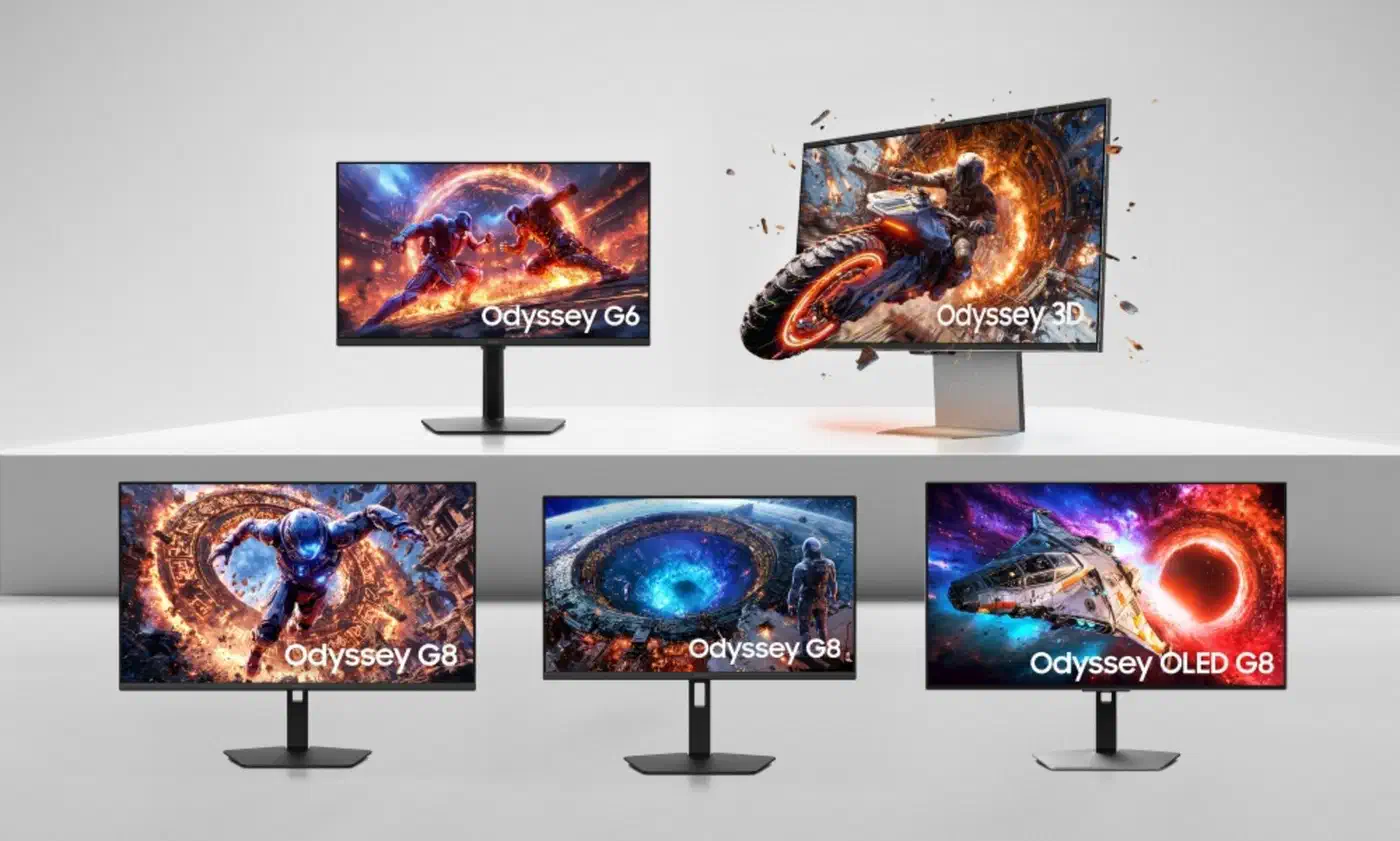
Samsung is pushing the larger format too, so the 60Hz ceiling is not a property of 6K itself. The 32-inch Odyssey G80HS runs 6144 x 3456 at 165Hz, with a 330Hz half-resolution mode.
| Panel | Size | Resolution | PPI | Refresh |
|---|---|---|---|---|
| Asus ProArt PA32QCV | 32in | 6016 x 3384 | 216 | 60Hz |
| Samsung Odyssey G80HS | 32in | 6144 x 3456 | 220 | 165Hz |
| Samsung Odyssey G80HF | 27in | 5120 x 2880 | 218 | 180Hz |
| Dell UltraSharp U3224KB | 32in | 6144 x 3456 | 220 | 60Hz |
Desk area and refresh rate now separate these screens more than density does.
The 27-inch panel at 218 PPI gives you the same crisp text in a smaller frame with an easier signal chain, while the 32-inch at 216 PPI trades extra bandwidth for about a third more desktop at 200 percent.
After three months on the PA32QCV, Hsiao went back to his old ultrawide.
The lack of text clarity was just as apparent as my initial shock at the clarity going the other direction.