

60Hz e-paper lands on the 13.3-inch Modos Flow monitor

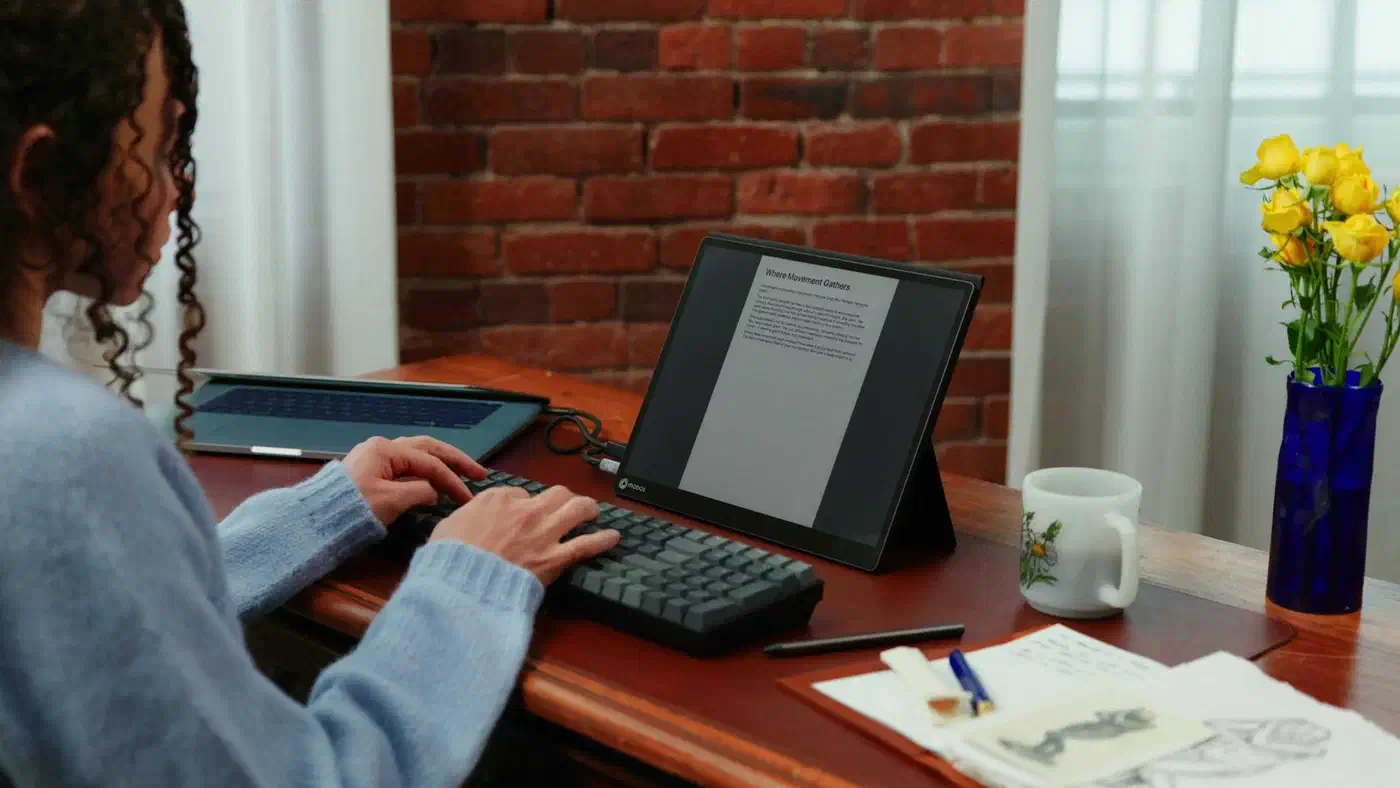
The Modos Flow 60Hz e-paper monitor is a 13.3-inch desk display at 3200 x 2400 and 300 PPI. Modos rates it at up to 60 Hz with sub-100 ms latency. That is roughly double the fastest rival e-paper screen. An FPGA controller does the work, and hitting the full 60 Hz needs power beyond one USB-C cable.
Key Takeaways
- Modos Flow runs e-paper at up to 60 Hz. Rivals sit between 15 and 37 Hz.
- One USB-C cable gets you 40 Hz. The full 60 Hz needs extra power.
- An FPGA controller is what makes the speed possible.
- The mono panel keeps 300 PPI; the colour version drops to about 150 PPI.
- Hardware and firmware are open, so the display modes are programmable.
How fast is the Modos Flow compared to other e-paper monitors?
E-paper monitors have always sat on a refresh-rate ladder, and Modos Tech publishes its own rungs on the Crowd Supply campaign page . Every number below comes from the vendor, so treat it as a starting point until someone measures the panels independently.
| Monitor | Size | Pixel density | Max frame rate | Interfaces |
|---|---|---|---|---|
| Modos Flow | 13.3" | 300 PPI | 60 Hz | USB Type-C |
| Dasung Paperlike 13K | 13.3" | 300 PPI | 37 Hz | HDMI, USB Type-C |
| Bigme B13 | 13.3" | 300 PPI | 30 Hz | HDMI, USB Type-C |
| Boox Mira 13.3 | 13.3" | 207 PPI | ~20 Hz | HDMI, USB Type-C |
| Waveshare EINK-DISP-133 | 13.3" | 150 PPI | ~15 Hz | HDMI |
A 15 Hz screen is good for turning pages, and at 30 Hz a scroll still smears into grey mush. At 60 Hz the mouse pointer follows your hand across the screen.
What 60 Hz gets you on e-paper
The same refresh number promises far less on e-paper than on an LCD. Modos quotes sub-100 ms latency end to end, but the spec doesn’t split panel response from the controller pipeline. Older E Ink panels took roughly 100 ms to shift a pixel. The panel shipping with Flow’s controller does it in about 50 ms.
Wenting Zhang, one of the two engineers behind the project, argues the standard measurement misses what a user feels.
When you move the mouse, what you feel as latency isn’t the pixel fully changing, but when it starts changing. That’s what we optimize for.
So 60 Hz here buys responsiveness. Typing, scrolling a diff and dragging a pointer are realistic; video and games stay out of reach, and Flow’s own “watching” mode only softens that.
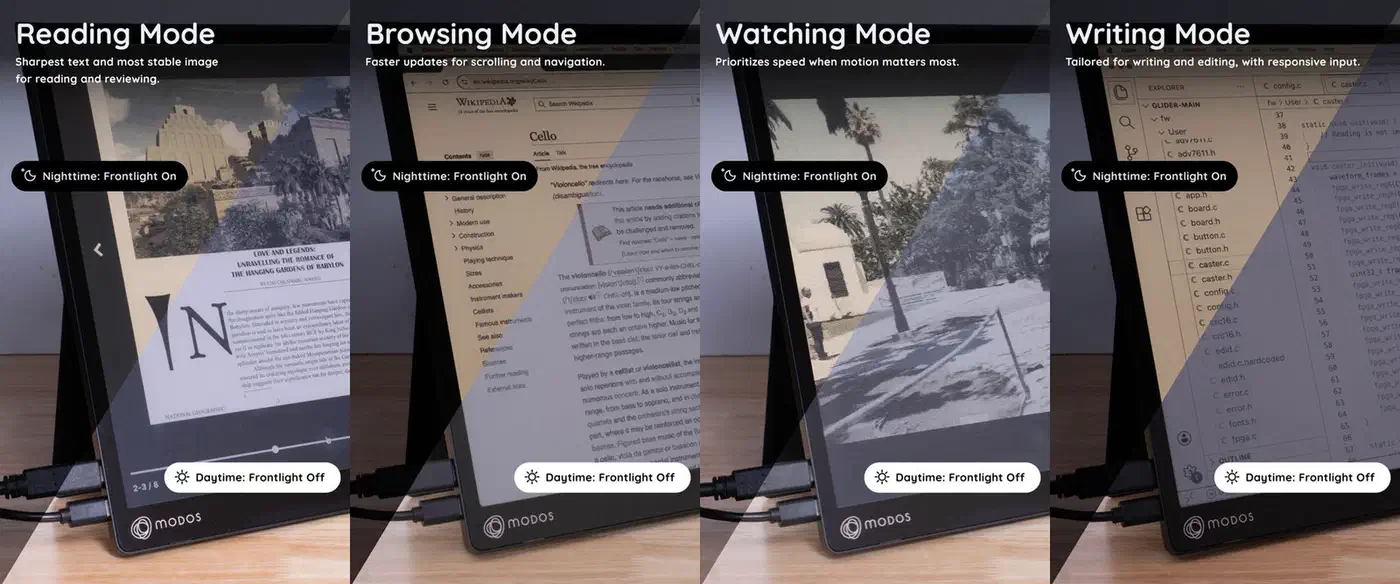
Flow ships four display modes: reading favours clarity, browsing balances detail against speed, watching prioritises fast updates, and writing minimises latency while you type. The underlying Caster controller offers latency-optimised binary and 4-level grayscale modes alongside a 16-level mode . The split suggests the fastest updates run at reduced bit depth. Modos doesn’t say where the line falls, so treat “60 Hz at 16 grey levels” as unproven.
Ghosting is the other unknown. Flow’s mono panel is E Ink Carta 1300, while the rivals in the table use older Carta 1200 stock. Nobody has published a side-by-side ghosting test yet.
Why the FPGA controller makes the difference
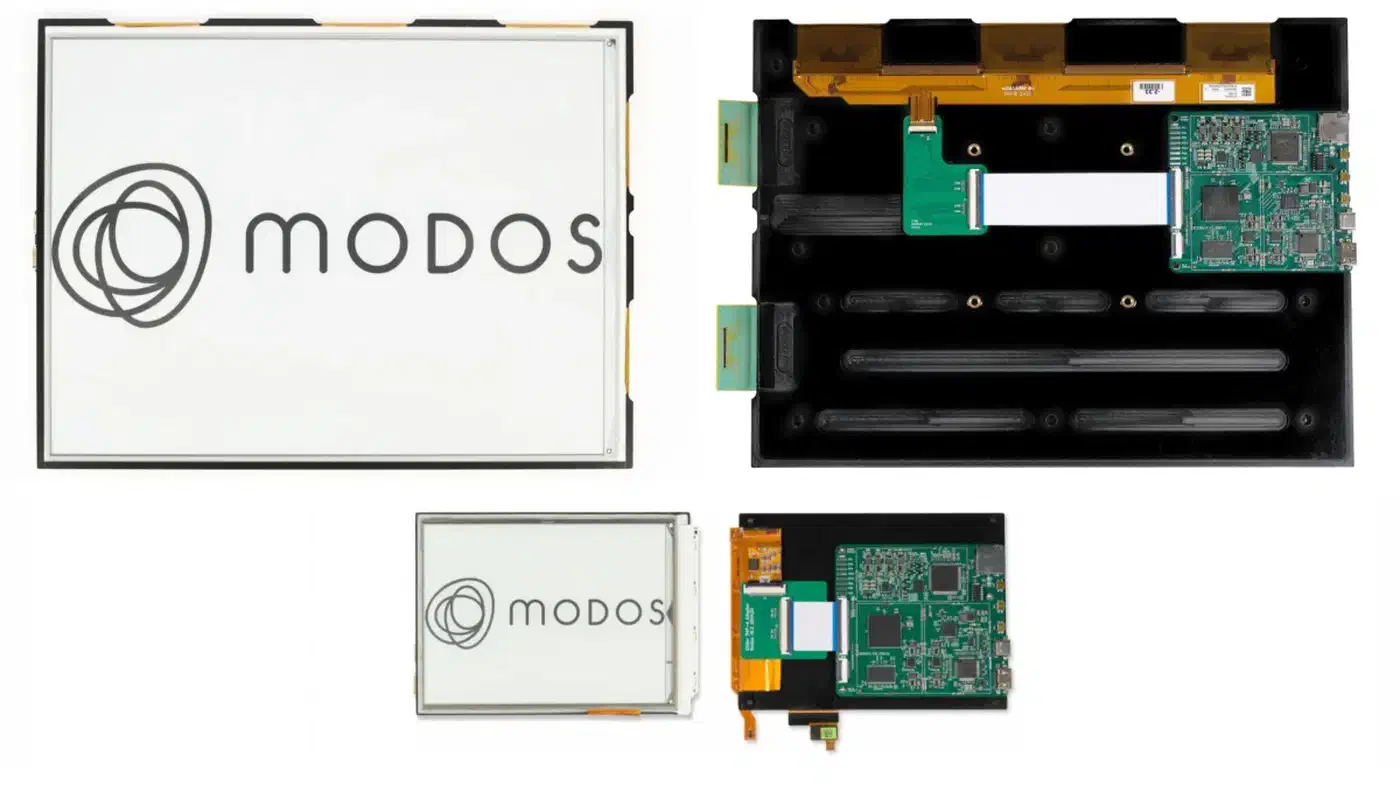
Flow drives its panel with an AMD Zynq 7000 SoC, the XC7Z010-CLG400, on a board Modos calls Enchanter. That FPGA is the entire performance gap. Competing dev kits use ESP32-class controllers, or no controller at all, so they cannot drive an e-paper waveform as hard.
Waveshare’s e-paper HAT manages under 2 Hz, the Inkplate 6 MOTION reaches 11 Hz, and both run on ESP32 silicon. Modos, meanwhile, is on its second FPGA board.
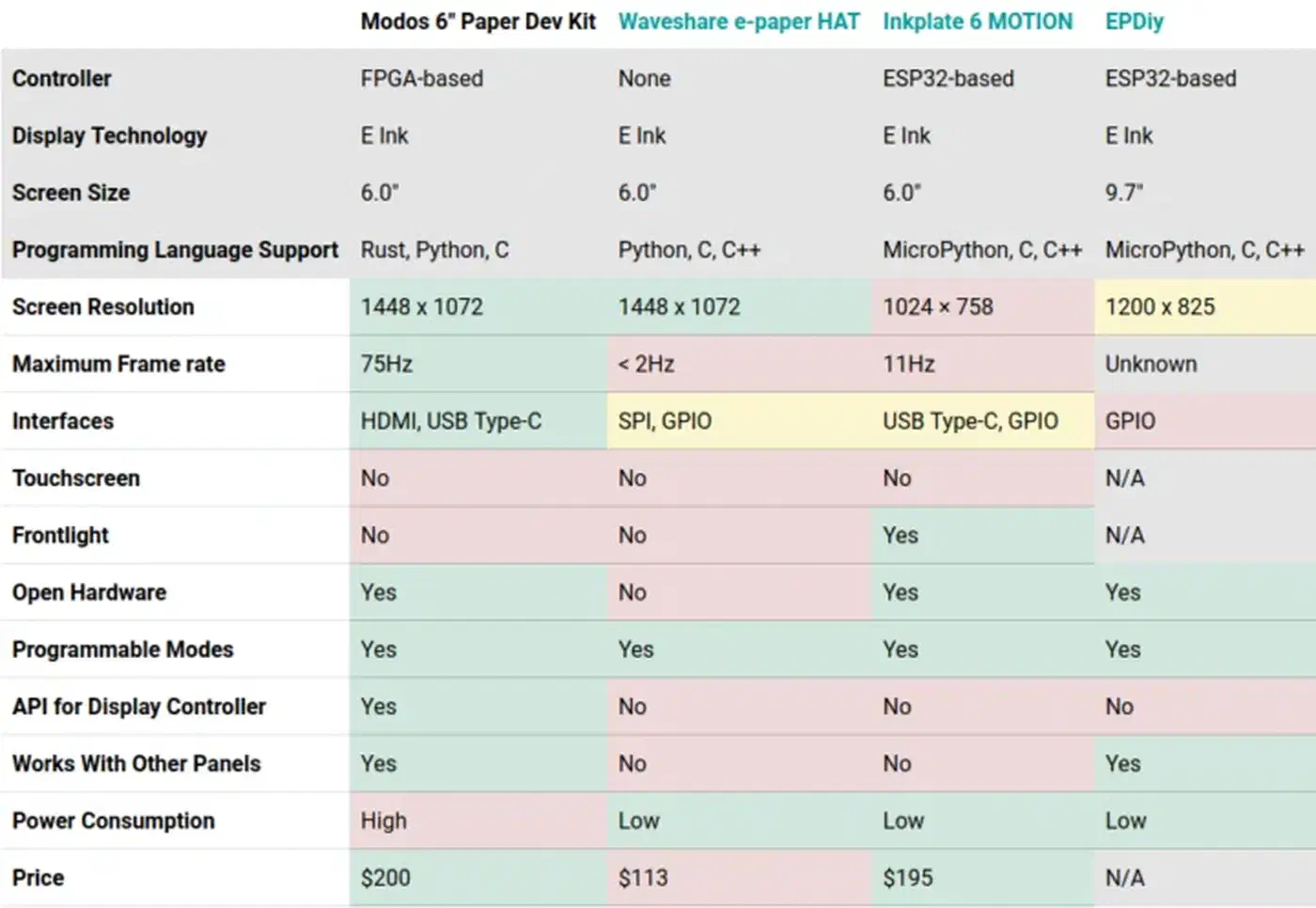
60 Hz is not the controller’s ceiling either. The earlier Modos Paper Dev Kit hit 75 Hz on some panels and exposed HDMI, USB-C and GPIO. Flow’s lower figure comes from a bigger, denser panel and a product decision.
The new board also swaps in a Chrontel CH7516 DisplayPort-to-LVDS decoder. It supports DisplayPort 1.1 instead of 1.0, which unlocks the 3200 x 2400 resolution. Zhang told IEEE Spectrum that the team held out for a chip with open documentation and no NDA. The wait is why the higher resolution took this long.
Hardware and firmware are both open. Source files, schematics, firmware releases and a public issue tracker ship with the product. The display controller also exposes an API in Rust, Python and C. You can bind a key to a display mode, or write your own. A community member has already implemented Atkinson dithering on Flow to sharpen text and interface rendering.
Power, ports and the colour trade-off
Power is the tightest constraint on the desk. One USB Type-C cable with DisplayPort Alt Mode carries video and power together. That setup drives the panel at up to 40 Hz. The full 60 Hz needs additional power at the desk. The spec doesn’t say whether that means a second port, a charger or a powered hub.
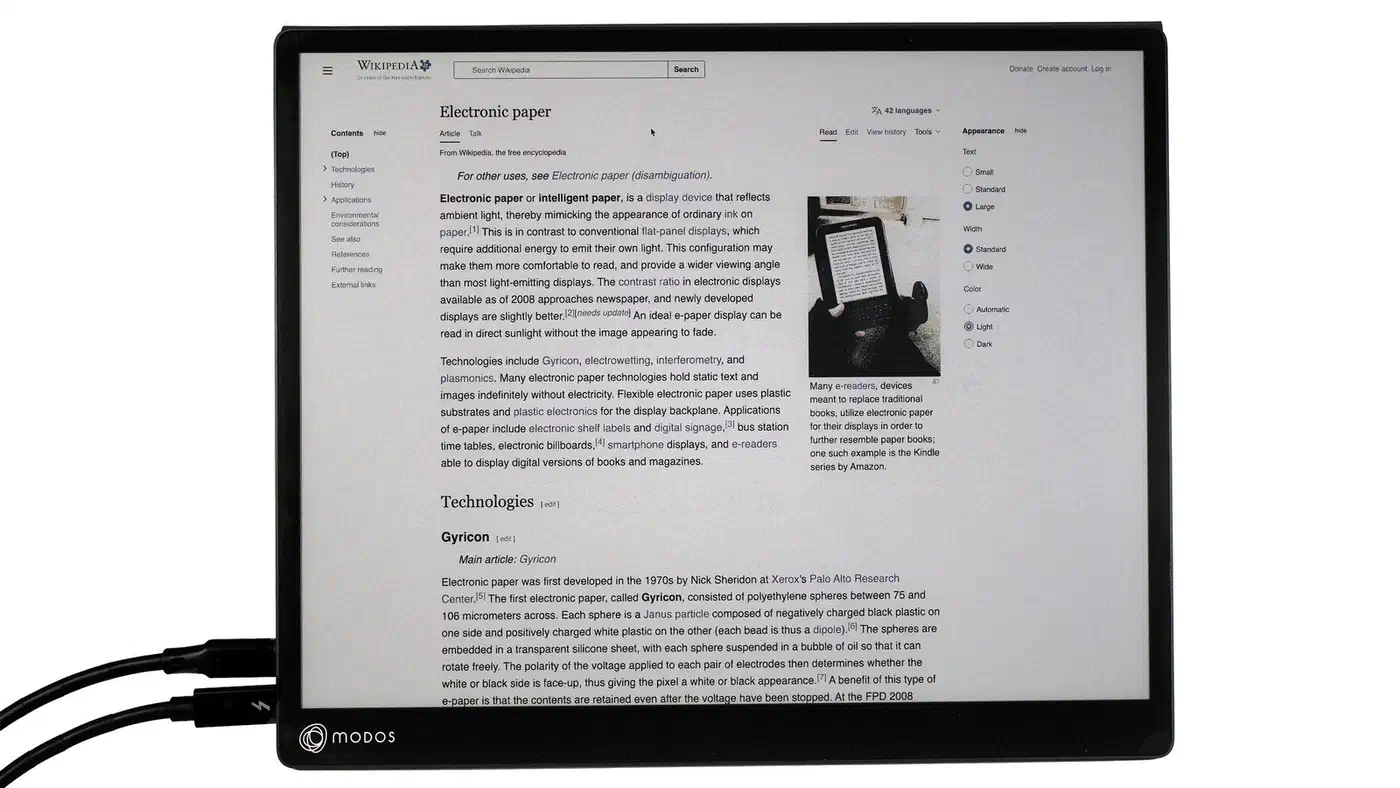
The colour model uses an E Ink Kaleido 3 panel with 4,096 colours and 16 levels of grayscale. It also adds a stylus and an amber frontlight. Colour costs sharpness, though: the effective density drops to roughly 150 PPI, while the mono Carta 1300 panel holds 300 PPI.
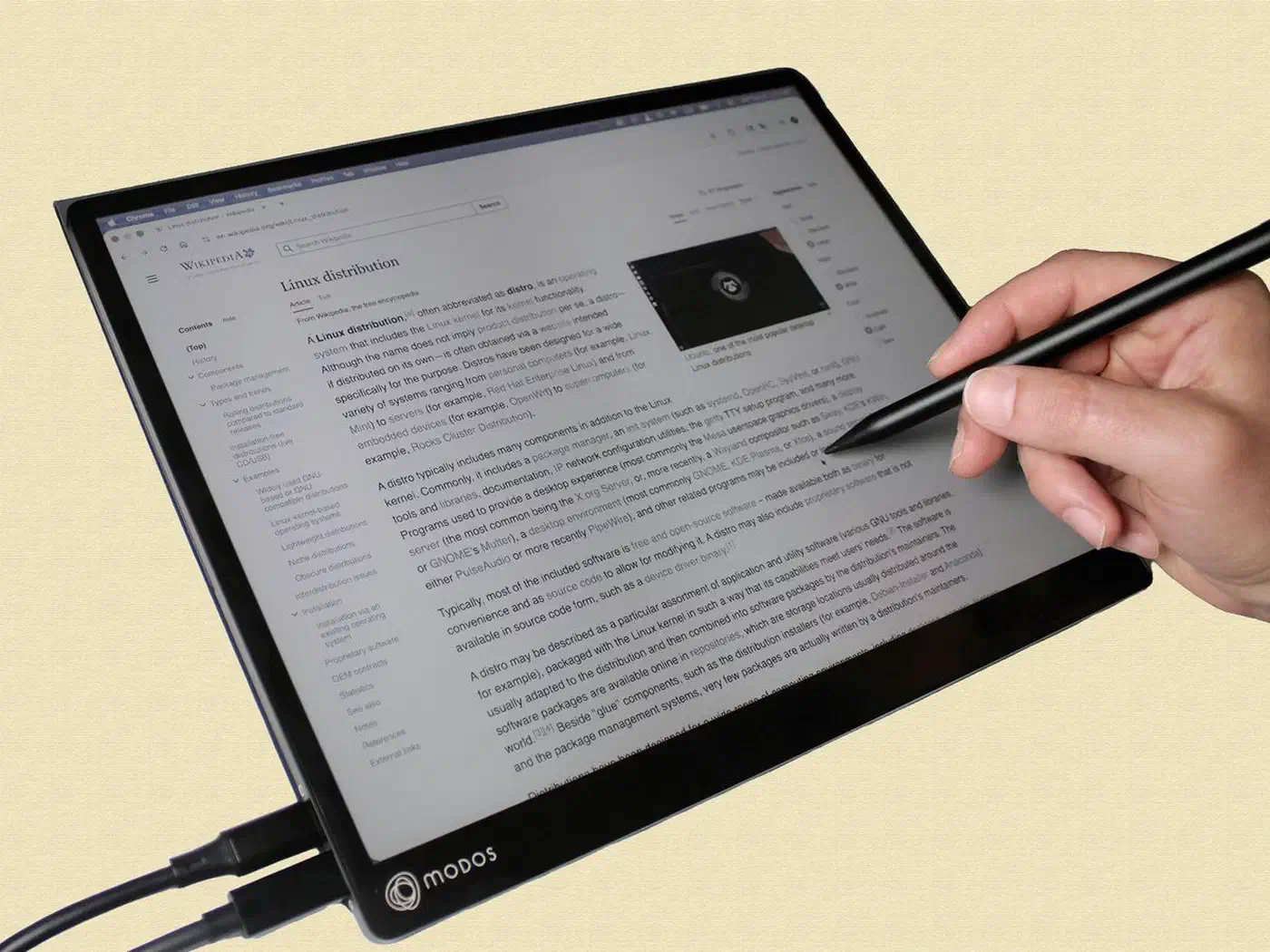
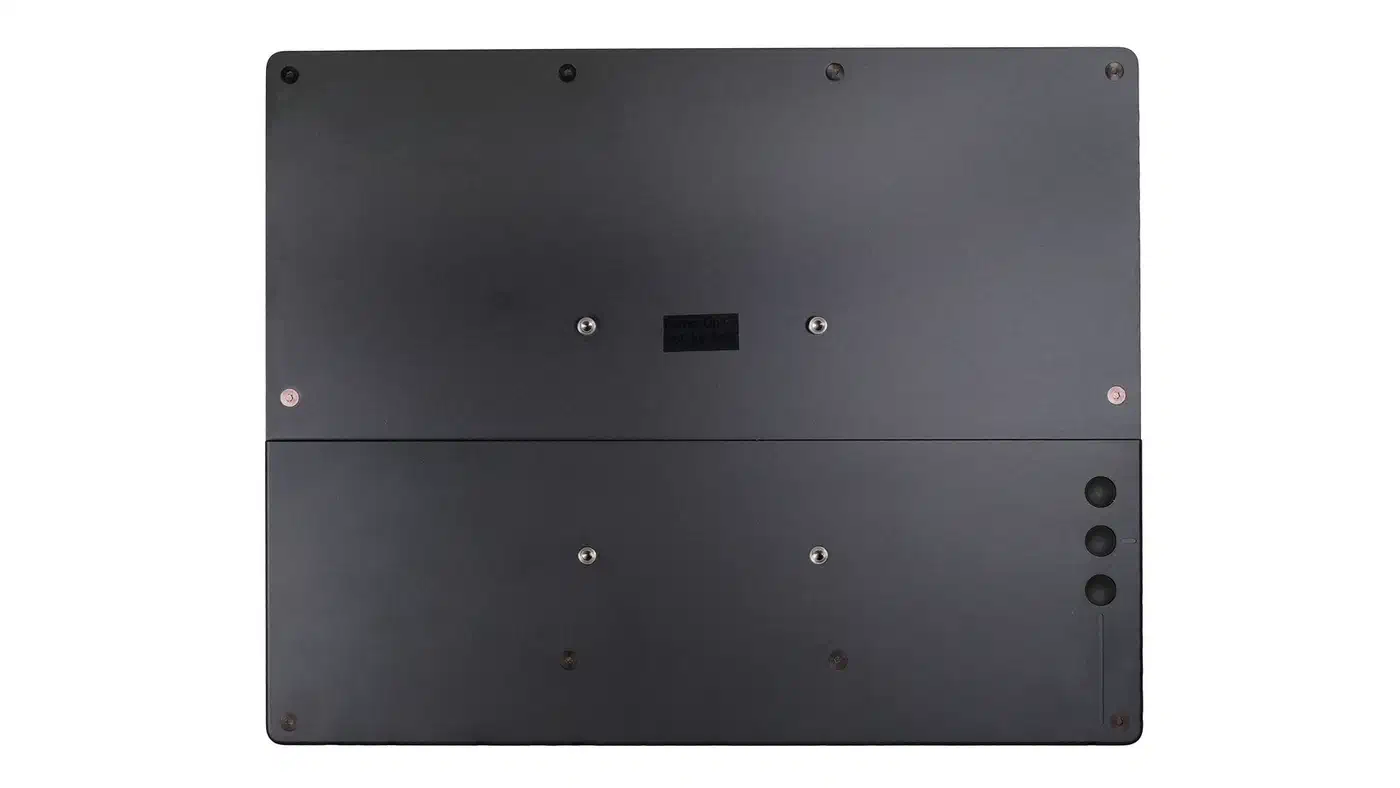
Flow measures 31.5 x 25.4 x 1.6 cm and weighs 0.69 kg bare, or 1.19 kg with the folding cover that doubles as a stand. It mounts to VESA arms, and both models take touch input.
Pre-orders run at $699 for the mono model and $799 for the colour one, with units due to ship at the end of 2026. The campaign closed at $591,856 against a $175,000 goal, funded 338 percent by 617 backers. That is a strong result for a two-person company, though the shipping risk is real: Modos has taken just one product through crowdfunded manufacturing before.