

Six million pixels separate the AW3926QW from the AW3426DW

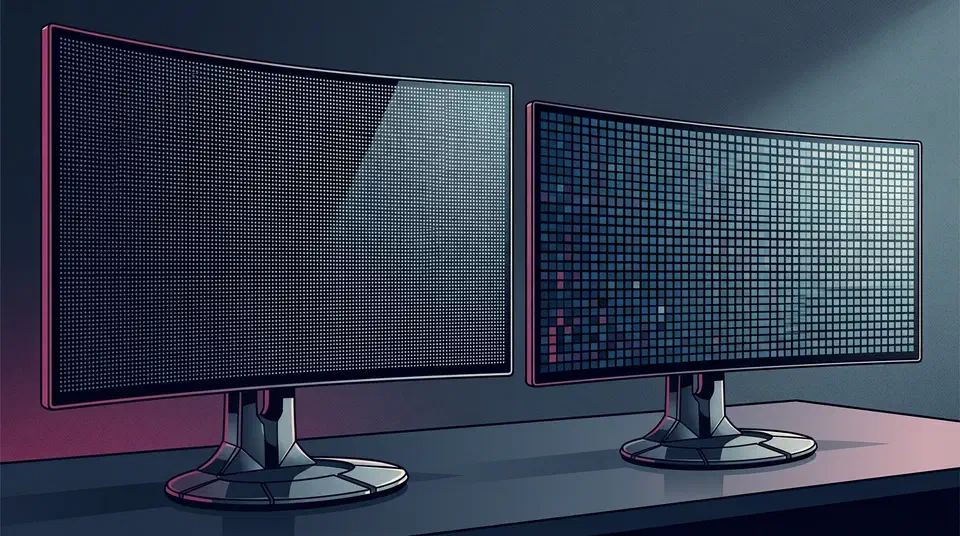
The Alienware AW3926QW vs AW3426DW choice comes down to pixels against speed. The 39-inch AW3926QW costs $1,099.99 and packs 11,059,200 pixels at 165Hz, while the 34-inch AW3426DW costs $799.99 for 4,953,600 pixels at 280Hz. Both quote 1,300 nits peak from two different panel makers, so the $300 gap buys six million pixels and costs you 115Hz.
Key Takeaways
- The AW3926QW shows 11.1 million pixels, the AW3426DW shows 5 million.
- Both hit 1,300 nits peak, but from different panel makers.
- The cheaper AW3426DW is the faster screen, at 280Hz against 165Hz.
- Only the AW3926QW has a KVM, DisplayPort 2.1 and 90W laptop charging.
- Glossy WOLED holds black better in a lit room than coated QD-OLED.
Alienware AW3926QW vs AW3426DW at a glance
The Alienware AW3926QW is a 39-inch 5120x2160 screen built on LG Display’s 4th-generation four-stack tandem WOLED panel, and it costs $1,099.99. The Alienware AW3426DW is a 34-inch 3440x1440 screen on Samsung Display’s 5th-generation Penta Tandem QD-OLED panel, and it costs $799.99. Both are 21:9 and both are OLED.
The AW3426DW and the AW3426DWM are different monitors. The DWM is a VA LCD at $399.99 , and it is not an OLED at all.
The two columns do not rest on equal evidence. Every AW3426DW figure marked “measured” comes from TFTCentral’s independent test bench, while the AW3926QW column is Dell specification only, because nobody has published measured numbers for it yet.
| Specification | Alienware AW3926QW | Alienware AW3426DW |
|---|---|---|
| Price (US) | $1,099.99 | $799.99 |
| Panel technology | 4th-gen four-stack tandem WOLED | 5th-gen Penta Tandem QD-OLED |
| Panel maker | LG Display | Samsung Display |
| Subpixel layout | RGB stripe | RGB stripe |
| Screen size | 39 inches, 38.9 viewable | 34 inches, 34.18 viewable |
| Resolution | 5120x2160 (5K2K) | 3440x1440 (UW-QHD) |
| Total pixels | 11,059,200 | 4,953,600 |
| Pixel density | ~143 PPI | ~110 PPI |
| Aspect ratio | 21:9 | 21:9 |
| Curvature | 1500R | 1800R |
| Screen finish | Glossy | Semi-glossy with AR layer, QuantumBlack film, 3H glass |
| Native refresh rate | 165Hz | 280Hz |
| Dual mode | 330Hz at 2560x1080 | None |
| Response time | 0.03ms GtG (Extreme) | 0.03ms GtG (Extreme) |
| SDR brightness (spec) | 300 cd/m² | 300 cd/m² |
| SDR brightness (measured) | Not measured yet | 327 cd/m² full screen, TFTCentral |
| Peak HDR brightness (spec) | 1,300 cd/m² at 1.5% APL | 1,300 cd/m² in Peak 1300 mode |
| Peak HDR (measured) | Not measured yet | Just over 1,300 cd/m² in Peak 1300, 537 cd/m² in True Black 500, TFTCentral |
| Contrast ratio | 1,750,000:1 dynamic | 1,500,000:1 dynamic |
| Colour gamut | 99% DCI-P3 | 99% DCI-P3, ~97% measured |
| Colour depth | 10-bit, 1.07 billion colours | 10-bit, 1.07 billion colours |
| Colour accuracy | Delta E under 2 average | Delta E under 2 average |
| HDR certification | DisplayHDR True Black 500, Dolby Vision | DisplayHDR True Black 500, Dolby Vision |
| Adaptive sync | FreeSync Premium Pro, G-SYNC Compatible, VESA AdaptiveSync | FreeSync Premium Pro, G-SYNC Compatible, VESA AdaptiveSync |
| DisplayPort | 1x DisplayPort 2.1 (UHBR20) | 1x DisplayPort 1.4 |
| HDMI | 2x HDMI 2.1, one with eARC | 2x HDMI 2.1 FRL |
| USB upstream | 1x USB-B 5Gbps, 1x USB-C 10Gbps with DP 2.1 alt mode and 90W PD | 1x USB-B 5Gbps |
| USB downstream | 2x USB-A 5Gbps, 1x USB-C 5Gbps 15W | 1x USB-A 5Gbps, 1x USB-C 5Gbps 15W |
| KVM switch | Yes | No |
| USB-C DisplayPort alt mode | Yes | No |
| Audio | HDMI eARC out | None, no speakers and no audio output |
| Picture by Picture / in Picture | Yes | Yes |
| Height adjustment | 4.33 inches | 4.33 inches |
| Tilt | -5° to 21° | -5° to 21° |
| Swivel | -20° to 20° | -20° to 20° |
| VESA mount | 100x100mm | 100x100mm |
| Width with stand | 36.24 inches | 32.05 inches |
| Depth with stand | 9.55 inches | 9.13 inches |
| Weight with stand | 24.74 lb | 17.44 lb |
| Weight without stand | 17.11 lb | 10.76 lb |
| Flicker-free | Yes | Yes |
| Warranty | 3 years, burn-in cover included | 3 years, burn-in cover included |
What is the difference between WOLED and QD-OLED?
WOLED and QD-OLED make white light in opposite ways. The WOLED panel in the AW3926QW stacks emitter layers that produce white light, then filters that light into red, green and blue. The QD-OLED panel in the AW3426DW starts with blue emitters and pushes that blue through quantum dots, which convert it into red and green.
Both makers now stack those layers to raise brightness without cooking any single layer. LG Display’s 4th generation uses four stacks. Samsung Display’s 5th generation uses five, which is where the Penta Tandem name comes from.
QD-OLED used to mean a triangular subpixel layout and coloured fringing around letters. Both of these panels use a plain RGB stripe instead, so text renders cleanly on either one. TFTCentral notes the AW3926QW is the first 39-inch OLED with an RGB stripe, and that dropping the white subpixel is exactly why its peak brightness sits at 1,300 nits rather than the 1,500 nits the white-subpixel version of the same panel reaches.
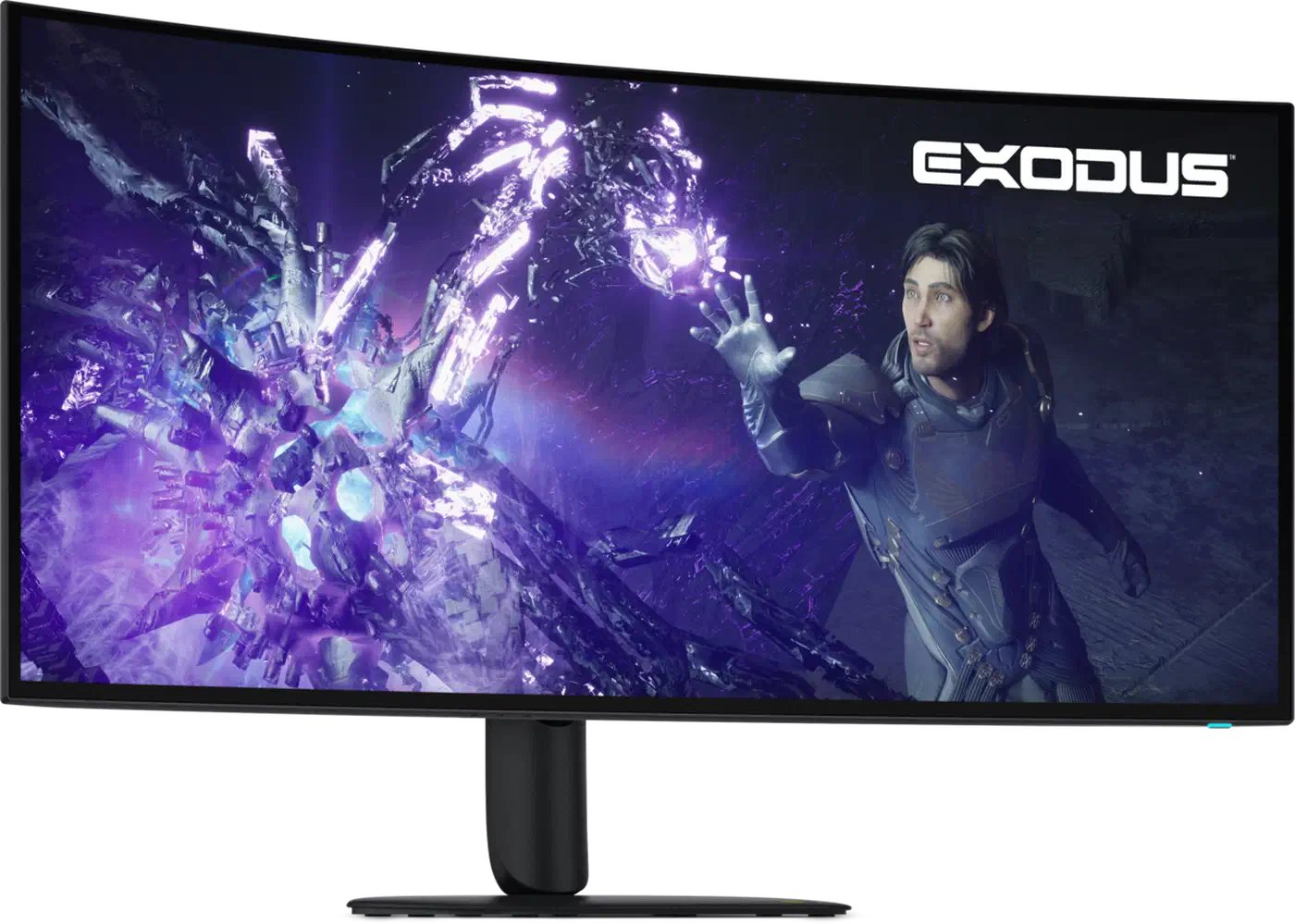
Dell quotes 1,300 nits on both screens, and TFTCentral’s AW3426DW review confirms the QD-OLED reaches it, but only in the Peak 1300 picture mode. Switch to True Black 500, the accurate mode, and peak white caps at 537 cd/m². Expect the AW3926QW to behave the same way, because every OLED trades peak brightness against tone accuracy.
The contrast figures are marketing arithmetic. 1,750,000:1 and 1,500,000:1 are dynamic ratios sitting on top of a black level that is effectively zero on both panels.
Which screen is sharper on the desktop
The AW3926QW is the sharper screen by a wide margin, and this is where its extra $300 goes. It shows 6,105,600 more pixels, roughly 2.2 times the AW3426DW’s total.
Spread across the panel, that works out to about 143 PPI on the 39-inch model against about 110 PPI on the 34-inch. Both densities are computed from resolution and diagonal, so they are approximate. Still, 143 PPI is close to where Windows and macOS fractional scaling starts to look clean, while 110 PPI is firmly 1x territory with visible font edges.
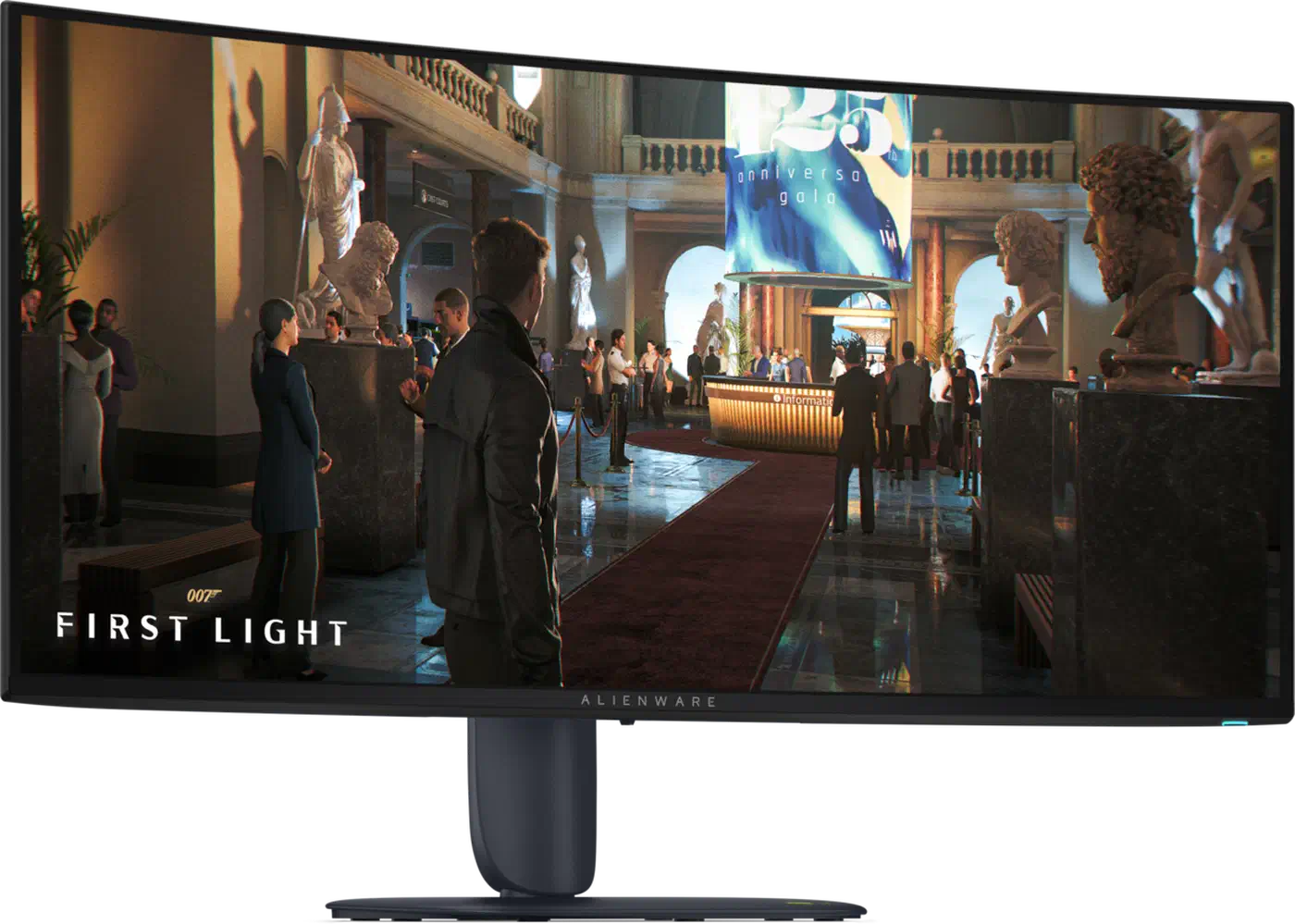
Desktop space follows the same split. A 5120x2160 canvas fits two full 2560x2160 windows side by side, each one a comfortable code editor. A 3440x1440 canvas splits into two 1720-wide windows, narrower than most editors want.
Feeding 5120x2160 at 165Hz with HDR needs DSC and a current GPU. 3440x1440 at 280Hz is far easier on a mid-range card. The bigger screen also costs you desk space. The AW3926QW is 4.2 inches wider on the stand and 7.3 lb heavier, a real problem on a shallow desk or a light monitor arm.
165Hz against 280Hz, and what dual mode adds
The cheaper AW3426DW runs 280Hz natively against the AW3926QW’s 165Hz, so it refreshes 70% more often. Response time is a tie at 0.03ms GtG in Extreme mode, because both are OLED and neither smears.
Dual mode closes part of that gap. Drop the AW3926QW to 2560x1080 and it runs at 330Hz, switching the panel itself rather than interpolating frames. Dell adds esports presets that shrink the image to emulate 24.5-inch and 27-inch screens at that refresh rate. Stretching 2560x1080 across the full 39 inches looks visibly soft, so treat the full-width version as a competitive-shooter setting rather than a daily one.
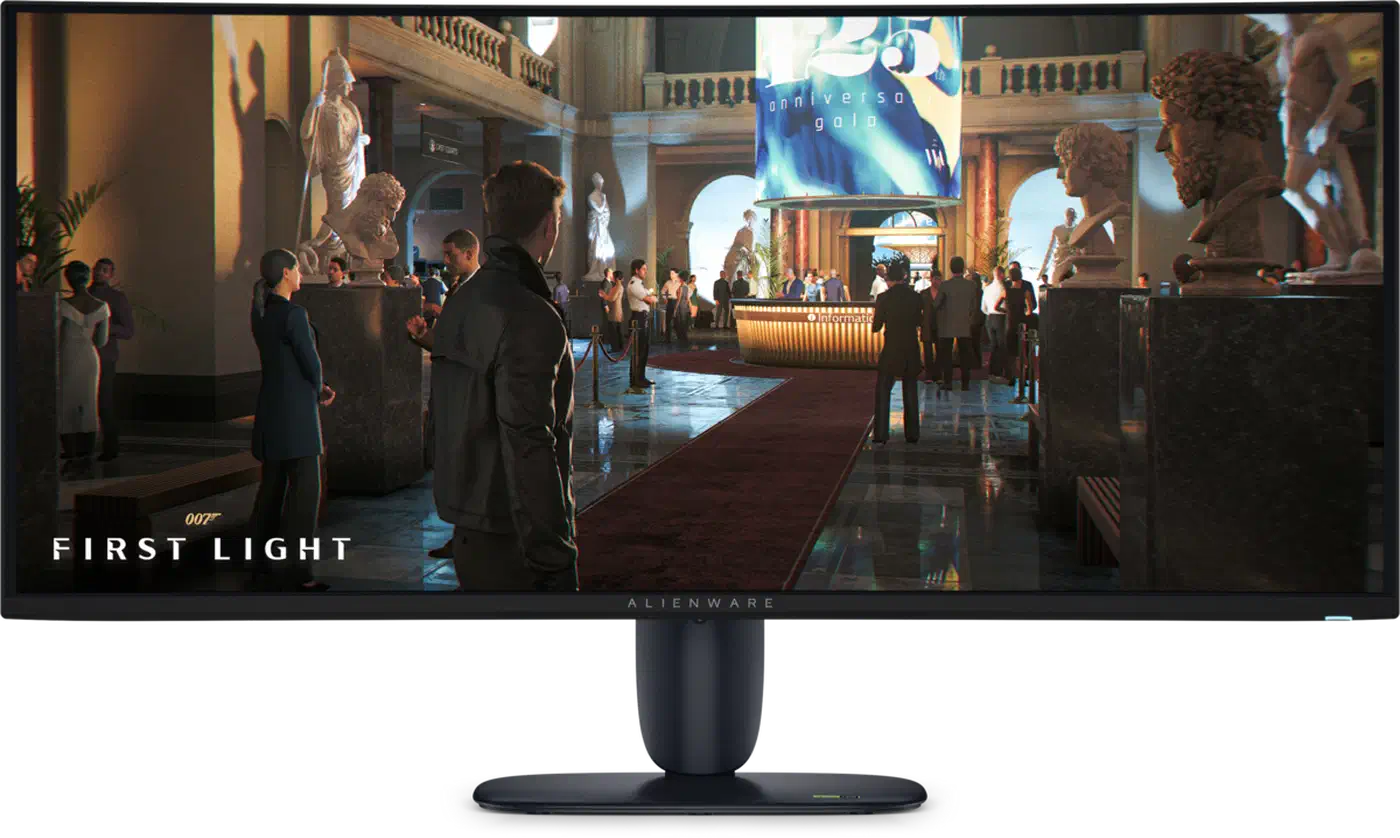
In practice, few 2026 titles hit 165fps at 5120x2160, so the AW3926QW’s ceiling is rarely the limiting factor in demanding games. Meanwhile 3440x1440 at 280fps is achievable in esports titles on current hardware, and that is the audience the AW3426DW is built for.
The AW3926QW’s DisplayPort 2.1 UHBR20 connection carries 5120x2160 at 165Hz with room to spare. The AW3426DW makes do with DisplayPort 1.4 and leans on DSC to reach 280Hz. Both certify FreeSync Premium Pro, G-SYNC Compatible and VESA AdaptiveSync, so variable refresh behaves identically on either.
Glossy against anti-reflective in a bright room
The AW3926QW is glossy, with no anti-glare layer at all. The AW3426DW is semi-glossy, with an anti-reflective treatment and Samsung’s QuantumBlack film over 3H glass. Dell says that coating cuts screen reflectance from 1.0% to 0.7%, according to VideoCardz’s launch report .
QD-OLED needs that film because it has a structural weakness in lit rooms. Ambient light reaches the quantum dot layer and switches it on, so blacks turn grey or purple. TFTCentral measured up to an 11% improvement in black depth from the new film and confirmed the purple tint is gone. Its bright-room verdict still puts the coated QD-OLED behind glossy 4th-gen WOLED.
Glossy fans will no doubt be very pleased by this choice
A window or a lamp behind you shows up as a sharp mirror image on the AW3926QW, where the AW3426DW’s coating would blur it into a soft haze. A glossy panel wants blinds, controlled lighting, or a bias light behind the screen. Curvature nudges this too: the AW3926QW’s 1500R wrap pulls more of the room into view than the flatter 1800R on the AW3426DW.
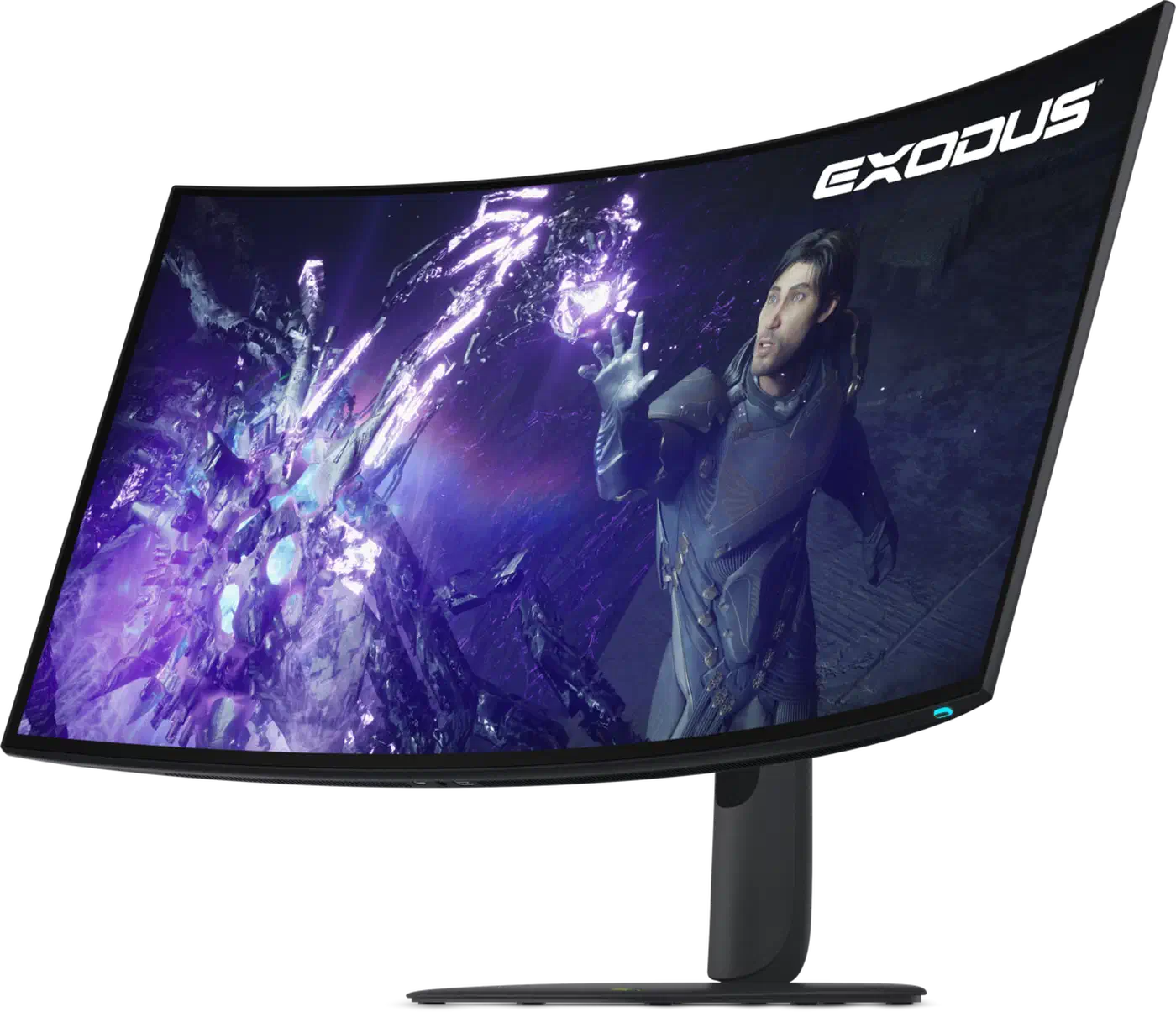
Both screens are flicker-free, so neither has an edge on eye comfort.
Ports, the KVM, and one cable to a laptop
Connectivity is the single largest feature gap between these two monitors. The AW3926QW has a 10Gbps USB-C upstream port carrying DisplayPort 2.1 alt mode and 90W power delivery, so one cable handles video, data and laptop charging together. It also has a KVM switch, letting a desktop and a laptop share one keyboard and mouse, swapped from the monitor menu.
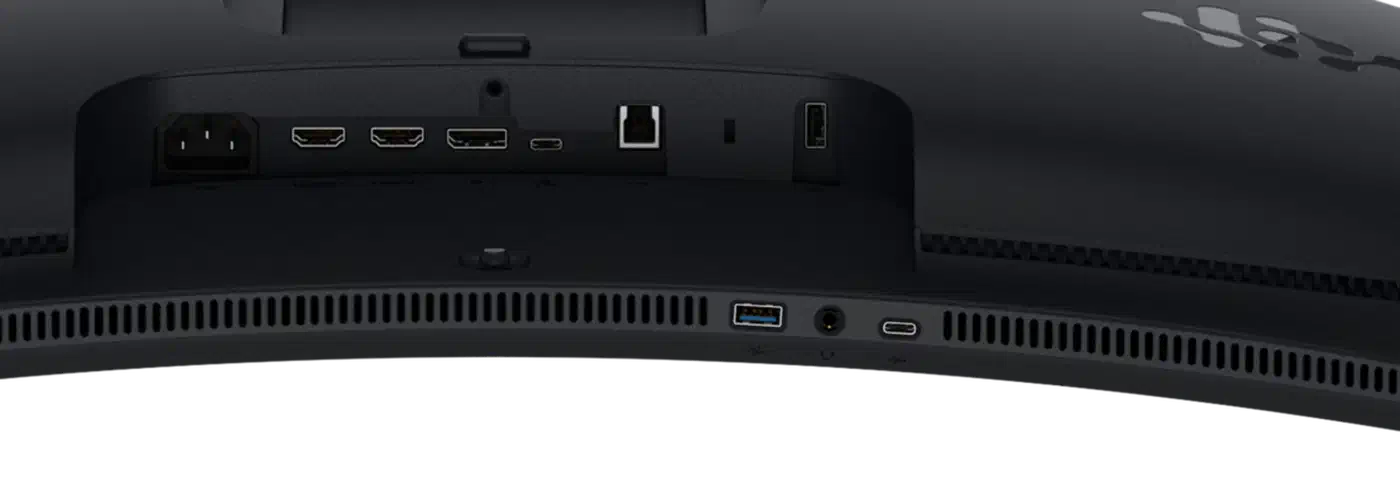
TFTCentral’s feature audit found none of that on the AW3426DW, which has no USB-C upstream, no DisplayPort alt mode, no KVM and no daisy chaining. Its only USB-C port is a 15W downstream charger. A laptop therefore needs a video cable, a separate USB-B cable for the hub, and its own power brick.
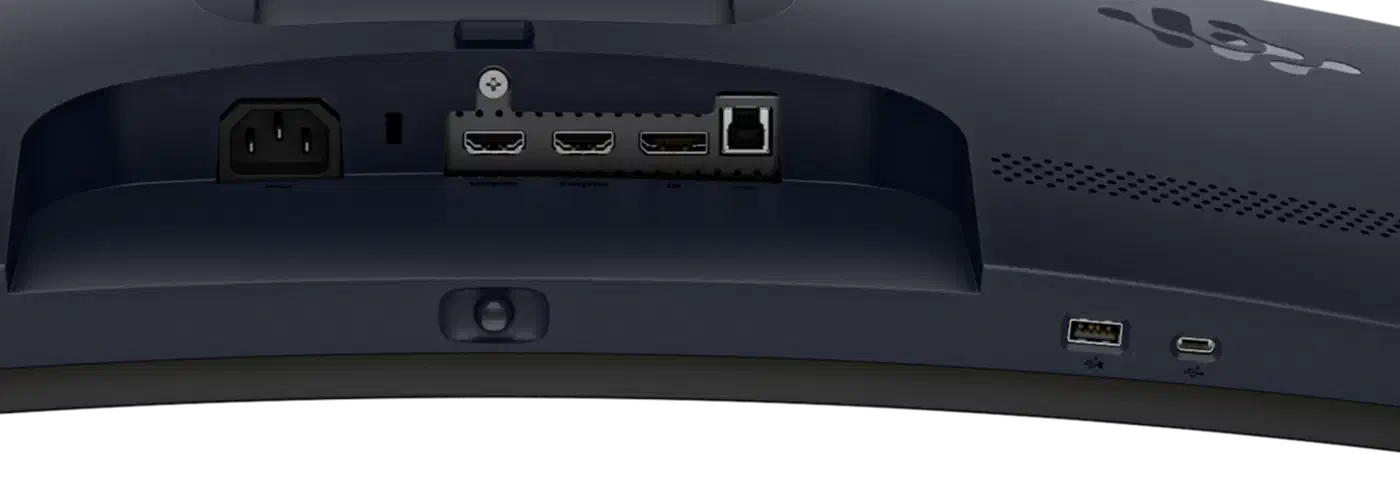
One of the AW3926QW’s HDMI ports supports eARC, which routes sound out to a soundbar or receiver and is still rare on desktop monitors. The AW3426DW has no speakers and no audio output of any kind, so sound has to come from your PC.
Downstream ports differ less. The AW3926QW adds one extra USB-A, and on both models a pair sits on the bottom edge within easy reach.
Which Alienware OLED ultrawide should you buy
Buy the AW3426DW at $799.99 if you play competitively, sit near a window or a lamp, run a single desktop, and want OLED contrast without spending four figures. The 280Hz refresh rate, the coating and the price are the reasons, and TFTCentral’s verdict is that the cutbacks were deliberate trades for a mainstream price point.
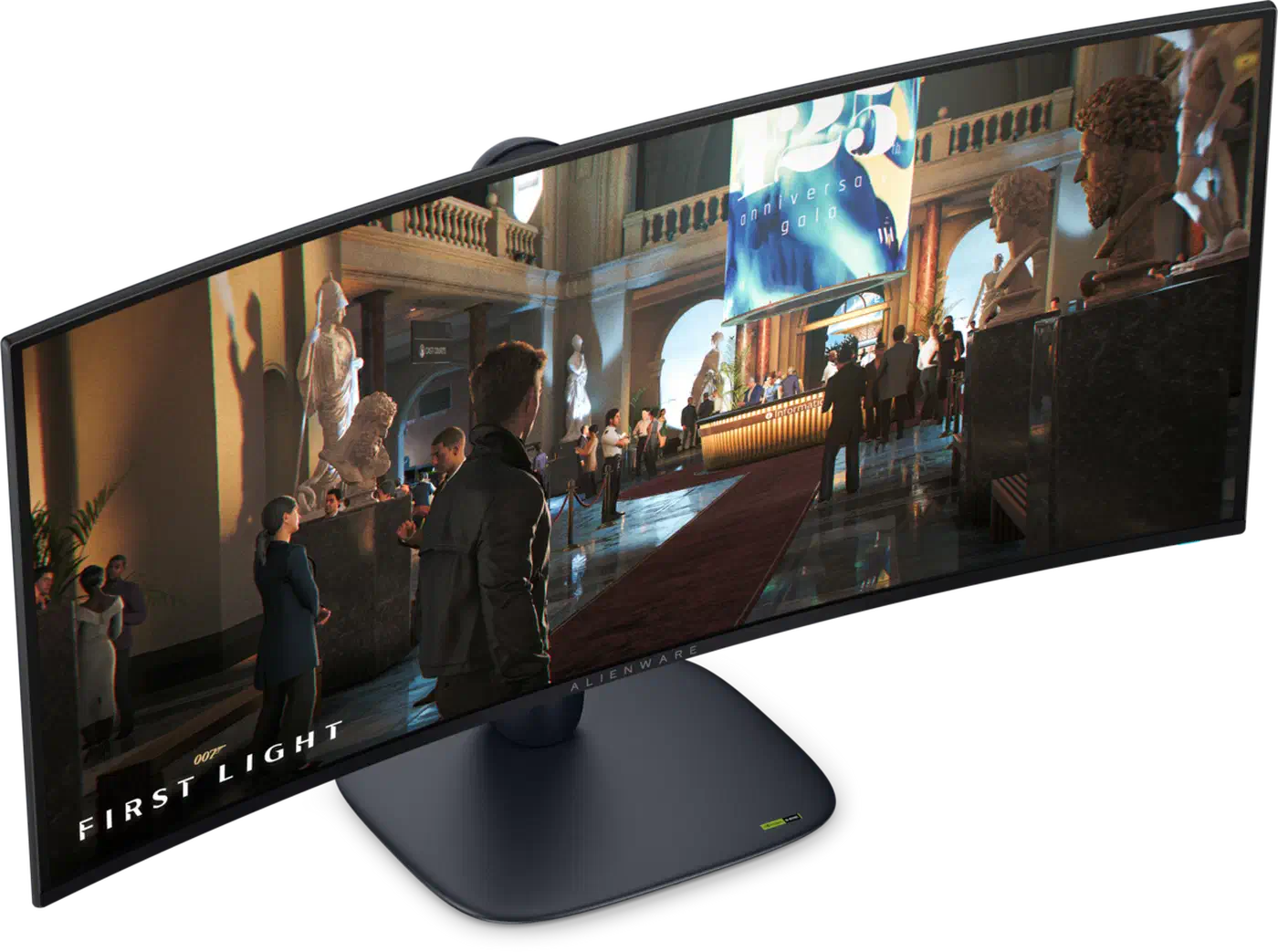
Buy the AW3926QW at $1,099.99 if you read and write text on screen for a living, want two full-width windows side by side, dock a work laptop next to a desktop, or watch HDR film in a dark room. Its 143 PPI, DisplayPort 2.1, KVM and 90W charging are what the extra $300 buys.
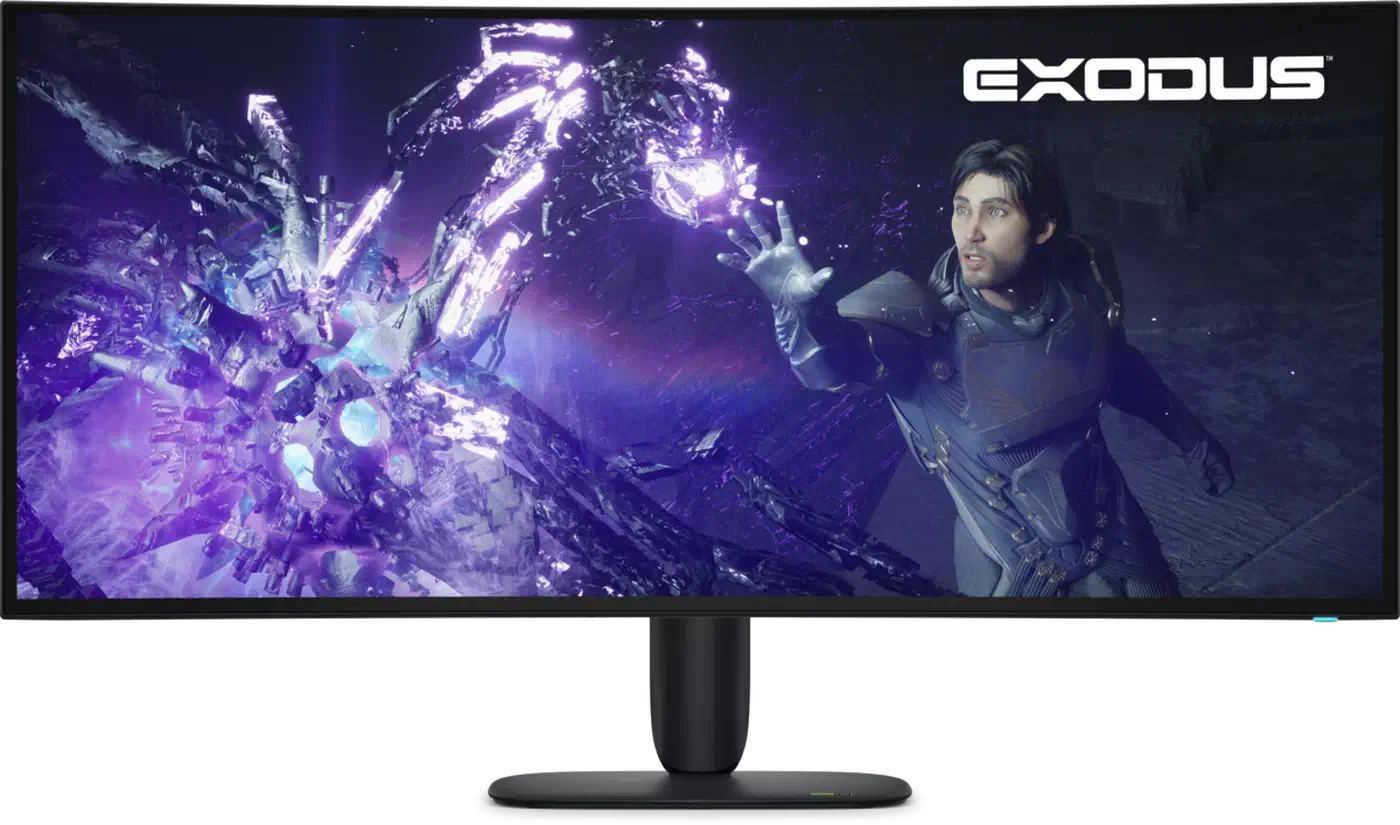
Check the model number twice before you order. The AW3426DWM is a $399.99 VA LCD despite the near-identical name, and it carries no burn-in cover. Burn-in applies to both OLEDs, though Dell’s three-year Advanced Exchange warranty includes explicit OLED burn-in coverage on each. European buyers should note that the AW3426DW went on sale globally first, so the AW3926QW may still be harder to find in some regions.