

Alienware AW3926QW vs AW3426DWM

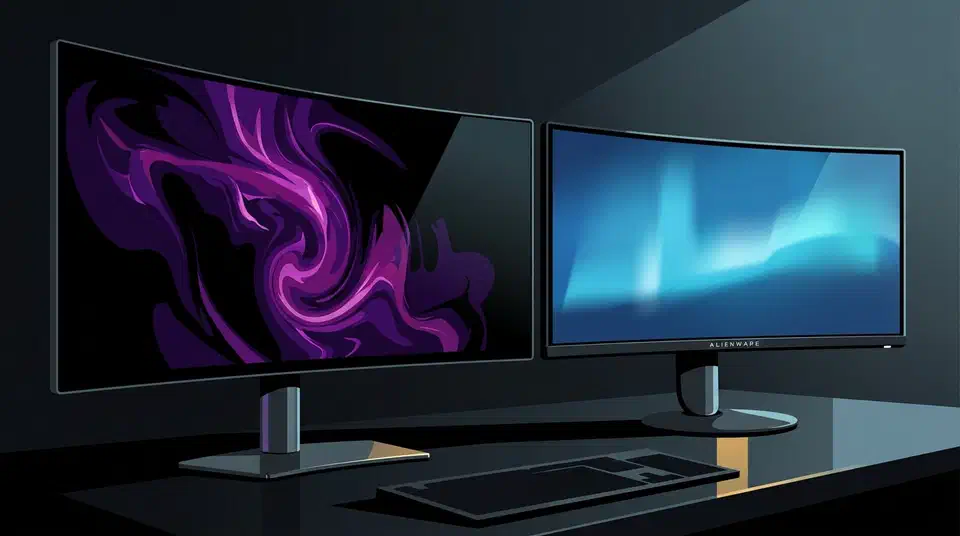
Alienware AW3926QW vs AW3426DWM comes down to $750 and what that money buys. The AW3926QW is a 39-inch 5120x2160 OLED at $1,099.99. The AW3426DWM is a 34-inch 3440x1440 VA screen at $349.99. The gap buys pixels, contrast and a KVM. Refresh rate goes the other way: the cheaper VA panel runs at 240Hz against the OLED’s 165Hz.
Key Takeaways
- The pricier AW3926QW is not the faster screen on paper.
- Its 5120x2160 panel packs about 143 pixels per inch against 110.
- The $349.99 VA model wins refresh rate, 240Hz against 165Hz.
- Only the OLED has a KVM, 90W laptop charging and burn-in cover.
- Buy VA for fast shooters, OLED for text, film and colour.
Alienware AW3926QW vs AW3426DWM at a glance
The Alienware AW3926QW is the flagship: a 39-inch tandem OLED with a 5120x2160 panel, a 1500R curve and a $1,099.99 price. The Alienware AW3426DWM is the value model: a 34-inch VA LCD at 3440x1440, the same 1500R curve, and $349.99 against a $399.99 list.
Both are 21:9 ultrawides wearing the same badge. Beyond the shape and the curve, they share almost nothing. The whole $750 goes to picture quality and connectivity.
Nearly every figure below is a Dell typical, not a measured result.
| Specification | Alienware AW3926QW | Alienware AW3426DWM |
|---|---|---|
| Price (US) | $1,099.99 | $349.99, list $399.99 |
| Panel technology | 4th-gen tandem WOLED, LG Display | Vertical alignment (VA) LCD |
| Subpixel layout | RGB stripe | RGB stripe |
| Screen size | 39 inches, 38.9 viewable | 34 inches, 33.94 viewable |
| Resolution | 5120x2160 (5K2K) | 3440x1440 (UW-QHD) |
| Pixel density | ~143 PPI | ~110 PPI |
| Pixel pitch | ~0.178mm | 0.23175mm |
| Aspect ratio | 21:9 | 21:9 |
| Curvature | 1500R | 1500R |
| Screen finish | Glossy | Anti-glare matte |
| Native refresh rate | 165Hz | 240Hz |
| Dual mode | 330Hz at 2560x1080 | None |
| Response time | 0.03ms GtG (Extreme) | 1ms GtG (Extreme), 2ms Super Fast, 4ms Fast |
| SDR brightness (Dell typical) | 300 cd/m² | 400 cd/m² |
| Peak HDR brightness (Dell typical) | 1,300 cd/m² at 1.5% APL | 450 cd/m² |
| Contrast ratio | 1,750,000:1 dynamic | 3,000:1 native |
| Colour gamut | 99% DCI-P3 (CIE 1976) | 95% DCI-P3 |
| Colour depth | 10-bit, 1.07 billion colours | 10-bit (8-bit + FRC) |
| Colour accuracy | Delta E under 2 average | Not published |
| HDR certification | VESA DisplayHDR True Black 500, Dolby Vision | VESA DisplayHDR 400, Dolby Vision |
| Adaptive sync | FreeSync Premium Pro, G-SYNC Compatible, VESA AdaptiveSync | FreeSync Premium, VESA AdaptiveSync |
| DisplayPort | 1x DisplayPort 2.1 (UHBR20) | 1x DisplayPort 1.4 |
| HDMI | 2x HDMI 2.1, 5120x2160 at 165Hz with DSC, HDCP 1.4 and 2.3 | 2x HDMI 2.1 FRL, 3440x1440 at 240Hz |
| USB upstream | 1x USB-B 5Gbps, 1x USB-C 10Gbps with DisplayPort 2.1 alt mode and 90W PD | 1x USB-B 5Gbps |
| USB downstream | 2x USB-A 5Gbps (one with BC 1.2), 1x USB-C 5Gbps 15W | 1x USB-A 5Gbps, 1x USB-C 5Gbps 15W |
| KVM switch | Yes | No |
| Audio | Headphone jack, HDMI eARC | Headphone jack |
| Picture in Picture | Yes | Yes |
| Height adjustment | 4.33 inches (110mm) | Yes, range not published |
| Tilt | -5° to 21° | -5° to 21° |
| Swivel | -20° to 20° | Pivot ±5° |
| Slant | -5° to 5° | Not applicable |
| VESA mount | 100x100mm | 100x100mm |
| Width with stand | 36.24 inches | 31.71 inches |
| Height with stand | 18.51 to 22.84 inches | 21.84 inches |
| Depth with stand | 9.55 inches | 9.13 inches |
| Weight with stand | 24.74 lb | 14.99 lb |
| Weight without stand | 17.11 lb | Not published |
| Flicker-free | Yes | Yes |
| Warranty | 3 years Advanced Exchange, Premium Panel Exchange with OLED burn-in cover | 3 years Advanced Exchange |
| Availability | North America and Asia, Europe from September 2026 | Global since 2026 |
What is the difference between an OLED and a VA panel?
An OLED lights every pixel on its own, so a black pixel is simply switched off. That is why the AW3926QW quotes a 1,750,000:1 dynamic contrast figure. Nothing leaks through, because there is no backlight behind the picture.
A VA panel works the other way. A backlight shines through liquid crystal that twists to block light, and some light always gets past. The AW3426DWM’s 3,000:1 native contrast is roughly three times what a typical IPS screen manages, and a tiny fraction of what the OLED does.
The AW3926QW uses a four-stack tandem WOLED panel from LG Display. Stacking emitter layers lets each one run gentler while the panel still reaches 1,300 cd/m² peak at 1.5% APL. Both screens use an RGB stripe subpixel layout, so neither shows the colour fringing that older triangular QD-OLED layouts produced on small text.
The AW3926QW is glossy and the AW3426DWM is matte, which is what people notice first at a desk, so the OLED looks deeper in a dark room and worse under a window. A glossy WOLED coating holds black better than a matte one.
Glossy fans will no doubt be very pleased by this choice, we’ve certainly seen a lot of people commenting that they’re waiting for a glossy version.
VA has one well-known weakness the OLED avoids entirely: dark scenes smear on fast motion, because slow pixels struggle to climb out of black. A 0.03ms response time has no room for that problem.
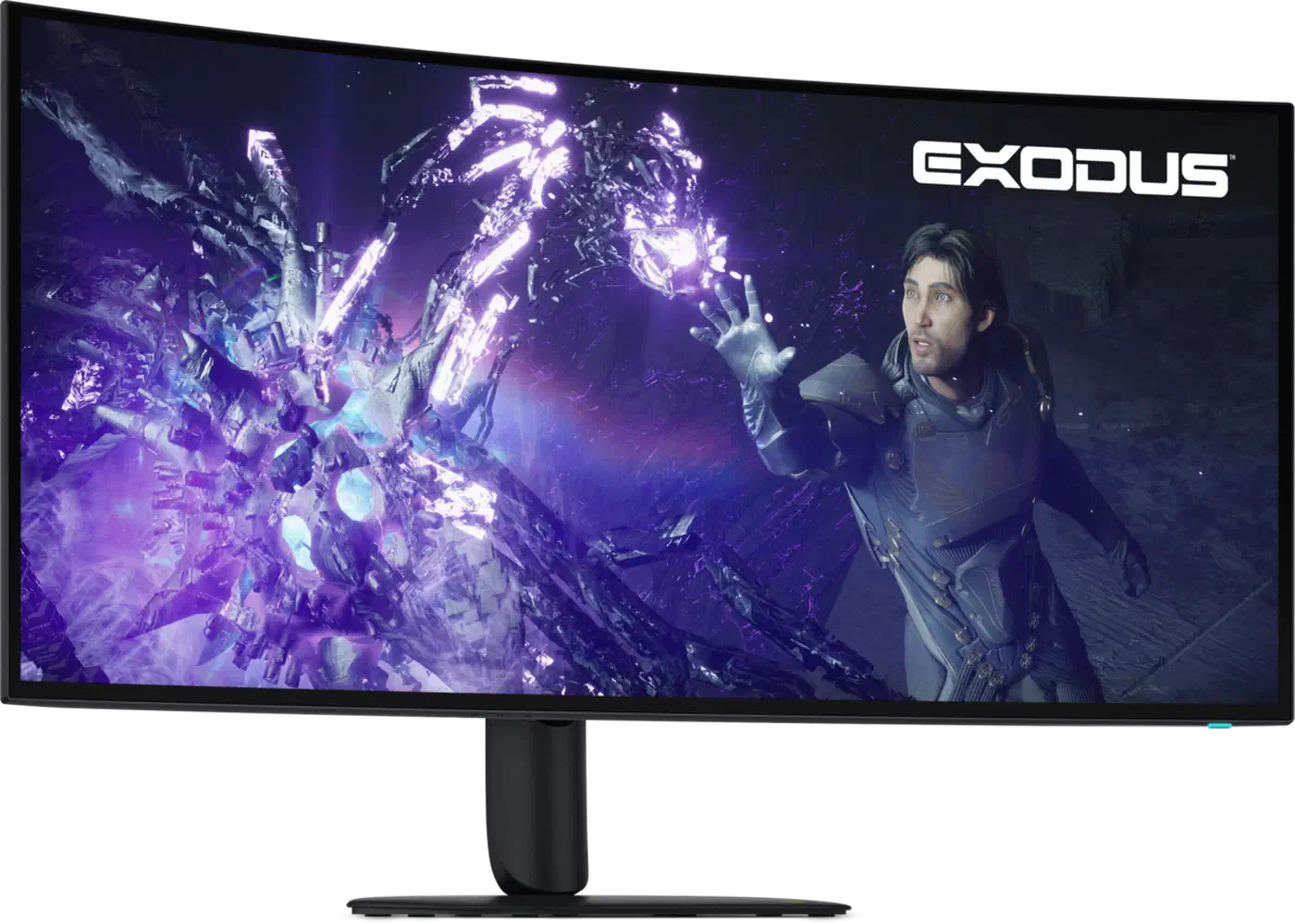
Which screen is sharper on the desktop
Pixel density is the biggest gap here, and neither spec sheet lists it. Divide the pixels by the panel width and the AW3926QW puts 5120 pixels across roughly 35.8 inches, about 143 PPI. The AW3426DWM spreads 3440 pixels across roughly 31.4 inches, about 110 PPI. Both figures are calculated here; Dell doesn’t quote them.
In practice, the AW3926QW sits near the density where Windows and macOS scaling starts to look clean. The AW3426DWM stays in plain 1x territory, where fonts show their edges.
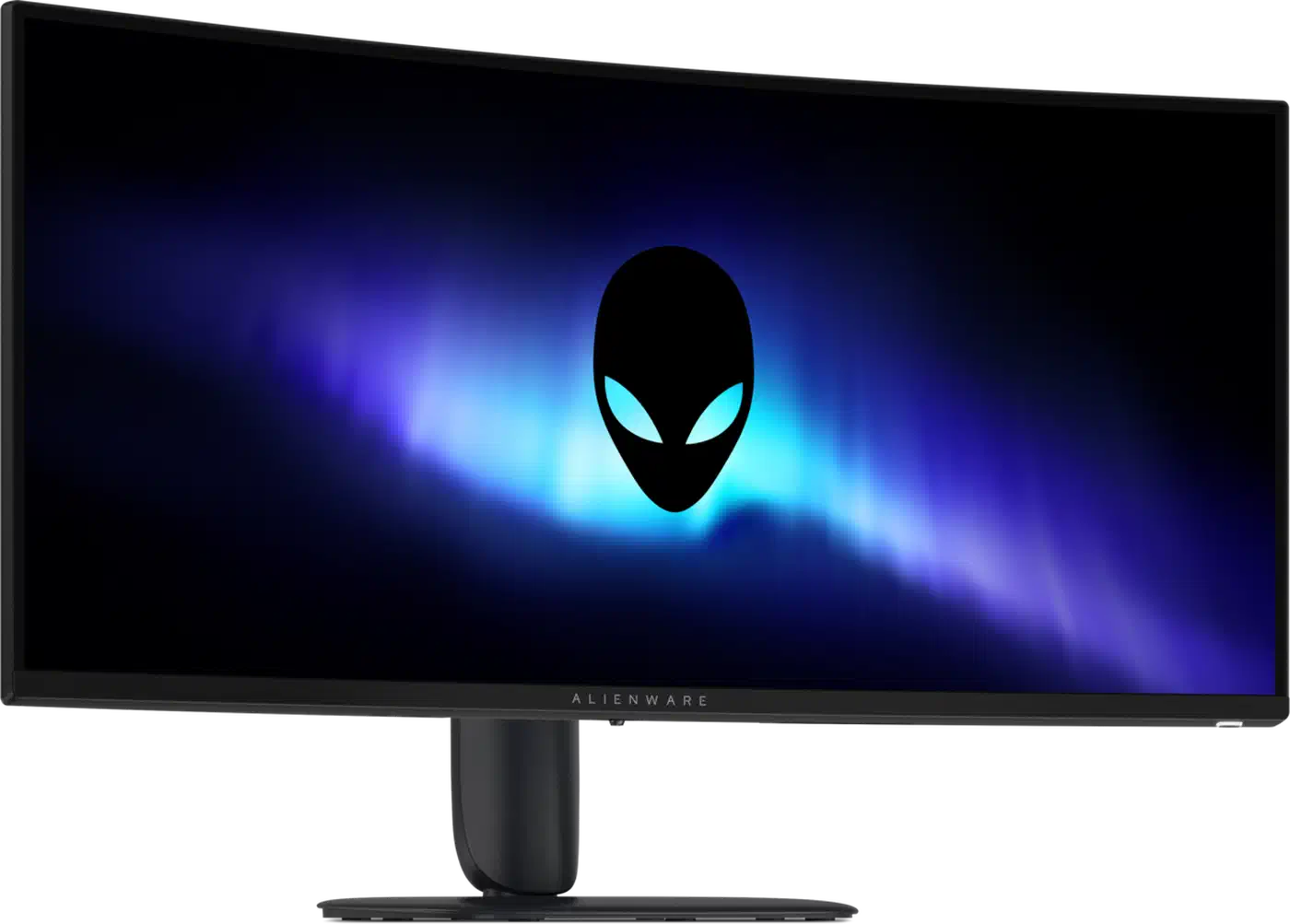
The extra pixels also show up as window space. A 5120x2160 panel holds two full 2560x2160 windows side by side, which suits a code editor beside a browser. The AW3426DWM gives you two 1720-pixel columns instead, narrower than most editors want.
That density costs you at the graphics card. Tom’s Hardware drove 5K2K at 165Hz with a GeForce RTX 4090 in its AW3926QW review and called that card more than enough. The panel pushes 11 megapixels per frame, about 23% more than 4K. A mid-range card handles 3440x1440 at 240Hz comfortably.
165Hz against 240Hz, and what dual mode adds
On raw refresh, the $349.99 screen beats the $1,099.99 one: 240Hz natively at 3440x1440 against 165Hz at full resolution.
The OLED quotes 0.03ms GtG against the VA’s 1ms Extreme mode, and VA’s real dark transitions run slower still than that headline number suggests. Higher refresh on a slower panel doesn’t produce a cleaner image.
Dual mode drops the AW3926QW to 2560x1080, where refresh climbs to 330Hz. Extra esports view modes shrink the picture further, to a simulated 24.5-inch 1520x855 or a 27-inch 1680x945 window at the same 330Hz. The monitor switches modes rather than interpolating frames. Still, 2560x1080 stretched over 39 inches looks soft.
Very few games reach 165fps at 5120x2160 on today’s hardware, so the OLED’s ceiling rarely limits anything. Competitive titles at 3440x1440 do hit 240fps, which is exactly who the VA panel is for. Adaptive sync tilts back to the flagship, which adds FreeSync Premium Pro and NVIDIA G-SYNC Compatible certification on top of VESA AdaptiveSync.
Ports, the KVM, and what you can plug in
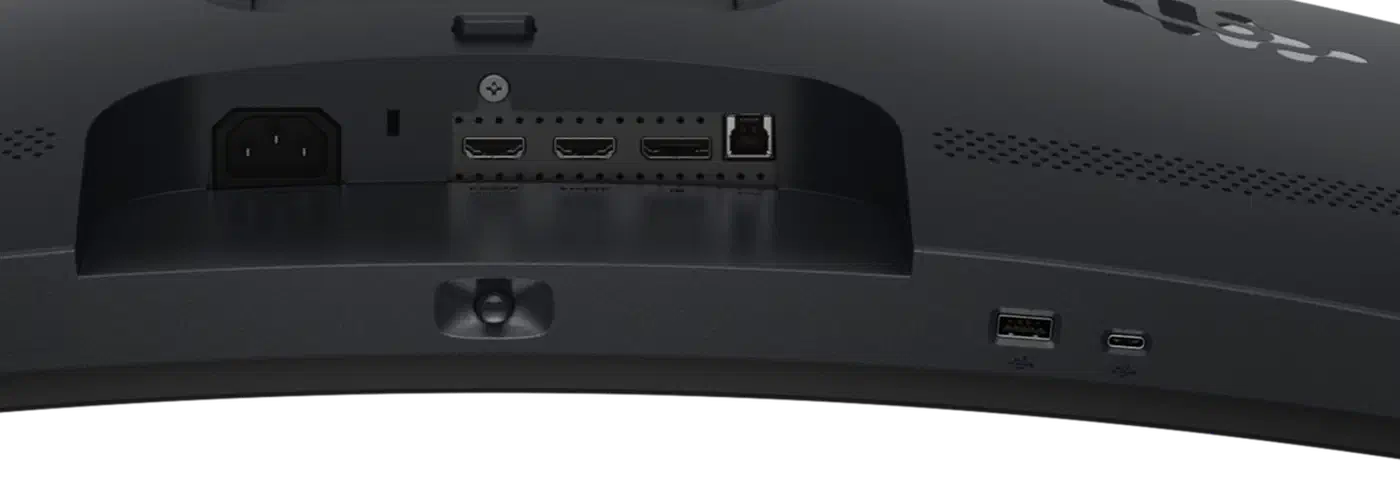
The AW3926QW is closer to a dock than to a plain gaming monitor. It carries DisplayPort 2.1 at UHBR20 bandwidth against the AW3426DWM’s DisplayPort 1.4, so it keeps bandwidth in hand where the cheaper screen leans on compression at high refresh.
One USB-C cable on the AW3926QW carries video, data and 90W of laptop charging at once. The AW3426DWM has no USB-C upstream at all. It offers a USB-B upstream and a 15W downstream USB-C for phone charging.
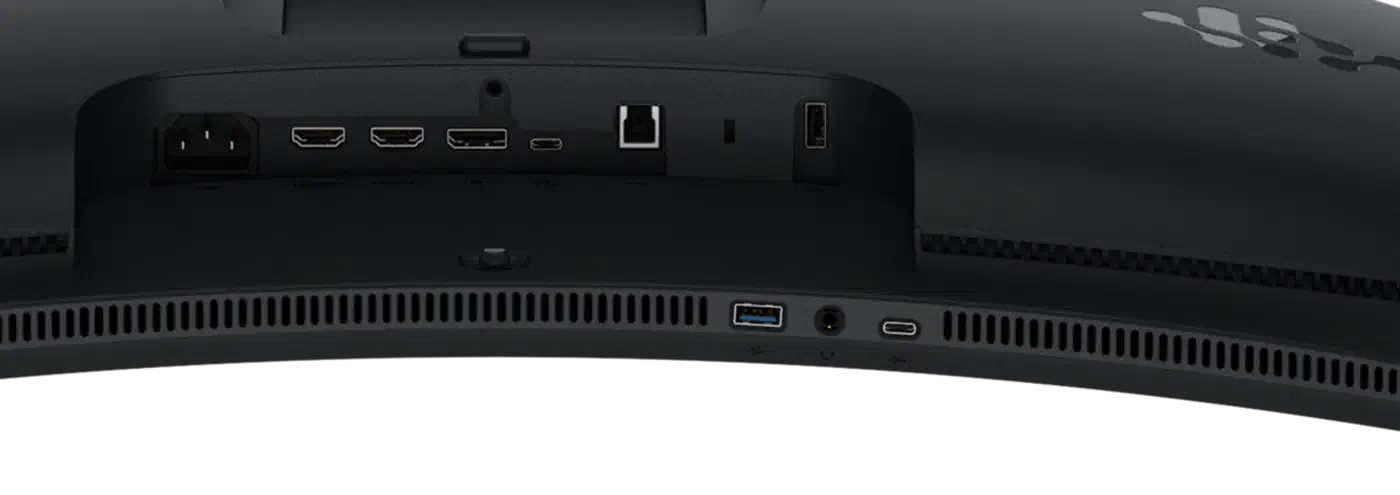
The KVM is exclusive to the flagship too. Two machines share one keyboard and mouse, switched from the monitor’s own menu, with the ports bound to video inputs in a setup wizard. Dell builds the same trick into its U3225QE hub on the office side of the range. Downstream, the OLED offers two USB-A plus one USB-C against the VA screen’s one of each.
Audio splits the same way. HDMI eARC on the AW3926QW routes sound out to a soundbar or receiver, which stays rare on desktop monitors. The AW3426DWM offers a headphone jack and nothing more.
Burn-in cover and how long each panel lasts
OLED emitters age with use. A taskbar, an IDE sidebar or a fixed game HUD can leave a faint permanent mark after years of the same content. That risk applies to the AW3926QW alone. The AW3426DWM’s VA backlight dims slowly and evenly across its life.
The AW3926QW’s 3-year Advanced Exchange warranty includes Premium Panel Exchange with explicit burn-in cover, so a marked panel gets replaced once the damage shows. The AW3426DWM gets the same 3-year term without needing the extra clause.
The four-stack tandem structure lets each emitter layer run at lower drive current for the same on-screen brightness, which slows the ageing down. That is also why the screen reaches 1,300 cd/m² peak. Dell adds pixel refresh and pixel shift routines, plus an algorithm that predicts pixel usage to spread wear.
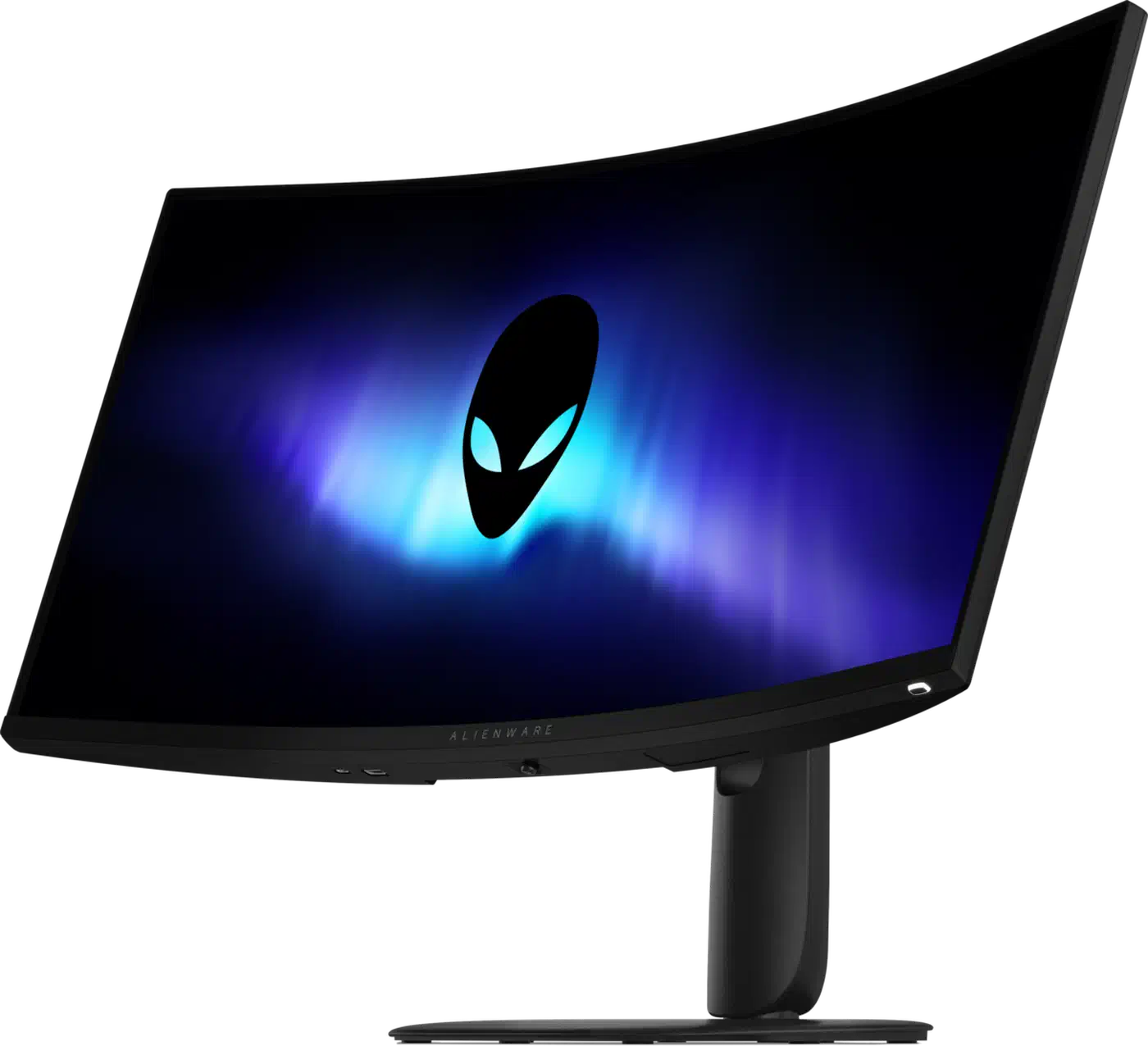
Auto-hiding the taskbar, running dark themes and letting the screen blank so the pixel refresh cycle finishes all cut the risk further. Someone leaving one static desktop on screen eight hours a day for years should think hard about this. Mixed gaming, film and browsing use is what the panel was built for.
Which Alienware ultrawide should you buy
Buy the AW3426DWM if your budget stops near $400. It also suits fast competitive games, a desk facing a window, or a day spent on static interfaces. For $349.99 you get 240Hz, a matte finish that kills reflections, and no burn-in question to worry about.
Buy the AW3926QW if you read and write text for a living, watch HDR film, edit colour, or want a single cable to a laptop. Tom’s Guide measured Delta-E of 0.24 and 95.1% DCI-P3 coverage on the AW3926QW . Its SDR brightness came in at 243 cd/m², under Dell’s 300 typical, which is ordinary for an OLED in a bright room.
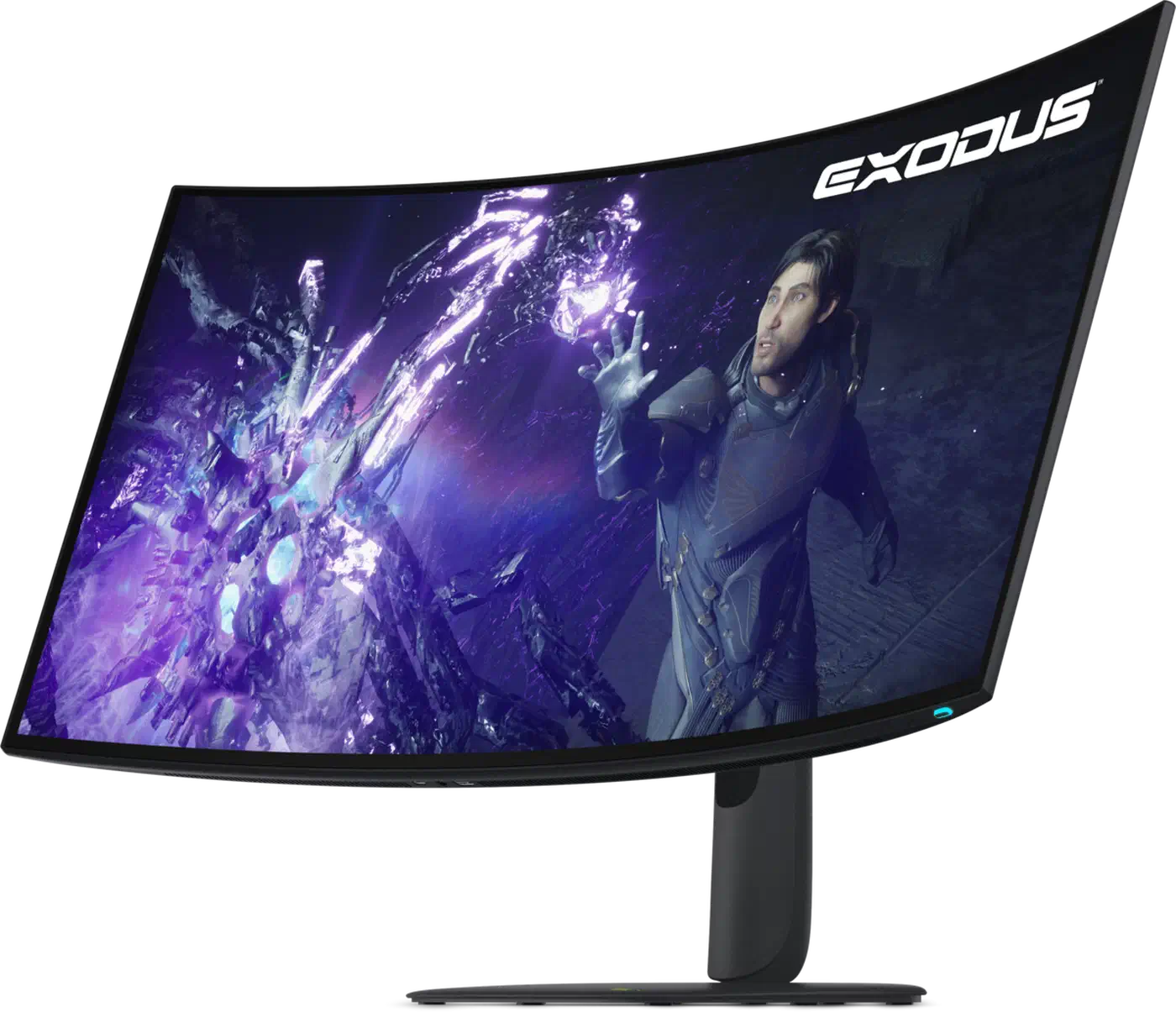
The AW3426DW sits between them. It launched alongside both of these screens at Computex and is a 34-inch QD-OLED running 280Hz . It suits anyone who wants OLED contrast at esports refresh rates and can’t stretch to the 39-inch flagship. Watch the model numbers, since DW and DWM differ by one letter and by an entire panel technology.
If speed is what you are shopping for, the cheap screen already has it, and you can spend the $750 difference on a graphics card instead.