

The Alienware AW3926QW is $700 cheaper than LG's 39GX950B

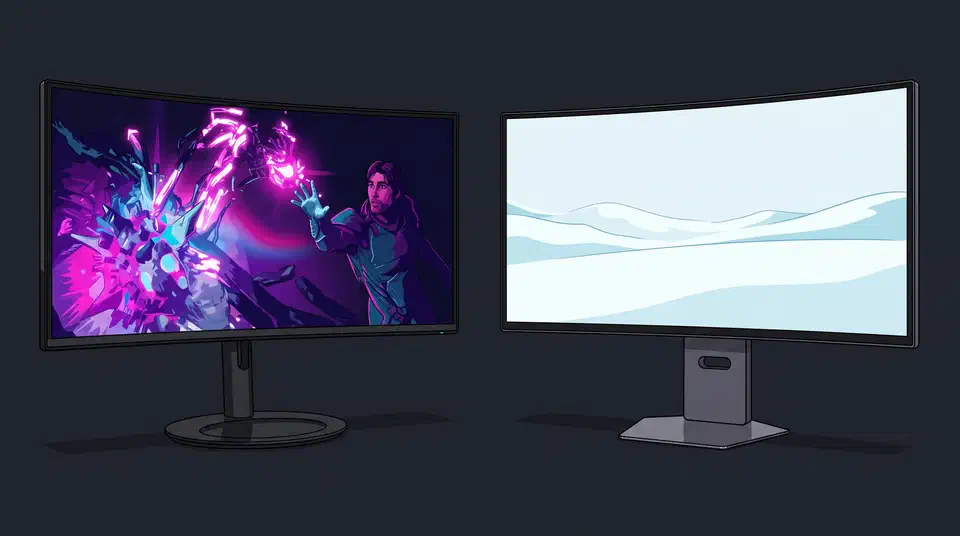
The Alienware AW3926QW vs LG 39GX950B choice comes down to one subpixel. Both are 39-inch 5120x2160 tandem W-OLEDs at 165 Hz with the same 1500R curve, and LG Display builds both panels. Dell drops the white subpixel, adds a glossy finish, and plans to charge about $700 less in the US.
Key Takeaways
- Same size, resolution, refresh rate, curve, and panel maker.
- The only real difference is that LG keeps a white subpixel and Dell does not.
- Text should look sharper on the Dell, because the LG’s extra white subpixel can soften thin letters.
- LG claims more peak brightness, and Dell trades that for richer colour.
- Dell adds a KVM, Dolby Vision, and a third year of warranty.
Alienware AW3926QW vs LG 39GX950B at a glance
| Spec | Alienware AW3926QW | LG 39GX950B |
|---|---|---|
| Screen size | 39 in, curved | |
| Panel technology | 4th-gen tandem W-OLED | |
| Subpixel layout | RGB stripe | RGBW |
| Screen coating | Glossy, anti-reflective | Matte anti-glare |
| Resolution | 5120 x 2160 | |
| Pixel pitch | 0.1776 mm | |
| Pixel density | 143 PPI | |
| Curvature | 1500R | |
| Curve depth | About 68 mm (derived) | |
| Refresh rate | 165 Hz | |
| Dual mode | 2560 x 1080 at 330 Hz | |
| Response time | 0.03 ms GtG | |
| SDR brightness | 300 nits | 335 nits typical |
| HDR certification | DisplayHDR True Black 500 | |
| Peak brightness | 1,300 nits | 1,500 nits |
| Colour gamut | 99.5% DCI-P3 | |
| Dolby Vision | Yes | No |
| Video inputs | DP 2.1, 2x HDMI 2.1, USB-C | |
| USB-C power delivery | 90 W | |
| KVM | Yes | Not listed |
| Speakers | None listed | 7 W x 2 |
| Warranty | 3 years, burn-in covered | 2 years, burn-in covered |
| List price | About $1,099 expected | $1,799.99 |
| Availability | Asia first, US and Europe later | Worldwide |
LG Display makes both panels, so these are two variants of the same brief, and Dell took the one LG Electronics passed on.
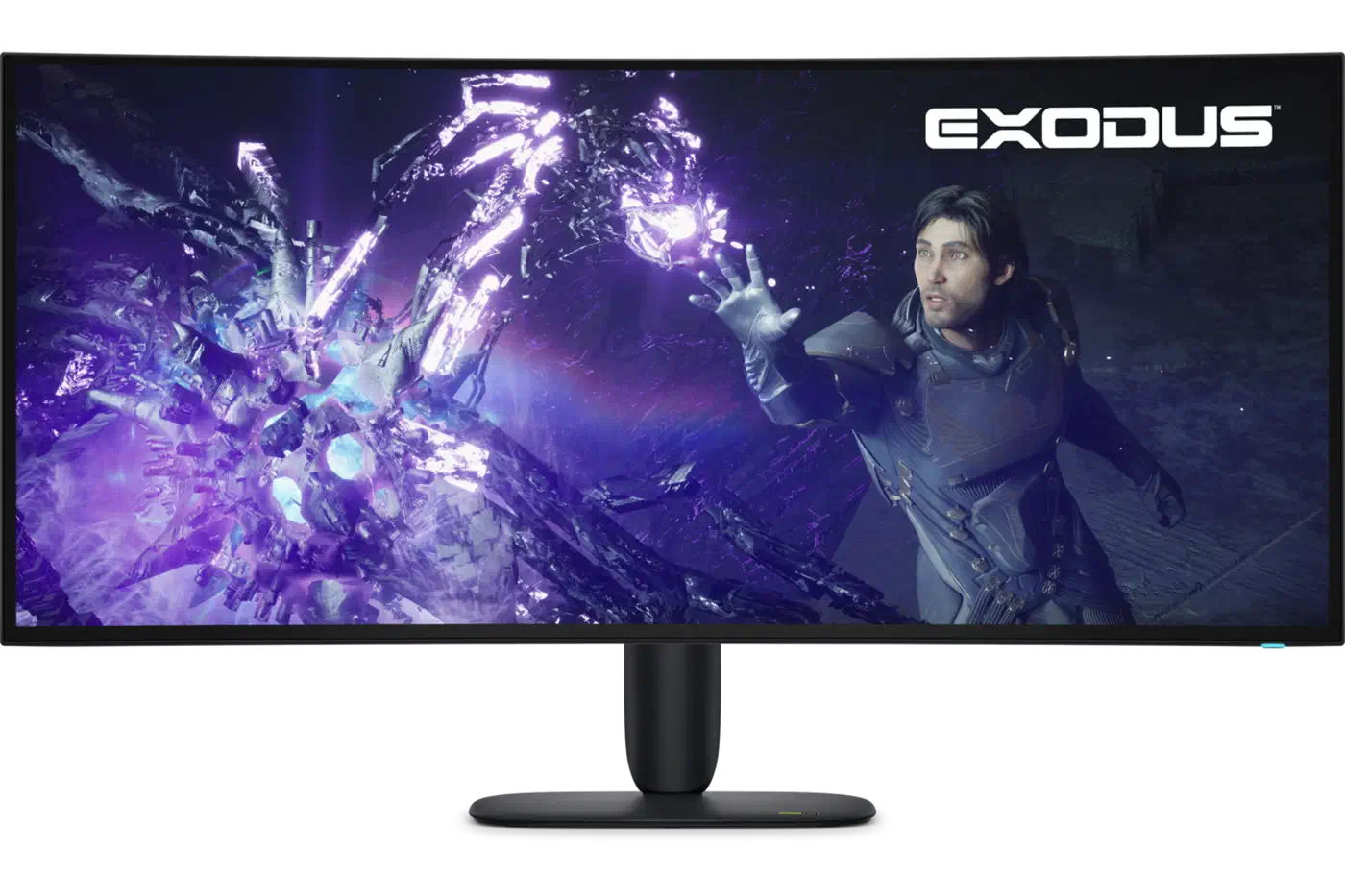
The missing white subpixel is the whole difference
The white in W-OLED refers to the white light-emitting layer sitting behind every subpixel, not to a white subpixel on the front. Both screens are W-OLED.
The LG 39GX950B puts four subpixels in every pixel: red, green, blue, and white. The Alienware AW3926QW uses three, in the plain red-green-blue stripe order that almost every LCD ever built has used. TFTCentral reported it as the first 39-inch OLED to ship that way.
On the Dell that fourth subpixel is physically absent, and the three that remain are wider because of it.
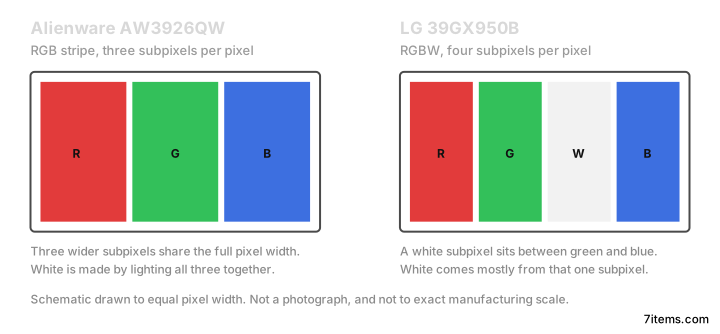
To show white, the LG lights one subpixel and the Dell lights three. That is why LG claims the higher peak number, and why the Dell should hold up better on deep saturated colour, where a white subpixel contributes nothing.
Every other variable is held constant, so anything that differs between these two traces back to the layout and the coating.
Which screen renders text better
Subpixel font rendering on Windows, macOS, and Linux was written when every desktop panel was an RGB stripe LCD. Those renderers still assume that order. The Dell matches the assumption exactly, so its text should land where an equivalent LCD lands.
The LG keeps red, green, and blue in the right order but slots the white subpixel between green and blue. Grayscale text can end up driving that white subpixel instead, which is the classic source of fringing on W-OLED.
Density helps here. At 143 PPI across 39 inches, the problem is far milder than on lower-density W-OLED panels. The same argument plays out against IPS Black when the LG meets the flatter Dell U4025QW on a Linux desk.
Despite the additional white sub-pixel still present in the layout, we think fringing issues are basically resolved here for the vast majority of users.
The coating pushes the same way. Dell specifies a glossy anti-reflective finish, while LG uses matte anti-glare, and matte diffusion always softens fine detail a little.
Glossy is still a mirror, though: in a bright room, or with a window behind you, matte kills reflections that glossy turns into distractions. The 1500R curve narrows the range of angles a reflection can arrive from, but it stretches whatever it does catch.
Pick glossy for a dim or light-controlled room and matte for a bright one. Text quality favours the Dell either way; the coating only decides whether you can live with the result.
Brightness against colour on the two panels
Nobody has published a side-by-side measurement of these two panels yet, because the Dell has not been independently reviewed. The numbers below are manufacturer claims plus one measured data point, and the colour comparison is a prediction from the layout.
On paper the LG leads on white. It quotes 335 nits typical in SDR against Dell’s 300, and 1,500 nits peak against Dell’s 1,300. TFTCentral measured about 1,430 nits at peak on the LG, so the claim is roughly honest.
The gap should be wider than those numbers suggest in mid-brightness HDR scenes, where a dedicated white subpixel does most of its work. The LG will look brighter on snow and daylight sky.
Colour is expected to invert the result. On the Dell, all three subpixels drive a saturated colour, with no white one splitting the pixel. Neon, sunsets, fire, and heavily saturated UI are where the Dell should look richer.
Gamut is a tie on the spec sheet, but coverage and volume are different questions, and volume is the one still waiting on a review.
Lighting three subpixels to make white also draws more power than lighting one, so the Dell should pull more from the wall on bright desktop work. The figure has not been measured yet.
What 165 Hz costs you on a 5K2K screen
Both monitors cap at 165 Hz in full 5120x2160 mode. For a 2026 flagship that is low, against 240 Hz on 32-inch 4K panels and 360 Hz on 34-inch ultrawides.
On OLED, refresh rate is nearly the whole motion story. Response time is already 0.03 ms on both, so nothing improves clarity except more frames.
5120x2160 is a third more pixels than 4K, and demanding games will not clear 165 fps anyway. If you target 80 to 120 fps in single-player titles, the cap never bites.
With frame generation, divide the refresh rate by the multiplier to get your usable render rate: 165 / 2 = 82.5. Push past roughly 82 real frames per second with 2x generation and you exceed the panel, so latency stays pinned near an 80 fps feel whatever the counter says. At 240 Hz the same maths would have allowed 120. Both of these should have been 240 Hz monitors.
Both offer the same dual mode, 2560x1080 at 330 Hz. It is clearer in motion and softer in detail, because each low-resolution pixel gets drawn by four to six native ones. No scaling method fixes that, integer scaling included, since the subpixel geometry underneath does not match.
TFTCentral did flag grey banding in that 330 Hz dual mode on the LG, with the effect minimal at native 165 Hz. Either way, this row is a tie and cannot decide the purchase.
Ports, the KVM, and the burn-in warranty
The inputs match: DisplayPort 2.1 at UHBR 20, two HDMI 2.1 ports, and USB-C with DisplayPort Alt Mode and 90 W power delivery on both. Each one drives 5120x2160 at 165 Hz with HDR and VRR. The split comes after the inputs.
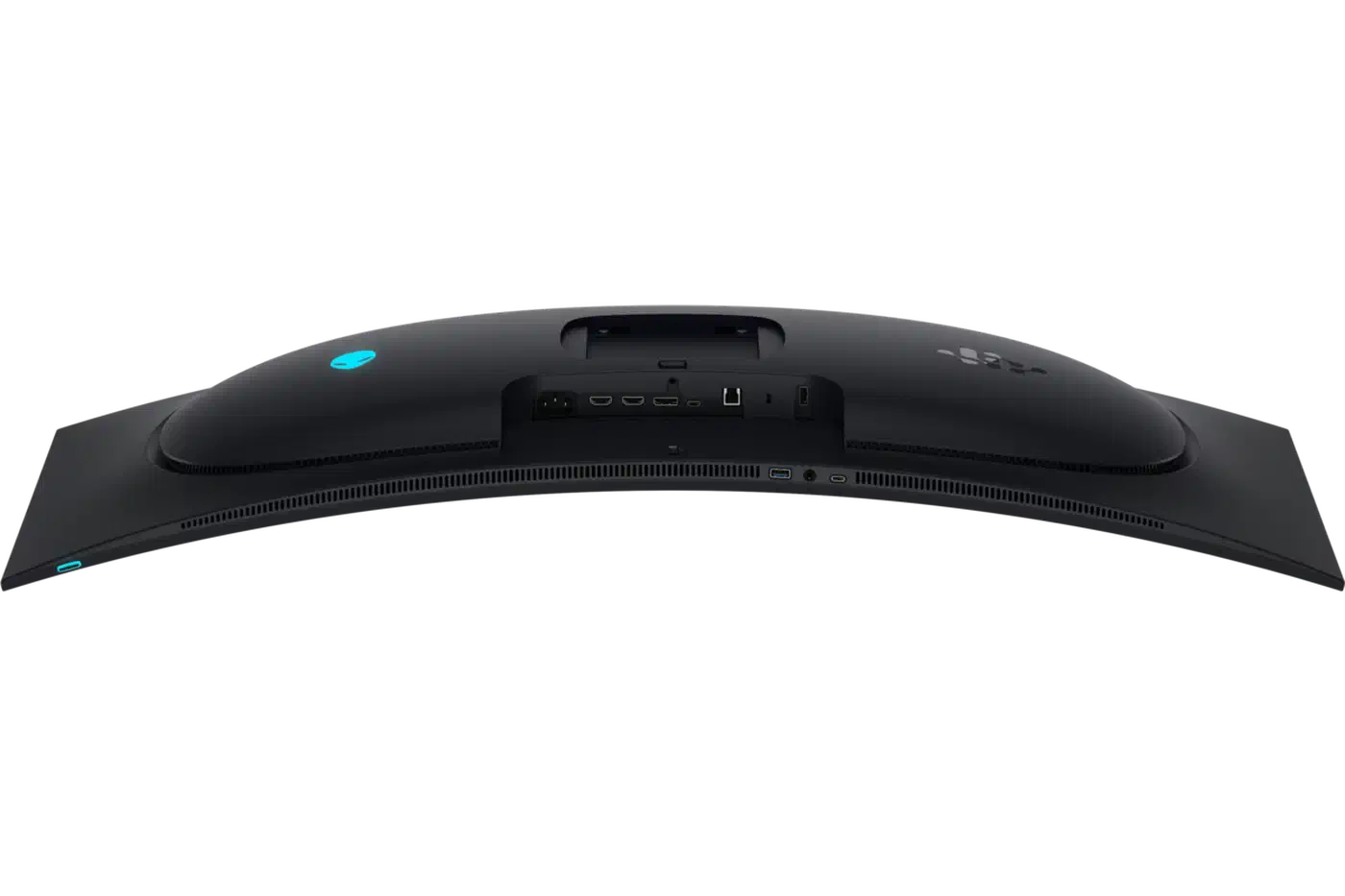
The hub is Dell-only territory. It takes USB-C at 10 Gbps and USB-B at 5 Gbps upstream, then offers two USB-A downstream at 5 Gbps, one of them with Battery Charging 1.2 for faster phone charging, and one downstream USB-C at 5 Gbps with 15 W charging.
The KVM is the feature LG has no answer to. Those two upstream ports are what make it work: one machine arrives over USB-C, carrying video, data and 90 W of charging on a single cable, and the second comes in over USB-B alongside its own DisplayPort or HDMI cable. Your keyboard and mouse stay plugged into the monitor and follow whichever machine you switch to.
Dell lists both upstream cables in the box, a 1 m USB-C to USB-C and a 1.8 m USB-A to USB-B, so a two-machine desk needs nothing extra. LG’s UK spec page for the 39GX950B does not list a KVM at all.
Dolby Vision is also Dell-only, and it buys a PC user very little. PC Monitors notes that it does not apply to PC gaming at all. Plug a media player into one of those HDMI ports and it starts to earn its place.
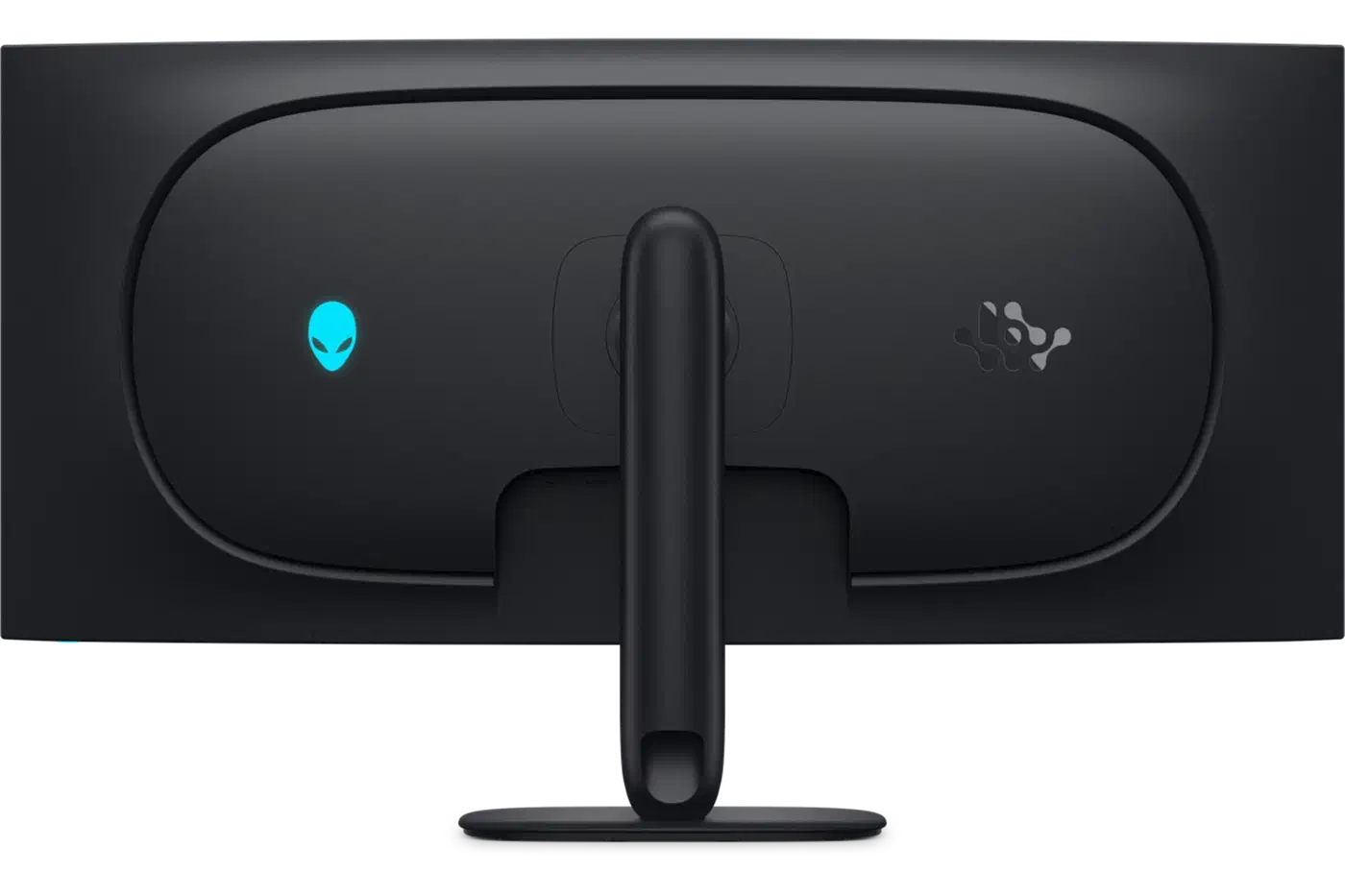
Dell covers three years including burn-in, against two years on the LG.
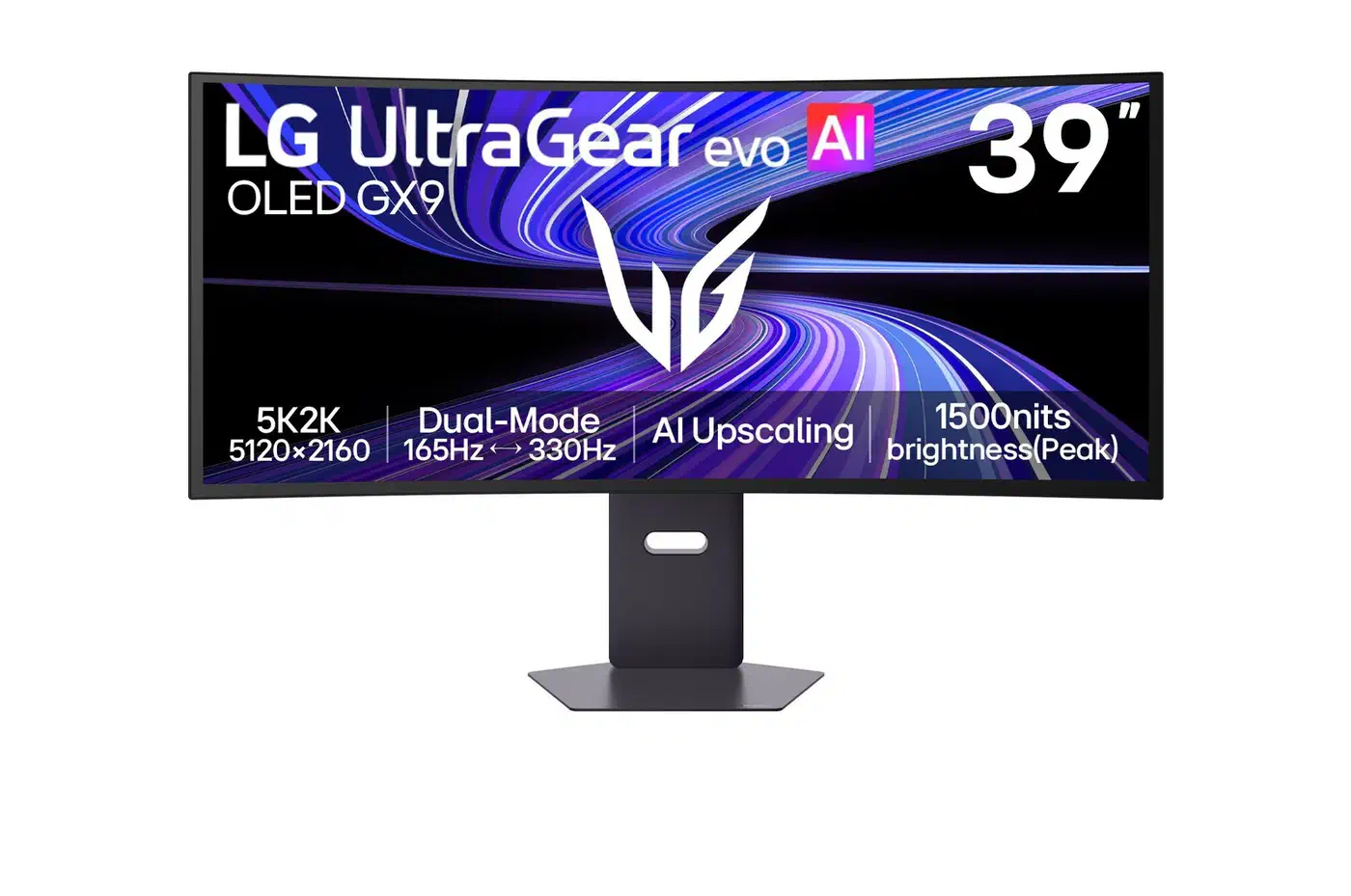
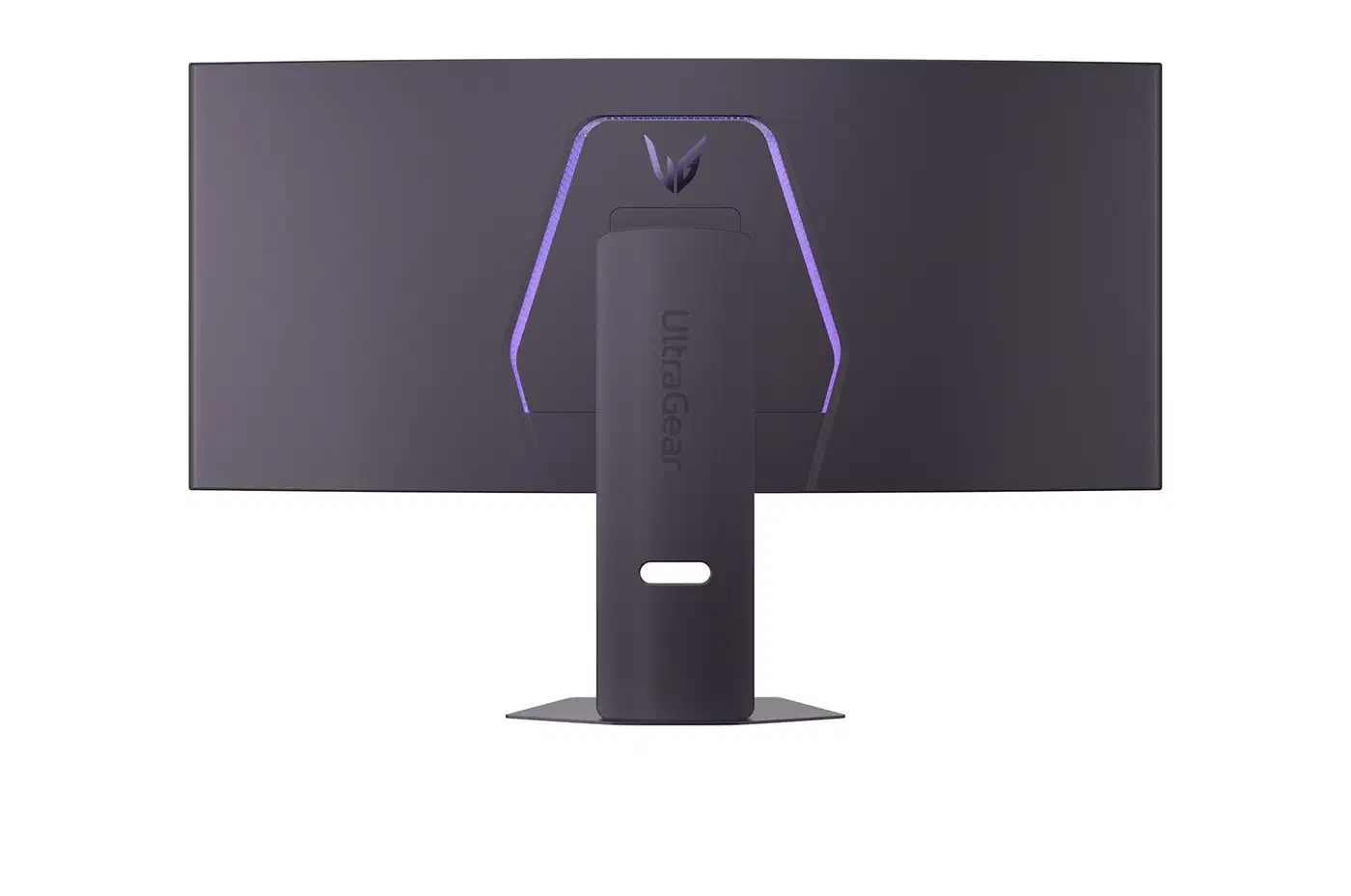
The LG answers with 7 W stereo speakers, which the Dell spec sheet does not list at all, plus AI upscaling handled inside the monitor. Neither is likely to swing a decision at this price.
Price, availability, and who should buy which
The LG launched at a $1,799.99 US MSRP, reported by VideoCardz when LG confirmed the figure. Dell has not published a US price, but coverage of the launch consistently puts it near $1,099. That is roughly $700, or close to 40%, between two monitors sharing a panel.
Availability is the part to check before you get attached to the gap. The Dell went on sale in Asia first, with North America and Europe expected later in 2026 and no confirmed date. Asian launch pricing also runs far above the expected US number, as Notebookcheck’s regional roundup shows.
| Market | Launch price | Notebookcheck’s USD equivalent |
|---|---|---|
| Japan | 191,980 yen, tax included | About $1,186 |
| South Korea | 1,897,500 won, VAT included | About $1,222 |
| Hong Kong | HK$13,998 | About $1,785 |
| Mainland China | 12,999 yuan | About $1,914 |
| Taiwan | NT$74,999 | About $2,351 |
| Singapore | S$1,529, 9% GST included | Not listed |
So the $700 gap is only a US-market forecast. Check your own market before you plan around it, and remember LG discounts this line heavily in the back half of the year.
Buy the Dell if you want the sharpest text, work in a dim or light-controlled room, run two machines from one keyboard, prefer saturated colour over peak white, or want a third year of burn-in cover.
Buy the LG if you need a screen today outside Asia, your room is bright or faces a window, or you want the brightest possible daylight and snow scenes.
Skip both if you need more than 165 Hz. A 34-inch 360 Hz ultrawide or a 32-inch 4K at 240 Hz is a better shape of compromise for that.
Dell changed one subpixel on a panel LG Display builds for both of them, and the cheaper monitor looks like the better one.