

65W flows through Lenovo's L16 Mobile Monitor to your laptop


The Lenovo L16 portable monitor carries 65W of USB-C pass-through, so one cable from the laptop handles both the picture and the charging. That power still starts at a wall charger plugged into the monitor, and the screen takes its own share before the laptop sees anything. Under load, a laptop can still lose charge.
Key Takeaways
- The L16 is a 16-inch screen that weighs about a kilo.
- One cable from your laptop carries the picture and the charge together.
- The charger still travels, and it plugs into the monitor instead of the laptop.
- 65W is the ceiling, and the screen takes its cut first.
- At $199.99 it costs roughly half what OLED portables ask.
What is the Lenovo L16 Mobile Monitor?
The Lenovo L16 Mobile Monitor is a 16-inch travel screen with a 1920x1200 IPS panel and two USB-C ports. Lenovo showed it at MWC 2026 and priced it at €199 in Europe. US preorders then opened at $199.99 ahead of a September 2026 release, per Notebookcheck’s report on the US launch .
Most portables are 16:9, so the L16’s 16:10 shape gives you extra vertical space for documents and spreadsheets without growing wider.
Everything else on the spec sheet is modest. Refresh is capped at 60Hz and brightness is rated 300 nits. Response is 6ms MPRT, and colour coverage is 45% NTSC, or a little over 60% of sRGB. Colour is where the panel gives up. It suits text and windows, and it won’t grade a photo.
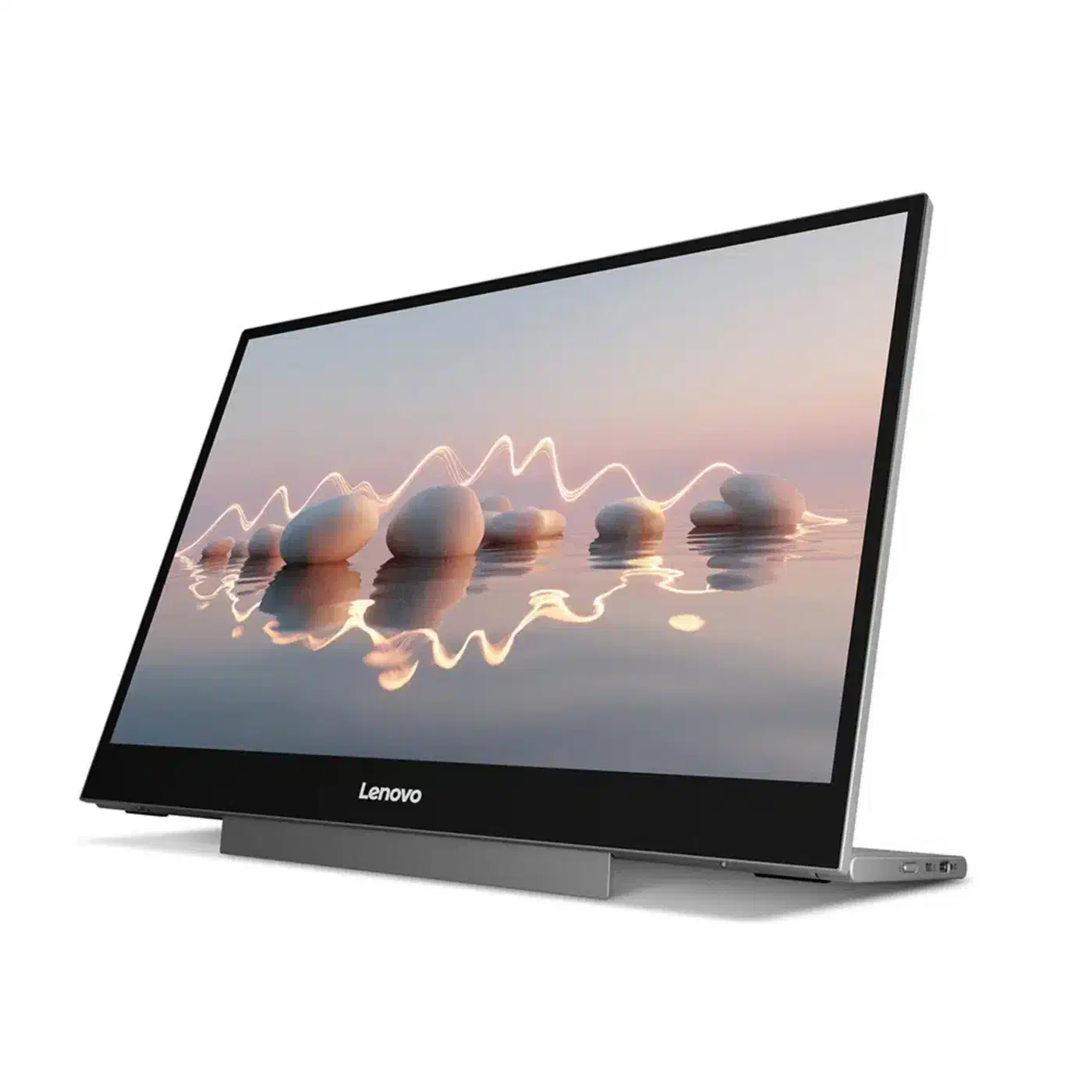
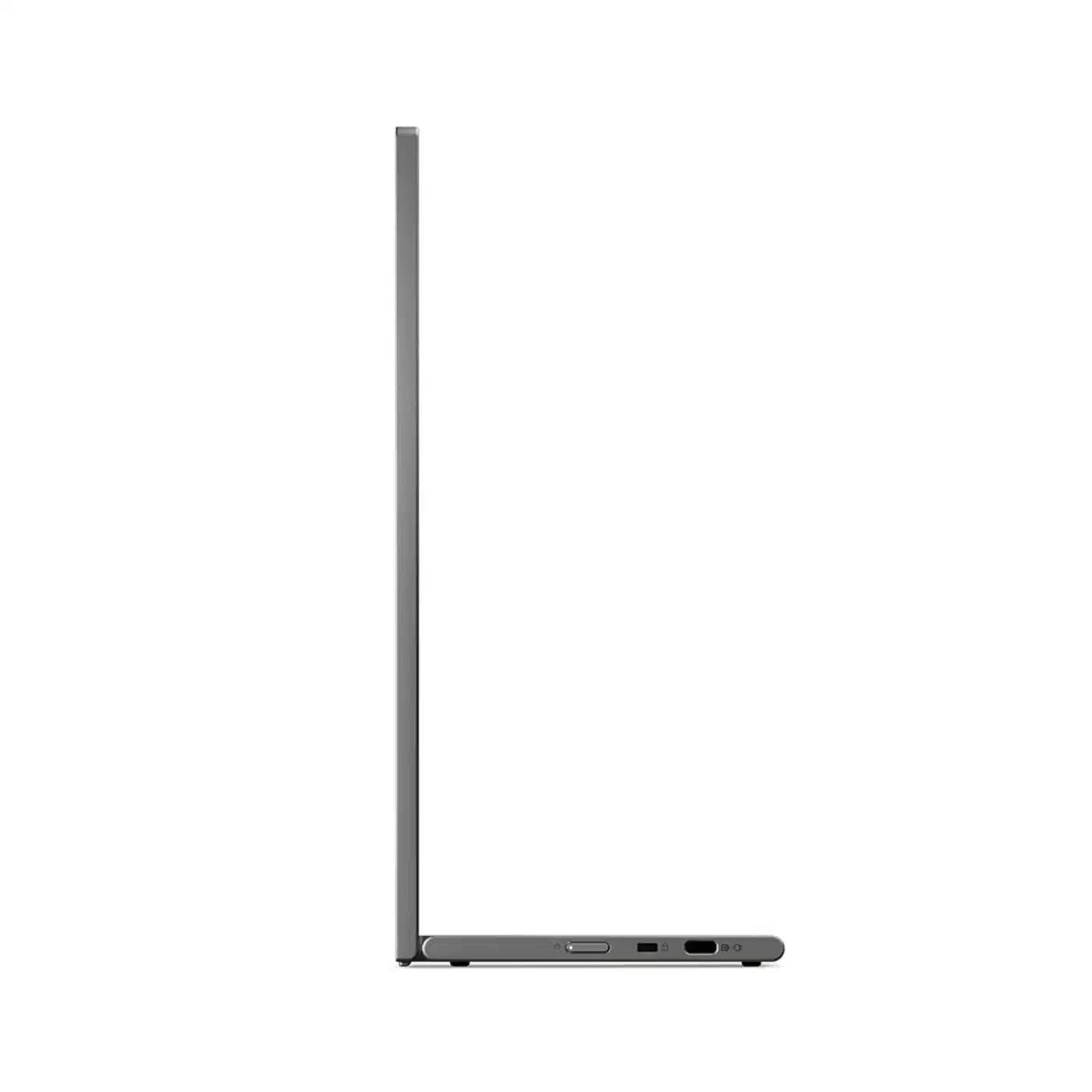
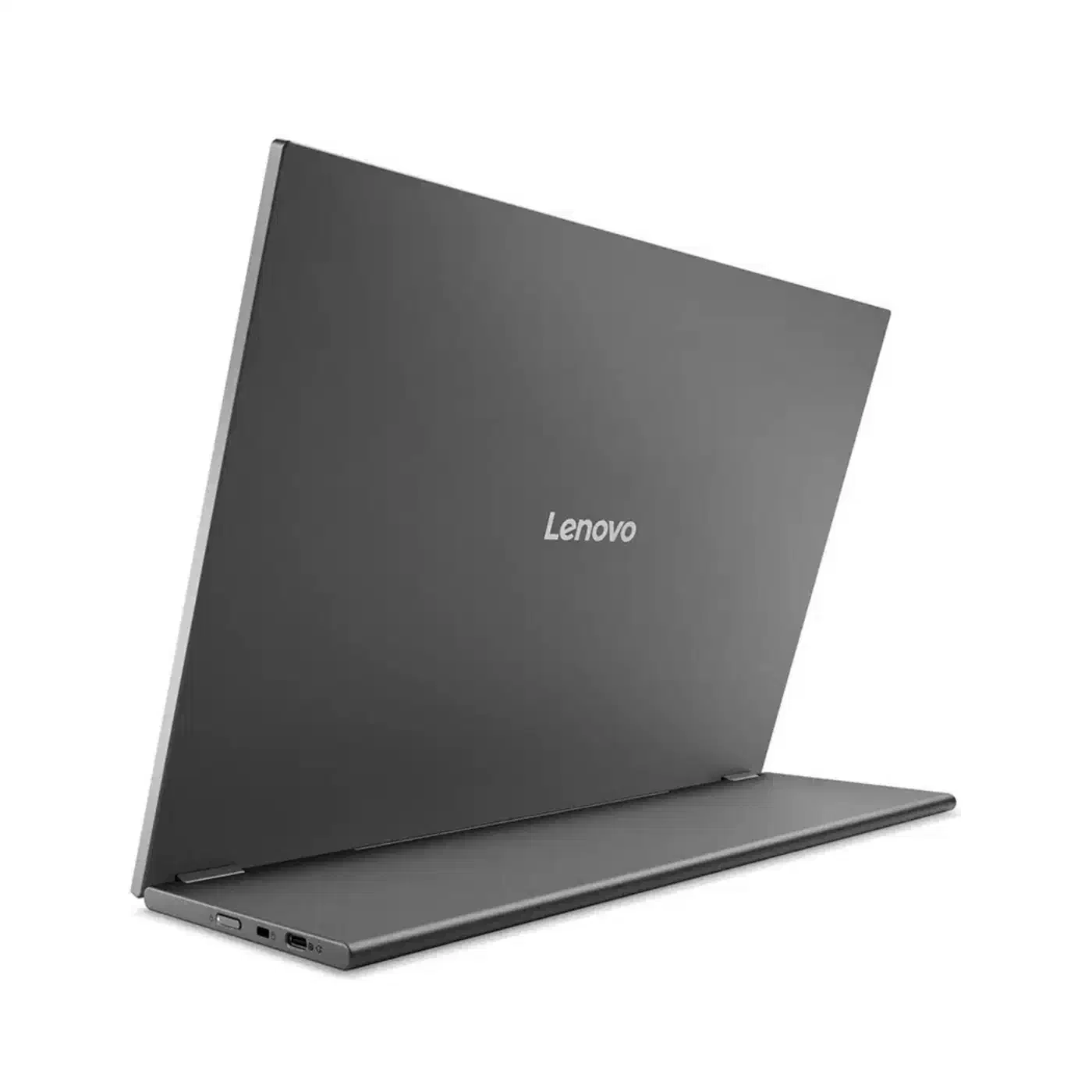
The L16 is 7mm thick at its slimmest point and weighs 2.1 lb (0.97 kg). Lenovo quoted a lighter 1.54 lb at the MWC 2026 debut . A built-in kickstand handles both landscape and portrait, tilts up to 90 degrees, and adds 10mm of height adjustment. Nothing separate goes in the bag with it.
Why 65W decides whether the Lenovo L16 portable monitor travels
On the road, the number of cables in your bag decides more than the panel spec does, and the L16 needs fewer of them than cheaper screens.
Both USB-C ports carry display input and power delivery of up to 65W. You plug your wall charger into the monitor, and the monitor sends video up to the laptop and power back down the same cable. You can also skip the charger and let the laptop feed the screen, which costs the laptop battery instead.
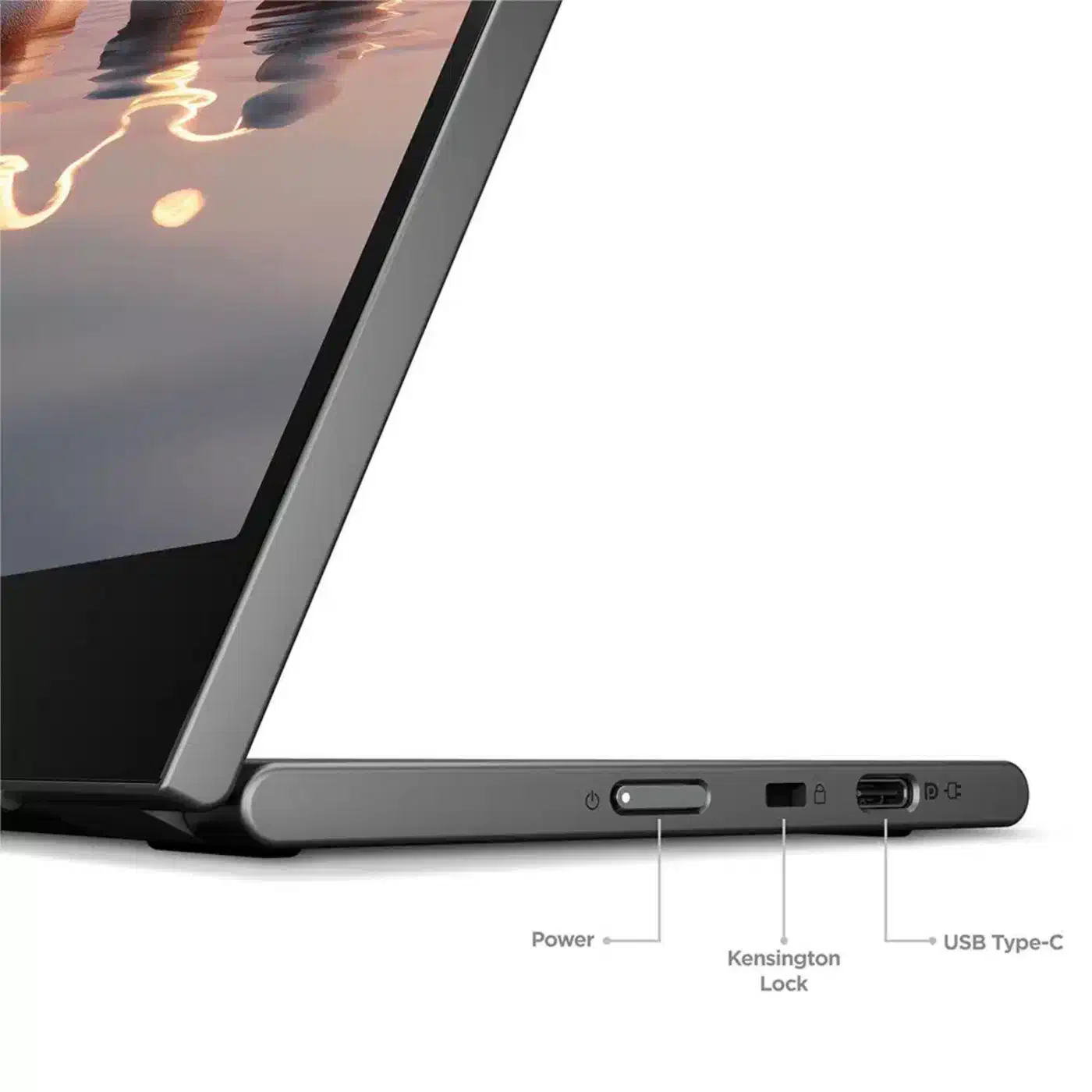
The charger still travels with you, but it moves from the laptop to the monitor, and the second cable between the two disappears. Most portables leave you unpacking three things at a coffee shop: a screen cable, a laptop brick and a monitor brick. That setup time is enough to keep a lot of portable screens in a drawer.

PCWorld’s home-office monitor guide sorts screens into budget, 4K, ultrawide and portable classes. Its portable pick, the Asus ZenScreen MB249C, takes up to 60W of Power Delivery in from a laptop or its own adapter. The L16 runs that flow in reverse and pushes 65W out.
Where does the 65W run out?
65W is the port maximum. The panel draws its own power from that budget first, so the number reaching your laptop is lower. Neither Lenovo nor Notebookcheck publishes the split.
The gap is smaller than it sounds: a comparable 16-inch 1920x1200 portable, the Asus ZenScreen MQ16FC , carries a rated power draw of 4.7W. Screens in this class sip single-digit watts, so most of the 65W should still land on the laptop.
What happens next turns on the charger your laptop shipped with:
- Ships with a 65W charger or smaller: browsing, writing and video calls stay topped up all day.
- Ships with a 90W or 100W charger: you gain charge when idle and lose it under real work.
- Compiling, rendering or gaming: expect the battery to fall, because the laptop can pull past 65W on its own.
Pair the L16 with a thin-and-light ultrabook for one-cable days, and keep packing the laptop’s own charger if your work spins the fans up.
Is the L16 worth it against OLED portables?
The L16 undercuts the OLED portables it sits beside, and the gap is wide enough to change what you carry.
| Monitor | Panel | Brightness | USB-C power | Price |
|---|---|---|---|---|
| Lenovo L16 | 16-inch IPS, 1920x1200, 60Hz | 300 nits | 65W pass-through | $199.99 |
| Asus ZenScreen MQ16FC | 16-inch OLED, 1920x1200 | 100,000:1 contrast, 95% DCI-P3 | pass-through | €299.90 |
| Ugreen AP16 | 2.5K, 165Hz | 500 nits | not stated | $349.99 |
You pay for the panel and get the plumbing free either way, since pass-through is common across the class.
At $199.99 you get an IPS panel at 300 nits and 60Hz instead of OLED contrast, wide colour and fast response. Outdoors, 300 nits works in shade and struggles in direct sun. You also get a built-in kickstand and a screen you won’t mind scuffing in an airport.
Buy the L16 if you want one cable to the laptop and a screen under $200. Anyone judging photo or video work on the road should spend the extra and get OLED.