

Rated for 50,000 swaps, Gateron's 2.0 socket outlasts Kailh

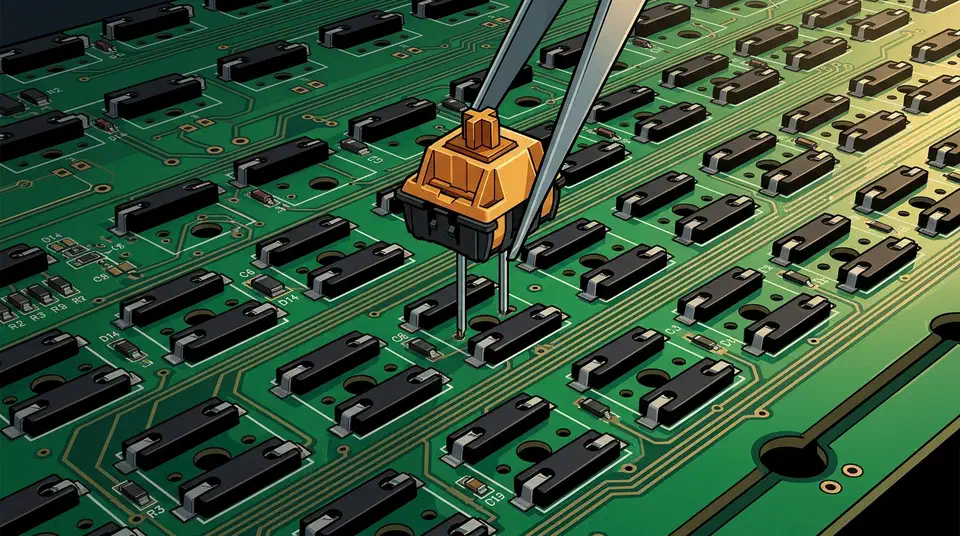
The Gateron hot-swap 2.0 socket vs Kailh question comes down to one spec: 50,000 rated swaps against about 100. That 500x gap looks decisive, but it changes almost nothing for a normal owner. What kills a socket is a bent pin that stretches the contact leaf, and that happens in under 100 insertions on either grade.
Key Takeaways
- Gateron’s 2.0 socket handles 50,000 swaps; Kailh handles about 100.
- At five swaps a year, even a Kailh socket lasts around 20 years.
- Bent pins, not swap counts, wreck most hot-swap sockets.
- Forcing thick switch legs into a thin socket can kill it fast.
- A dead socket needs a soldering iron, so prevention is the whole game.
What is a hot-swap socket, and what makes Gateron’s 2.0 different?
A hot-swap socket is a small metal part soldered to the circuit board at the factory. Spring-loaded contacts inside grip the two metal pins on a switch. So a switch pushes in and pulls out with no solder, as the Gamer Hardware hot-swap guide lays out.
Two socket grades dominate MX-style boards. The Kailh socket is the default on most of them: a black body with a visible leaf-spring contact inside. You find it on budget and mid-range boards from Redragon, Royal Kludge, and older Keychron models.
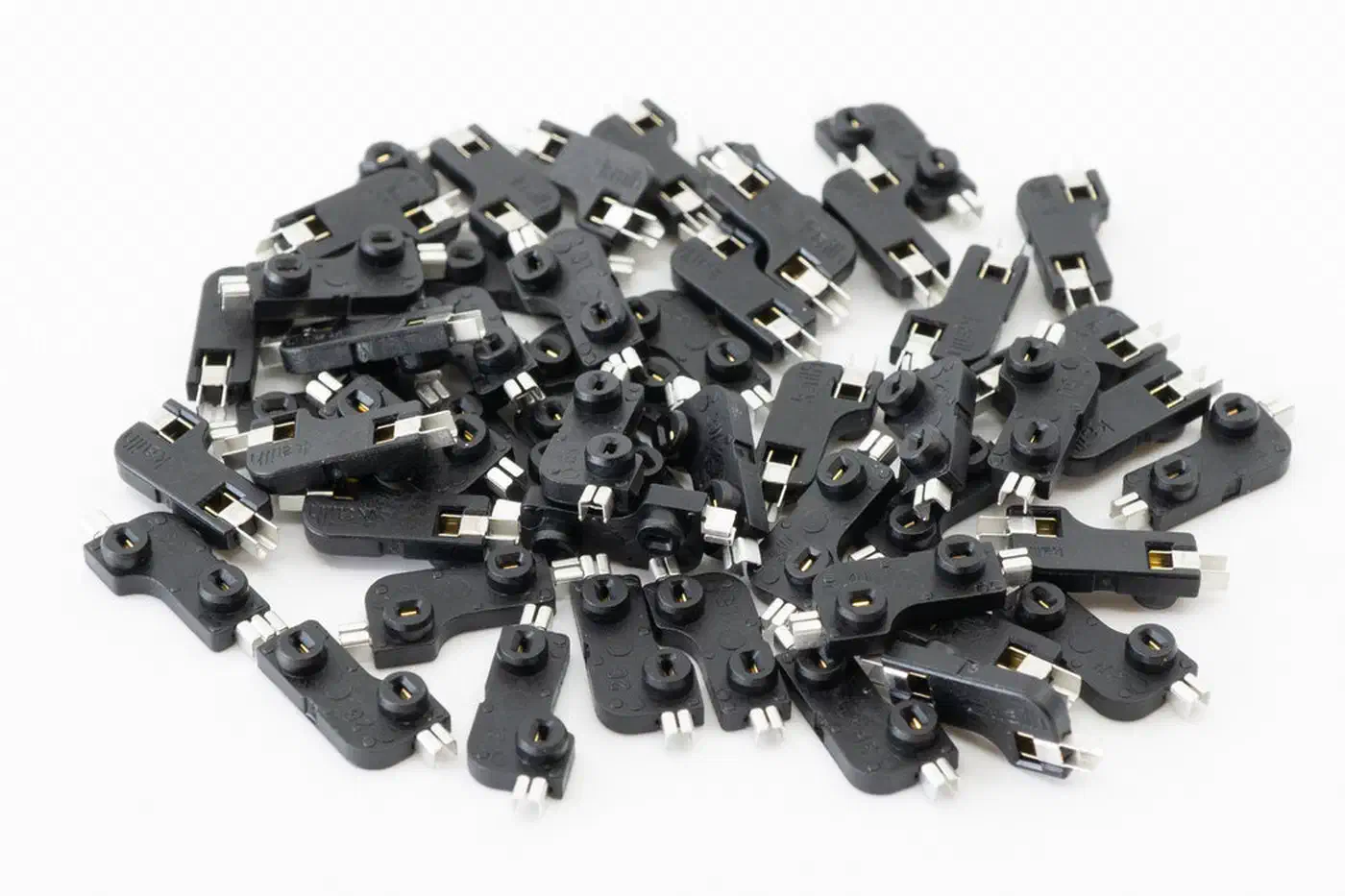
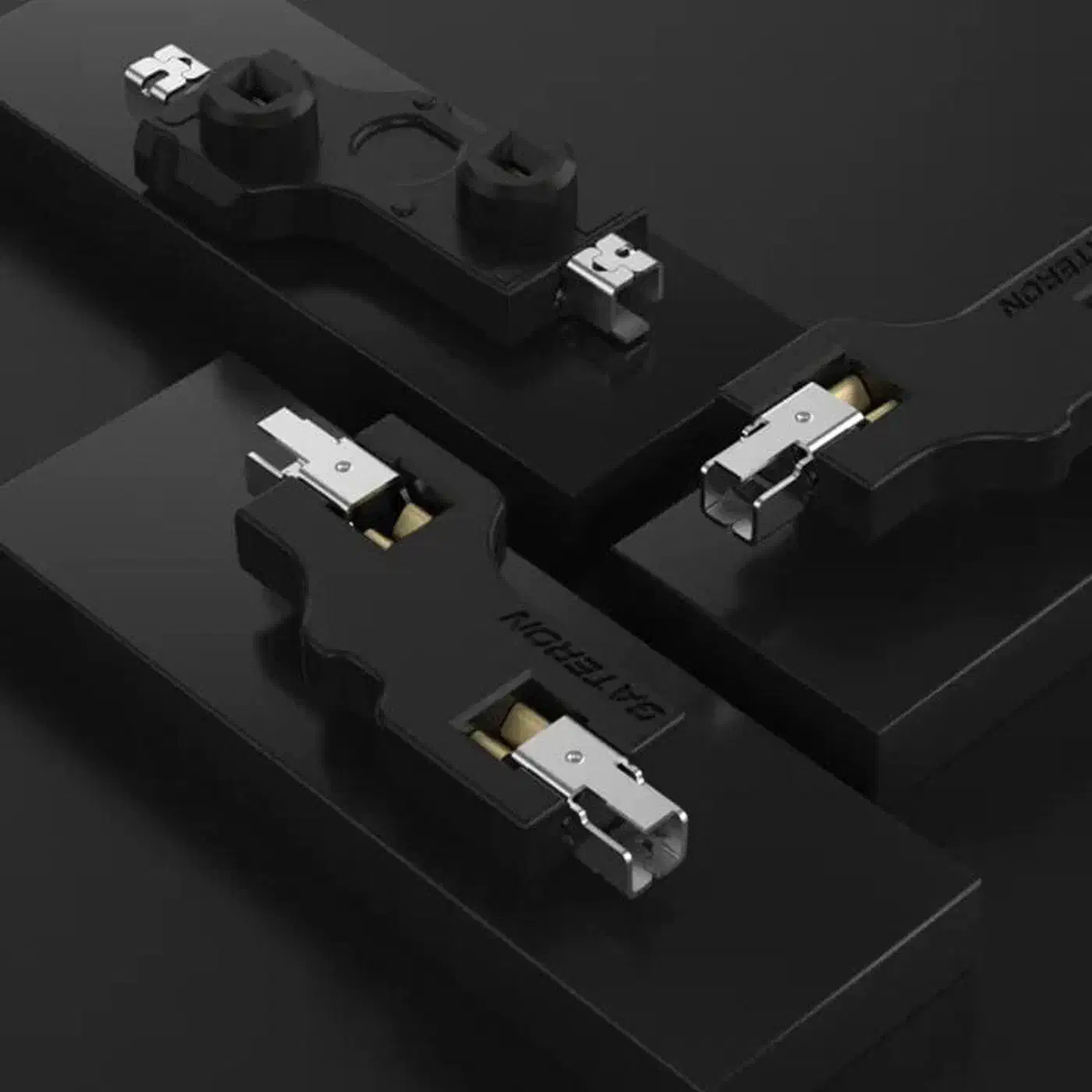
Gateron’s 2.0 socket (also called v2) swaps that plain leaf spring for what Gateron calls an improved snap structure. It is slightly wider with a more enclosed face. It shows up on newer premium boards, including the Keychron Q and V series and MonsGeek.
Both grades take the same switches: MX-style 3-pin and 5-pin from Cherry, Gateron, Kailh, Akko, TTC, and JWK. The socket grade changes durability, not compatibility. Neither grade accepts optical, Hall effect, or TMR magnetic switches, though. Those need their own sockets.
To tell what you have, pull one switch and look. If a product listing doesn’t name the socket and the board costs under about $60, it’s almost certainly on Kailh sockets.
Kailh 100 cycles versus Gateron 50,000, and what the gap is worth
A 500x rating difference converts into almost no real difference for a normal owner.
| Feature | Kailh socket | Gateron 2.0 (v2) socket |
|---|---|---|
| Rated swap cycles | 100+ | 50,000+ |
| Contact design | Leaf spring | Improved snap structure |
| Pin compatibility | MX-style 3-pin and 5-pin | MX-style 3-pin and 5-pin |
| Common on | Budget and mid-range boards | Newer premium boards |
| Real-world lifespan | ~20 years at 5 swaps/year | Effectively unlimited |
Five full switch swaps a year is already more than most people manage, and it takes 20 years to reach 100 cycles. So the Gateron figure is far more than 20 years of headroom. No human hand will ever reach it.
The gap turns real for a few people: a board that gets passed around at a meetup, a reviewer’s test bench, or anyone who swaps switches monthly instead of yearly.
The sources also disagree. Keeb Starter’s hot-swap socket guide puts Kailh contact fade far earlier than the spec, at 30 to 50 swaps, with outright failure near 100. Gamer Hardware quotes the same 100+ rating as a floor most people never reach. Both can be true, because the rating describes a socket that never met a bent pin.
Can wear out - after 30-50 swaps, the spring clips lose tension. I’ve seen sockets fail entirely after 100 swaps.
There is a third option enthusiasts reach for. Mill-Max 7305 and 0305 gold-plated sockets are rated for 1,000+ insertions and can be replaced one at a time. They run about $0.30 to $0.50 each, against roughly $0.05 for a Kailh socket in bulk. However, they must be hand-soldered, so they are a custom-build part, not something you buy your way into on a prebuilt board.
One more thing about the 50,000 figure. It traces to Gateron’s own socket 2.0 spec sheet. No independent teardown in this evidence set has run a socket to failure to confirm it, so treat it as a rating, not a measured result.
Why bent pins kill sockets faster than swap counts do
Socket death is mechanical damage to the internal contact leaf, and on either grade it arrives after only tens of insertions, far short of the rated numbers a spec table shows.
The contact inside the socket is a thin metal leaf sized for a specific pin thickness. Push a thicker pin in and the leaf stretches for good and never springs back.
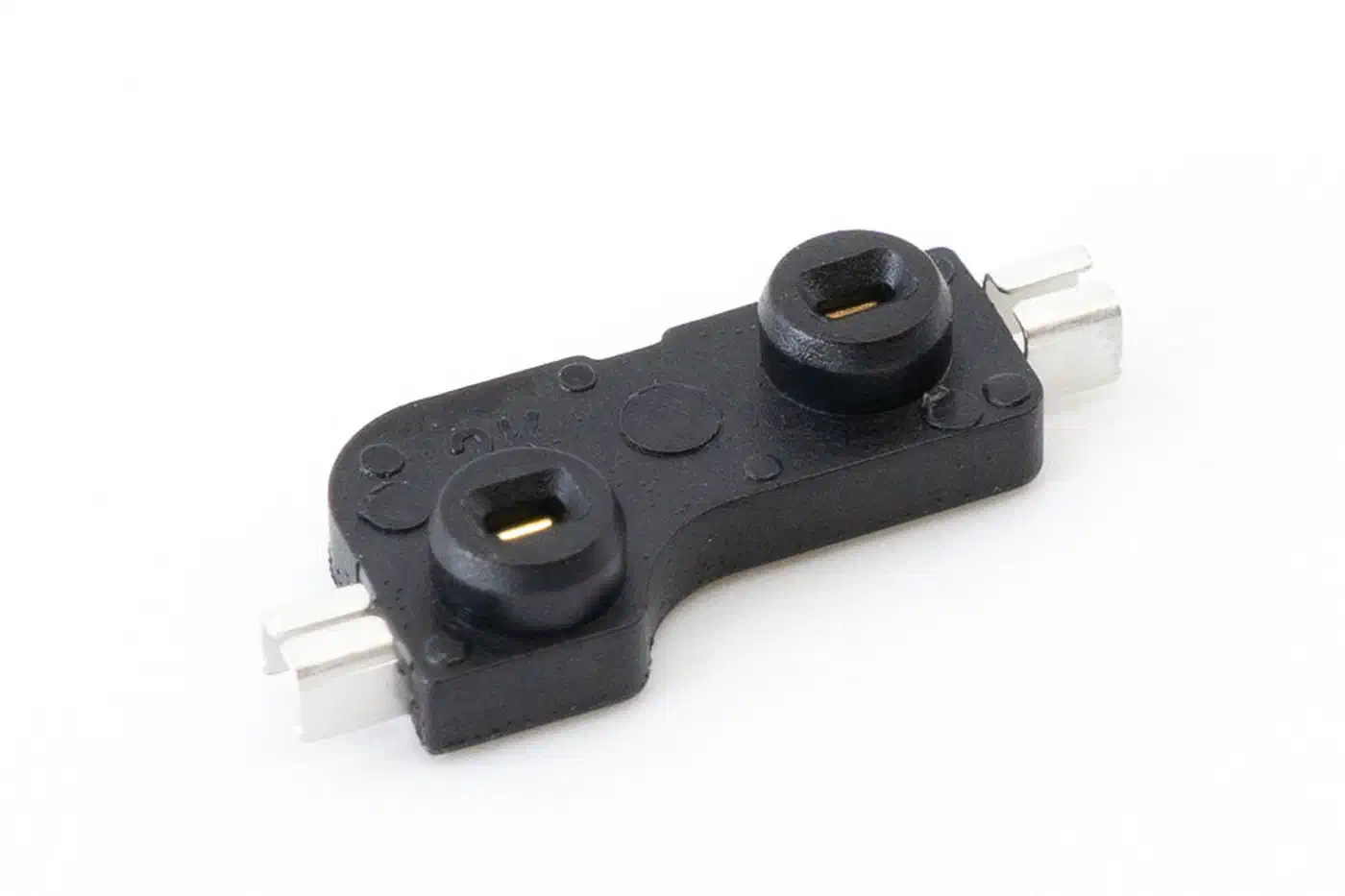
Forcing thicker legs into a socket built for thinner pins produces key chatter or a dead key after only 50 to 100 insertion cycles, per Attack Shark’s 3-pin vs 5-pin PCB breakdown . That is a fraction of even the Kailh rating. Pin thickness is a real trap on cheap boards, too. Outemu-style sockets have narrow pin entries and thin internal leaves, and they physically block thicker pins from Gateron and Cherry switches.
Leverage is another way to wreck a socket. A clipped 5-pin leg that leaves a plastic nub behind acts as a fulcrum. It tilts the switch and puts sideways pressure on the leaf. Grip fades over that same 50 to 100 cycle window, and keys start registering only at a certain angle.
Removal technique adds its own damage. Pulling a switch at an angle or twisting it lifts the socket off its solder pads, turning a socket problem into a board repair. For most people, aggressive removal detaches sockets long before any swap count would.
Bent pins on the incoming switch are the single largest cause of damage. The fix takes five seconds: hold the switch upside down at eye level, check both pins are straight and parallel, straighten with tweezers if not, and stop pushing the moment you feel resistance.
90% of socket damage comes from inserting switches with bent pins. Five seconds of inspection saves a $30 repair bill.
3-pin and 5-pin switches, and the clipping that goes wrong
Pin count is where socket damage usually starts. A 3-pin switch has two metal pins plus one plastic center post. A 5-pin switch adds two plastic legs on either side for stability. Those were designed for plate-less PCB-mount boards, but they work on plate boards too.
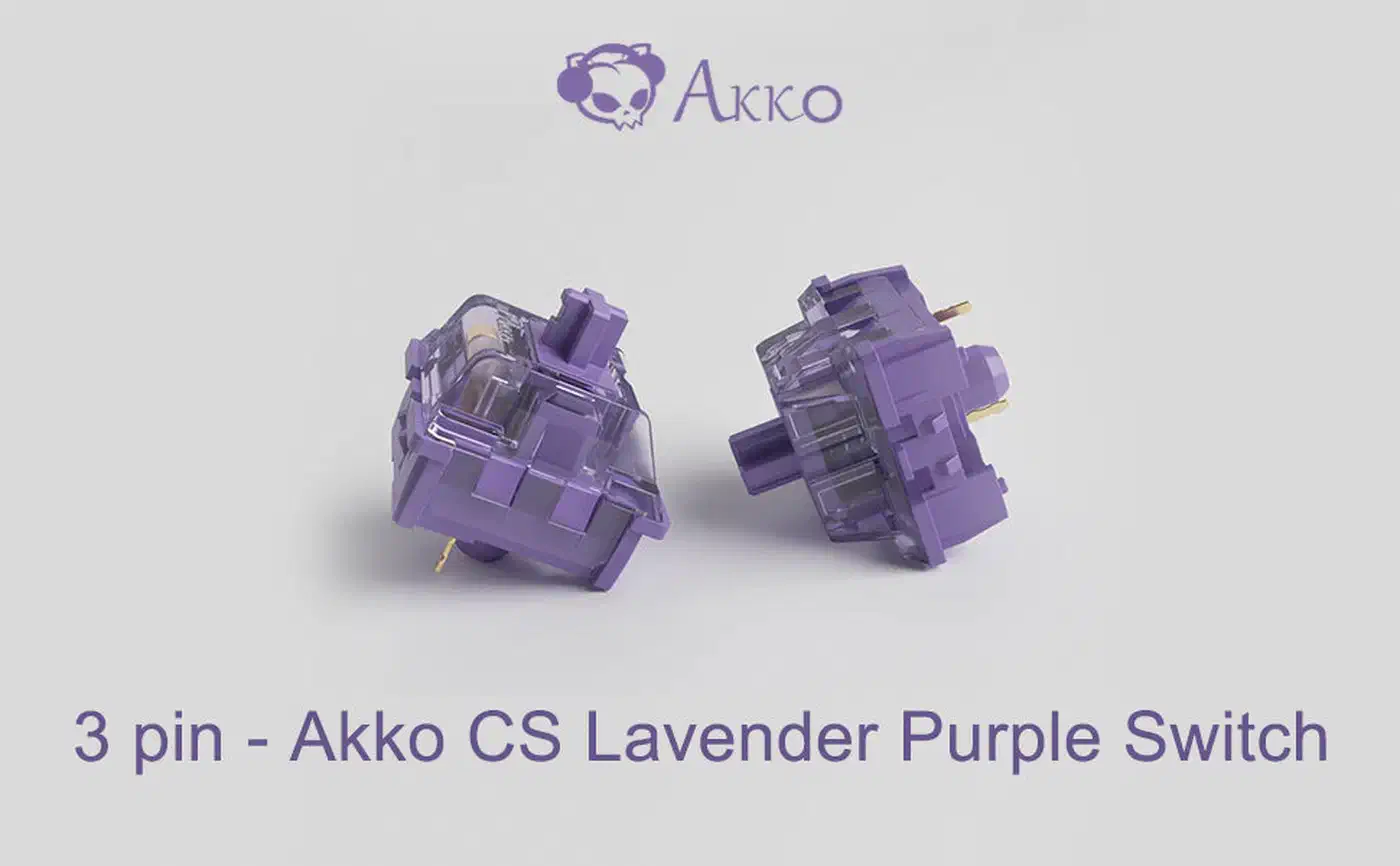
Compatibility is simple. A 3-pin switch drops into any MX socket, while a 5-pin switch won’t enter a 3-pin PCB at all, because the extra legs hit solid board. Clipping the legs solves it and doesn’t change the switch electrically.
3-pin-only PCBs exist because they are cheaper to make, roughly 15 to 20% cheaper by parts cost, since the board skips two alignment holes and needs looser drilling tolerances. The reverse trap is real too. Some 5-pin-only budget PCBs, including certain Royal Kludge RK boards, hold 3-pin switches loosely enough to wobble.
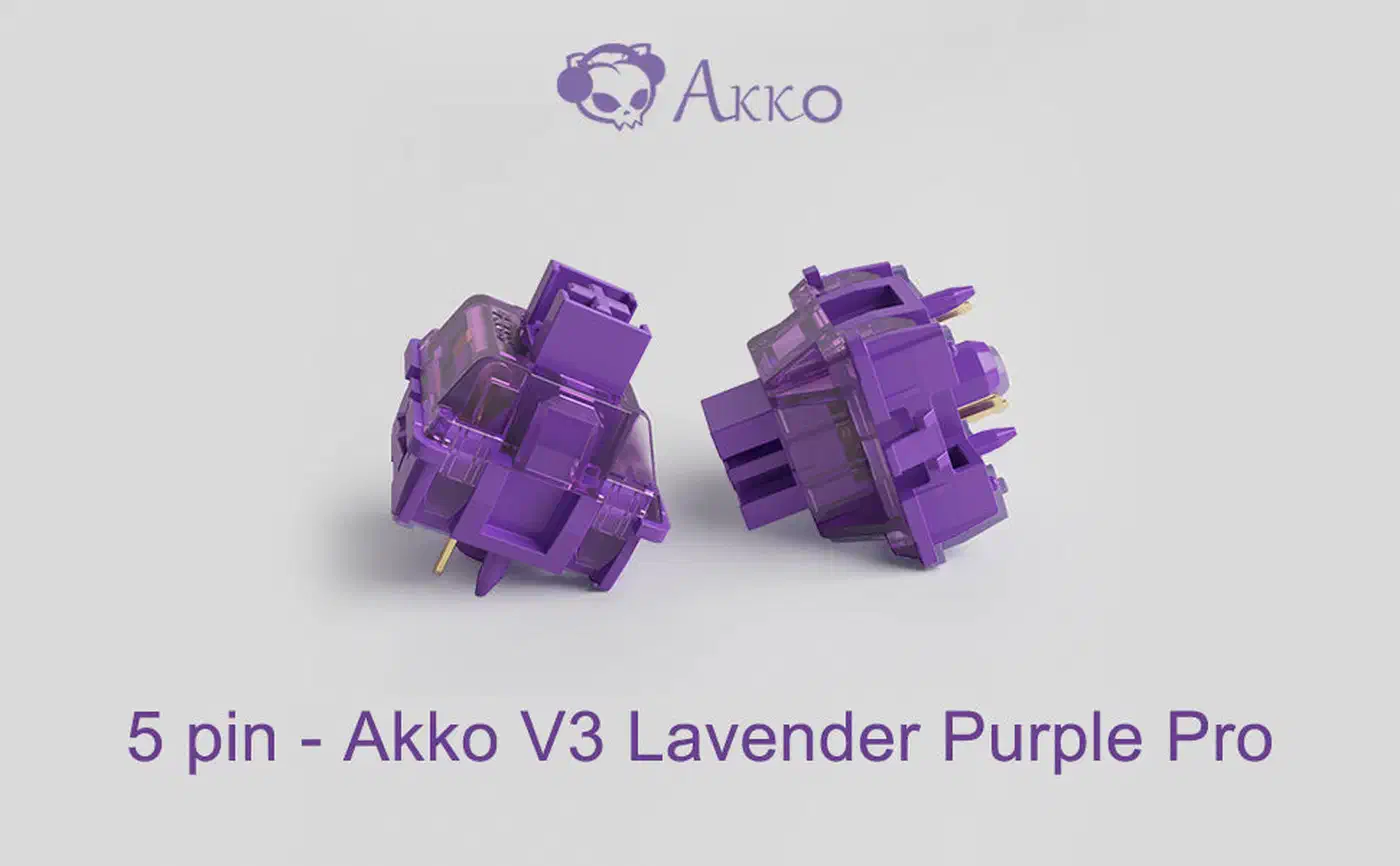
Clipping is where sockets die. Around 3 to 5% of switches get damaged during amateur clipping, almost always from the wrong tool. Use flush cutters, not wire cutters or nail clippers. Clip one leg, test the fit, then clip the second, and file the remnant smooth so no nub is left to tilt the switch.
You can identify your board without a full teardown. Pull one switch and look through the hole. Two metal-lined socket holes plus a large center hole plus two small unlined plastic holes means 5-pin support. No side holes means 3-pin only.
One rule stops a slow failure: do not lubricate a socket. Lubricant traps dust and degrades the contact metal. Lube belongs on stems and springs only.
How do you fix a hot-swap socket that stopped working?
Start with the symptom, because the three common failures split into two you can fix at home and one you cannot.
- Loose socket. The switch wiggles and the key drops out or double-types. Reflow the solder on the socket’s two pads while holding it down with tweezers. Basic soldering.
- Spread contact leaves. The switch inserts with no resistance and registers on and off. Gently push the internal leaves back together with a thin flathead or X-Acto blade, then test with a multimeter. This is the one home repair that needs no soldering.
- Torn-off socket. The socket has detached and the key is dead. Solder a replacement socket in its place. Intermediate soldering.
The part itself costs almost nothing, roughly $0.10 to $0.15 in packs of 100. So the whole expense is skill and risk. That is why socket grade is worth checking when you buy: you can’t hand-swap a socket the way you hand-swap a switch.
Key chatter works as an early warning, though people often mistake it for a firmware bug. A socket losing grip produces the same rapid on-off signal a failing switch does. On wireless boards, that chatter keeps the controller awake and drains the battery faster.
Should you pay extra for a Gateron 2.0 socket board?
No, not on the socket rating alone. For an owner who swaps switches once or twice a year, both grades outlive the keyboard. The money is better spent on build quality, plate material, or the switches themselves.
The answer flips for three people: anyone swapping monthly, anyone whose board gets handled by other people, and anyone buying a board they plan to keep re-tuning for a decade.
Still, there is an indirect reason to favor Gateron 2.0. These sockets cluster on boards that are better built in other ways, so the socket reads as a signal of tier more than a feature you will wear out.
Before you buy, check three things on the listing: does it name the socket brand, does it say 3-pin or 5-pin, and is it MX-compatible rather than optical or magnetic. If none of the three are stated, assume Kailh, 3-pin, MX. The real durability upgrade is technique, and it costs nothing: inspect pins, insert straight, pull straight, never force.